1.製品オーバーview
This manual provides instructions for the MARS HYDRO M6 Clip-On Grow Tent Fan and the iTime 2-in-1 Smart Timer Outlet. These products are designed to enhance environmental control for plant growth and offer versatile automation for various household appliances.
1.1 M6 Grow Tent Fan Features
- 10つの速度レベル: Adjustable airflow for various stag植物成長のes。
- 高いエアフロー: Delivers up to 350 CFM.
- Durable EC Motor: Engineered for an extended lifespan of 50,000 hours.
- 調整可能な振動: Offers 45° and 90° oscillation angles to cover different grow spaces.
- Five-Blade Design: Optimized for softer, quieter airflow, maintaining noise levels below 32dB.
- クリップオン取り付け: Easy attachment to grow tent poles or other suitable surfaces.
1.2 iTime Smart Timer Outlet Features
- デュアルコンセント: Two independent outlets for simultaneous or separate control of devices.
- プログラム可能なタイマー: Large LCD screen for easy programming of on/off schedules.
- スマートリモコン: Supports Bluetooth and WiFi connectivity for remote management via the MarsPro app.
- 多用途: Suitable for plant care, home appliances, and office equipment.
2. セットアップ手順
2.1 M6 Grow Tent Fan Setup
- ファンを開梱する: Carefully remove the M6 fan from its packaging.
- 取り付け場所を選択: Select a sturdy pole or surface within your grow tent or desired area. Ensure the location allows for optimal airflow distribution.
- クリップを取り付けます: Securely attach the fan's clip to the chosen pole. Ensure it is firmly clamp動きを防ぐために。
- ファン角度を調整する: Position the fan head to direct airflow as needed. The fan can be manually tilted.
- 接続電源: Plug the fan's power cord into a standard 125V AC outlet or the iTime Smart Timer Outlet.

Image: The M6 Clip-On Fan mounted inside a grow tent, demonstrating its placement for air circulation.
2.2 iTime Smart Timer Outlet Setup
- タイマーを差し込む: Insert the iTime Smart Timer Outlet into a standard 125V AC wall outlet.
- デバイスを接続する: Plug your appliances (e.g., M6 fan, grow lights) into the dual outlets on the iTime timer.
- Download MarsPro App: Scan the QR code in the product packaging or search for "MarsPro" in your device's app store (iOS/Android).
- アプリとペアリング:
- Open the MarsPro app and create an account or log in.
- Follow the in-app instructions to add a new device. Ensure your phone's Bluetooth and WiFi are enabled.
- The app will guide you through connecting the iTime timer to your home WiFi network.
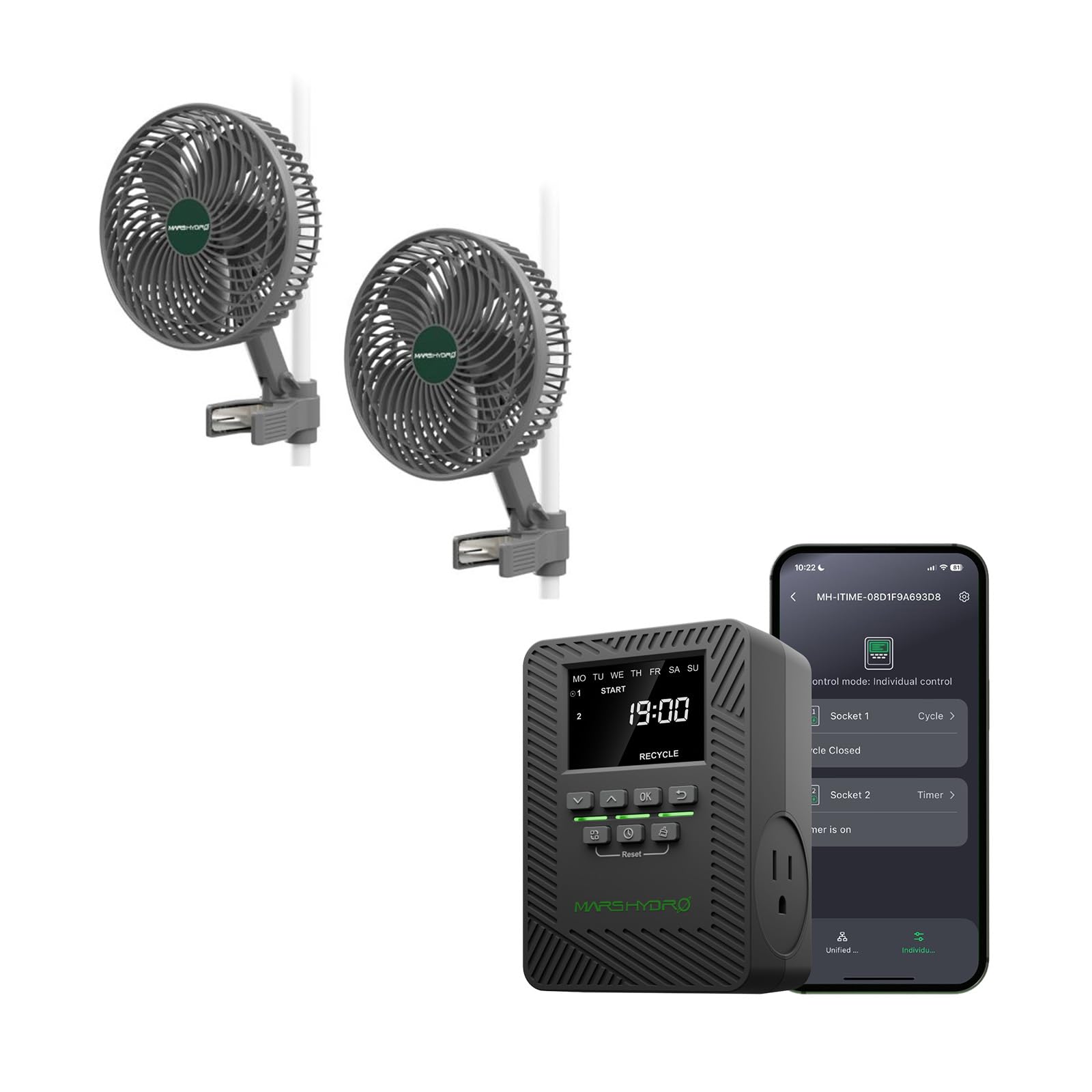
Image: The iTime Smart Timer Outlet, showing its digital display and dual outlets.
3. 操作手順
3.1 Operating the M6 Grow Tent Fan
- 電源オン/オフ: Press the power button on the fan to turn it on or off.
- 速度を調整: Use the speed control buttons (if available on the fan, or via the iTime timer/app) to cycle through the 10 speed levels.
- 振動制御: Press the oscillation button to activate or deactivate the oscillation feature. Cycle between 45° and 90° oscillation angles as desired.

Image: Visual representation of the M6 fan's airflow patterns and control button for oscillation.
3.2 Operating the iTime Smart Timer Outlet
The iTime timer can be operated directly via its buttons or remotely through the MarsPro app.
3.2.1 手動操作(デバイス上)
- 現在の時刻を設定: Use the navigation buttons (Up/Down, OK) to set the current day and time on the LCD display.
- プログラムスケジュール: Access the programming menu to set up to 12 on/off schedules for each outlet. You can choose specific days of the week and times for activation/deactivation.
- Independent/Simultaneous Control: The timer allows for independent programming of each outlet or simultaneous control for both.
3.2.2 App Control (MarsPro App)
- リモートオン/オフ: Control connected devices from anywhere using the MarsPro app on your smartphone.
- 高度なスケジュール設定: Create detailed custom schedules, cycles, and countdown timers for each outlet.
- 監視: Monitor the status of your connected devices.
- グループコントロール: If you have multiple MARS HYDRO smart devices, you can group them for unified control.

Image: The MarsPro app interface demonstrating remote control capabilities for the iTime Smart Timer Outlet.
4. メンテナンス
- ファンの清掃: Periodically wipe the fan blades and housing with a soft, dry cloth to remove dust and debris. Ensure the fan is unplugged before cleaning. Do not use harsh chemicals or abrasive materials.
- タイマーのお手入れ: Keep the iTime Smart Timer Outlet clean and dry. Avoid exposing it to moisture or extreme temperatures.
- ケーブル検査: Regularly inspect power cords for any signs of damage. If damaged, discontinue use and contact customer support.
5。 トラブルシューティング
| 問題 | 考えられる原因 | 解決 |
|---|---|---|
| ファンが作動しません。 | No power, loose connection, fan malfunction. | Check power cord connection. Ensure outlet has power. If connected to iTime, check iTime status. |
| iTime timer not responding. | No power, app connectivity issue, device freeze. | Ensure timer is plugged in. Check WiFi/Bluetooth connection. Unplug and replug the timer to reset. |
| App cannot connect to iTime. | Incorrect WiFi password, out of range, app glitch. | Verify WiFi password. Move closer to the router. Restart the app and your phone. Re-pair the device if necessary. |
| ファンの騒音が大きすぎます。 | Obstruction, loose mounting, fan defect. | Check for any objects obstructing the blades. Ensure the fan is securely mounted. |
6. 仕様
| 特徴 | 仕様 |
|---|---|
| ブランド | マースハイドロ |
| Model Name (Fan) | M6 |
| Model Name (Timer) | iTime |
| ファンタイプ | Clip-On Exhaust Fan |
| 電源 | コード式電気 |
| 定格巻tage | 125ボルトAC |
| Maximum Current (iTime) | 13A |
| Maximum Power (iTime) | 1625W (two outlets total) |
| Air Flow Capacity (Fan) | 350 立方フィート/分 (CFM) |
| ファン速度の数 | 10 |
| Fan Motor Lifespan | 50,000時間 |
| ファンの騒音レベル | 32dB以下 |
| Oscillation Angles (Fan) | 45°、90° |
| Timer Outlets | 2 (Independent Control) |
| Connectivity (Timer) | Bluetooth、WiFi |
| アプリコントロール | MarsPro App |
| 屋内/屋外での使用 | 屋内使用のみ |
| Working Environment (iTime) | 温度範囲: -20°C ~ 40°C |
| iTime Dimensions | 4.47 x 3.21 x 3.06 インチ (11.35 x 8.16 x 7.76 cm) |
| iTime Weight | 0.57ポンド(0.26kg) |
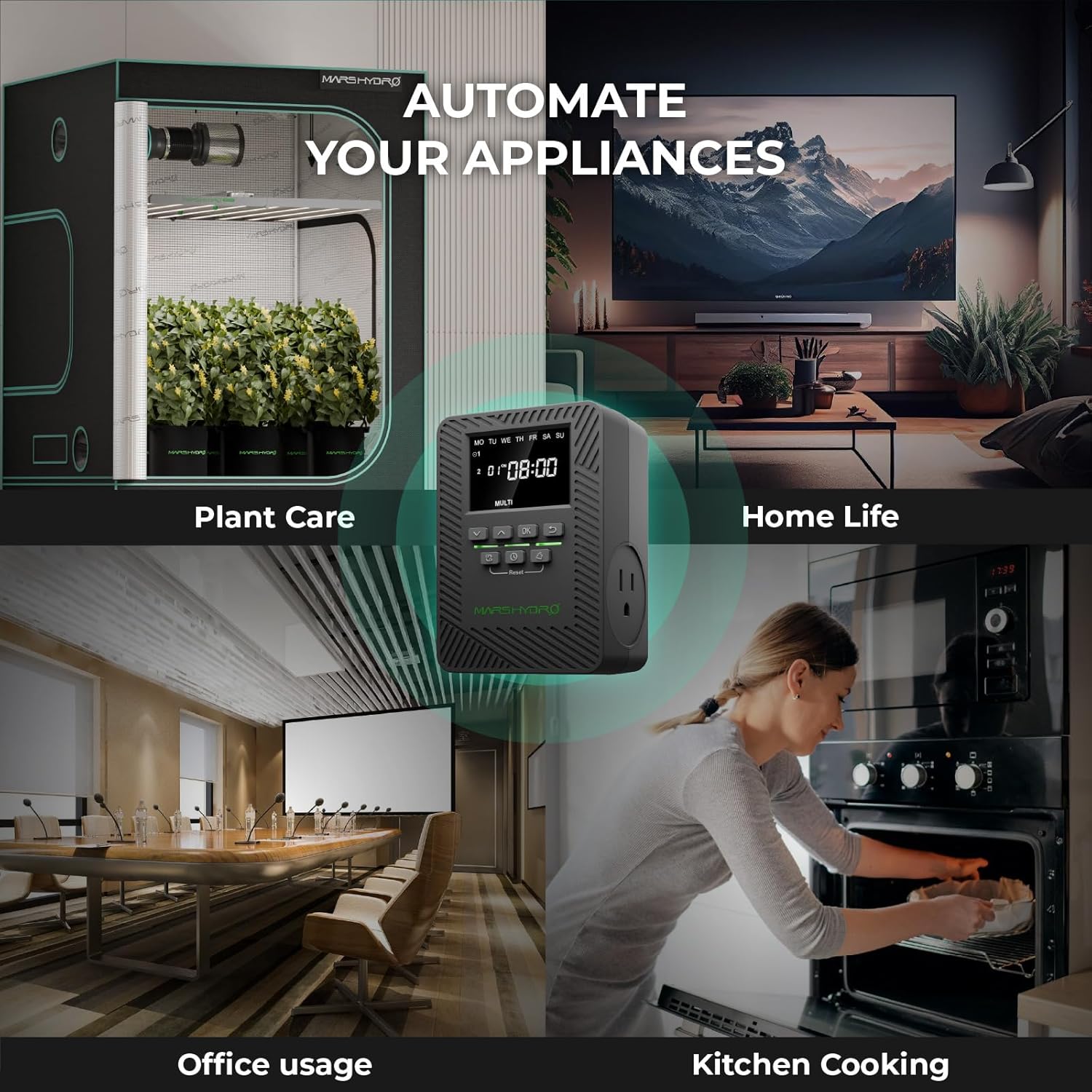
Image: A graphic detailing the physical dimensions and key electrical specifications of the iTime Smart Timer Outlet.
7. 保証とサポート
The MARS HYDRO iTime Smart Timer Outlet comes with a 1年間保証 製品仕様に記載されている通り、購入日から有効となります。
For technical support, warranty claims, or any questions regarding your MARS HYDRO M6 Grow Tent Fan or iTime Smart Timer Outlet, please contact MARS HYDRO customer service through their official webサイトまたは購入時に提供された連絡先情報を参照してください。
You can visit the official MARS HYDRO store for more information and support: MARS HYDRO Official Store