
1. はじめに
ご購入ありがとうございますasing the Gembird GMB Audio TWS-LCD-ANC-01-W Wireless In-Ear Headphones. These headphones are designed to provide a high-quality audio experience for music and calls, featuring Active Noise Cancellation (ANC) and an integrated microphone. This manual provides essential information for setting up, operating, maintaining, and troubleshooting your device.
2. パッケージ内容
- 1x Pair of Gembird GMB Audio TWS-LCD-ANC-01-W Wireless In-Ear Headphones
- 充電ケース x 1
- USB Type-C充電ケーブル x 1
3.製品オーバーview
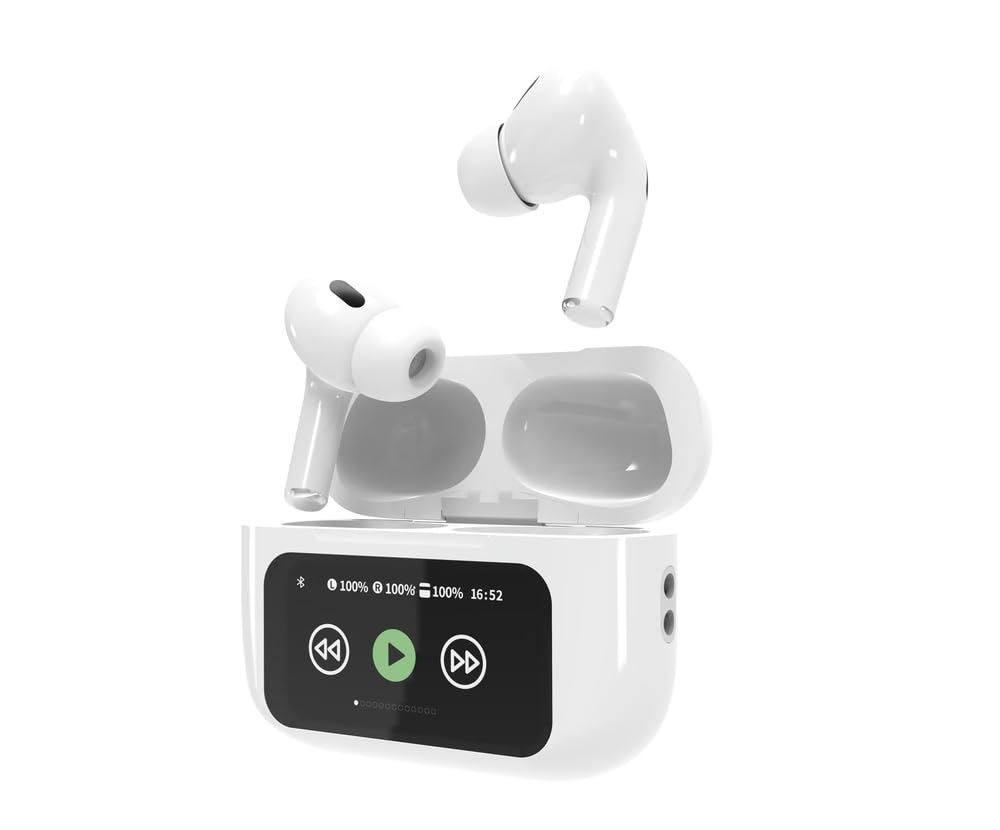
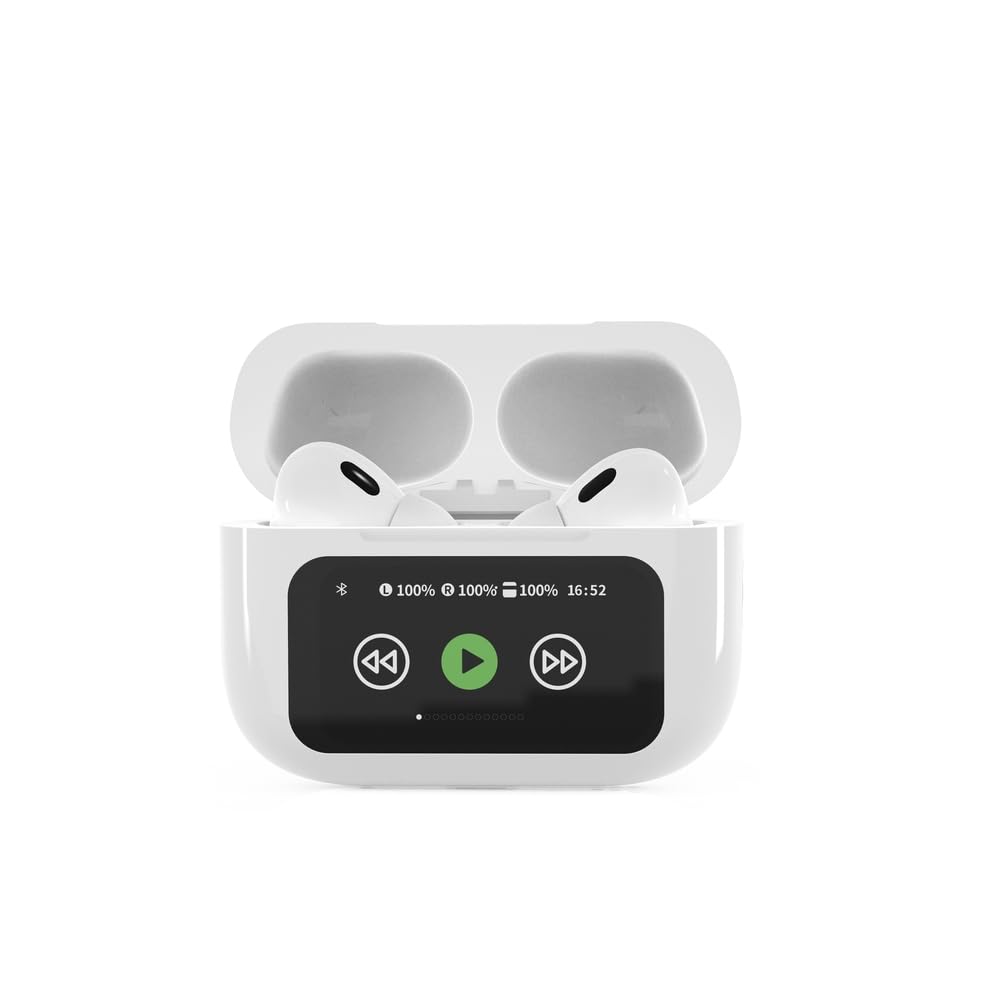

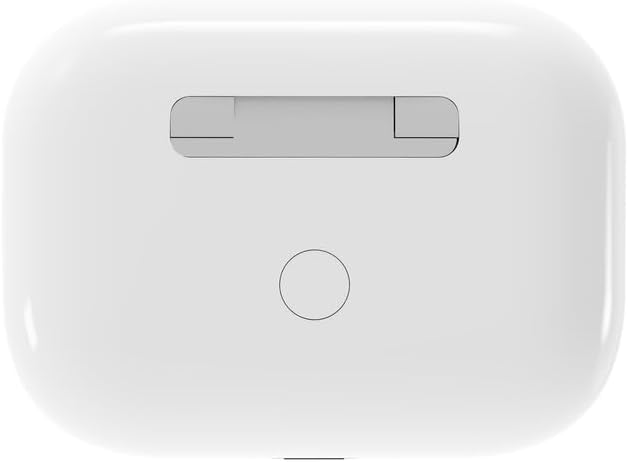

4. セットアップ
4.1 初期充電
Before first use, fully charge the headphones and the charging case. Connect the supplied USB Type-C cable to the charging port on the case and plug the other end into a compatible USB power source (e.g., computer, wall adapter). The LED indicator on the case will show charging status. A full charge typically takes approximately 2 hours.
4.2Bluetoothペアリング
- Ensure the headphones are in the charging case and the case is open. The headphones will automatically enter pairing mode.
- モバイル デバイス (スマートフォン、タブレット、ラップトップ) で Bluetooth を有効にします。
- 検索する available Bluetooth devices and select 'Gembird TWS-LCD-ANC-01-W' from the list.
- Once connected, the headphones will indicate successful pairing, and the device name will appear as 'Connected' on your mobile device.
5. 操作手順
5.1 電源オン/オフ
- 電源オン: The headphones automatically power on when removed from the charging case.
- 電源を切る: The headphones automatically power off and begin charging when placed back into the charging case and the lid is closed.
5.2音楽の再生
Control music playback using the touch-sensitive areas on the earbuds or the display on the charging case.
- 再生/一時停止: Single tap on either earbud or press the play/pause icon on the case display.
- 次のトラック: Double tap on the right earbud or press the 'next' icon on the case display.
- 前のトラック: Double tap on the left earbud or press the 'previous' icon on the case display.
5.3 通話管理
When an incoming call is received, music playback will automatically pause.
- 通話に応答: どちらかのイヤホンを 1 回タップします。
- 通話終了: 通話中にどちらかのイヤホンを 1 回タップします。
- 通話を拒否: どちらかのイヤフォンを2秒間押し続けます。
5.4 アクティブノイズキャンセレーション(ANC)
Activate or deactivate the Active Noise Cancellation feature to reduce ambient noise.
- ANC の切り替え: Press and hold the touch-sensitive area on the left earbud for 2 seconds, or use the dedicated ANC control on the charging case display.
5.5 ボリュームコントロール
Adjust the volume directly from your connected device or through the touch controls on the earbuds (if supported by the specific model's firmware) or the charging case display.
6. メンテナンス
6.1 クリーニング
- イヤホンと充電ケースを柔らかく乾いた糸くずの出ない布で拭いてください。
- 研磨剤入りの洗剤、溶剤、または刺激の強い化学薬品は使用しないでください。
- 両方のイヤホンとケースの充電接点が清潔で乾燥していることを確認してください。
6.2 ストレージ
- 使用していないときは、ヘッドフォンを保護し、充電を保つために、必ず充電ケースに保管してください。
- 直射日光や極端な温度を避け、涼しく乾燥した場所に保管してください。
6.3バッテリーケア
- 頻繁に使用しない場合でも、バッテリーの状態を維持するために定期的にデバイスを充電してください。
- バッテリーを頻繁に完全に放電することは避けてください。
7。 トラブルシューティング
| 問題 | 考えられる原因 | 解決 |
|---|---|---|
| ヘッドホンの電源が入りません。 | バッテリーの充電が少ないか、または全くありません。 | Place headphones in the charging case and ensure the case is charged. Charge the case fully. |
| ヘッドホンから音が出ません。 | Not connected via Bluetooth; volume too low; media paused. | Verify Bluetooth connection. Increase volume on both headphones and connected device. Check if media is playing. |
| デバイスとペアリングできません。 | Headphones not in pairing mode; device already connected to another Bluetooth device; interference. | Ensure headphones are in pairing mode (open case). Turn off Bluetooth on other nearby devices. Forget the device in your phone's Bluetooth settings and try re-pairing. |
| Active Noise Cancellation (ANC) is ineffective. | ANC not activated; improper earbud fit. | Ensure ANC is toggled on. Adjust earbud position for a secure and sealed fit in your ear canal. |
| 通話中にマイクが機能しません。 | マイクがブロックされています。デバイスの設定。 | Ensure the microphone port on the earbuds is not obstructed. Check your device's audio input settings to ensure the headphones are selected. |
8. 仕様
- モデル: TWS-LCD-ANC-01-W
- 接続性: ワイヤレス、Bluetooth 5.3
- Bluetoothプロfiles: A2DP, AVRCP, HPF, HSP
- 充電ポート: USBタイプC
- オーディオ周波数範囲: 20~20000Hz
- マイクロフォン: 統合された
- イヤホンのタイプ: In-ear, Binaural
- 制御方法: 触る
- 騒音制御: アクティブノイズキャンセル(ANC)
- 電池のタイプ: Integrated Lithium Polymer (LiPo)
- 充電ケースのバッテリー容量: 300mAh
- イヤホンのバッテリー容量: 30mAh(各)
- Continuous Audio Playback: 最大8時間
- 充電時間: 約2時間
- 製品重量: 66グラム
- Product Dimensions (Case): 40 mm (幅) x 60 mm (奥行き) x 25 mm (高さ)
- 対応デバイス: ノートパソコン、タブレット、携帯電話
- 耐水性: 耐水性
- 認定: 安全規格
9. 保証とサポート
9.1 保証情報
This product comes with a three-year warranty against manufacturing defects from the date of purchase. Please retain your proof of purchase for warranty claims. The warranty does not cover damage caused by misuse, accidents, unauthorized modifications, or normal wear and tear.
9.2 カスタマーサポート
For technical support, warranty claims, or further assistance, please contact your retailer or visit the official Gembird website. Contact information can typically be found on the product packaging or the Gembird corporate webサイト。