
導入
Thank you for choosing the JBL Tune 520C wired on-ear headphones. This manual provides essential information for setting up, operating, and maintaining your headphones to ensure optimal performance and longevity.

画像: 上view of JBL Tune 520C features including Pure Bass Sound, foldable design, tangle-free cable, and remote control.
箱の中身
- JBL Tune 1C USB-Cヘッドフォン x 520
- 保証書/警告書 x 1
主な特徴
- JBLピュアベースサウンド: Experience clear, powerful audio from 32mm dynamic drivers.
- Wide USB-C Compatibility: Connect to various devices including PCs, mobile phones, gaming devices, tablets, and laptops.
- マイク付き3ボタンリモコン: Manage calls, music playback, volume, and EQ presets directly from the cable.
- Comfort Fit and Foldable Design: Padded on-ear design for extended wear and a foldable structure for easy storage.
- 絡まりにくいフラットケーブル: Durable, reinforced USB-C cable designed to prevent tangling.
- ハイレゾオーディオ: Enjoy higher quality music at 24-bit/96kHz with the DSP chipset.
設定
Follow these steps to set up your JBL Tune 520C headphones for first use.
ヘッドフォンを接続する
- Locate the USB-C connector on your JBL Tune 520C headphones.
- Insert the USB-C connector into the compatible USB-C port on your audio device (e.g., smartphone, laptop, tablet).
- Ensure the connection is secure. Your device should automatically recognize the headphones.
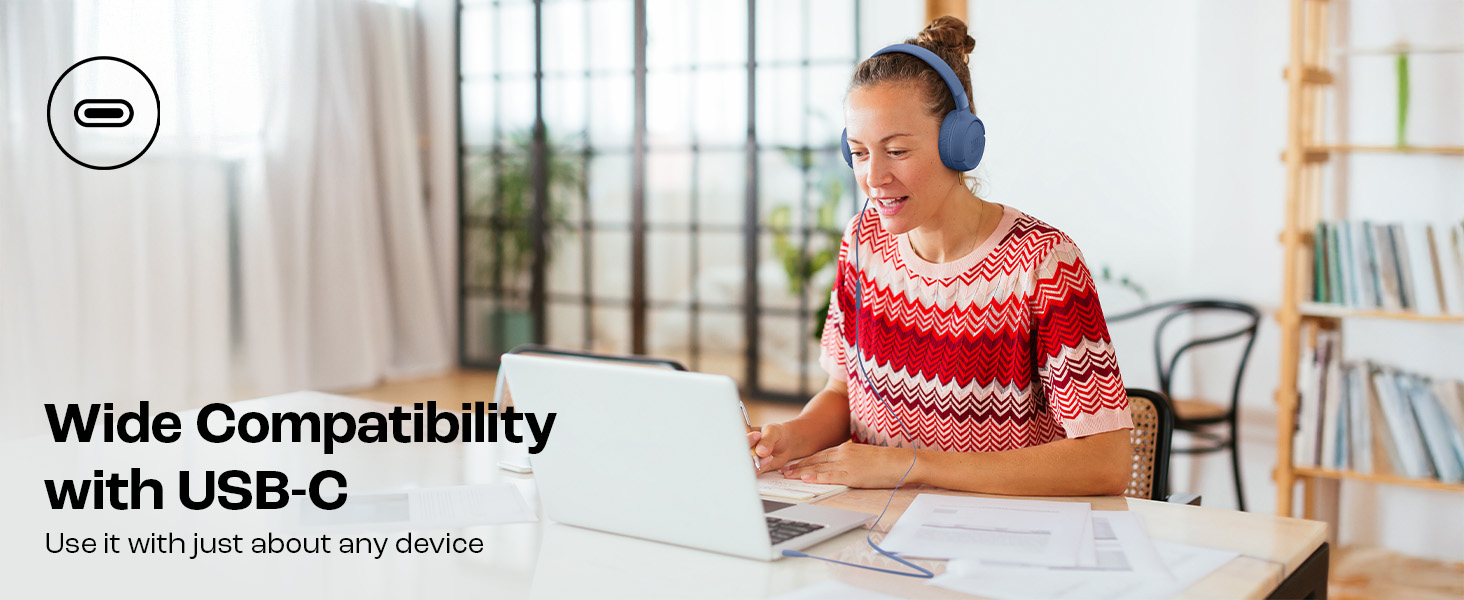
Image: JBL Tune 520C headphones connected to a laptop, demonstrating wide USB-C compatibility.
快適さのための調整
- Gently extend or retract the headband to fit your head comfortably.
- Position the earcups so they rest fully on your ears, creating a seal for optimal sound.
操作手順
Learn how to use the 3-button remote and microphone for various functions.
Using the 3-Button Remote

画像: 詳細 view of the 3-button remote control on the headphone cable.
- ボリュームアップ(+): Press the top button to increase volume.
- ボリュームダウン (-): Press the bottom button to decrease volume.
- Play/Pause/Call (Center Button):
- 音楽を再生または一時停止するには、XNUMX 回押します。
- 一度押すと、通話に応答または終了します。
- 2 回押すと次のトラックにスキップします。
- 3 回押すと前のトラックに移動します。
Using EQ Presets
The JBL Tune 520C features selectable EQ presets to customize your listening experience.
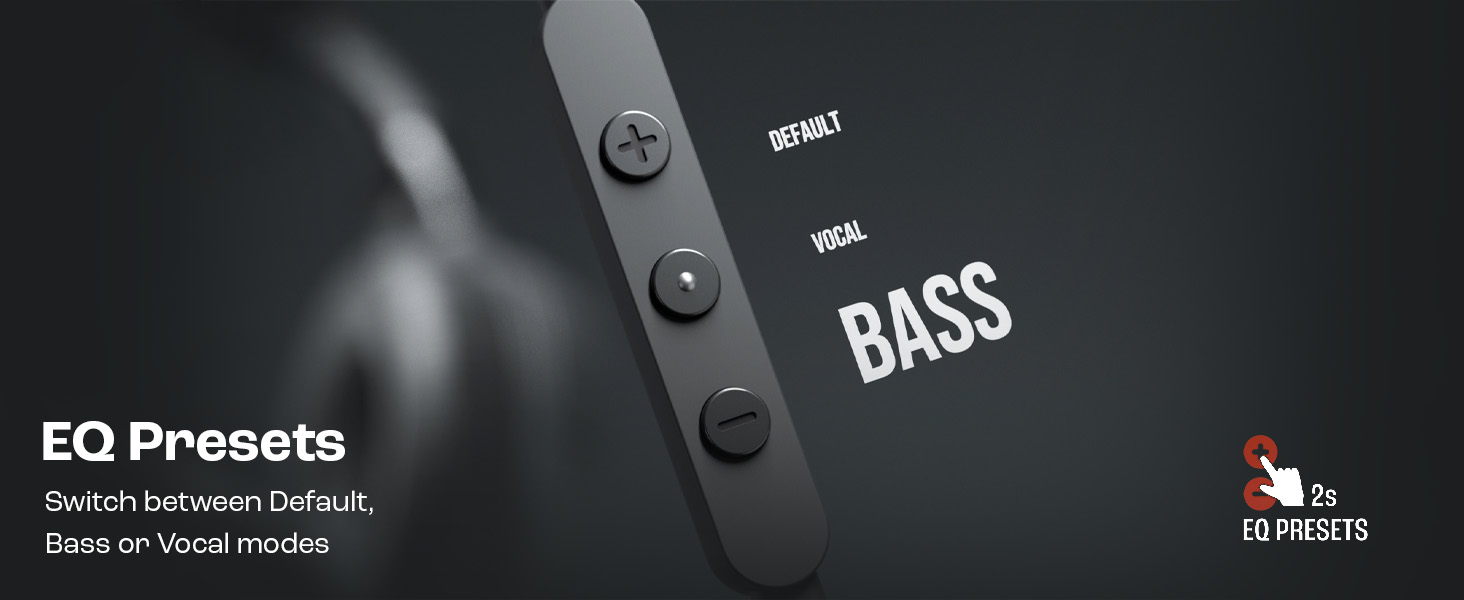
Image: Remote control showing options for Default, Vocal, and Bass EQ presets.
- To switch between EQ presets (Default, Vocal, Bass), press and hold the center button for approximately 2 seconds. The headphones will cycle through the available presets.
メンテナンス
適切な手入れとメンテナンスを行うと、ヘッドフォンの寿命が延びます。
クリーニング
- 柔らかく乾いた布を使用して、イヤーカップとヘッドバンドを拭いてください。
- 仕上げや内部コンポーネントを損傷する恐れがあるため、液体クリーナーや研磨剤は使用しないでください。
- Keep the USB-C connector clean and free of dust or debris.
ストレージ
The JBL Tune 520C headphones feature a foldable design for convenient storage.
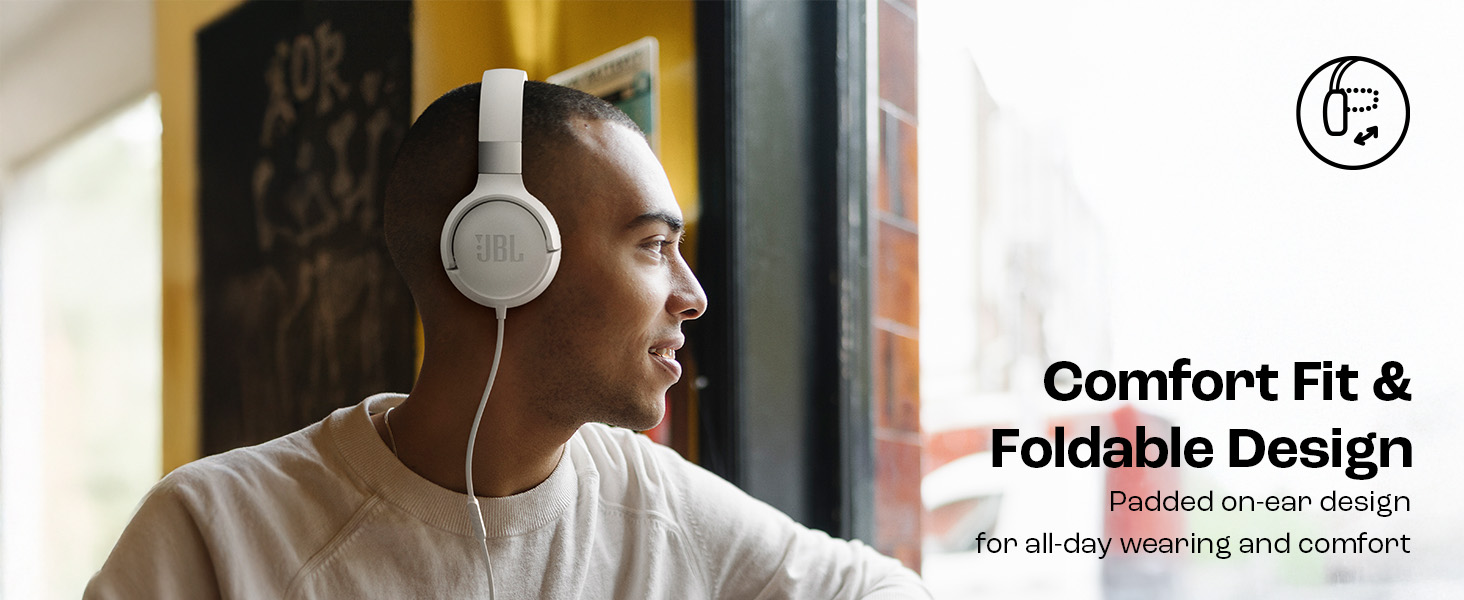
Image: JBL Tune 520C headphones demonstrating comfort fit and foldable design.
- Fold the earcups inward to reduce the headphone's size.
- ヘッドフォンは直射日光や極端な温度を避け、涼しく乾燥した場所に保管してください。
- Avoid placing heavy objects on the headphones during storage.
ケーブルケア
The tangle-free flat cable is designed for durability, but proper handling is still recommended.
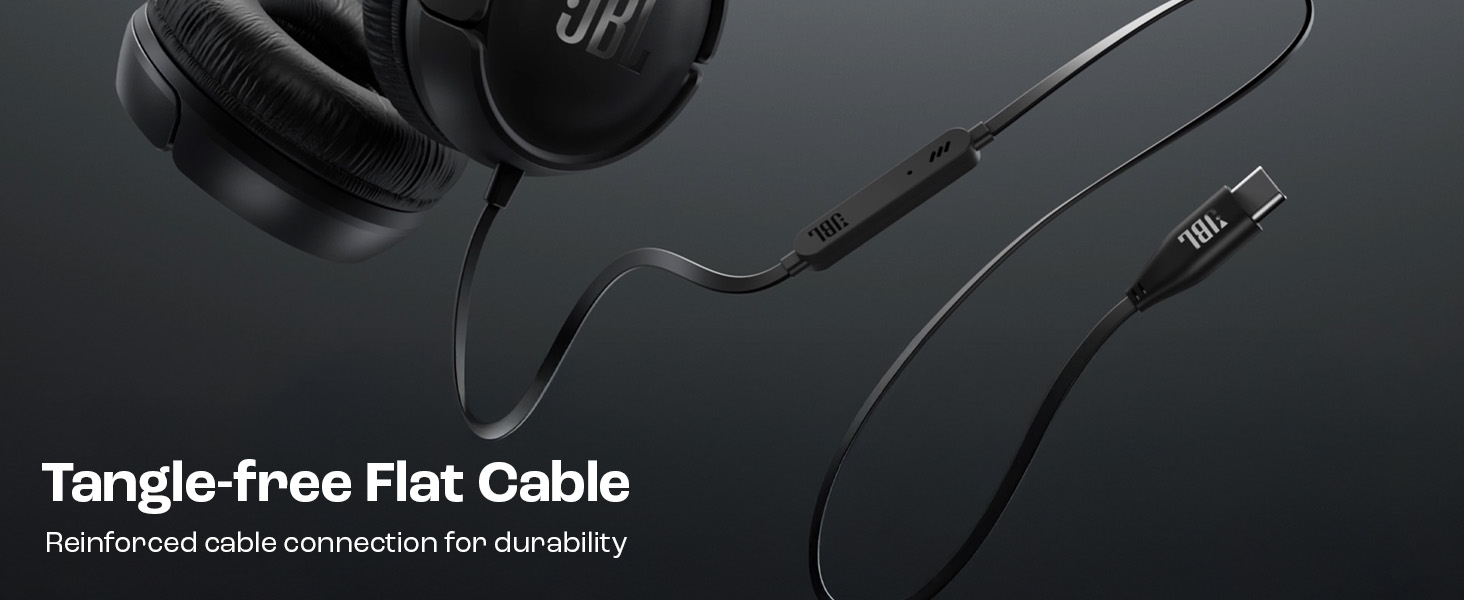
Image: The tangle-free flat USB-C cable of the JBL Tune 520C headphones.
- ケーブルを急激に曲げたり、過度に引っ張ったりしないでください。
- When coiling the cable for storage, do so loosely to prevent strain.
トラブルシューティング
ヘッドフォンで問題が発生した場合は、次の一般的な問題と解決策を参照してください。
| 問題 | 解決 |
|---|---|
| ヘッドホンから音が出ない |
|
| マイクが機能しない |
|
| 音質が悪い |
|
| リモコンのボタンが反応しない |
|
仕様
Detailed technical specifications for the JBL Tune 520C headphones.
| 特徴 | 詳細 |
|---|---|
| ブランド | JBL |
| モデル名 | JBLチューン520C |
| モデル番号 | JBLT520CBLK |
| 耳の位置 | 耳に |
| フォームファクター | 耳に |
| インピーダンス | 32オーム |
| 周波数応答 | 20 Hz - 20,000 Hz |
| 感度 | 103デシベル |
| オーディオドライバータイプ | ダイナミックドライバ |
| 対応デバイス | Tablets, Desktops, Telephones, Gaming Consoles, Cellphones, Laptops |
| ヘッドホンジャック | USB-Cジャック |
| 制御方法 | Remote (3-button) |
| アイテム重量 | 150グラム |
| 原産国 | 中国 |
保証とサポート
保証情報
The JBL Tune 520C headphones come with a 1年間保証 ご購入日よりメーカーより保証が提供されます。保証請求の際は購入証明書を保管してください。
カスタマーサポート
For technical assistance, warranty claims, or further inquiries, please contact Harman International customer support. Refer to the warranty/warning document included in your product box for specific contact details for your region.
メーカー連絡先情報:
HARMAN International Industries、Incorporated
8500 Balboa Boulevard、Northridge、CA 91329 USA
Importer Contact Information (India):
Harman International (India) Pvt Ltd
Salarpuria Sattva Knowledge Court, Office-1, Wing ‘A’ & ‘B’ 3rd floor, Plot No. 9, Phase I, Doddenakkundi Industrial area Bangalore -560048, Karnataka.