
導入
This manual provides essential instructions for the safe and effective use of your ORGBRO Power Adapter, specifically designed for the Z1 Thermal Shipping Label Printer. Please read this manual thoroughly before using the product and retain it for future reference.
安全情報
- Ensure the power adapter is used with the specified ORGBRO Z1 Thermal Shipping Label Printer only.
- アダプタを水、湿気、または極端な温度にさらさないでください。
- アダプタを落としたり、強い衝撃を与えたりしないでください。
- Do not attempt to open, modify, or repair the adapter. Refer all servicing to qualified personnel.
- 清掃する前、または長期間使用しない場合は、必ずアダプタを電源コンセントから抜いてください。
- お子様の手の届かない場所に保管してください。
パッケージ内容
Please check the package contents upon receipt. The package should contain:
- 1 x ORGBRO Power Adapter (for Z1 Thermal Shipping Label Printer)
設定
- アダプタを識別します。 Locate the ORGBRO Power Adapter. It features a standard AC plug on one end and a DC connector on the other.
- プリンターに接続: Insert the DC connector end of the power adapter firmly into the power input port on your ORGBRO Z1 Thermal Shipping Label Printer. Ensure a secure connection.
- 電源コンセントに接続します。 Plug the AC end of the power adapter into a standard electrical wall outlet (100-240V~50/60Hz).
- 接続を確認します: Once connected, the printer should receive power, indicated by its power indicator light (refer to your Z1 printer manual for specific light behavior).
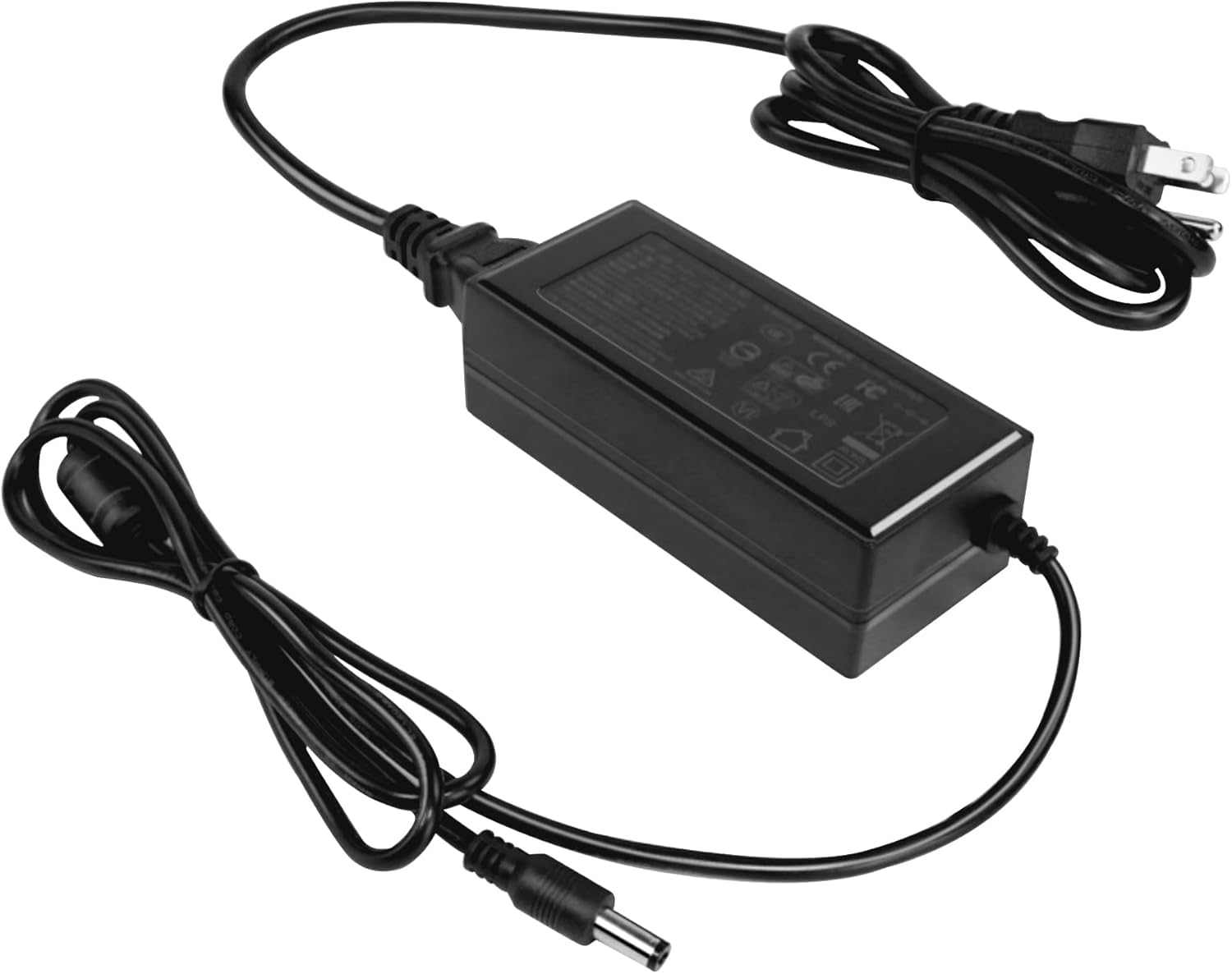
Image: The ORGBRO Power Adapter with its DC connector ready to be plugged into the Z1 Thermal Shipping Label Printer.
操作手順
The ORGBRO Power Adapter is designed for continuous operation with your Z1 Thermal Shipping Label Printer. Once properly connected as described in the Setup section, the adapter will supply the necessary power to the printer.
- Ensure the printer's power switch is in the 'ON' position to begin operation.
- Always use the adapter in a well-ventilated area to prevent overheating.
- To power off the printer, first turn off the printer's power switch, then unplug the adapter from the wall outlet.
メンテナンス
- クリーニング: Disconnect the adapter from both the printer and the power outlet. Use a soft, dry cloth to wipe the exterior of the adapter. Do not use liquid cleaners or sprays.
- ストレージ: 使用しないときは、直射日光や湿気を避け、涼しく乾燥した場所に保管してください。ケーブルを強く巻き付けると損傷する恐れがあります。
- 検査: Periodically inspect the power cord and adapter housing for any signs of damage, such as cuts, fraying, or cracks. If damage is found, discontinue use immediately and replace the adapter.
トラブルシューティング
No Power to Printer
- 接続を確認してください: Ensure the power adapter is securely plugged into both the Z1 printer and a working wall outlet.
- テストコンセント: 別のデバイスを壁のコンセントに差し込み、電力が供給されていることを確認します。
- アダプタの検査: Check the adapter cable and housing for any visible damage. If damaged, do not use.
- Printer Power Switch: Verify that the Z1 printer's power switch is in the 'ON' position.
If the issue persists after performing these checks, contact ORGBRO customer support for assistance.
仕様
| 特徴 | 仕様 |
|---|---|
| 入力ボリュームtage | 100-240V~50/60Hz 1.5A |
| 出力巻tage / Current | 24.0V-2.5A |
| 出力電力 | 60.0W |
| 色 | 黒 |
| アイテム重量 | 7.1オンス |
| パッケージ寸法 | 4.72 x 3.15 x 1.97インチ |
保証とサポート
ORGBRO products are manufactured to high-quality standards. For information regarding warranty coverage, please refer to the warranty card included with your product or visit the official ORGBRO website. If you encounter any issues or have questions about your ORGBRO Power Adapter, please contact ORGBRO customer support for assistance.
You can typically find contact information for support on the ORGBRO brand store page or through the retailer where the product was purchased.