
SIMREX TOY2503
SIMREX Robot Dog RC Stunt Car User Manual
Model: TOY2503
導入
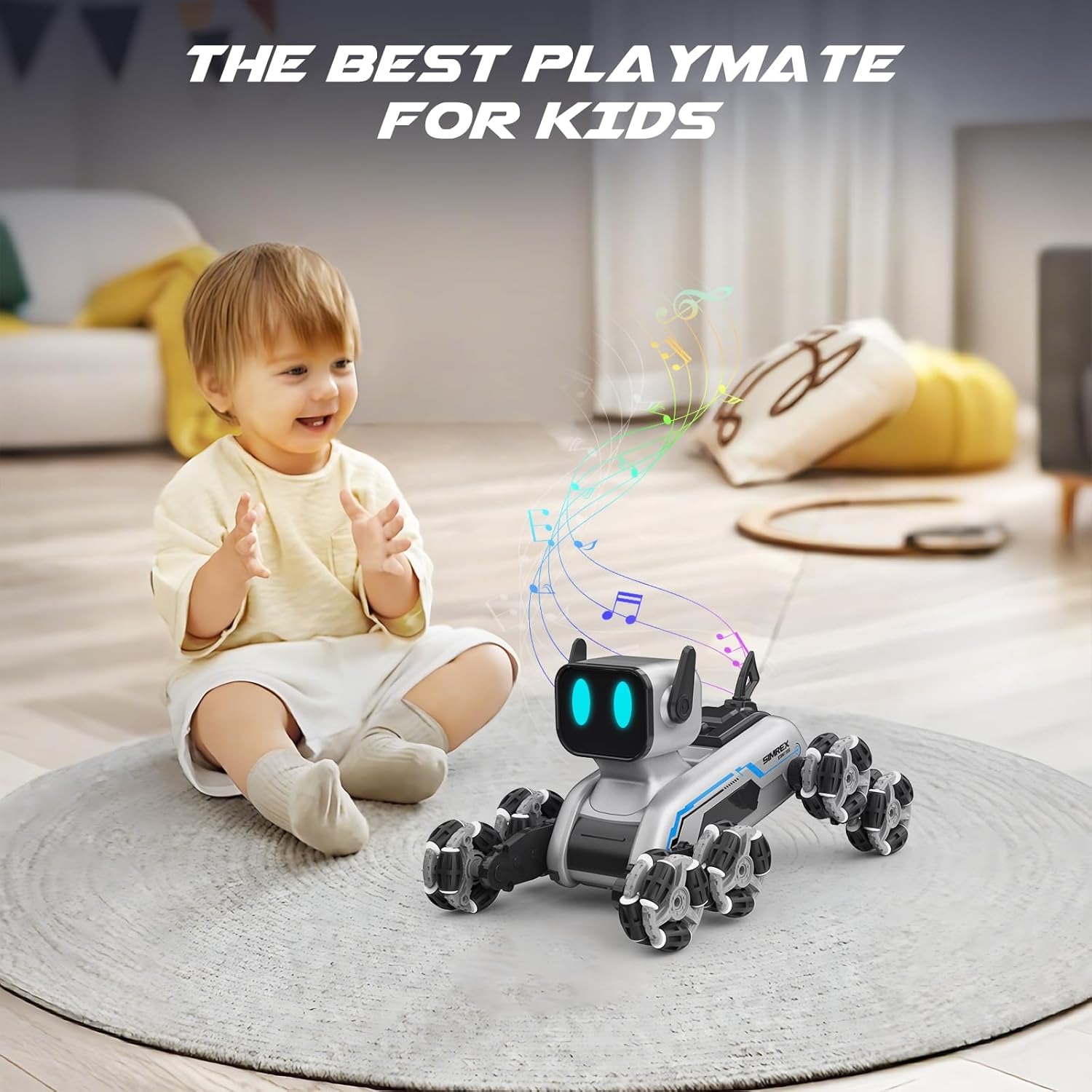
The SIMREX Robot Dog RC Stunt Car is an advanced robotic companion designed for dynamic play. Featuring an innovative 8-wheel Mecanum system, RGB LED eyes, and dual control options, this toy offers unparalleled mobility and interactive experiences. It is suitable for ages 6 and up.

主な特徴:
- Dynamic 8-wheel Mecanum system for 360° mobility.
- Auto-changing RGB LED eyes for expressive interaction.
- Dual control system: ergonomic 2.4GHz remote controller and gesture-sensing wristband.
- 8 dynamic action modes with three interactive sound effects.
- One-touch demo button for impressive stunt sequences.
- Premium durability with industrial-grade Mecanum wheels and high-traction rubber treads.
- Dual 500mAh Li-ion batteries for extended runtime and quick USB recharging.
安全情報
WARNING: Small Parts. Not for children under 3 years.
- 遊んでいる間は常に子供たちを監視してください。
- 水の近くや濡れた状態で操作しないでください。
- Avoid operating in crowded areas to prevent collisions.
- 製品を分解したり改造したりしないでください。
- 電池が正しい極性で挿入されていることを確認してください。
- 長期間使用しない場合は、おもちゃとリモコンから電池を取り外してください。
箱の中身
Your SIMREX Robot Dog RC Stunt Car package includes the following components:
- 1 x Eight-Wheel Robot Dog
- 1GHzリモコン×2.4
- 3.7V 800mAh リチウムイオン電池 2個
- 1 x Remote Control Switch (Gesture-sensing wristband)
- 1 x Operation Guide (User Manual)
- ドライバー x 1
- USB充電ケーブル x 1
セットアップガイド
1. バッテリーの取り付け
Robot Dog: Use the included screwdriver to open the battery compartment on the robot dog. Insert one of the 3.7V 800mAh Li-ion batteries, ensuring correct polarity. Close the compartment securely.
リモートコントロール: Open the battery compartment on the back of the 2.4GHz remote control. Insert 2 x AA batteries (not included), observing polarity. Close the compartment.
Gesture-Sensing Wristband: The wristband typically has a built-in rechargeable battery. Refer to the charging instructions below.

2. Charging the Robot Dog Battery
Connect the 3.7V 800mAh Li-ion battery to the USB charging cable. Plug the USB cable into a standard USB power adapter (e.g., computer USB port, wall adapter). The indicator light on the USB cable will show charging status. Charging typically takes approximately 60-90 minutes for a full charge. Do not overcharge.
3.電源オンとペアリング
Turn on the robot dog using the power switch. Turn on your preferred controller (remote control or gesture-sensing wristband). The robot dog and controller will automatically pair via 2.4GHz wireless technology. A successful connection is usually indicated by a steady light on both devices.
操作手順
1.リモコン操作
The ergonomic remote control allows for precise movements. Use the joysticks and buttons to control the robot dog's direction, speed, and special functions. Refer to the diagram below for button functions.
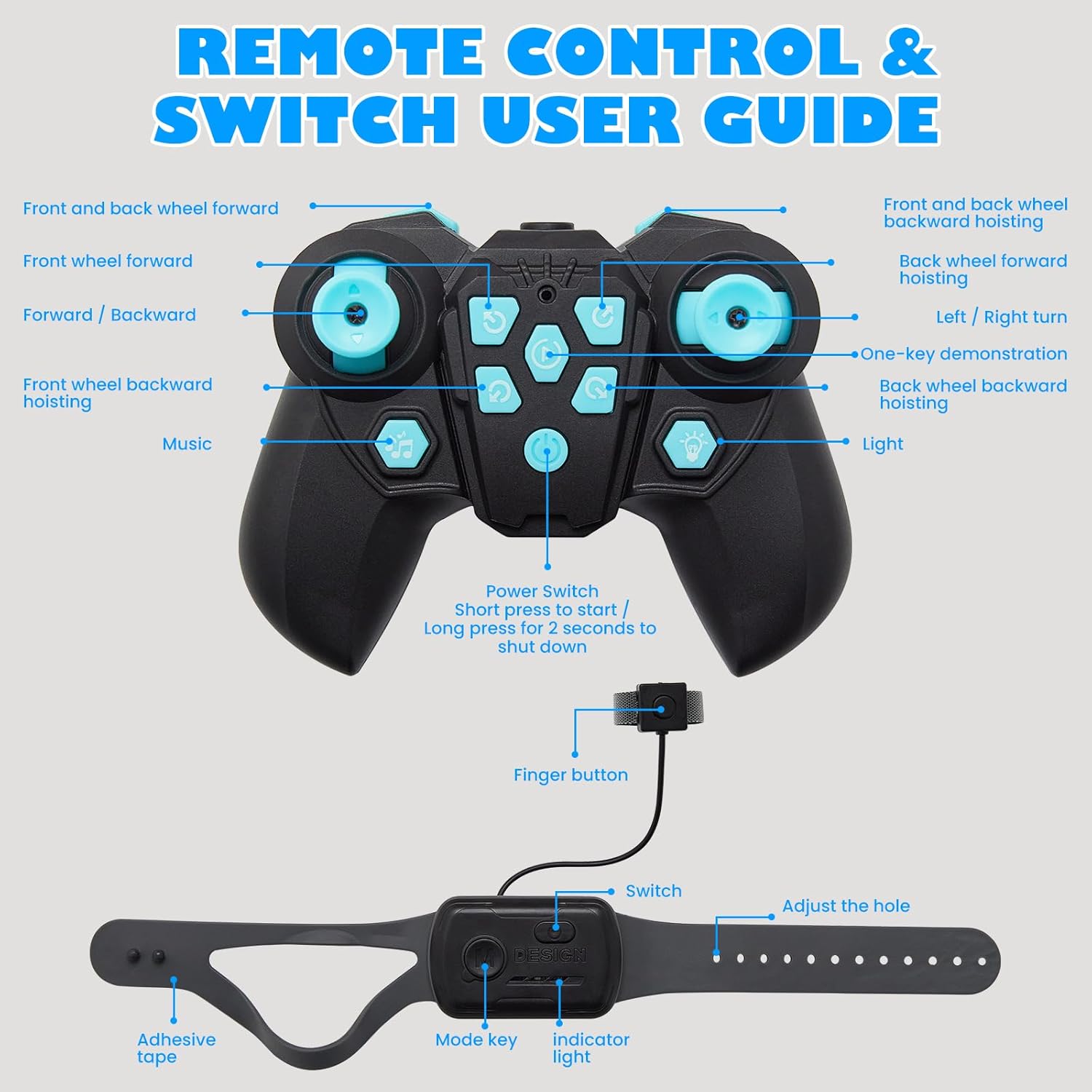
- 左ジョイスティック: Controls forward/backward movement and turning.
- 右ジョイスティック: Controls sideways movement and rotation.
- 機能ボタン: Activate specific stunts, sound effects, and LED eye changes.
- One-Key Demo: Press to activate pre-programmed stunt sequences.
2. Gesture Sensing Wristband Operation
Wear the wristband on your hand. The robot dog will respond to your hand gestures, allowing for hands-free control. Tilt your hand forward, backward, left, or right to control movement. Specific gestures may activate stunts or modes.

3. Dynamic Action Modes and LED Eyes
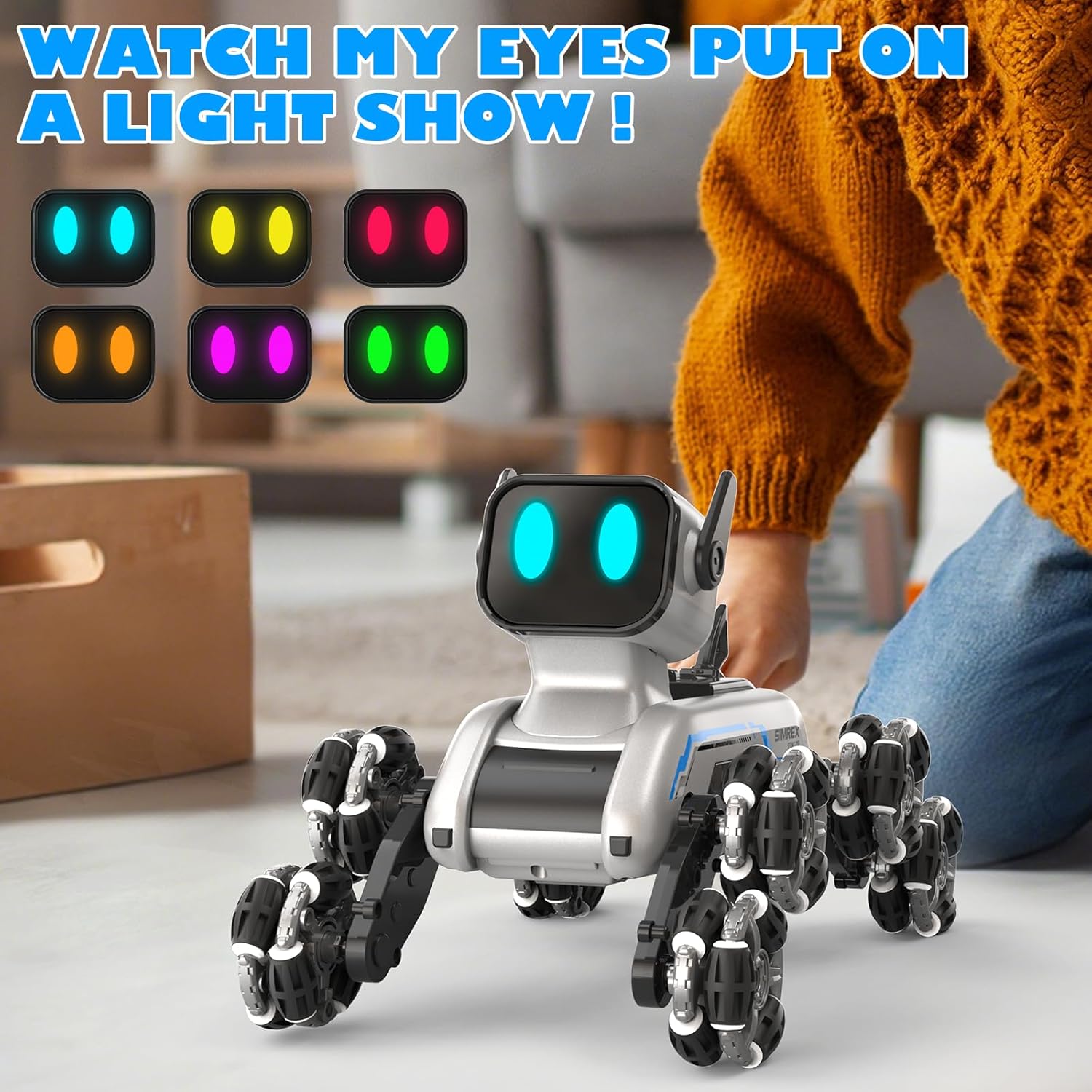
The robot dog features 8 dynamic action modes, including combat stance, stealth crawl, speed dash, handstands, and spins. These modes are often accompanied by three interactive sound effects. The RGB LED eyes can change colors, adding to the robot's expressive capabilities.

メンテナンス
- クリーニング: Wipe the robot dog and controllers with a soft, dry cloth. Do not use water or chemical cleaners.
- バッテリーのケア:
- Always remove batteries if the toy will not be used for an extended period.
- バッテリーは涼しく乾燥した場所に保管してください。
- バッテリーを極端な温度や直射日光にさらさないでください。
- 使い切った電池は地域の規制に従って責任を持って廃棄してください。
- ストレージ: Store the robot dog and its accessories in a clean, dry environment away from direct sunlight and extreme temperatures.
トラブルシューティング
| 問題 | 考えられる原因 | 解決 |
|---|---|---|
| Robot dog does not turn on. | バッテリー残量が少ないか、正しく取り付けられていません。 | Charge the robot dog's battery. Ensure the battery is inserted with correct polarity. |
| Remote control or wristband not responding. | Controller batteries are low or not paired. | Replace batteries in the remote control. Ensure both the robot dog and controller are powered on and within range for pairing. |
| Robot dog moves erratically or not as expected. | 干渉またはバッテリー残量が少ない。 | Ensure no other 2.4GHz devices are causing interference. Recharge the robot dog's battery. |
| Sound effects or LED eyes not working. | 機能が有効化されていないか、電池残量が少ないです。 | Press the correct function button on the remote. Recharge the robot dog's battery. |
仕様
- 製品寸法: 9.84 x 6.29 x 6.69インチ
- 商品の重量: 1.9ポンド
- モデル番号: おもちゃ2503
- メーカー推奨年齢: 6 - 18歳
- 電池: リチウムイオン電池2個(付属)
- 制御周波数: 2.4GHz
- メーカー: シムレックス
保証とサポート
For warranty information and customer support, please refer to the official SIMREX web公式サイトをご覧いただくか、カスタマーサービスに直接お問い合わせください。 SIMREX Store on Amazon 製品の詳細と連絡先については、こちらをご覧ください。
Ask a question about this manual
Ask about setup, troubleshooting, compatibility, parts, safety, or missing instructions. Manuals+ will review the question and use this page’s manual context to help answer it.