
1.製品オーバーview
The Seasonic Focus GX 750W Power Supply is a high-performance, fully modular unit designed to meet the demands of modern computing systems. It features ATX 3.1 and PCIe 5.1 readiness, including a native 12V-2x6 connector, making it suitable for the latest GPUs like the NVIDIA RTX 5070 Ti and AMD RX 9000 series. With 80 PLUS Gold and Cybenetics Platinum certifications, it ensures high efficiency and stable power delivery. The unit incorporates OptiSink Design for advanced heat dissipation and Hybrid Fan Control for quiet operation.
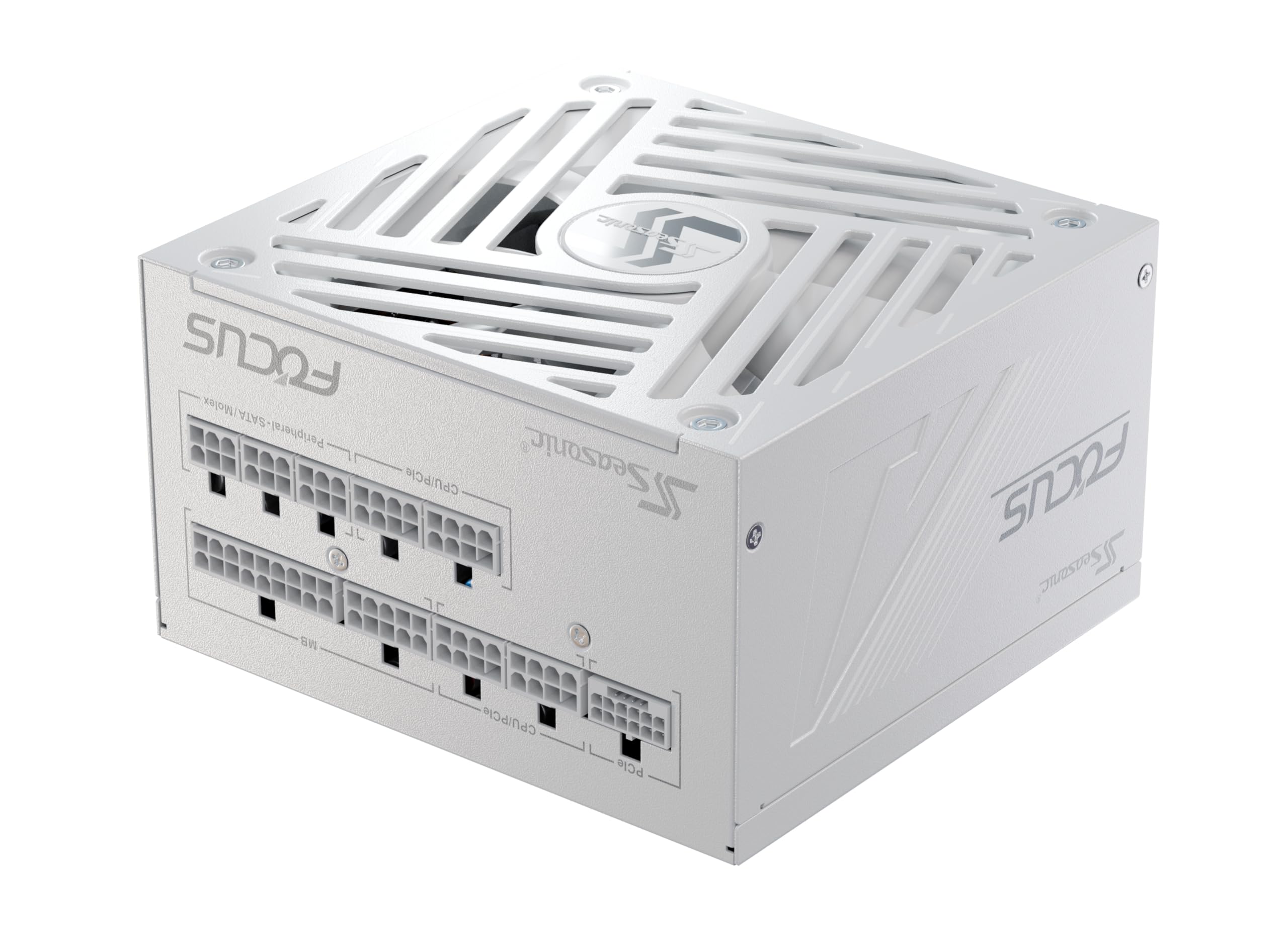
画像1.1:正面 view of the Seasonic Focus GX 750W Power Supply.
2. 重要な安全情報
警告:高容量tage inside. Do not open the power supply unit. Servicing should only be performed by trained personnel.
- Ensure the power supply is correctly installed in a well-ventilated area.
- Use only the Seasonic AC power cord and modular cables provided with the unit.
- AC入力電圧を確認してくださいtage は指定された範囲内です (100 ~ 240V AC)。
- 電源ユニットは湿気のない乾燥した環境に保管してください。
- This power supply unit is for integration into a computer system and not intended for external or industrial usage.
3.インストールガイド
Follow these steps to properly install your Seasonic Focus GX 750W Power Supply:
- システムを準備します。 Disconnect the AC power cord from the wall socket and the back of your old power supply. Disconnect all DC cable connectors and remove all mounting screws. Carefully remove your old PSU.
- Test your Seasonic PSU before installation:
- Plug the AC power cord into the PSU. Make sure that the AC power is coming directly from the wall outlet.
- マザーボード ケーブルの 18 ピン コネクタと 10 ピン コネクタの両方を PSU に接続します。
- If your power supply features a fan control switch, set it to "Normal" Mode.
- Attach the 24-pin connector to the provided PSU Tester.
- Turn on the power supply by setting the I/O switch to the "I" (ON) position. If the power supply fan starts spinning (or the externally attached LED light turns on), then your PSU is working.
- Position your PSU: Mount the power supply with its ventilation top cover facing UPWARD. If there is enough space (at least 5 cm / 2 inches) available between the PSU ventilation top cover and the metal plate of the case, this will ensure natural heat dissipation.
- Install your Seasonic PSU: Secure all 4 mounting screws. Make sure the PSU power switch is in the "O" (OFF) position. Connect all necessary system DC cables (Motherboard, CPU, VGA, HDD, Optical Drives, etc.).

Image 3.1: Modular connector panel for the Seasonic Focus GX 750W, showing clearly labeled ports for PCIe, CPU/PCIe, MB, and Peripheral/SATA/Molex connections.

Image 3.2: Diagram illustrating the fully modular cables included with the Focus GX 750W, including lengths for M/B 24-pin ATX, CPU 4+4-pin, PCI-E 6+2-pin, SATA, MOLEX, and 12V-2x6 12+4-pin cables.
付属のケーブル:
- 1x 24-pin ATX Motherboard Cable (700mm)
- 2x CPU 4+4-pin Cables (750mm)
- 2x PCI-E 6+2-pin Cables (750mm)
- 2x SATA Cables with 4 connectors each (500/150/150/150mm)
- 1x MOLEX Cable with 3 connectors (450/120/120mm)
- 1x Native 12V-2x6 12+4-pin Cable (700mm)
4. 操作手順
The Seasonic Focus GX 750W features Hybrid Fan Control, which intelligently manages fan speed based on system load and temperature. This ensures optimal cooling while minimizing noise.

Image 4.1: Hybrid Fan Control switch on the power supply, allowing selection between Fanless Mode (button released) and Always On (button pressed).
Fan Control Modes:
- Fanless Mode (Button Released): At low loads (up to approximately 30% of rated load), the fan does not spin, resulting in zero noise and vibration. Your PC operates on passive cooling from the PSU.
- サイレントモード: As the load increases, the fan slowly ramps up at very low RPM. During gaming or moderate workloads, the fan spins quietly, providing excellent airflow while remaining inaudible inside a normal case.
- Cooling Mode (Button Pressed): When the system is under heavy load (e.g., high-end gaming or workstation rendering), the fan ramps up for maximum cooling. This ensures stable power delivery, safe operating temperatures, and long-term reliability.
5. メンテナンス
電源装置の寿命を延ばし、最適なパフォーマンスを確保するには、次のメンテナンス ガイドラインに従ってください。
- 清潔に保つ: Regularly clean the exterior of the power supply and the fan grille to prevent dust buildup, which can impede airflow and reduce cooling efficiency. Use compressed air for best results.
- 接続を確認してください: Periodically inspect all modular cable connections to ensure they are secure and free from damage.
- 適切な換気を確保する: Make sure your PC case has adequate airflow and that the power supply's ventilation is not obstructed.
6。 トラブルシューティング
電源に問題が発生した場合は、次の一般的なトラブルシューティング手順を参照してください。
- 電源なし: Ensure the AC power cord is securely plugged into both the wall outlet and the PSU. Check the I/O switch on the PSU is in the "I" (ON) position. Test the wall outlet with another device.
- システムの不安定性/クラッシュ: Verify all modular cables are correctly and securely connected. Ensure your system's power requirements do not exceed the PSU's capacity.
- Fan Not Spinning (Fanless Mode): If the Hybrid Fan Control is enabled (button released), the fan will not spin at low loads. This is normal operation. If the system is under load and the fan still doesn't spin, check the fan control switch position.
- 異常な音: If you hear abnormal noises, ensure the fan is not obstructed. If the noise persists, contact customer support.
さらに詳しいサポートについては、 シーズニック webサイト または、カスタマー サポートにお問い合わせください。
7. 技術仕様
| 特徴 | 仕様 |
|---|---|
| モデル名 | Focus GX-750 White ATX 3.1 |
| ブランド | シーズニック |
| 出力ワットtage | 750W |
| フォームファクター | ATTX |
| 効率 | 80 PLUSゴールド、サイベネティクスプラチナ |
| 冷却方法 | Air (135mm FDB fan with Hybrid Fan Control) |
| 寸法(長さ×幅×高さ) | 5.5 x 5.9 x 3.4 インチ (140 x 150 x 86 mm) |
| アイテム重量 | 3.48 ポンド |
| AC入力範囲 | 100-240V AC, 12A-6A, 50-60Hz |
| DC Output (+12V Rail) | 70A(840W) |
| 保護機能 | Over-power, Over-voltage、Under-voltage, Over-current, Over-temperature, Short-circuit |
| 認定資格 | cTUVus, TUV, CB, CCC, BSMI, EAC, CE, Energy Star, RoHS, WEEE, REACH, ErP Lot 6 |
8. 製品メディア
製品画像:

Image 8.1: Diagram illustrating the Seasonic OptiSink Design, highlighting the optimized production process and 8x increase in thermal conductivity for improved thermal performance. Heatsinks are designed to dissipate heat in any orientation.

Image 8.2: Diagram showing the 135mm Fluid Dynamic Bearing fan, emphasizing its compact design for increased airflow and improved cooling, resulting in quieter operation and better thermal performance compared to 120mm fans.
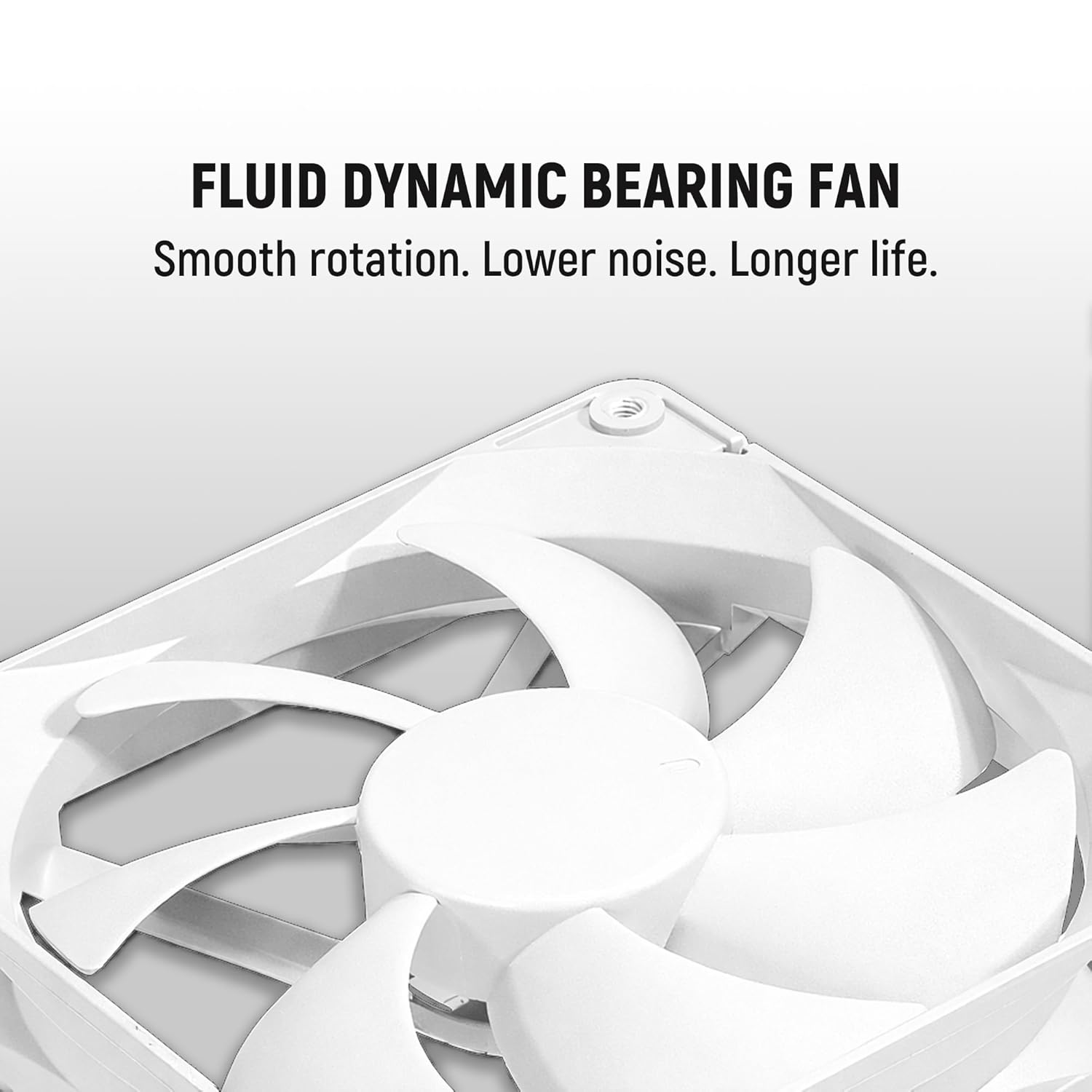
画像8.3: クローズアップ view of the internal components, highlighting the use of premium Japanese Capacitors for enhanced stability and reliability under extreme conditions.

画像8.4: 詳細 view of the Fluid Dynamic Bearing (FDB) fan, which ensures smooth rotation, lower noise, and longer life for the power supply.

Image 8.5: Illustration of the premium-quality materials used in the cables, including alloy copper terminals, UL Safety Certified connectors, and pure copper conductors for reliable power delivery.
公式製品ビデオ:
ビデオ8.1: オーバーview of the Seasonic FOCUS GX Power Supply, highlighting its features and design. This video is provided by MA Labs.
Video 8.2: A detailed look at the Seasonic Focus GX-750 White ATX3 power supply, showcasing its design and components. This video is provided by MA Labs.
9. 保証とサポート
The Seasonic Focus GX 750W Power Supply comes with a 10年間保証, reflecting Seasonic's commitment to quality and reliability. For warranty claims, technical support, or any product-related inquiries, please visit the official Seasonic webサイトまたは顧客サービス部門に連絡してください。
正式 Webサイト: www.seasonic.com