
導入
ご購入ありがとうございますasing the RadioShack 240W Retro Style Bluetooth Vintage Speaker. This manual provides essential information for the safe and efficient use of your speaker. Please read it thoroughly before operation and retain it for future reference.

Figure 1: RadioShack Retro Style Bluetooth Vintageスピーカー
パッケージ内容
パッケージにすべてのアイテムが揃っていることを確認します。
- Retro style speaker
- リモコン x 1
- 1x電源コード
- 1x Audio input cord

図2: パッケージ内容
設定
- 電源接続: Connect the provided power cord to the speaker's power input and then to a standard electrical outlet.
- 配置: スピーカーは安定した平らな場所に設置してください。ユニットの周囲に十分な換気を確保してください。
- Antenna (FM Radio): ラジオの受信状態を最適化するために FM アンテナを伸ばします。
- 外部デバイスの接続:
- AUX入力: Use the included audio input cord to connect devices via the AUX port.
- USB入力: MP3 が入った USB ドライブを挿入します fileを USB ポートに接続して再生します。
- Optical/ARC Input: Connect compatible devices using an optical cable or HDMI ARC cable (not included) to the respective ports.
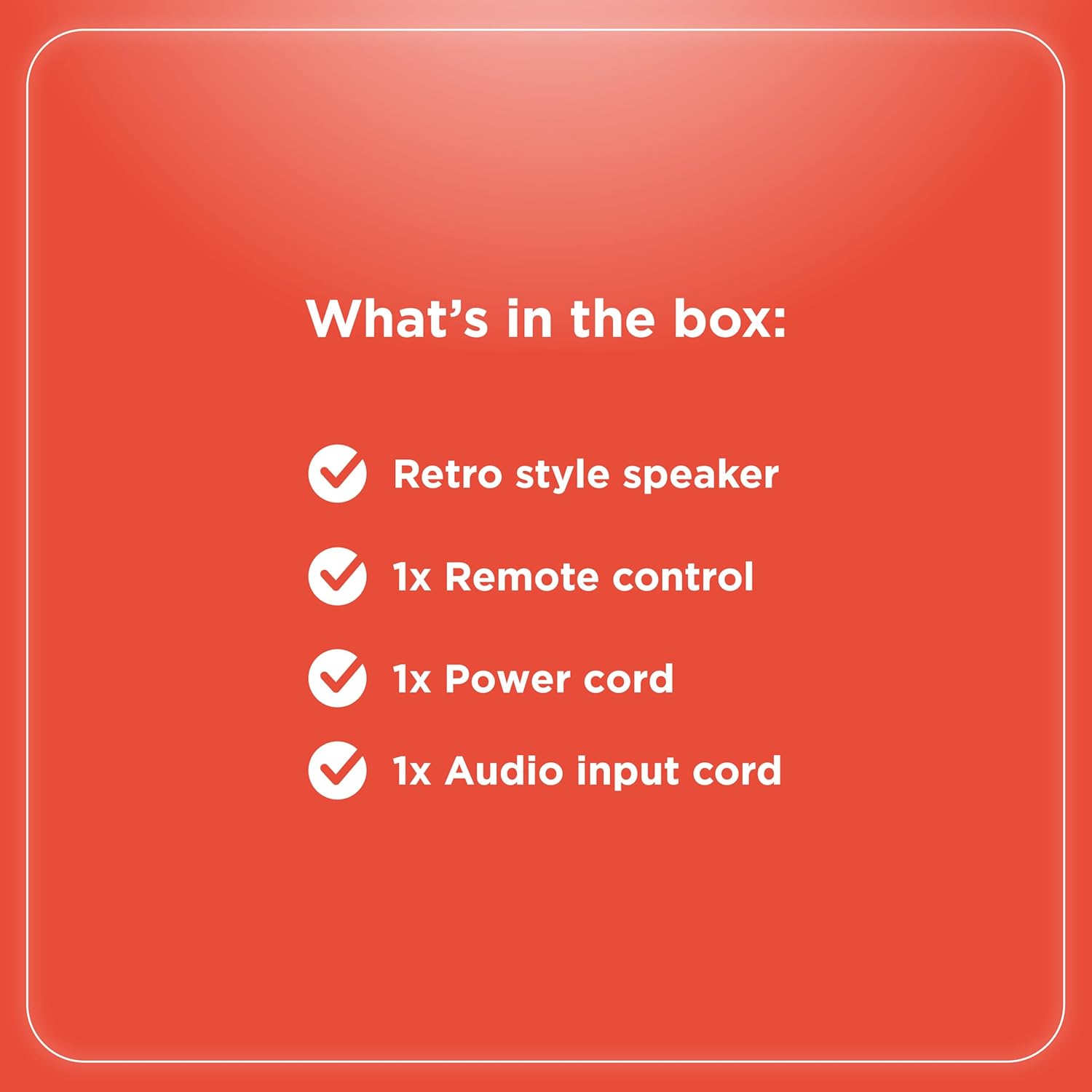
図3: 背面パネルの接続

図4: 接続オプション
操作手順
コントロールオーバーview
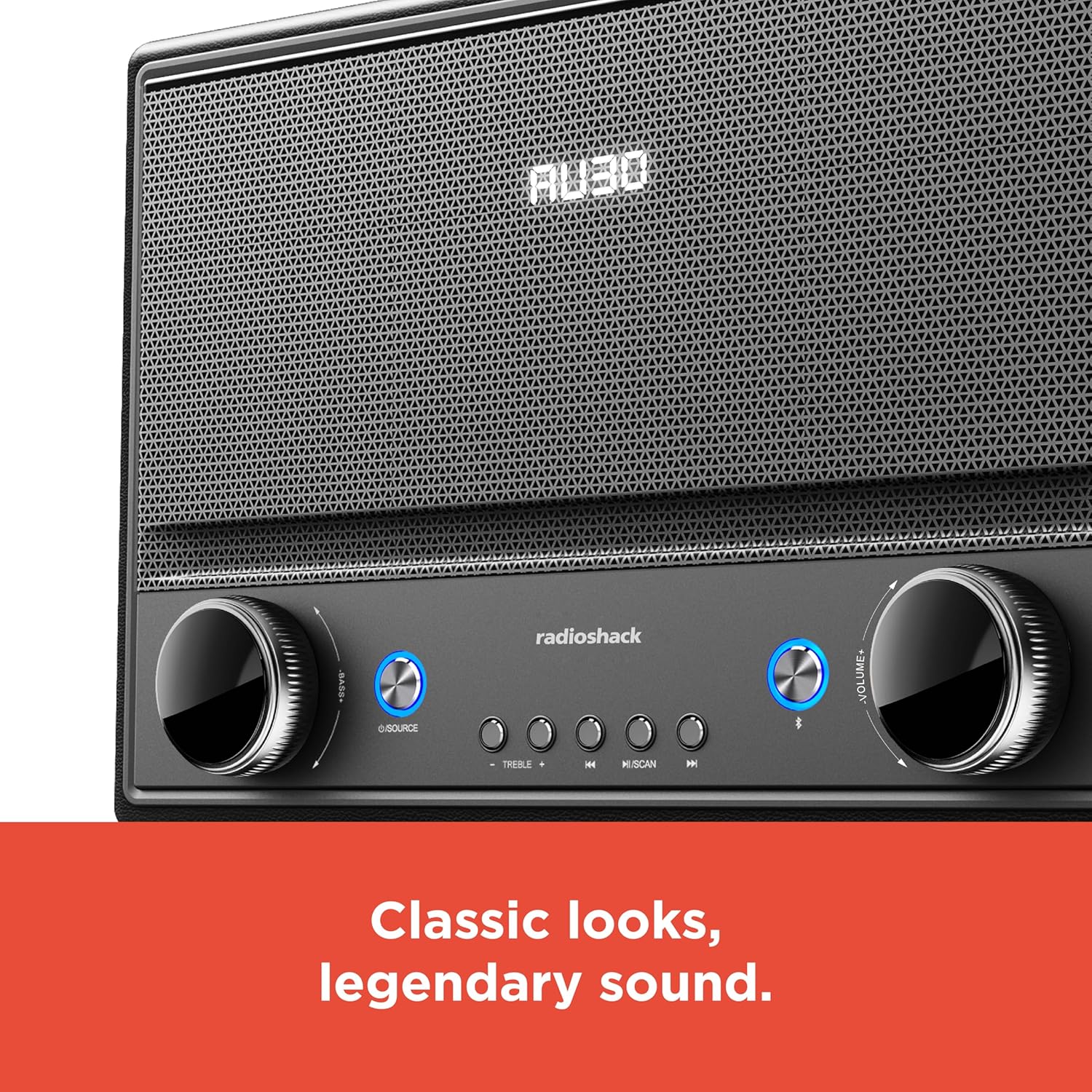
図5: フロントパネルのコントロール
- 電源オン/オフ: Press the Power button (usually located on the front panel or remote) to turn the speaker on or off.
- ソースの選択: Press the "SOURCE" button repeatedly to cycle through input modes: Bluetooth, FM Radio, USB, AUX, Optical, ARC.
- 音量調整: Rotate the "VOLUME" knob clockwise to increase volume and counter-clockwise to decrease it. Alternatively, use the volume buttons on the remote control.
- トーンコントロール: Use the "BASS" and "TREBLE" knobs to adjust the low and high frequencies of the audio output.
- Bluetoothのペアリング:
- Select Bluetooth mode using the "SOURCE" button. The speaker will enter pairing mode, indicated by a flashing LED.
- On your device (smartphone, tablet, etc.), enable Bluetooth and search for "RadioShack Speaker".
- リストからペアリングするスピーカーを選択します。接続に成功すると確認音が鳴ります。
- FMラジオの操作:
- FMラジオモードを選択します。
- 「SCAN」ボタンを押すと、利用可能な FM 局が自動的にスキャンされて保存されます。
- Use the "PREV" and "NEXT" buttons to navigate between saved stations or manually tune.
- USB再生:
- MP3オーディオが入ったUSBドライブを挿入します filesUSBポートに接続します。
- Select USB mode. Playback should begin automatically.
- Use the "PLAY/PAUSE", "PREV", and "NEXT" buttons to control playback.

図6: 直感的なコントロール
メンテナンス
- クリーニング: Use a soft, dry cloth to clean the speaker's exterior. Do not use liquid cleaners or abrasive materials, especially on the leather body and metal grill.
- ストレージ: 長期間使用しない場合は、スピーカーを直射日光や極端な温度を避け、涼しく乾燥した場所に保管してください。
- 湿気を避ける: Keep the speaker away from water and high humidity to prevent damage to internal components.
トラブルシューティング
| 問題 | 考えられる原因 | 解決 |
|---|---|---|
| 電源なし | 電源コードが接続されていません。コンセントがアクティブではありません。 | 電源コードがスピーカーと正常な電源コンセントの両方にしっかりと接続されていることを確認します。 |
| 音が出ない | Volume too low; incorrect source selected; device not connected properly. | Increase volume. Select the correct input source. Check all cable connections or Bluetooth pairing. |
| Bluetoothが接続されない | スピーカーがペアリングモードになっていません。デバイスが遠すぎます。干渉があります。 | Ensure speaker is in Bluetooth pairing mode. Move device closer to speaker. Disconnect other Bluetooth devices. |
| FM受信状態が悪い | アンテナが伸びていないため信号が弱いです。 | Fully extend the FM antenna. Try repositioning the speaker for better signal. |
仕様
- ブランド: ラジオシャック
- モデル番号: 4001974
- 出力: 240ワット
- 接続技術: Bluetooth, USB, AUX, FM Radio, Optical, ARC
- 製品寸法(長さ x 幅 x 高さ): 8.98インチ x 15.75インチ x 10.79インチ
- 電源: コード式電気
- チューナー技術: FM
- サポートされている無線バンド: 2バンド
- 材料: レザー、メタル
- 特集: レトロスタイル
保証
The manufacturer's warranty information is not provided in the product details. Please refer to your purchase receipt or contact the retailer for specific warranty terms.
サポート
For further assistance or inquiries, please visit the official RadioShack website or contact their customer support. Keep your model number (4001974) handy when seeking support.
Official RadioShack Store: AmazonのRadioShackストア
