
導入
This manual provides essential information for the setup, operation, and maintenance of your PowerA Enhanced Wireless Controller, featuring the unique Pikachu vs. Gengar design. This officially licensed controller is designed to enhance your gaming experience on Nintendo Switch, Nintendo Switch Lite, and Nintendo Switch (OLED Model) consoles.
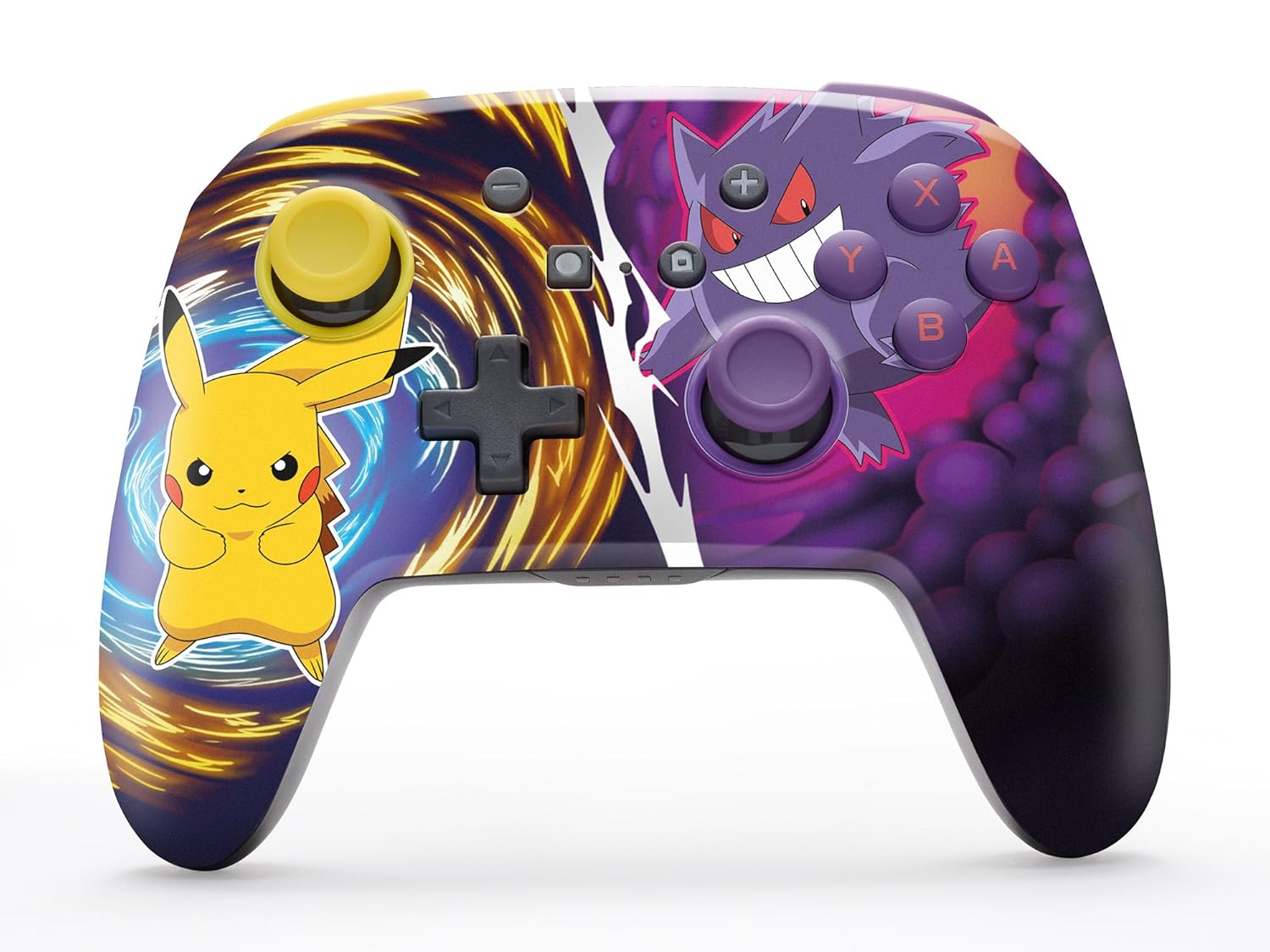
The PowerA Enhanced Wireless Controller with Pikachu vs. Gengar artwork.
主な特徴
- ワイヤレス接続: 安定した接続のために Bluetooth 5.0 テクノロジーを採用しています。
- 充電式バッテリー: 内蔵リチウムイオンバッテリーにより、1回の充電で最大 30 時間のゲームプレイが可能です。
- マッピング可能な高度なゲームボタン: Two programmable buttons on the back for custom control.
- 人間工学に基づいたデザイン: Superior ergonomics for extended comfortable gaming sessions.
- スムーズなサムスティックコントロール: Embedded anti-friction rings ensure precise and fluid movement.
- モーションコントロール: Supports intuitive motion controls for compatible games.

人間工学に基づいたデザインで快適なゲームプレイを実現します。
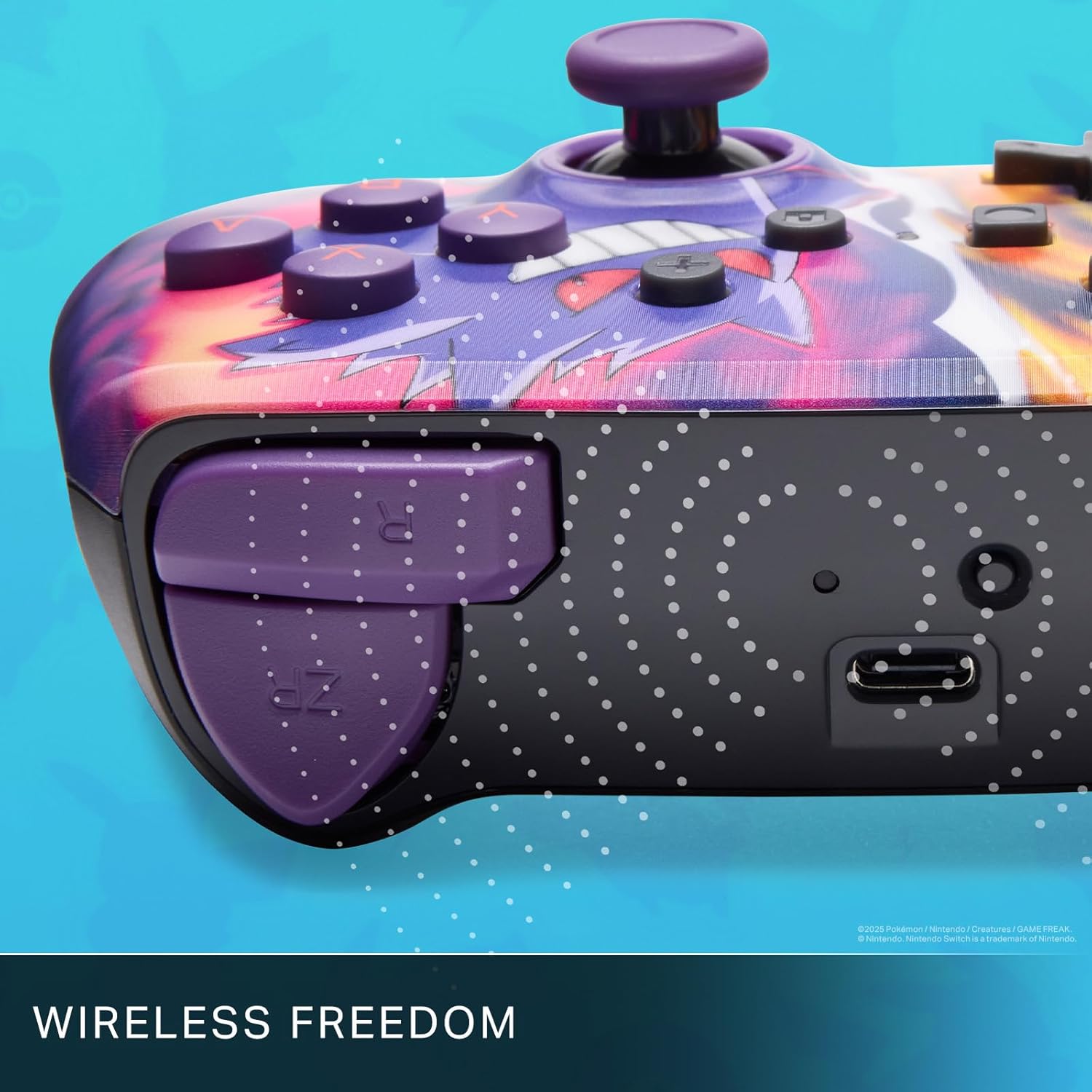
Enjoy wireless freedom with Bluetooth 5.0 technology.
セットアップとペアリング
- Nintendo Switch 本体の電源がオンになっており、最新のシステム ソフトウェアに更新されていることを確認してください。
- ホームメニューから、 コントローラー、 それから グリップ/順序の変更.
- を押し続けます SYNCボタン on the top edge of your PowerA Enhanced Wireless Controller for at least one second. The Player LED(s) will flash.
- Once paired, the Player LED(s) corresponding to the controller number will remain lit.
- を押す ボタン to confirm and exit the menu. Your controller is now ready for use.
コントローラーの充電
The controller features an internal 900mAh lithium-ion rechargeable battery, providing up to 30 hours of gameplay on a single charge. To charge your controller:
- Connect the included 10ft (3m) USB-C charge cable to the USB-C port on the top of the controller.
- Connect the other end of the USB-C cable to a USB power source (e.g., Nintendo Switch dock, USB wall adapter, or computer USB port).
- The LED indicator on the controller will show charging status. It will typically turn off or change color when fully charged.

Connect the USB-C cable to charge your controller.
高度なゲームボタン
Your PowerA Enhanced Wireless Controller includes two mappable Advanced Gaming Buttons (AGBs) on the back, allowing you to assign specific button functions for quick access during gameplay.
Programming AGBs:
- を押す プログラムボタン on the back of the controller. The Program LED will flash, indicating programming mode.
- Press the button you wish to map (A/B/X/Y/L/R/ZL/ZR/Left Stick Click/Right Stick Click/D-Pad). The Program LED will flash rapidly.
- Press the Advanced Gaming Button (AGB L or AGB R) you want to assign the function to. The Program LED will stop flashing, indicating the AGB is now programmed.
Resetting AGBs:
To reset all Advanced Gaming Buttons to their default (no function) state, press and hold the プログラムボタン for five seconds. The Program LED will flash slowly, then turn off, confirming the reset.
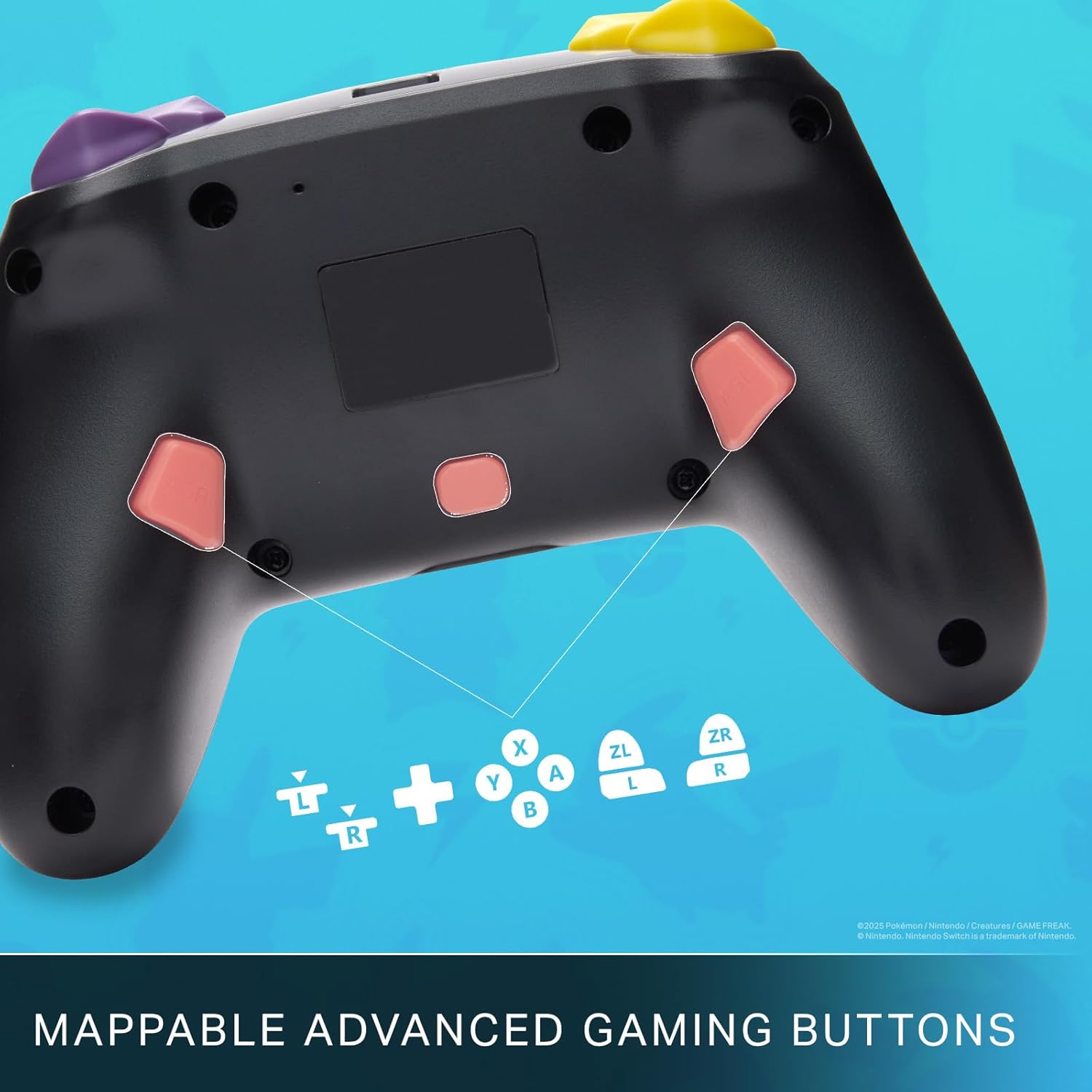
Mappable Advanced Gaming Buttons for personalized control.
互換性
This PowerA Enhanced Wireless Controller is compatible with the following Nintendo consoles:
- ニンテンドースイッチ
- ニンテンドースイッチライト
- Nintendo Switch (OLED Model)
- Nintendo Switch 2 (Note: C button not available)

The controller is compatible with Nintendo Switch 2, though the C button functionality is not available.
仕様
| 特徴 | 詳細 |
|---|---|
| 対応デバイス | ニンテンドースイッチ |
| コントローラータイプ | ゲームパッド |
| 接続技術 | ブルートゥース、USB |
| 追加機能 | 人間工学に基づいたワイヤレス |
| ボタンの数量 | 12 |
| ハードウェアプラットフォーム | ゲーム機 |
| 電源 | 電池駆動(充電式リチウムイオン) |
| 互換性のあるビデオゲームコンソールモデル | Nintendo Switch、Nintendo Switch Lite |
| アイテム重量 | 0.68 ポンド |
| アイテムの寸法 | 6.02 x 4.41 x 2.48インチ |
| 色 | Pikachu vs Gengar |
| モデル名 | Pikachu vs. Gengar |
| モデル番号 | NSGP0420-01R |
お手入れとメンテナンス
- Keep the controller dry. Avoid exposure to moisture or extreme temperatures.
- コントローラーは柔らかく乾いた布で拭いてください。刺激の強い化学薬品や研磨剤は使用しないでください。
- 損傷を防ぐために、使用していないときはコントローラーを安全な場所に保管してください。
トラブルシューティング
コントローラーが接続されていません:
- コントローラーが完全に充電されていることを確認してください。
- Verify the controller is within the Bluetooth range of your Nintendo Switch console.
- Attempt to re-pair the controller following the "Setup and Pairing" instructions.
反応しないボタン/ジョイスティック:
- ボタンやジョイスティックの周囲に物理的な障害物やゴミがないか確認してください。
- Perform a hard reset by holding the SYNC button for 10 seconds, then attempt to re-pair.
- Ensure the controller's firmware is up to date (check PowerA's official web最新情報についてはサイトをご覧ください。
保証とサポート
This PowerA Enhanced Wireless Controller comes with a XNUMX年間の限定保証. For detailed warranty information, product support, and troubleshooting assistance, please visit the official PowerA support webサイト: