
1. はじめに
This manual provides essential information for the setup, operation, and maintenance of your VIMTAG 8310 5G/2.4G 4MP Camera. Please read thoroughly before use to ensure proper functionality and safety.

Figure 1: VIMTAG 8310 5G/2.4G 4MP Camera
2. 箱の中身
パッケージにすべてのアイテムが揃っていることを確認します。
- Camera Body with power cable
- 取扱説明書
- 取り付けネジ
- 電源アダプター
3.製品オーバーview
The VIMTAG 8310 camera features a compact design suitable for both indoor and outdoor use. Key components include:
- レンズ: Captures 2.5K (4MP) video.
- Infrared & White Light: 夜間視力機能用。
- マイクロフォン: 双方向の音声通信用。
- スピーカー: 双方向の音声通信とアラート用。
- SDカードスロット: Supports Micro SD cards up to 512GB for local storage.
- リセットボタン: 工場出荷時の状態にリセットします。
- 電源ポート: Micro USB for continuous power supply.

Figure 2: Camera features overview
4. セットアップとインストール
4.1 アプリのダウンロードとアカウント登録
- Download the 'Canny Cam' app from your device's app store (iOS/Android).
- Register a new account using your email address and follow the on-screen instructions.
- 新しく作成したアカウントにログインします。

Figure 3: App download and registration process
4.2 Powering On and Device Connection
- Connect the camera to the power adapter using the provided USB cable and plug it into a power outlet.
- Open the 'Canny Cam' app and tap the '+' icon to add a new device.
- Follow the in-app instructions to connect the camera to your 5G/2.4G Wi-Fi network. This typically involves scanning a QR code displayed on your phone with the camera lens.
- 接続したら、カメラに名前を付けて特定の部屋に割り当てることができます。
Video 1: Why choose Vimtag Mini G3 Outdoor Security Camera? (Seller)
4.3カメラの取り付け
The camera comes with a versatile stand that allows for various mounting options:
- Tabletop/Free Standing: Place the camera on any flat surface. The stand has padded feet for stability.
- 壁/天井マウント: The base of the stand can be detached and screwed into a wall or ceiling using the provided mounting screws. The camera then easily attaches to the mounted base.

Figure 4: Easy setup and mounting options

Figure 5: Mounting the camera to a wall
5. カメラの操作
5.1 ライブ View および双方向オーディオ
Access the live video feed anytime, anywhere through the Canny Cam app. Use the built-in microphone and speaker for two-way communication.

図6: 双方向オーディオの動作
5.2 ナイトビジョンモード
The camera offers full-color night vision, enhanced by a built-in LED light, and traditional infrared night vision. Switch between modes via the app settings.

Figure 7: Comparison of Color and Infrared Night Vision
Video 2: How to set full-color night vision of Vimtag Mini G3 (Seller)
5.3 スマート検出とアラート
Configure motion, human, and sound detection settings within the app. Receive instant alerts on your mobile device when activity is detected.
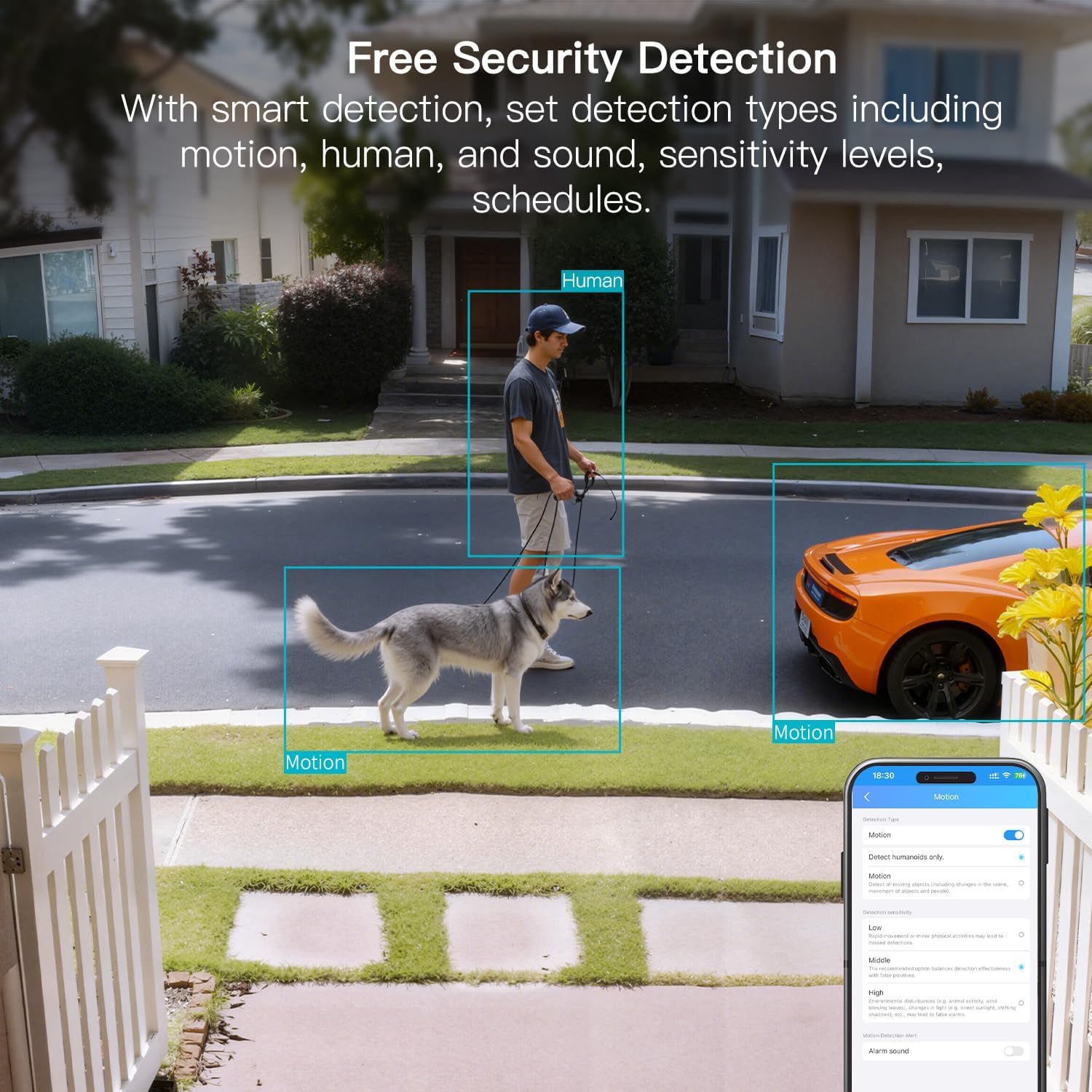
Figure 8: AI Detection capabilities

Figure 9: Smart alarm modes with sound and light
5.4 ストレージオプション
The camera supports continuous 24/7 recording to a Micro SD card (up to 512GB, sold separately) or secure Cloud storage (subscription required).

Figure 10: Local and Cloud storage options
6. 仕様
| 特徴 | 詳細 |
|---|---|
| モデル名 | 8310 |
| 屋内/屋外での使用 | 屋外(IP65耐候性) |
| ビデオキャプチャ解像度 | 2.5K(1440p) |
| 実効静止画解像度 | 4 MP |
| 接続技術 | Wi-Fi (2.4 & 5G Hz, Dual Band, Wi-Fi 6) |
| 特集 | 2-Way Audio, HD Resolution, Motion Sensor, Color Night Vision, AI Detection, Alexa Support |
| View角度 | 130度 |
| 暗視範囲 | 33フィート |
| 電源 | コード式電気(5ボルト、5ワット) |
| サポートされる最大フラッシュメモリ | 512 GB(マイクロSD) |
| 製品寸法 | 1.57 x 2.28 x 2.76インチ |
7. メンテナンス
- クリーニング: カメラのレンズと本体のお手入れには、柔らかく乾いた布をご使用ください。刺激の強い化学薬品は使用しないでください。
- ファームウェアの更新: Regularly check the Canny Cam app for firmware updates to ensure optimal performance and security.
- SDカード管理: If using a Micro SD card, periodically check its status and format it via the app to maintain recording quality.
8。 トラブルシューティング
- 接続の問題: Ensure the camera is within range of your Wi-Fi router. Verify Wi-Fi password and network stability. The camera supports both 2.4GHz and 5GHz bands.
- 録音の問題: Check if the Micro SD card is inserted correctly and has sufficient space. If using Cloud storage, verify your subscription status.
- アラートなし: Confirm motion/human/sound detection is enabled in the app settings and notification permissions are granted for the Canny Cam app on your phone.
- 画質が悪い: Ensure the lens is clean. Check network stability for optimal streaming resolution.
- デバイスのリセット: If issues persist, use the reset button on the camera to restore factory settings. You will need to reconfigure the device after a reset.
9. 保証とサポート
ヴィムTAG offers a 2-year warranty and lifetime technical support for this product. For assistance, please contact VIMTAG 顧客サポート:
- メールアドレス: Customer@vimtag.com
- アプリ内サポート: Access the 'Message Center' within the Canny Cam app for direct support.
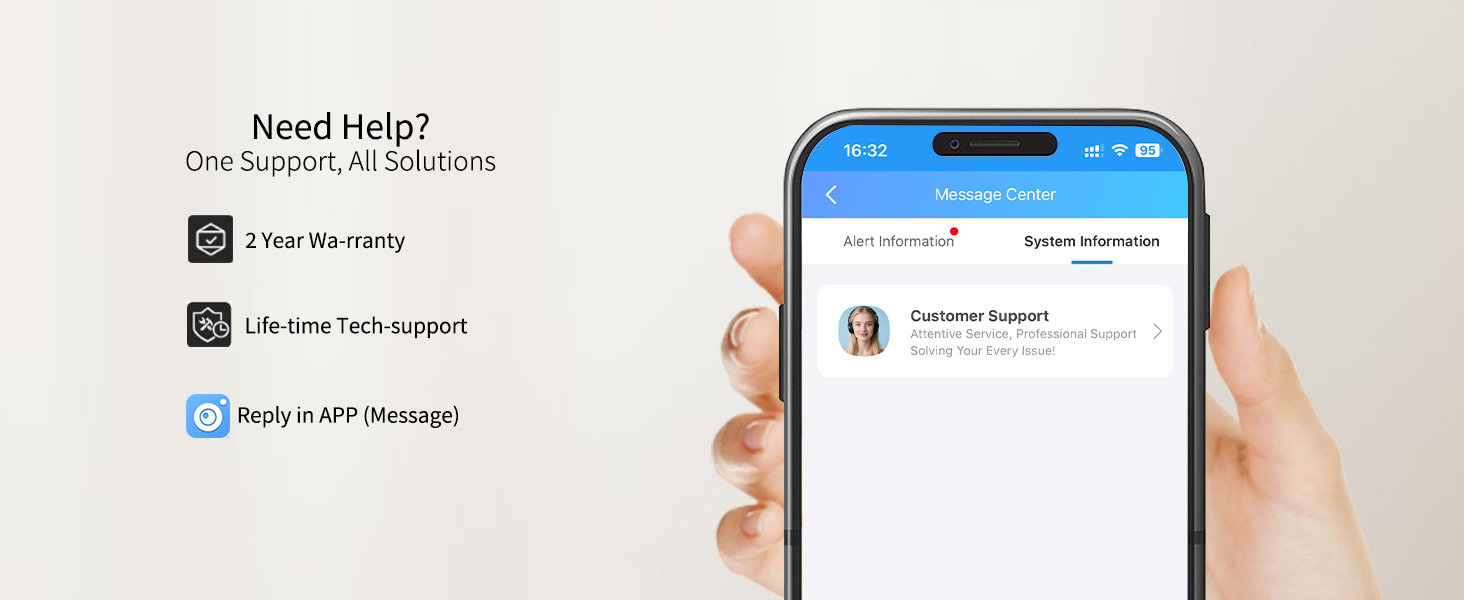
Figure 11: VIMTAG カスタマーサポート