
1.製品オーバーview
The Cillso H97 Wireless Earbuds are designed to provide a high-quality audio experience with advanced features. This manual will guide you through the setup, operation, and maintenance of your earbuds.

Image: Cillso H97 Wireless Earbuds and their charging case, showcasin洗練されたデザイン。
2. パッケージ内容
- Cillso H97 Wireless Earbuds (Left and Right)
- 充電ケース
- USB-C充電ケーブル
- ユーザーマニュアル
3. セットアップ
3.1 初期充電
Before first use, fully charge the earbuds and the charging case. The charging case features a dual LED battery display, showing the battery percentage of each earbud in real-time. The charging case fully charges in approximately 1.5 hours.
- Connect the provided USB-C charging cable to the charging port on the case and to a standard charger (5V/1A or 5V/2A).
- LED ディスプレイに充電の進行状況が表示されます。
- For optimal performance, ensure the earbuds are fully charged before their first use, which provides up to 4 hours of call time.

Image: The Cillso H97 charging case with its dual LED display indicating battery levels for both earbuds and the case itself.
3.2 デバイスとのペアリング
The H97 earbuds utilize an advanced Bluetooth 5.4 chip for stable and efficient connections.
- イヤホンが充電されていることを確認します。
- 充電ケースを開けると、イヤホンの電源が自動的にオンになり、ペアリングモードになります。
- デバイス(スマートフォン、タブレット、ラップトップ)で Bluetooth を有効にします。
- 検索する available Bluetooth devices and select "H97" from the list.
- Once connected, the earbuds will automatically pair with your device whenever the case is opened, provided Bluetooth is enabled on your device. The connection range is up to 15 meters.
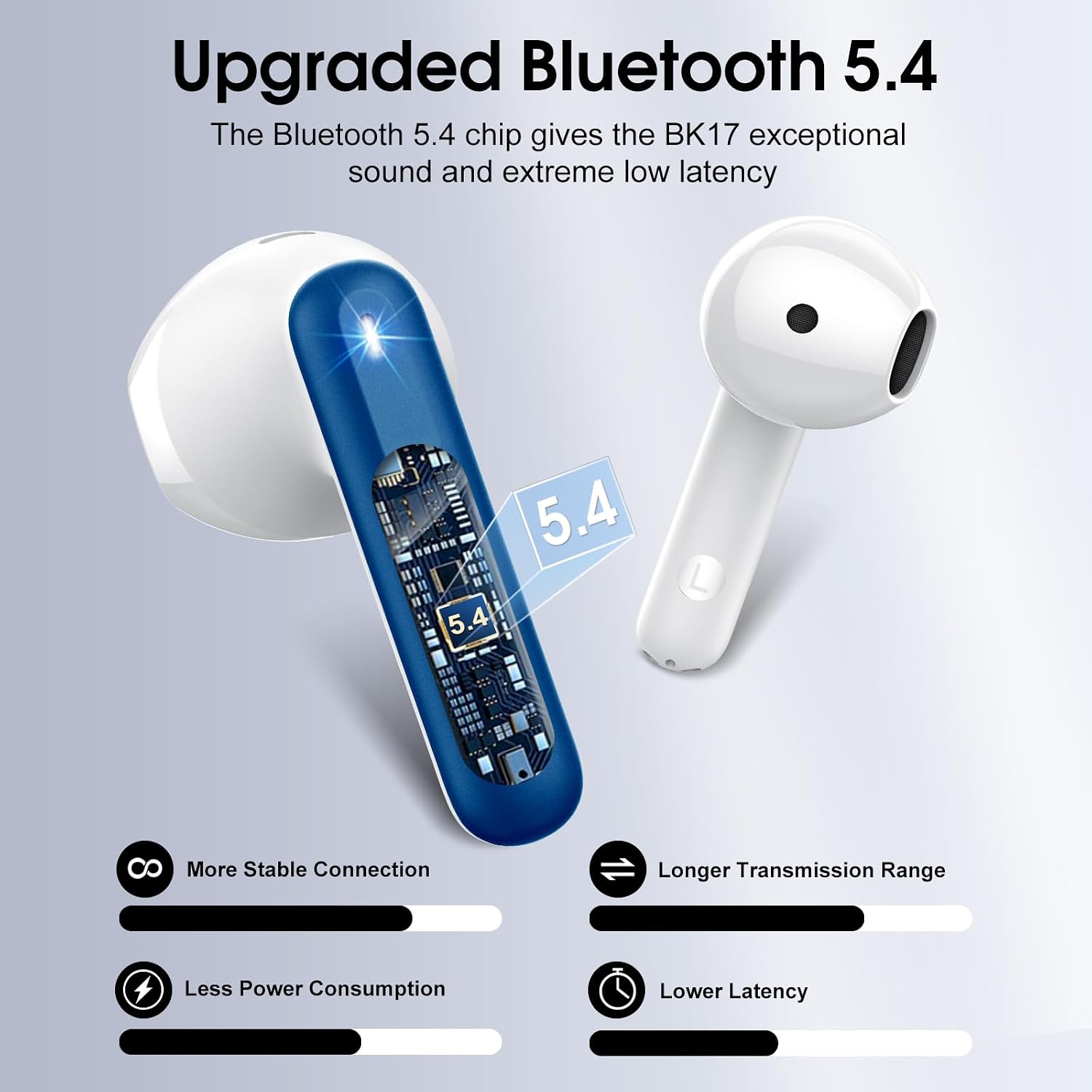
Image: A visual representation of the upgraded Bluetooth 5.4 chip, highlighting benefits such as stable connection, longer range, lower power consumption, and reduced latency.
4. 操作手順
4.1 スマートタッチコントロール
The H97 earbuds feature high-precision touch sensors for easy control of various functions.
- 再生/一時停止: 左または右のイヤホンをダブルタップします。
- 通話の応答/終了: One tap the left or right earbud.
- 次の曲: 右のイヤホンを 2 秒間長押しします。
- 前の曲: 左のイヤホンを2秒間長押しします。
- 音声アシスタントを有効にする: (Specific gesture not provided, typically a triple tap or long press on one earbud. Refer to the image for visual cues if available.)
- 音量コントロール: (Specific gesture not provided. Refer to the image for visual cues if available.)

Image: A diagram illustrating the touch control functions on the earbuds, including gestures for play/pause, answering calls, and skipping tracks.
4.2 音質と通話
The earbuds feature 14.2mm diaphragm drivers and AAC/SBC audio encoding for immersive sound. Equipped with 4 ENC (Environmental Noise Cancelling) microphones, they effectively filter out 85% of background noise for clear calls.

画像: 爆発した view diagram of the earbud's internal structure, highlighting the 13mm diameter speaker and components responsible for Hi-Fi stereo sound.

画像: 透明な view of an earbud showing the placement of four microphones designed for crystal-clear calls and effective background noise suppression.
5. メンテナンス
5.1 耐水性
The H97 earbuds feature IP7 nano-coating technology, making them resistant to daily splashes, sweat, and rain. This protection allows for use during workouts or in light rain conditions.

Image: A woman with water splashing on her face while wearing an earbud, demonstrating the IPX7 waterproof capability against water, sweat, and rain.
5.2 充電のベストプラクティス
Always use a standard 5V/1A or 5V/2A charger for the charging case. Using incompatible chargers may damage the device or affect charging efficiency.
5.3 クリーニング
To maintain optimal sound quality and hygiene, regularly clean your earbuds. Use a soft, dry, lint-free cloth to wipe the earbuds and charging case. Avoid using abrasive materials or harsh chemicals.
6。 トラブルシューティング
6.1 接続の問題
- イヤホンがペアリングされない: Ensure both earbuds are in the charging case, then open the lid. Check that Bluetooth is enabled on your device. If issues persist, try forgetting the device in your phone's Bluetooth settings and re-pairing.
- 断続的な接続: Ensure you are within the 15-meter Bluetooth range. Avoid physical obstructions between the earbuds and your device.
6.2 充電の問題
- ケースが充電されない: Verify the USB-C cable is securely connected to both the case and the power adapter. Ensure the power adapter is a standard 5V/1A or 5V/2A model and is functioning correctly.
- イヤホンが充電されない場合: Ensure the earbuds are properly seated in the charging slots. Clean the charging contacts on both the earbuds and the case with a dry cotton swab to remove any debris.
6.3 音質の問題
- 音量が小さい、または音が歪んでいる: Check the volume levels on both your device and the earbuds. Ensure the earbuds are clean and free from earwax buildup.
- Lack of noise cancellation: Ensure the earbuds are properly seated in your ears to create a good seal. Refer to the earbud fit diagram for optimal placement.

Image: A diagram illustrating the recommended angles (90-degree and 60-degree) for proper earbud placement within the ear canal to ensure a secure fit and optimal sound.
6.4 イヤホンのフィット感
The H97 earbuds feature a semi-in-ear ergonomic design. If you experience discomfort or if the earbuds feel loose, try adjusting their position in your ear. Proper fit is crucial for both comfort and sound performance.
7. 仕様
| ブランド | シルソ |
| モデル番号 | H97 |
| Bluetoothバージョン | 5.4 |
| Bluetooth範囲 | 15メートル |
| イヤホンの再生時間 | 最大8時間(1回の充電) |
| 合計プレイ時間(ケース付き) | 最大40時間 |
| 充電時間(ケース) | 1.5時間 |
| 耐水性 | IP7 |
| オーディオドライバーのサイズ | 14.2ミリメートル |
| 騒音制御 | 環境ノイズキャンセル(ENC) |
| コントロールタイプ | タッチコントロール |
| イヤフォンの重量 | 3.5グラム(各) |
| 充電ケース重量 | 32グラム |
| 対応デバイス | iOS 9.0以降/Android 5.0以降、Bluetooth 4.0以降 |
8. 製品ビデオ
Video: An official product video from Harson-US providing an overview of the Cillso H97 Wireless Earbuds, demonstrating key features and design.
9. 保証とサポート
9.1 保証情報
Your Cillso H97 Wireless Earbuds are covered by a 30-day refund/replacement policy from the date of purchase. Please retain your proof of purchase for warranty claims.
9.2 カスタマーサポート
For any questions, technical assistance, or warranty claims, please contact Cillso customer service. You can find more information and contact details on the official Cillso store page: Cillso Store.