
製品終了view
The Xtreme LED Bluetooth Speaker is a portable audio device designed to deliver clear sound and dynamic LED light shows. It features multiple connectivity options and a rechargeable battery for extended use.

Image: The Xtreme LED Bluetooth Speaker shown alongside its retail packaging, highlighting its design and branding.
主な特徴:
- 臨場感あふれるオーディオ: Delivers rich, full-range sound with clear highs and deep bass.
- ダイナミック LED ライトショー: Multiple light modes that sync with music, creating a visual atmosphere.
- 拡張された Bluetooth 範囲: Connects wirelessly up to 33 feet (10 meters) from your device.
- 多彩な接続性: Supports Bluetooth, Aux-in, USB, and Micro-SD card playback.
- ポータブルデザイン: Lightweight with a convenient carrying loop and rechargeable USB-C battery.
箱の中身
- Xtreme LED Bluetooth Speaker
- USB-C充電ケーブル
- 取扱説明書
コントロールとポート

画像: 詳細な view of the speaker's front panel, illustrating the control buttons and highlighting features like multi-color LEDs, loud audio, quality sound, and the portable carrying loop.
- 電源ボタン: 長押しするとスピーカーのオン/オフが切り替わります。
- 音量を上げる / 次のトラック: 短く押すと音量が上がり、長く押すと次のトラックに進みます。
- 音量を下げる / 前のトラック: 短く押すと音量が下がり、長く押すと前のトラックに戻ります。
- Play/Pause / Bluetooth Pairing: Short press to play/pause, long press to enter Bluetooth pairing mode.
- ライトモードボタン: Press to cycle through different LED light show modes.
- モードボタン(M): Press to switch between Bluetooth, Aux, USB, and Micro-SD card modes.
- 充電ポート(USB-C): 充電ケーブルを接続します。
- 補助入力ポート: 有線オーディオ接続用。
- USBポート: USB ドライブからオーディオを再生します。
- Micro-SD カードスロット: For playing audio from a Micro-SD card.
設定
1.スピーカーの充電
初めてご使用になる前に、スピーカーを完全に充電してください。付属のUSB-C充電ケーブルをスピーカーの充電ポートに接続し、もう一方の端をUSB電源アダプター(別売)またはパソコンのUSBポートに接続します。LEDインジケーターが充電状態を示し、完全に充電されると消灯します。
2.電源のオン/オフ
を押し続けます 電源ボタン for approximately 3 seconds to turn the speaker ON or OFF. A sound prompt will indicate the power status.
操作手順
Bluetoothモード
- スピーカーの電源を入れます。自動的にBluetoothペアリングモードになり、LEDライトが点滅します。
- デバイス(スマートフォン、タブレットなど)で Bluetooth を有効にし、利用可能なデバイスを検索します。
- Select "Xtreme Speaker" from the list of devices.
- Once paired, the LED indicator will stop flashing, and a confirmation sound will play.
- これで、デバイスからのオーディオをスピーカーから再生できるようになりました。
- To disconnect or pair with a new device, long press the Play/Pause / Bluetooth Pairing Button.
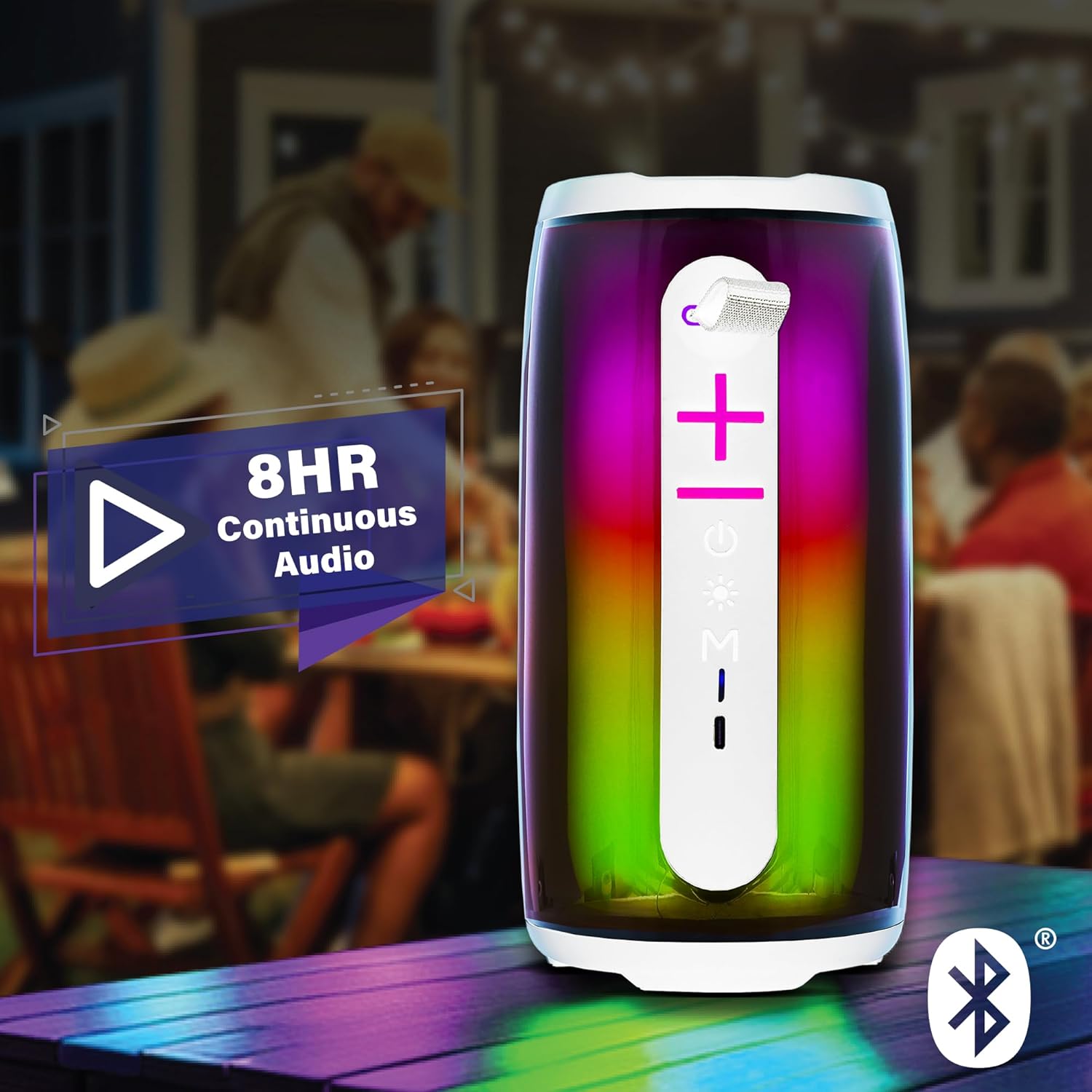
Image: The Xtreme LED Bluetooth Speaker providing music at an outdoor social event, demonstrating its portability and highlighting its 8-hour continuous audio playback capability.
補助モード
- Connect one end of a 3.5mm audio cable (not included) to the speaker's Aux-in port.
- もう一方の端をデバイスのオーディオ出力に接続します。
- を押す モードボタン(M) を押してAux-inモードに切り替えます。
- オーディオは有線接続を通じて再生されるようになりました。
USB and Micro-SD Card Playback
- Insert a USB drive into the USB port or a Micro-SD card into the Micro-SD card slot.
- を押す モードボタン(M) to switch to USB or Micro-SD card mode. The speaker will automatically detect and play audio files.
オーディオ再生の制御
- 再生/一時停止: を短く押す 再生/一時停止ボタン.
- ボリュームアップ: を短く押す 音量を上げる(+)ボタン.
- ボリュームダウン: を短く押す 音量ダウン(-)ボタン.
- 次のトラック: 長押し 音量を上げる(+)ボタン.
- 前のトラック: 長押し 音量ダウン(-)ボタン.
LED Light Show Modes
を押す ライトモードボタン to cycle through various LED light show patterns. The lights will pulse and change color, syncing with the music.
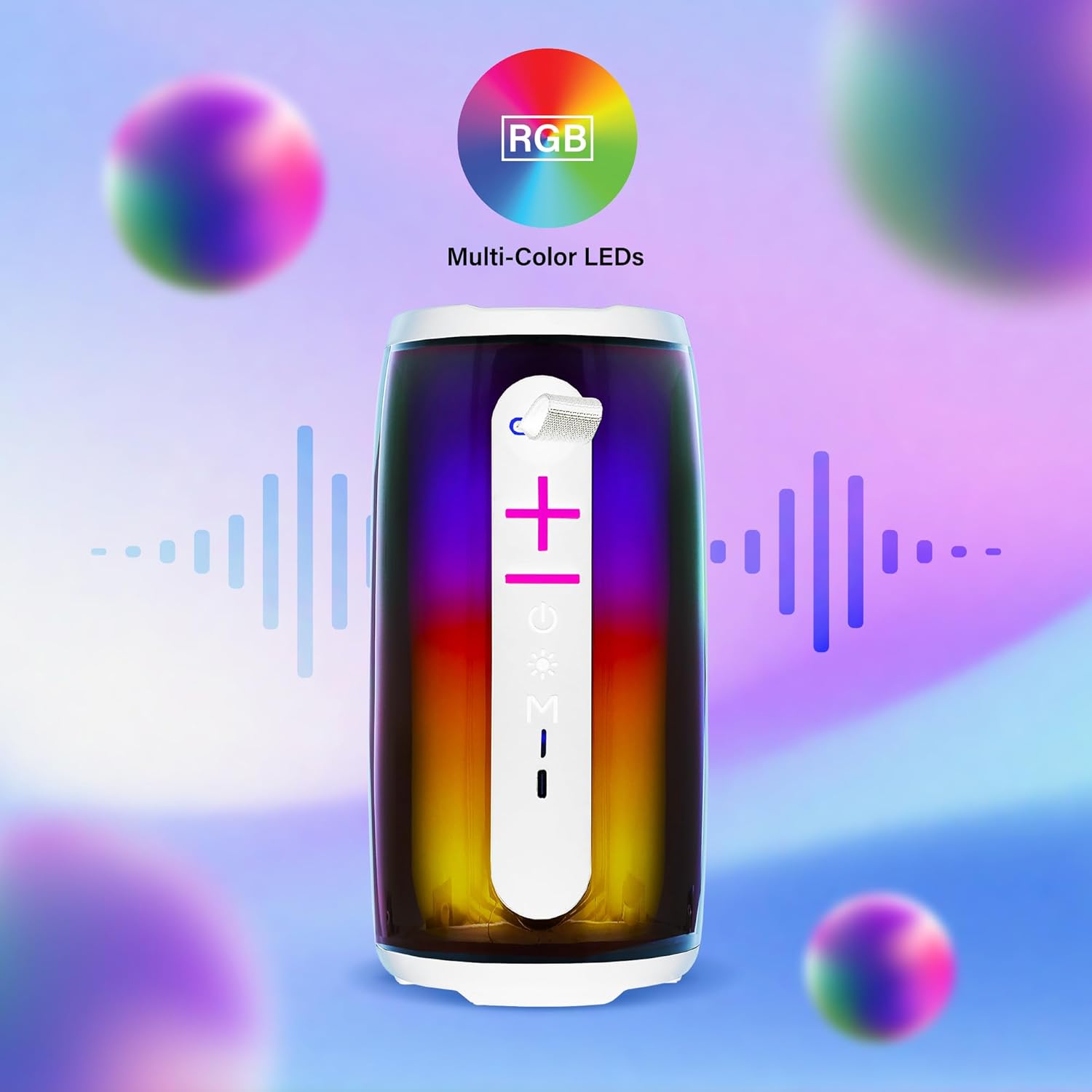
Image: The Xtreme LED Bluetooth Speaker showcasing its vibrant RGB multi-color LED lights, with visual representations of sound waves indicating its audio synchronization feature.
メンテナンス
- クリーニング: スピーカーの外装を清掃する際は、柔らかく乾いた布をご使用ください。研磨剤入りの洗剤や溶剤は使用しないでください。
- ストレージ: スピーカーは直射日光や極端な温度を避け、涼しく乾燥した場所に保管してください。
- バッテリーのケア: バッテリー寿命を延ばすには、頻繁に使用しない場合でも定期的にスピーカーを充電してください。長期間バッテリーを完全に使い切らないようにしてください。
- 水への露出: このスピーカーは防水ではありません。水や過度の湿気にさらさないでください。
トラブルシューティング
| 問題 | 解決 |
|---|---|
| スピーカーがオンにならない。 | スピーカーが充電されていることを確認してください。USB-Cケーブルを使って電源に接続してください。 |
| Bluetooth経由でペアリングできません。 |
|
| 音が出ません。 |
|
| LEDライトが動作しません。 | Press the Light Mode Button to cycle through the light show modes. Ensure the speaker is powered on. |
仕様
- モデル: XBS9-1078
- ブランド: エクストリームデジタルライフスタイルアクセサリー
- 接続性: Bluetooth, Aux-in, USB, Micro-SD
- Bluetooth範囲: 最大33フィート(10メートル)
- スピーカー出力: 10 Watts (based on product image)
- バッテリー: 充電式USB-C
- バッテリー寿命: Up to 8 hours (continuous audio, varies with usage)
- 寸法: 7インチ(高さ)×3インチ(幅)×3インチ(奥行き)
- 重さ: 約0.9ポンド(14.4オンス)
- 色: 白
保証とサポート
For warranty information or technical support, please refer to the contact details provided on the product packaging or visit the official XTREME DIGITAL LIFESTYLE ACCESSORIES webサイトでご確認ください。保証請求の際は購入証明として領収書を保管してください。
メーカー: エクストリームデジタルライフスタイルアクセサリー
国際コード: 805106238797