
1. はじめに
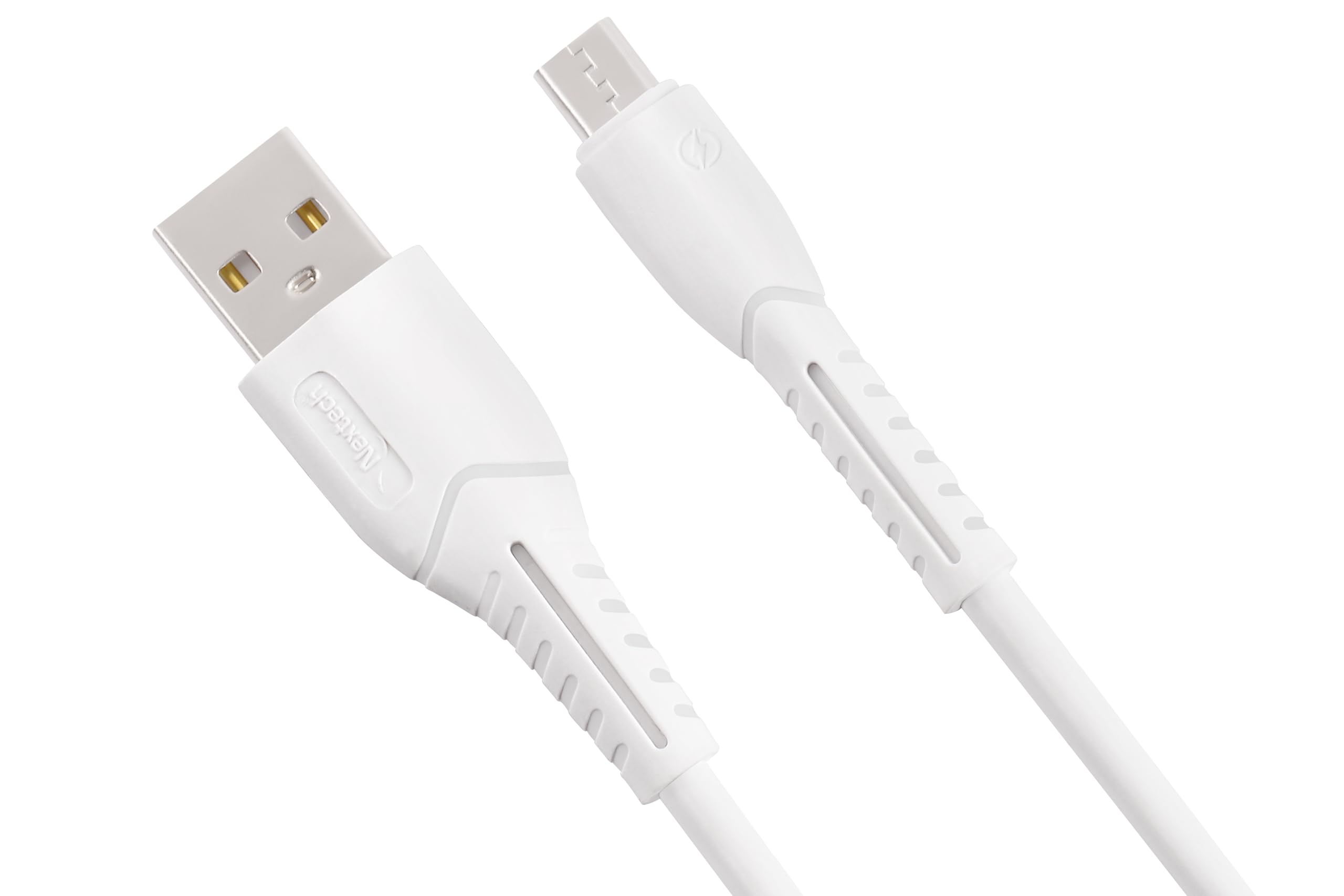
Thank you for choosing the Nextech Fast Sync & Charge Micro USB Cable. This cable is designed for efficient charging and high-speed data transfer for a wide range of Micro USB-compatible devices. Its robust construction ensures durability and reliable performance.
主な特徴:
- 急速充電: Supports up to 2.4A for quick power delivery.
- 高速データ同期: Achieves data transfer speeds of up to 480 Mbps.
- ユニバーサル互換性: Works with Android smartphones, tablets, power banks, and other Micro USB devices.
- 耐久性に優れたデザイン: Reinforced and flexible construction for enhanced longevity.
- 安全機能: Built-in overcharge and heat protection.

Image: Illustration demonstrating fast charging capabilities of the cable, showing a smartphone charging at 15W with 3A high-speed charging.
2. セットアップ
Setting up your Nextech Micro USB Cable is straightforward. Follow these steps to begin charging or transferring data:
- コネクタを識別します。 The cable has two distinct ends: a standard USB Type-A connector and a Micro USB connector.
- デバイスに接続します: Insert the Micro USB connector into the Micro USB port of your smartphone, tablet, or other compatible device. Ensure it is fully inserted.
- Connect to Power/Data Source: Insert the USB Type-A connector into a compatible USB port on a wall charger, power bank, laptop, or desktop computer.
- 接続を確認します: 充電の場合は、デバイスに電源が供給されていることを示すメッセージが表示されます。データ転送の場合は、コンピューターが接続されたデバイスを認識する必要があります。
3. 操作手順
デバイスの充電:
- Connect the Micro USB end to your device and the USB-A end to a compatible USB wall adapter or power bank.
- Ensure the power source provides sufficient output (e.g., 5V/2.4A) for fast charging.
- The device's battery indicator will show charging status.
データ転送:
- Connect the Micro USB end to your device and the USB-A end to a USB port on your computer.
- Your computer should detect the connected device. You may need to select a 'File Transfer' or 'MTP' mode on your device if prompted.
- You can now access your device's storage to transfer files.

Image: Image depicting data synchronization and charging, highlighting a data transfer speed of 480 Mbps between a smartphone and a laptop.
4. メンテナンス
Proper care and maintenance will extend the life of your Nextech Micro USB Cable:
- ストレージ: ケーブルは直射日光や極端な温度を避け、涼しく乾燥した場所に保管してください。
- クリーニング: ケーブルとコネクタは、柔らかく乾いた布で優しく拭いてください。液体や研磨剤入りの洗剤の使用は避けてください。
- 取り扱い: Avoid sharp bends, kinks, or excessive pulling on the cable, especially near the connectors, to prevent internal damage. Always grasp the connector head when plugging or unplugging, not the cable itself.
- 検査: Periodically check the cable for any signs of wear, fraying, or damage. Discontinue use if damage is observed.
5。 トラブルシューティング
If you encounter issues with your Nextech Micro USB Cable, refer to the following common solutions:
| 問題 | 考えられる原因 | 解決 |
|---|---|---|
| デバイスが充電されない | Loose connection, faulty power source, damaged cable, dirty device port. | Ensure connectors are fully inserted. Try a different wall adapter or USB port. Inspect cable for damage. Clean device's Micro USB port carefully. |
| 充電が遅い | Low-power charger, background apps, cable damage. | Use a charger with appropriate output (e.g., 2.4A). Close unnecessary apps on your device. Check cable for damage. |
| データ転送なし | Loose connection, incorrect device settings, faulty computer USB port, damaged cable. | Ensure connections are secure. On your device, select 'File Transfer' or 'MTP' mode. Try a different USB port on your computer. Inspect cable for damage. |
| ケーブルが損傷しているようです | Physical stress, wear and tear. | 潜在的な危険を防ぐため、直ちに使用を中止してください。ケーブルを交換してください。 |
6. 仕様
Detailed specifications for the Nextech Fast Sync & Charge Micro USB Cable (Model NC61):
- ブランド: ネクステック
- モデル名: マイクロUSBケーブル
- モデル番号: NC61
- コネクタタイプ: Micro USB (Male), USB Type-A (Male)
- ケーブルタイプ: USB
- 対応デバイス: Smartphones, Tablets, Laptops, Power Banks, Charging Adapters, Headphones
- 特別な機能: Data Transfer, Fast Charging, High Speed
- データ転送速度: 毎秒 480 メガバイト
- 最大電流: 3 Amps
- ワットtage: 15ワット
- ケーブル長さ: 1メートル
- 色: 白
- 商品の重量: 30グラム
- 原産国: インド

Image: Diagram illustrating the universal compatibility of the Micro USB cable with various devices including smartphones, laptops, power banks, and chargers.
7. 保証とサポート
For warranty information, technical support, or any inquiries regarding your Nextech Micro USB Cable, please contact the manufacturer directly:
- メーカー: Amson Interconnect Pvt Ltd
- 連絡先番号: +91-9953694939
- メールアドレス: Social@amson.in
保証請求のために購入証明書を保管してください。