
1. はじめに
This manual provides comprehensive instructions for the installation, operation, and maintenance of your Lloyd's LC-1388 4MP Indoor/Outdoor IP Camera Set. This intelligent security camera system offers remote monitoring and full control via your smartphone, featuring 180° horizontal movement, an integrated LED light, and a 4MP resolution for clear video and images. Designed for both indoor and outdoor use with an IP65 rating, it includes advanced detection capabilities, color night vision, two-way communication, and an integrated siren. Please read this manual thoroughly before use to ensure proper functionality and safety.
2. パッケージ内容
Verify that all items listed below are present and in good condition upon opening the package.
- 2 x Lloyd's LC-1388 4MP IP Cameras
- 2 x USBケーブル
- 2 x AC/DC Adapters
- 2 x取り付けブラケット
- ネジと壁プラグ(取り付け用)
- ユーザーガイド(このドキュメント)
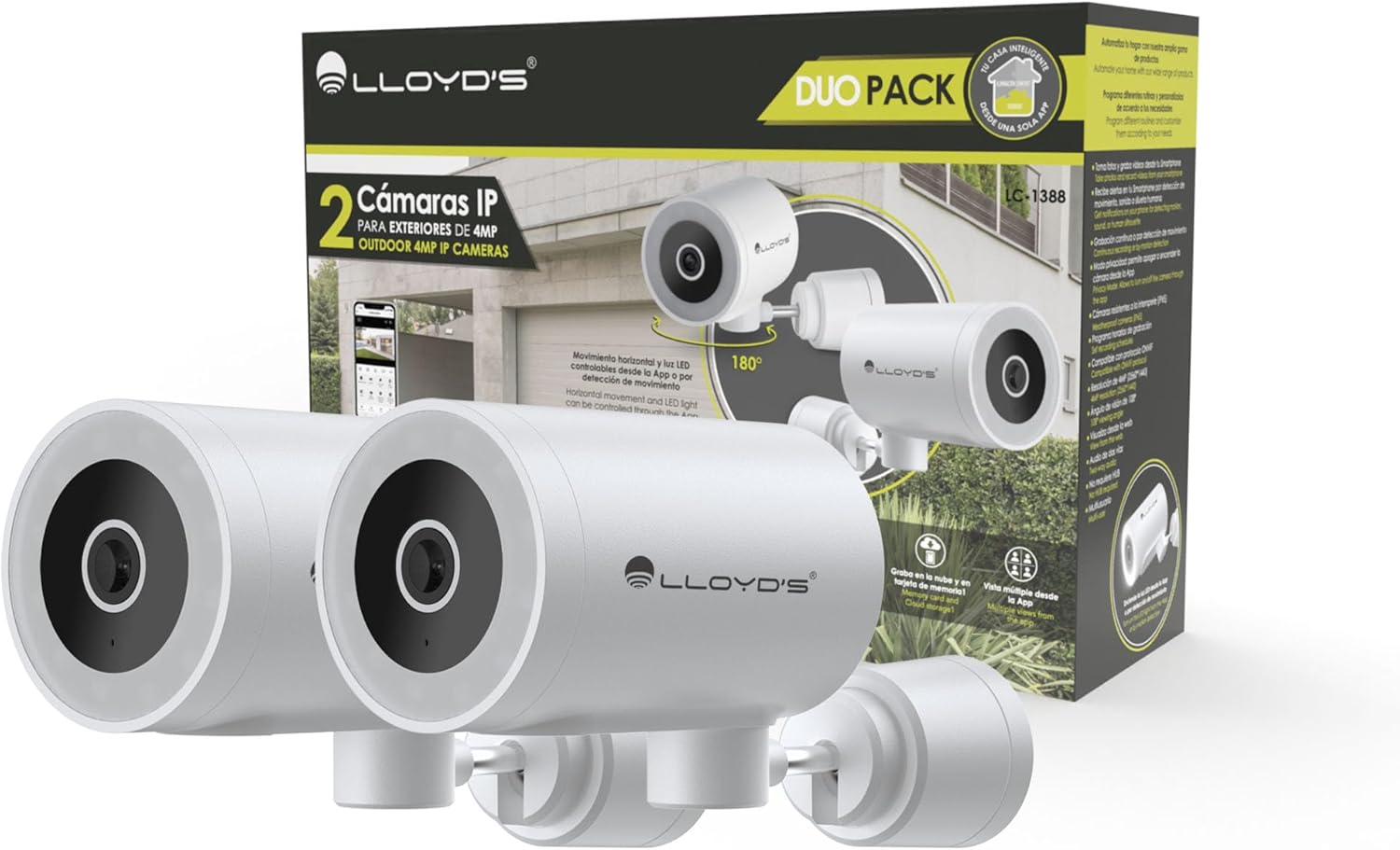
Image: The Lloyd's LC-1388 IP Camera Set, showing the product packaging and the two included cameras.
3. 安全情報
- 電源のボリュームを確認してくださいtage matches the camera's requirements (5V DC).
- カメラを極端な温度、湿度、または直射日光に長時間さらさないでください。
- カメラを強力な電磁場の近くに置かないでください。
- For outdoor installation, ensure all connections are properly sealed to maintain the IP65 weather resistance.
- お子様の手の届かない場所に保管してください。
- カメラをご自身で分解したり修理したりしないでください。資格のあるサービス担当者にご相談ください。
4. セットアップ
4.1 インストール
The Lloyd's LC-1388 camera is designed for wall mounting and can be used both indoors and outdoors (IP65 rated).
- 場所を選択: 希望するサービスを提供する場所を選択してください viewing angle and is within range of your 2.4 GHz Wi-Fi network. For outdoor use, ensure the location offers adequate protection from direct impact and extreme weather conditions.
- 取り付け:
- Use the included mounting bracket as a template to mark drill holes on the wall.
- 穴を開けて壁プラグを挿入します。
- 付属のネジを使用して取り付けブラケットを壁に固定します。
- Attach the camera to the mounting bracket. Adjust the camera angle as needed.
- 電源接続: Connect the USB cable to the camera and the AC/DC adapter, then plug the adapter into a power outlet. The camera will power on.

画像: サイド view of the camera, showing its compact design.
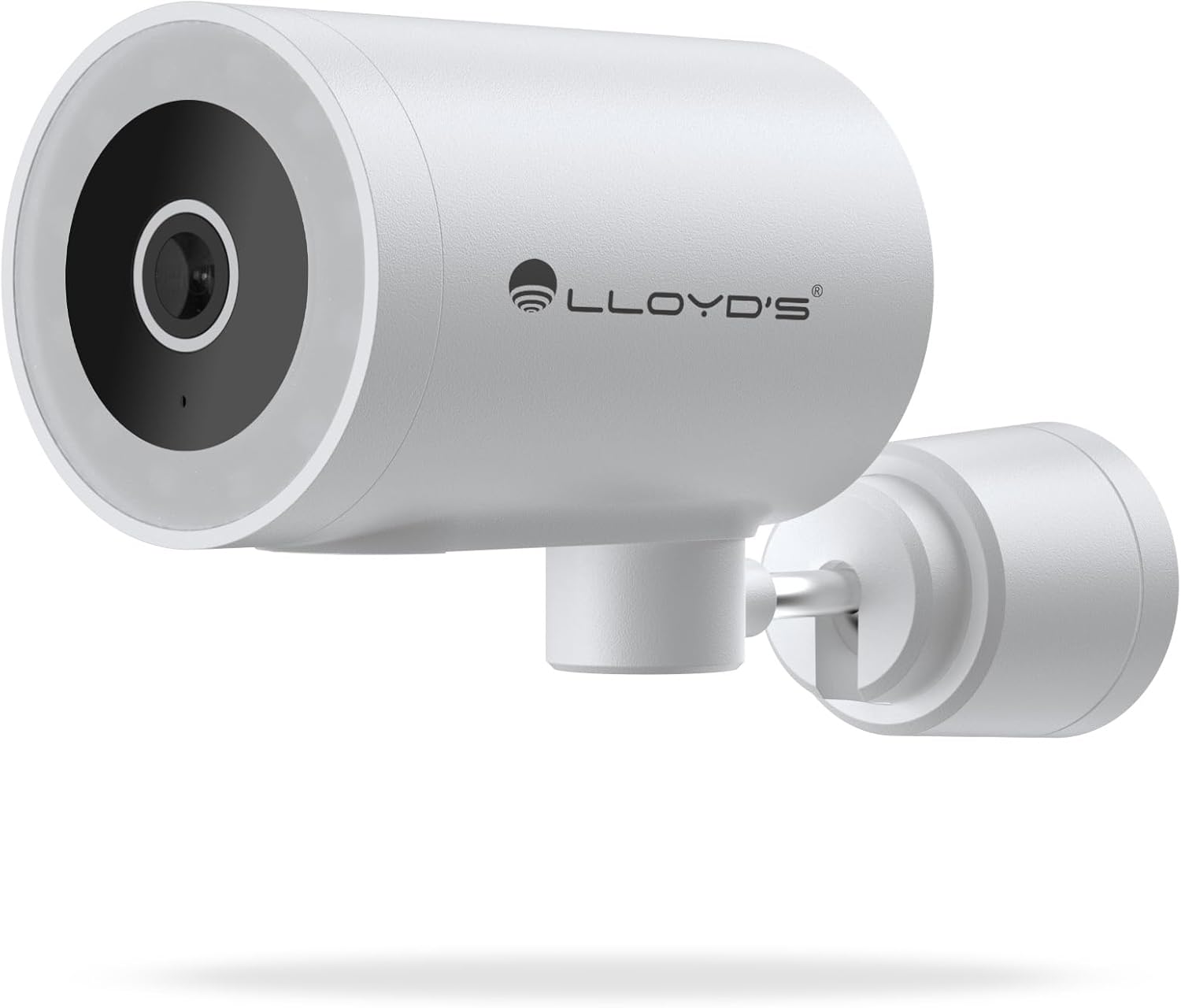
画像: 正面 view of the camera, highlighting the lens and sensor.

Image: Icons indicating the camera's suitability for both outdoor and indoor environments.
4.2 アプリのダウンロードとペアリング
The camera operates via a dedicated smartphone application. Ensure your smartphone is connected to a 2.4 GHz Wi-Fi network.
- アプリをダウンロード: 検索する "Lloyd's Smart" or similar in your device's app store (compatible with iOS 11.0+ and Android 5.0+).
- アカウントを作成する: アプリを開き、画面の指示に従って新しいアカウントを登録するか、既にアカウントをお持ちの場合はログインします。
- デバイスを追加:
- Tap the "+" icon or "Add Device" in the app.
- Select "Security Camera" or the specific camera model (LC-1388).
- Follow the app's instructions to put the camera into pairing mode (usually indicated by a flashing LED).
- Enter your 2.4 GHz Wi-Fi network details when prompted.
- Scan the QR code displayed on your phone screen with the camera lens, or follow alternative pairing methods if provided by the app.
- 接続したら、カメラに名前を付けてセットアップを完了します。

Image: The Lloyd's app interface demonstrating multiple camera views, customizable detection zones, push notifications, and integration with voice assistants.
5. カメラの操作
5.1 ライブ View および制御
- リモート監視: Access live video feed from your smartphone app, web browser, or compatible smart TV (requires Chromecast / Fire TV Stick with voice remote).
- 水平方向の移動: Control the camera's 180° horizontal pan directly from the app to adjust the viewingエリア。
- LEDライトコントロール: Turn the integrated LED light on or off via the app. The light can also be configured to activate upon motion detection.
- 双方向コミュニケーション: Use the built-in microphone and speaker to communicate with individuals near the camera from your smartphone.

Image: The camera illustrating its 180-degree horizontal tracking function, suitable for indoor or outdoor use (IP65), with two-way audio and multiple viewアプリから。

Image: A smartphone screen showing the "Multiple views from the App" feature, allowing simultaneous monitoring of several cameras.

Image: A user monitoring the camera feed on a television, demonstrating compatibility with smart assistants for voice control and viewing。
5.2 ナイトビジョンモード
The camera offers three night vision modes up to 10 meters:
- 自動モード: The camera automatically switches between infrared and color night vision based on ambient light conditions.
- 赤外線モード: 赤外線 LED を使用して、完全な暗闇でも鮮明な白黒ビデオを提供します。
- カラーモード: Utilizes the integrated LED lights to provide full-color night vision, even in low-light environments.

Image: Icons representing the camera's night vision capabilities and 4MP image resolution.
5.3 検出と警告
- モーション検出: 動きが検出されると、スマートフォンでアラートを受信します。
- 音の検出: Get notifications for unusual sounds.
- 人体検出: Advanced detection to specifically identify human presence, reducing false alarms.
- カスタマイズ可能な検出ゾーン: カメラ内の特定の領域を定義する view to monitor and receive alerts for.
- 統合されたサイレン: The 90 dB siren can be activated manually via the app or automatically upon detection of an event.

Image: Icons illustrating the camera's notification system, integrated siren, and motion detection capabilities.
5.4 録音オプション
- 連続記録: Record video continuously.
- イベントベースの録画: Record only when motion, sound, or human detection is triggered.
- ストレージ:
- MicroSDカード: ローカル ストレージ用に最大 128 GB の microSD カード (別売) をサポートします。
- クラウドストレージ: Cloud recording is available with a subscription (sold separately).
- スケジュール: Program specific recording schedules and alert reception times via the app.
5.5 スマートホーム統合
- 音声アシスタント: Compatible with Amazon Echo Show and Google Nest Hub. Supports Siri Shortcuts via routines created in the app.
- Lloyd's Smart Ecosystem: Create routines to trigger actions with other Lloyd's smart products.
- ONVIF の互換性: Integrate the 4MP camera with various video surveillance equipment such as NVRs and hybrid DVRs using the ONVIF protocol.
6. メンテナンス
- クリーニング: カメラのレンズと本体は、柔らかく乾いた布で優しく拭いてください。刺激の強い化学薬品や研磨剤入りの洗剤は使用しないでください。
- ファームウェアの更新: 最適なパフォーマンスとセキュリティを確保するために、利用可能なファームウェア アップデートがないかアプリで定期的に確認してください。
- 電源サイクル: カメラに問題が発生した場合は、電源プラグを 10 秒間抜いてから再度差し込んでみてください。
7。 トラブルシューティング
| 問題 | 考えられる原因 | 解決 |
|---|---|---|
| カメラがWi-Fiに接続できない | Incorrect Wi-Fi password; Camera too far from router; Only 5 GHz Wi-Fi network available. | Verify password; Move camera closer to router; Ensure you are connecting to a 2.4 GHz Wi-Fi network. |
| ビデオフィードなし | Camera is offline; Power issue; Network problem. | Check power connection; Restart camera; Verify Wi-Fi connection; Check internet connectivity. |
| モーションアラートを受信できませんでした | Motion detection disabled; App notifications turned off; Detection zone not configured. | Enable motion detection in app; Allow app notifications; Configure detection zones. |
| 画質が悪い | Dirty lens; Low light conditions (in non-color night vision mode); Network bandwidth issues. | Clean the lens; Switch to Color Night Vision if applicable; Ensure stable Wi-Fi connection. |
8. 仕様
| 特徴 | 詳細 |
|---|---|
| モデル番号 | LC-1388 |
| ブランド | Lloyd's |
| ビデオキャプチャ解像度 | 4MP(2560x1440p) |
| 有効なビデオ解像度 | 16.9 |
| フレームレート | 毎秒15フレーム |
| 接続技術 | Wireless (Wi-Fi 2.4 GHz), ONVIF |
| Wi-Fiプロトコル | 2.4GHz帯 |
| 取り付けタイプ | 壁掛け(ねじ込み式) |
| 使用環境 | Indoor, Outdoor (IP65 Water Resistant) |
| 暗視範囲 | 最大10メートル |
| View角度 | 108度 |
| 特集 | Two-way audio, Motion detector, Local recording, Built-in light, HD resolution, Night vision, Horizontal tracking, Integrated siren |
| 対応デバイス | Smartphone, Tablet, Web |
| コントローラータイプ | Amazon Alexa, Android, Google Assistant, Tuya, iOS |
| 電源 | Corded Electric (5V DC, 5 Watts) |
| 材料 | アクリロニトリルブタジエンスチレン(ABS) |
| 寸法(長さx幅x高さ) | 8.48 x 6.2 x 15.98 cm |
| 重さ | 596グラム |
| 原産国 | 中国 |
9. 保証とサポート
For warranty information, please refer to the documentation provided with your purchase or contact Lloyd's customer support. For technical assistance or further inquiries, please visit the official Lloyd's webサイトまたは顧客サービス部門に連絡してください。
メーカー: Zutto Technologies S.A. de C.V.