
KWANWA KW319
KWANWA KW319 Digital Alarm Clock User Manual
モデル: KW319
導入
Thank you for choosing the KWANWA KW319 Digital Alarm Clock. This clock is designed for ease of use and clear visibility, featuring a large LED display, multiple brightness settings, and a battery backup for convenience. Please read this manual carefully to ensure proper setup and operation.
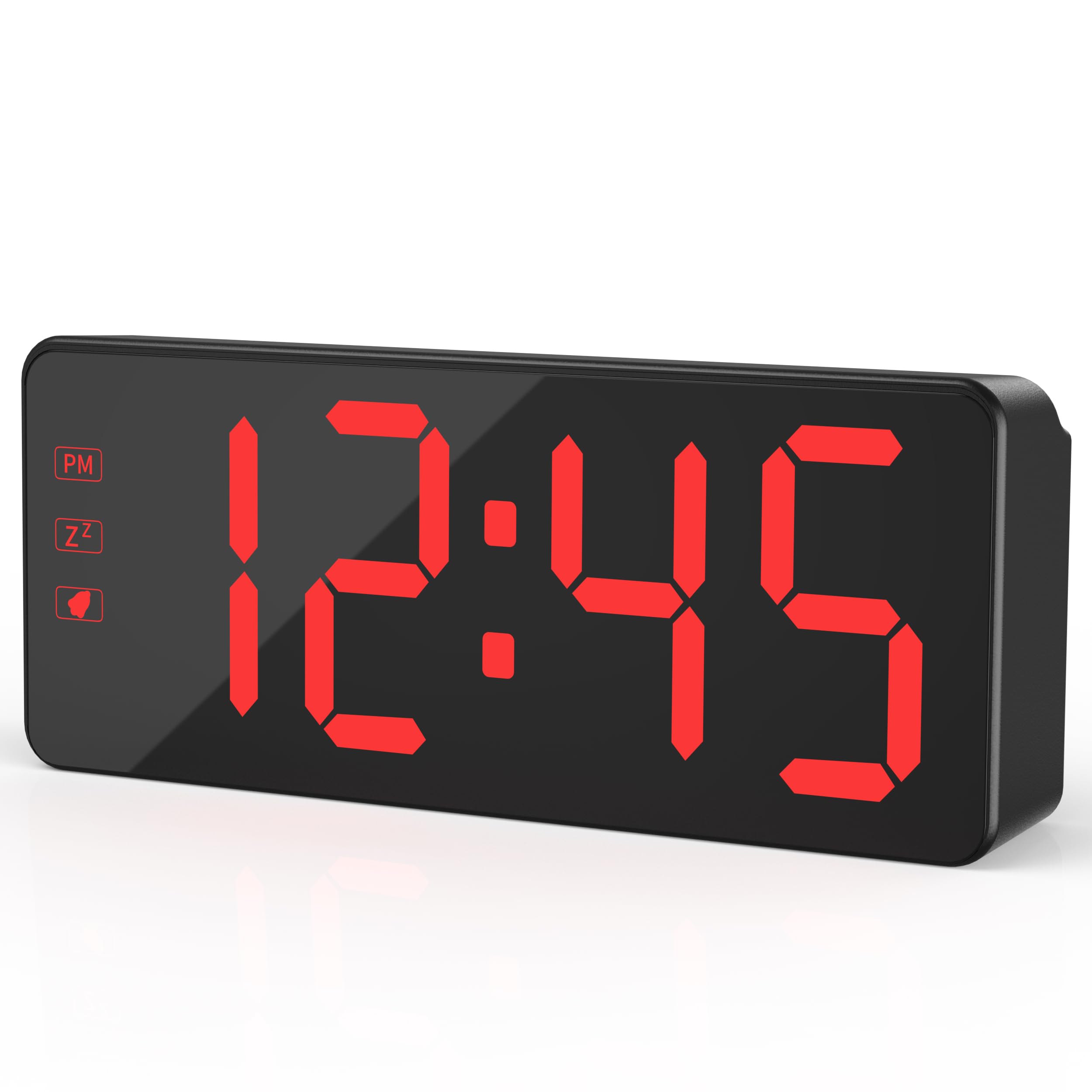
The KWANWA KW319 Digital Alarm Clock, showcasing its clear red LED display.
主な特徴:
- 2.4" Bold LED Display: Ultra-clear, glare-free digits for instant readability.
- 3-Level Dimmer & Auto Night Mode: Adjustable brightness (Low/Medium/High) with an automatic dimming feature from 8 PM to 6 AM.
- バックアップバッテリー: Requires 3xAA batteries (not included) to save time and alarm settings during power outages. LED digits hide in battery mode to conserve energy, lighting up for 10 seconds when the top is tapped.
- Gradual Wake-Up Alarm: Alarm volume increases gradually over 120 seconds.
- Smart Snooze Function: Allows up to 3 snooze intervals of 7 minutes each.
- Oversized Tactile Buttons: Easy-to-use buttons for setting time and alarms.
- 12/24-Hour Switching: Intuitive setup for preferred time format.
設定
1. 時計の電源供給
The KWANWA KW319 Digital Alarm Clock operates primarily via its UL-certified power adapter. It also supports battery backup.
- 電源アダプタを接続: Plug the provided 59-inch UL-certified adapter into the DC IN port on the back of the clock and then into a standard wall outlet. The LED time digits will display constantly.
- バックアップ バッテリーをインストールします (オプションですが推奨されます)。 Open the battery compartment on the back of the clock and insert 3xAA batteries (not included). These batteries will preserve your time and alarm settings during a power interruption. In battery-only mode, the LED display will turn off to save power; tap the top of the clock to temporarily display the time for 10 seconds.

The KWANWA Digital Alarm Clock powered by its UL-certified adapter, showing the time display.
2. Initial Setup and Button Overview
Before first use, gently remove any protective film from the display. The clock features oversized tactile buttons on the back for easy adjustment.

後方 view of the clock, highlighting the large setting buttons for time and alarm adjustments.
3.時間を設定する
- を押し続けます 時間設定 時計の裏側にあるボタンを、時間の数字が点滅するまで押し続けます。
- 使用 UP or 下 ボタンを使って時間を調整します。12時間形式を使用する場合は、午後インジケーターに注意してください。
- プレス 時間設定 again to move to the minute digits. Use the UP or 下 分を調整するためのボタン。
- プレス 時間設定 もう一度押して確認し、時間設定モードを終了します。
4.アラームの設定
- を押し続けます ALセット アラームの時間の数字が点滅し始めるまで、時計の背面にあるボタンを押します。
- 使用 UP or 下 ボタンでアラーム時間を調整します。
- プレス ALセット again to move to the alarm minute digits. Use the UP or 下 アラームの分数を調整するボタン。
- プレス ALセット もう一度押して確定し、アラーム設定モードを終了します。
- アラームをオンまたはオフにするには、 ALオン/オフ ボタンを押します。アラームが作動すると、ディスプレイにアラームアイコンが表示されます。
5. Adjusting Display Brightness and Night Mode
The clock offers three levels of brightness and an automatic night mode.
- 手動明るさ: を押す ライト/スヌーズ button on the top of the clock to cycle through Low, Medium, and High brightness settings.
- 自動ナイトモード: The clock automatically dims the display between 8 PM and 6 AM for comfortable viewing in a dark room. This feature is enabled by default.

Visual representation of the three brightness levels: High, Medium, and Dim.
6. 12/24時間形式
12時間形式と24時間形式を切り替えるには、 12/24 時計の裏にあるボタン。
The clock displaying time in both 12-hour (left) and 24-hour (right) formats.
アラームの操作
1. Gradual Wake-Up Alarm
The alarm features a gradual wake-up technology. When the alarm sounds, its volume will slowly increase over 120 seconds to provide a gentle awakening.

Illustration of the alarm's auto-ascending volume feature, showing increasing sound waves.
2. スヌーズ機能
アラームが鳴ったら、大きな ライト/スヌーズ button on the top of the clock to activate the snooze function. The alarm will pause for 7 minutes and then sound again. You can use the snooze function up to 3 times.
3. アラームをオフにする
To turn off the alarm completely after it sounds (without snoozing), press any button on the back of the clock (e.g., ALセット, UP, 下、 または ALオン/オフ).
メンテナンス
クリーニング
To clean the clock, gently wipe the surface with a soft, dry cloth. Do not use abrasive cleaners or solvents, as these may damage the display or casing.
バッテリー交換
If the clock is primarily used with the power adapter, the backup batteries will last for an extended period. Replace the 3xAA batteries when the clock fails to retain time or alarm settings during a power outage.
トラブルシューティング
- Display is blank or not lighting up:
- Ensure the power adapter is securely plugged into both the clock and a working wall outlet.
- If running on battery backup, the display will be off to save power. Tap the top of the clock to temporarily illuminate the display.
- 電池が正しく挿入され、消耗していないことを確認してください。必要に応じて交換してください。
- Time or alarm settings are lost after a power outage:
- This indicates the backup batteries are either not installed or are depleted. Install or replace the 3xAA batteries.
- アラームが鳴らない:
- Ensure the alarm is activated. Check for the alarm icon on the display. If not present, press the ALオン/オフ ボタン。
- アラーム時間が正しく設定されていることを確認します。
- Buttons are unresponsive or difficult to press:
- ボタンにゴミなどが詰まっていないことを確認してください。
- If the issue persists, try unplugging the clock and removing the batteries for a few minutes, then reconnecting power to reset the device.
仕様
| ブランド | クワンワ |
| モデル番号 | KW319 |
| 表示タイプ | LED Digits |
| 色 | Black Case-red Led |
| 製品寸法 | 幅5.1インチ x 高さ2.5インチ |
| アイテム重量 | 0.27キログラム |
| 電源 | Corded Powered |
| バックアップバッテリー | 単三電池3本が必要です(含まれていません) |
| 材料 | プラスチック |
| 特集 | 3-Level Dimmer, Auto Night Mode, Backup Battery, Snooze |
保証とサポート
For warranty information or technical support, please refer to the product packaging or contact KWANWA customer service directly. Keep your purchase receipt for warranty claims.
Ask a question about this manual
Ask about setup, troubleshooting, compatibility, parts, safety, or missing instructions. Manuals+ will review the question and use this page’s manual context to help answer it.