
導入
ご購入ありがとうございますasing the Andoer Digital Camera H12. This manual provides detailed instructions for the proper use and maintenance of your camera. Please read this manual thoroughly before using the camera to ensure optimal performance and longevity.
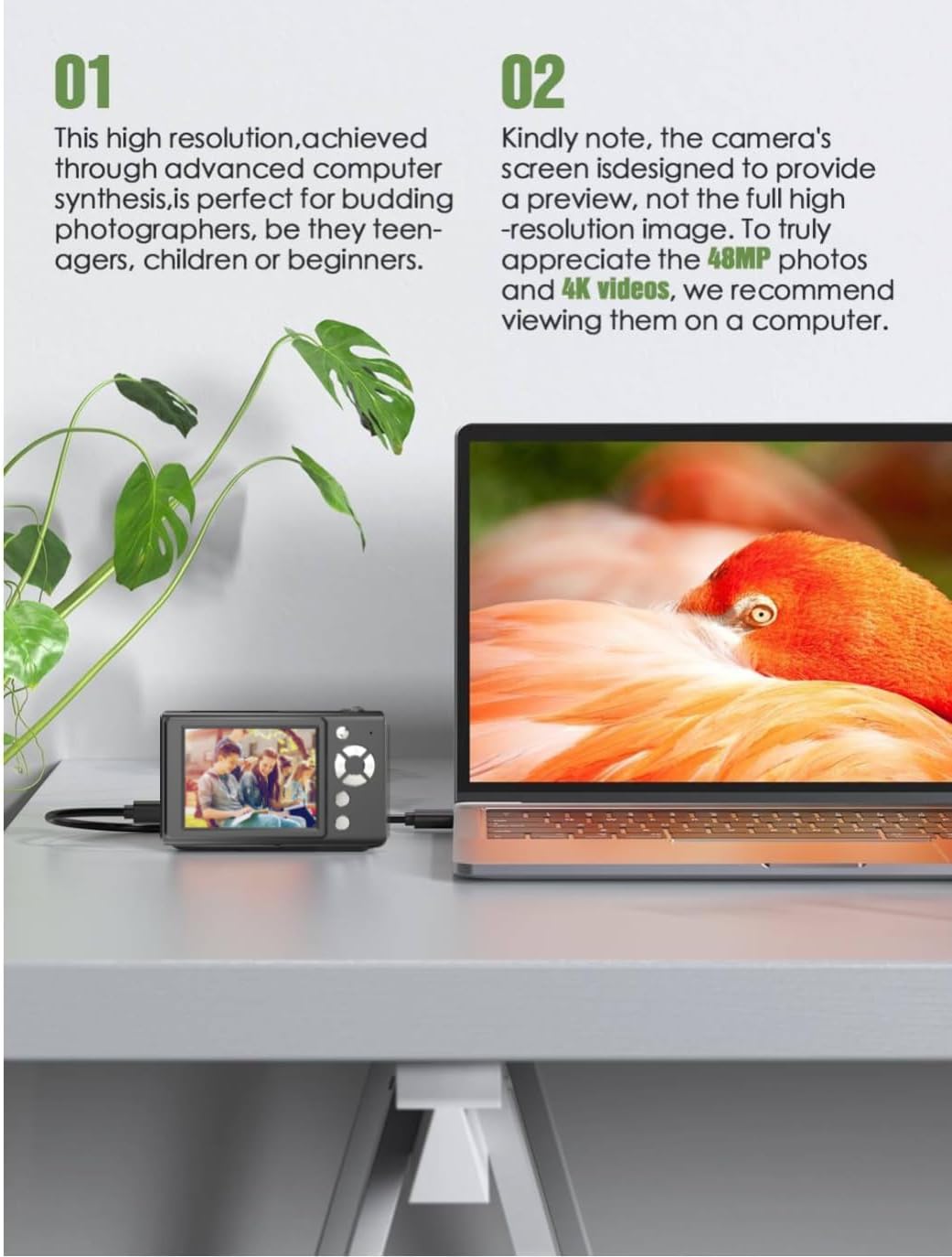
The Andoer H12 is a compact digital point-and-shoot camera featuring 1080P video recording, 48MP photo resolution, 16x digital zoom, autofocus, and an anti-shake function. It is designed for ease of use, making it suitable for various users.
パッケージ内容
開梱したらパッケージの内容を確認し、すべてのアイテムが揃っていることを確認してください。
- 1 x Andoer Digital Camera H12
- USBケーブル(Type-C)×1
- 1 xリストストラップ
- 1 x 32GBメモリカード
- 1のXカードリーダー
- ユーザーマニュアル x 1
設定
1. バッテリーの充電
The camera is equipped with a built-in 3.7V 700mAh lithium battery. Before first use, fully charge the battery.
- Connect the included Type-C USB cable to the camera's USB port.
- USB ケーブルのもう一方の端を USB 電源アダプタ (別売) またはコンピュータの USB ポートに接続します。
- The charging indicator light will illuminate. Once charging is complete, the indicator light will change or turn off.
注記: A full charge typically takes approximately 2-3 hours. Do not use the camera while it is charging.
2. メモリーカードの挿入
The camera supports TF (MicroSD) cards up to 128GB. A 32GB memory card is included in the package.
- カメラの側面にあるメモリ カード スロットを見つけます。
- Gently insert the TF card into the slot with the metal contacts facing the front of the camera until it clicks into place.
- カードを取り外すには、カードが飛び出すまでもう一度ゆっくりと押し込みます。

3. リストストラップの取り付け
Attach the included wrist strap to the camera for added security and to prevent accidental drops.
- リストストラップの細いループをカメラ本体のストラップアイレットに通します。
- Pass the larger end of the strap through the thin loop and pull tight to secure it.
操作手順
1. 電源のオン/オフ
- 電源を入れるには、画面が点灯するまで電源ボタンを押し続けます。
- 電源を切るには、画面が消えるまで電源ボタンをもう一度押し続けます。
- The camera features an auto power-off function (off/3 mins/5 mins) which can be configured in the settings.
2. 写真を撮る
- Turn on the camera. The camera will typically start in photo mode.
- 2.8 インチの IPS ディスプレイを使用してショットをフレーミングします。
- Press the shutter button halfway down to activate autofocus. The camera will recognize and track subjects.
- ピントが合ったら(緑色の枠で示されます)、シャッターボタンを完全に押して写真を撮影します。

3.ビデオの録画
- Switch to video mode (refer to the camera's on-screen interface for the mode switch button).
- Press the shutter button to start recording. A red indicator or timer will appear on the screen.
- シャッターボタンをもう一度押すと、記録が停止します。
The camera supports 1080P and 720P video resolutions in AVI format. Loop recording can be set for 3, 5, or 10 minutes.
4. ズーム機能
Use the zoom buttons (usually marked 'W' for Wide and 'T' for Telephoto) to adjust the 16x digital zoom. This allows you to magnify distant subjects.

5. LEDフィルライト
The camera features a built-in ring LED fill light with three lighting modes to assist in low-light conditions.
- 白色光: Bright, even, and soft illumination.
- 温白色光: Pure natural light, soft and comfortable.
- 黄色信号: Warm color adjustment for a warm atmosphere.
Access and cycle through these modes via the camera's menu or a dedicated button (refer to the on-screen interface).

6. その他の機能
- セルフィータイマー: Options for off, 2s, 5s, or 10s delay before taking a photo.
- 連続撮影: 一連の写真を素早く撮影します。
- 手ぶれ防止: カメラの動きによるぼやけを軽減します。
- フィルター効果: Various built-in filters to enhance your photos.
- ゲーム: Includes 4 simple games for entertainment.
- MP3の再生: Download MP3 music to the memory card and play it through the camera.

メンテナンス
- カメラ本体のクリーニング: カメラ本体は柔らかく乾いた布で拭いてください。頑固な汚れには、軽くamp布に水を含ませ、乾拭きしてください。化学洗剤の使用は避けてください。
- レンズとスクリーンのクリーニング: Use a specialized lens cleaning cloth or brush to gently remove dust and smudges. Do not use abrasive materials or excessive force.
- ストレージ: When not in use for extended periods, store the camera in a cool, dry place away from direct sunlight and extreme temperatures. Remove the memory card if not in use.
- バッテリーのケア: Avoid fully discharging the battery frequently. Charge the battery regularly, even if the camera is not in use, to maintain battery health.
- 耐水性: このカメラは 耐水性はありません水、雨、高湿度にさらさないでください。
トラブルシューティング
| 問題 | 考えられる原因 | 解決 |
|---|---|---|
| カメラの電源が入りません。 | バッテリーが消耗しているか充電されていません。 | Charge the camera battery fully using the provided USB cable. |
| 写真やビデオを撮影できません。 | Memory card is full, not inserted correctly, or corrupted. | Check if the memory card is inserted correctly. Delete unnecessary files or replace the memory card. Format the card if necessary (this will erase all data). |
| 画像がぼやけてしまいます。 | Autofocus failed, camera shake, or dirty lens. | Ensure autofocus is engaged. Hold the camera steady or use the anti-shake function. Clean the lens with a soft cloth. |
| 画面が空白またはフリーズします。 | System error or temporary malfunction. | Press and hold the power button for 10 seconds to force a shutdown, then restart the camera. If the issue persists, contact customer support. |
| 転送できません files をコンピューターに送信します。 | Incorrect cable connection or driver issue. | Ensure the USB cable is securely connected. Try a different USB port or computer. Use the included card reader to transfer file■メモリーカードから直接。 |
仕様
| 特徴 | 詳細 |
|---|---|
| モデル名 | H12 |
| 画面 | 2.8インチIPS液晶 |
| 写真解像度 | Up to 48MP (48M, 40M, 24M, 20M, 18M, 16M, 12M, 10M, 8M, 5M, 3M, 2M, 1M) |
| 写真フォーマット | 画像 |
| ビデオ解像度 | 1080P、720P |
| ビデオフォーマット | 動画 |
| デジタルズーム | 16X |
| オートフォーカス | Yes (Contrast Detection, 9 points) |
| 画像安定化 | 光学 |
| センサータイプ | CMOS(1/4インチ) |
| ストレージ | TF card, max. 128GB (32GB included) |
| バッテリー | Built-in Lithium Battery (3.7V 700mAh) |
| 充電インターフェース | USBタイプC |
| セルフタイマー | Off/ 2s/ 5s/ 10s |
| 自動電源オフ | Off/ 3 mins/ 5 mins |
| ループ録音 | 3 mins/ 5 mins/ 10 mins |
| 組み込み機能 | LED Fill Light (3 modes), Filter Effects, 4 Games, MP3 Playback |
| 製品サイズ | 103 x 31 x 65 ミリメートル |
| 製品重量 | 149g (camera body) / 260g (item weight including packaging/accessories) |
| 耐水性レベル | 耐水性はありません |
保証情報
The Andoer Digital Camera H12 comes with a 1年間保証 ご購入日から1年間有効です。本保証は、通常の使用における製造上の欠陥および故障を対象とします。誤用、事故、無許可の修理、または自然災害による損傷は保証の対象外となります。
保証請求のために購入証明書を保管してください。
カスタマーサポート
If you encounter any issues or have questions not covered in this manual, please contact Andoer customer support. You can typically find support contact information on the official Andoer webサイトまたは小売店を通じてご購入いただけます。
さらに詳しいサポートについては、 Andoer Store on Amazon.