
1. はじめに
The SYNCO Wireless Tally Light Camera Eye CE3 System is designed for professional studio and live production environments. This system provides clear visual cues for camera operators and talent, indicating which camera is live (red light) or on standby (green light). Utilizing 2.4G LoRa wireless transmission, it offers extended range and reliable performance. The system is compatible with vMix software, allowing control of up to 32 dual-color indicator lights.

画像: 上view of the SYNCO CE3 Wireless Tally Light System components.
2. パッケージ内容
下記のすべての品目がパッケージに含まれていることをご確認ください。不足または破損している品目がある場合は、販売店までご連絡ください。
- Tally Light x 4
- 送信機×1
- 充電ケーブル×2
- キャリングケースx1
- User Card x 1 (includes E-Manual Download and Warranty Service information)
- Battery x 4 (for Tally Lights)
- Charging Station x 2 (for Tally Light batteries)
- Transmitter Antenna x 1
- Transmitter Connector x 1 (USB dongle)

Image: Visual representation of the SYNCO CE3 4-Light System package contents, including tally lights, transmitter, cables, and case.

画像: 詳細 view of the 4-Light packing list, showing each item clearly labeled.
3.製品オーバーview
3.1 Tally Light Unit
Each tally light unit features a compact design with a clear display for camera numbering and a dial for easy setting. It indicates camera status with dual-color (red/green) illumination.

Image: A single SYNCO CE3 Tally Light unit, showing its compact form factor and illuminated display.
3.2送信機ユニット
The transmitter is a lightweight USB dongle with an attachable antenna, connecting to your computer for wireless control of the tally lights. It facilitates the 2.4G LoRa wireless communication.

Image: The SYNCO CE3 Transmitter unit with its antenna, designed for USB connection.
4. セットアップ手順
- バッテリーの充電: Fully charge all four tally light batteries using the provided charging cables and charging stations. The batteries provide up to 10 hours of operation.
- バッテリーの挿入: Insert the charged batteries into each tally light unit.
- Attach Tally Lights: Mount each tally light onto the hot shoe or cold shoe of its respective camera.
- 送信機を接続: Plug the transmitter USB dongle into an available USB port on your computer. Attach the antenna to the transmitter.
- ソフトウェアをインストールする: Ensure vMix software (or compatible IP remote control software) is installed on your computer.
- Configure Tally Lights: Use the dial on each tally light to set its unique camera number (e.g., 01, 02, 03, 04).
- ペアリング: The system typically pairs automatically. If issues arise, refer to the vMix compatibility section for specific pairing instructions within the software.

Image: A SYNCO CE3 Tally Light unit mounted on a camera, ready for operation.
5. 操作手順
5.1 基本操作
- 電源オン/オフ: Press and hold the power button on each tally light to turn it on or off.
- ステータス表示:
- 赤信号: Indicates the camera is currently live (on-air).
- 緑色のライト: Indicates the camera is on standby or preview.
- Camera Numbering: Rotate the dial on the side of the tally light to set the desired camera number (01-32).
5.2 vMix Compatibility
The SYNCO CE3 system is fully compatible with vMix software, allowing seamless integration into your live production workflow. The transmitter connects to your computer, and vMix controls the tally status of each light based on your program and preview 出力。
- ソフトウェア構成: Within vMix, navigate to the settings for external controllers or tally output. Configure the system to recognize the SYNCO CE3 transmitter.
- Assign Tally IDs: Assign the corresponding camera numbers in vMix to match the numbers set on your physical tally lights.
- リアルタイム制御: As you switch between cameras in vMix, the tally lights will automatically update to show red for the live camera and green for the preview カメラ。

Image: Screenshot of the vMix software interface demonstrating control over multiple dual-color indicator lights.
6. 主な特徴
- Extended Wireless Transmission: The system utilizes 2.4G LoRa wireless technology, providing an ultra-long transmission distance of up to 1000 meters (3280 feet). This ensures stable performance even in high-interference environments.
- IP Remote Control: The CE3 system supports IP remote connectivity, enabling efficient management of shoots and events. It allows control from a main venue or sub-venues in real-time, facilitating quick adjustments for consistency and smooth operation.
- 軽量でポータブルなデザイン: Both the tally lights and the transmitter are designed to be compact and lightweight, making the system easy to install, transport, and deploy in various shooting locations.
- 長持ちするバッテリー寿命: Each tally light is equipped with a detachable 1000mAh battery, providing up to 10 hours of continuous operation. This minimizes the need for frequent recharges during extended productions.

Image: Illustration depicting the 1000-meter wireless transmission capability of the SYNCO CE3 system.

Image: Global map illustration showing IP remote control capabilities for managing multiple tally lights from a central computer.

Image: Demonstrates the compact size of the tally light with its numbering dial and the portable USB transmitter.
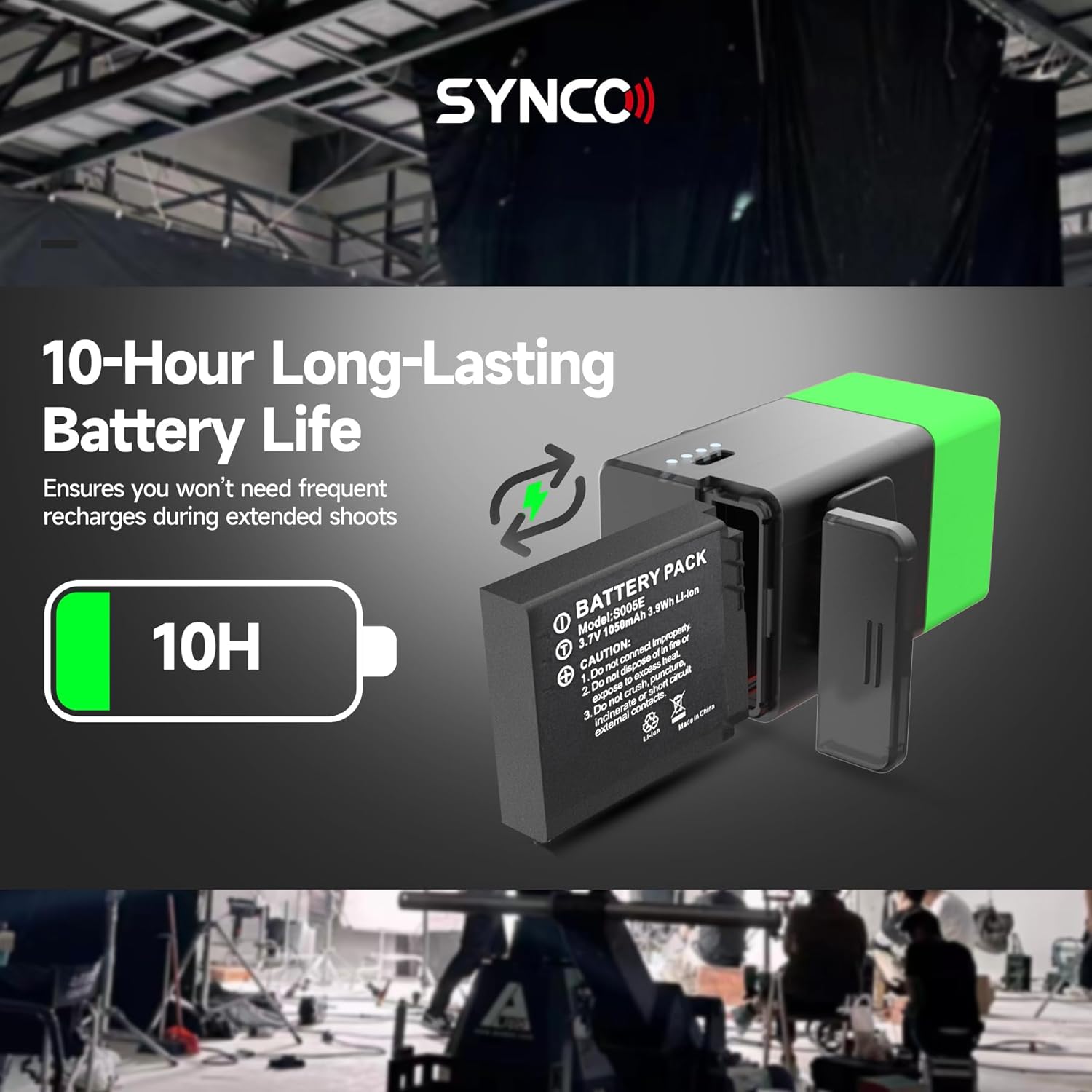
Image: Visual representation of the tally light's detachable battery and its 10-hour operational capacity.
7. メンテナンス
- クリーニング: Use a soft, dry cloth to clean the tally lights and transmitter. Avoid using liquid cleaners or solvents.
- バッテリーのケア:
- 初めて使用する前にバッテリーを完全に充電してください。
- バッテリーを使用しないときは、涼しく乾燥した場所に保管してください。
- バッテリーの寿命を延ばすために、過充電やバッテリーの完全放電を避けてください。
- ストレージ: Store the system components in the provided carrying case to protect them from dust and physical damage.
- 環境条件: Avoid exposing the devices to extreme temperatures, humidity, or direct sunlight. The system is not water resistant.
8。 トラブルシューティング
| 問題 | 考えられる原因 | 解決 |
|---|---|---|
| Tally light not turning on. | バッテリーが消耗しているか、正しく挿入されていません。 | バッテリーが完全に充電され、正しく挿入されていることを確認してください。 |
| Tally lights not responding to vMix. | Transmitter not connected, software not configured, or out of range. |
|
| 断続的な信号またはちらつくライト。 | Interference, low battery, or excessive distance. |
|
| Incorrect camera number displayed. | Dial setting is incorrect. | Rotate the dial on the tally light to the correct camera number. |
9. 仕様
| 特徴 | 詳細 |
|---|---|
| ブランド | シンコ |
| モデル名 | SYNCO CE3 |
| 接続技術 | 2.4G LoRa Wireless (Note: Product specifications mention Bluetooth, but feature bullets and product title emphasize 2.4G LoRa. Prioritizing LoRa as it's a key selling point and likely the primary connection for tally functionality.) |
| 無線伝送範囲 | 最大1000メートル(3280フィート) |
| Battery Life (Tally Light) | 10 Hours (1000mAh detachable battery) |
| フラッシュモードの説明 | Constant illumination (Red for Live, Green for Preview) |
| 耐水性レベル | 耐水性はありません |
| 対応デバイス | vMix software |
| Max Tally Lights Controlled | 32 Dual-Color Indicator Lights |
| メーカー部品番号 | Synco Tally CE3 001 |
10. 保証とサポート
The SYNCO Wireless Tally Light Camera Eye CE3 System comes with a one-year warranty from the manufacturer. For warranty claims, technical support, or service inquiries, please refer to the contact information provided on the User Card included in your package or visit the official SYNCO webサイト。
保証を有効にするために購入証明書を保管してください。