
Logitechゾーン300
Logitech Zone 300 ワイヤレス Bluetooth ヘッドセット ユーザーマニュアル
モデル: ゾーン 300
導入
The Logitech Zone 300 Wireless Bluetooth Headset is designed to provide a superior audio experience for both work and leisure. Featuring multipoint Bluetooth connectivity, noise-canceling microphones, and a comfortable, lightweight design, this headset ensures clear communication and extended wearability. This manual provides essential information for setting up, operating, maintaining, and troubleshooting your Zone 300 headset.
箱の中身

The package for your Logitech Zone 300 Wireless Bluetooth Headset includes the following items:
- ロジクール Zone 300 ワイヤレス Bluetooth ヘッドセット
- USB-C充電ケーブル
- 保護ポーチ
設定
1. ヘッドセットの充電
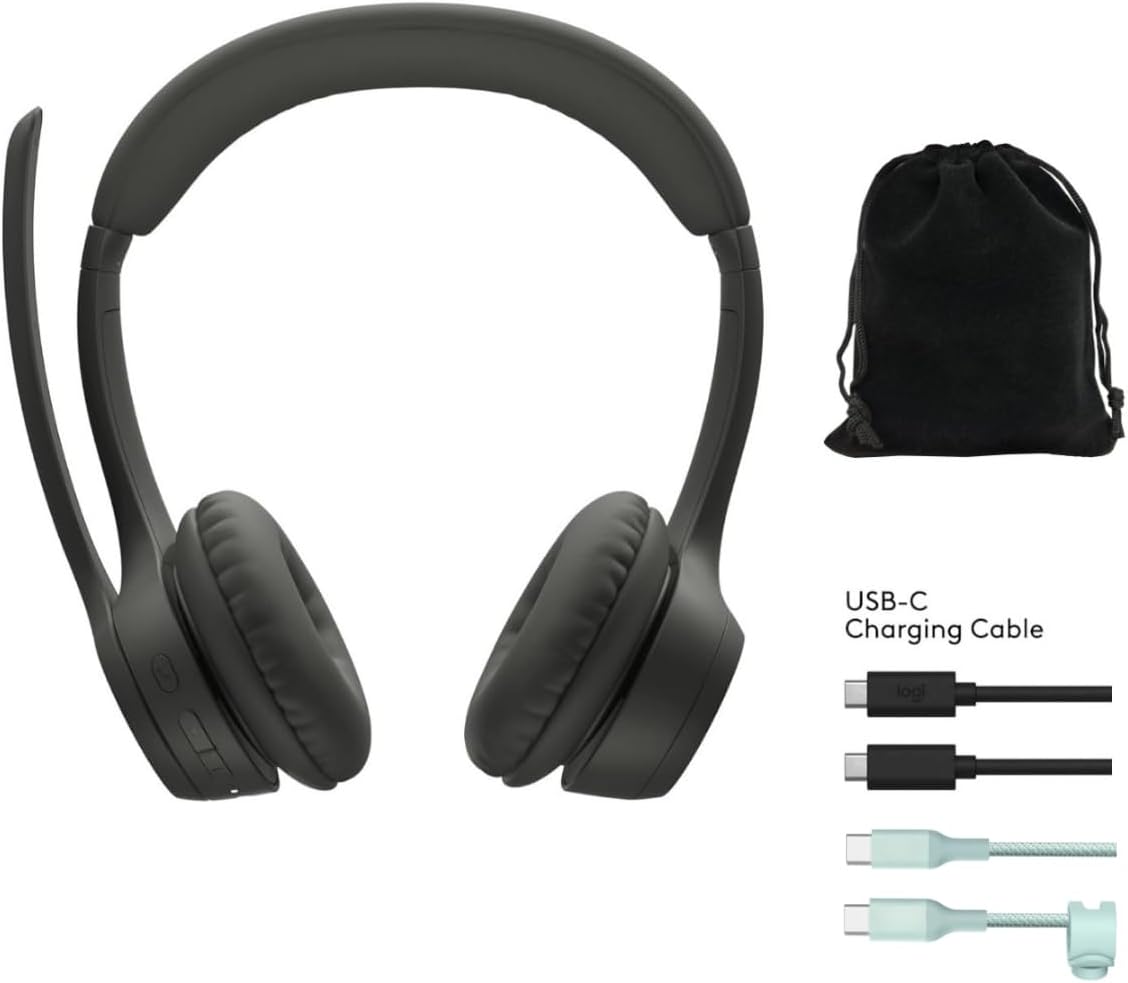
Before first use, fully charge your Zone 300 headset. Connect the included USB-C charging cable to the headset's charging port and the other end to a USB power source. A full charge provides up to 20 hours of listening time or 16 hours of talk time. A quick 5-minute charge can provide up to 1 hour of talk time.
2. Pairing with Devices (Multipoint Bluetooth)
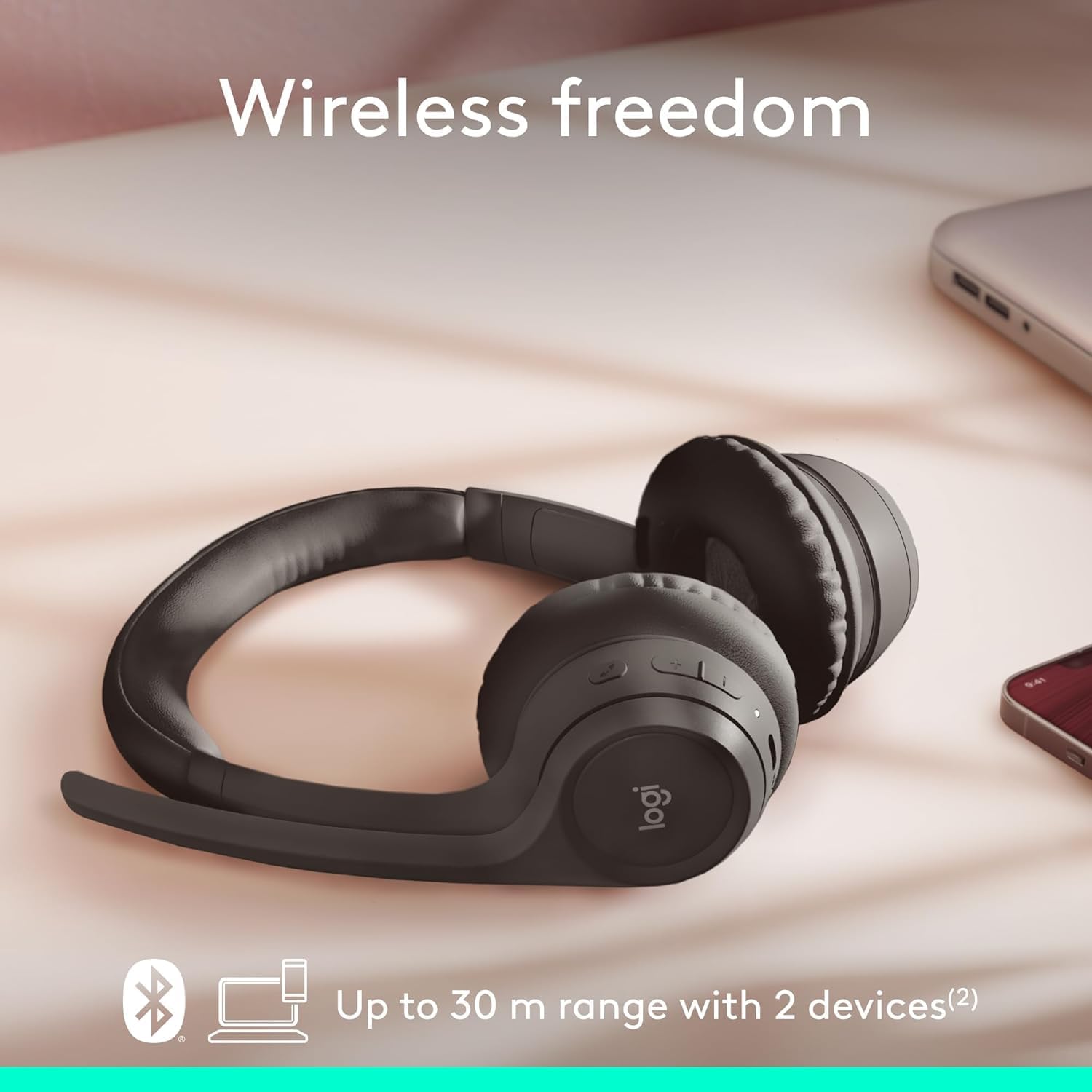
The Zone 300 supports multipoint Bluetooth, allowing it to pair with up to six devices and connect simultaneously to two. This enables seamless switching between your computer and mobile phone, for exampル。
- ヘッドセットの電源がオンになっていることを確認します。
- Activate Bluetooth on your device (e.g., Windows PC, macOS, iOS, Android smartphone/tablet).
- Put the headset into pairing mode (refer to the headset's power/Bluetooth button for specific instructions, usually a long press). The LED indicator will typically flash to indicate pairing mode.
- Select "Logitech Zone 300" from the list of available Bluetooth devices on your device.
- 接続されると、ヘッドセットの LED インジケーターが点灯します。
ヘッドセットの操作
1. 基本的な操作
The headset features intuitive controls for managing calls and audio playback. These controls are typically located on the earcup or inline on the cable (if applicable). Refer to the physical buttons on your headset for specific functions such as volume up/down, play/pause, track skip, and call answer/end.
2. マイクの使用方法
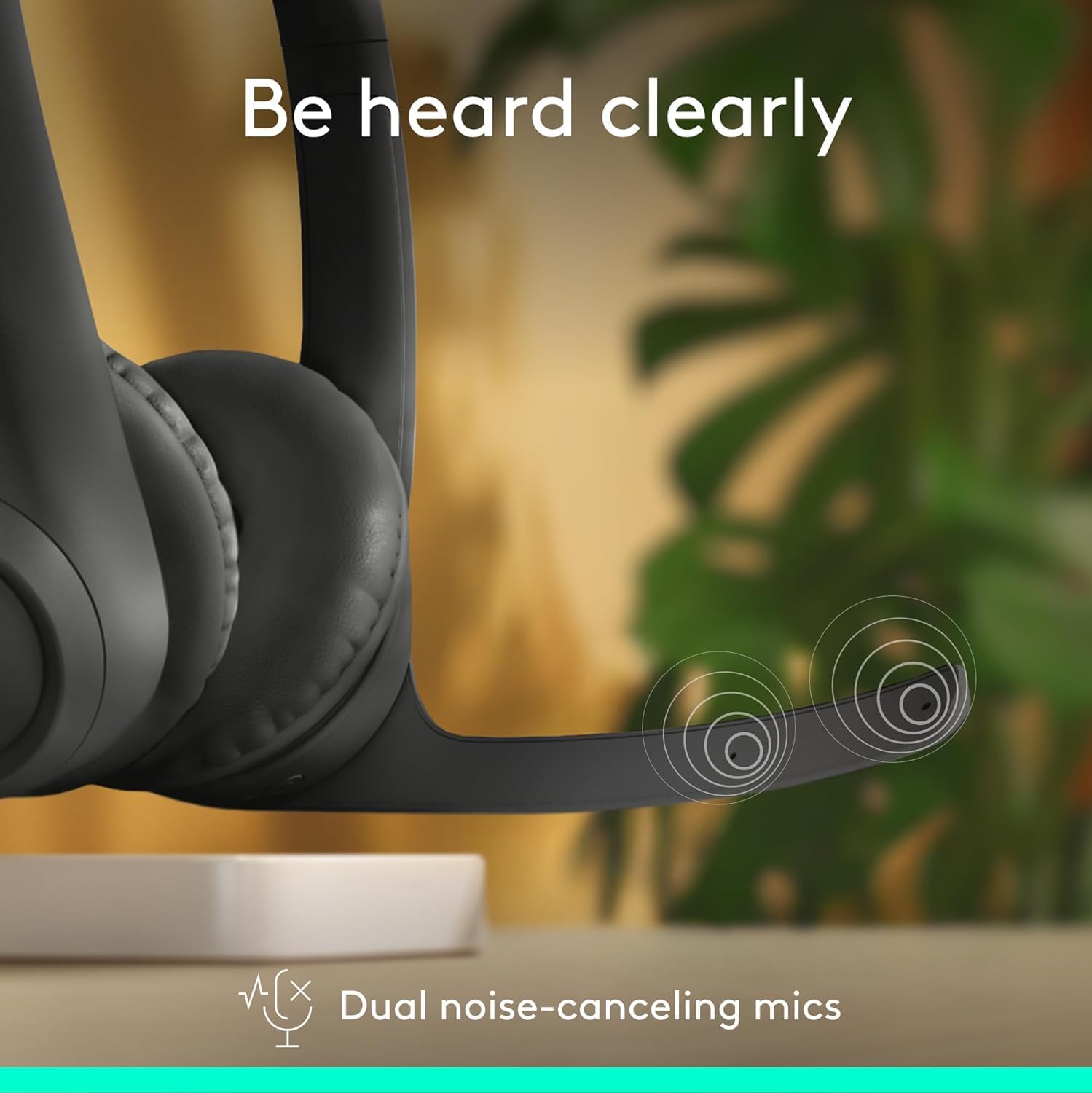
The Zone 300 is equipped with dual noise-canceling microphones on an extended boom. This design effectively suppresses background noise, ensuring your voice is heard clearly during calls and online meetings. Position the microphone boom approximately two fingers' width from your mouth for optimal voice pickup.
- ミュート/ミュート解除: Locate the microphone mute button on the headset to quickly mute or unmute your voice during calls.
- マイクの位置: Adjust the flexible microphone boom for the best voice clarity.
3. オーディオ体験

The headset features enhanced dynamic speakers designed to deliver impressive audio quality for both communication and media consumption. The on-ear design with comfortable earpads ensures a pleasant listening experience for extended periods.
メンテナンス
Proper maintenance ensures the longevity and optimal performance of your Logitech Zone 300 headset.
- クリーニング: ヘッドセットは柔らかく乾いた布で拭いてください。イヤーパッドは、軽く湿らせた布で拭いてください。amp 中性洗剤を含ませた布でも構いませんが、使用前に完全に乾いていることを確認してください。刺激の強い化学薬品や研磨剤は使用しないでください。
- ストレージ: When not in use, store the headset in its protective pouch to prevent dust accumulation and physical damage. Avoid storing in extreme temperatures or high humidity.
- バッテリーのケア: バッテリー寿命を延ばすには、ヘッドセットを頻繁に完全に放電させないでください。頻繁に使用しない場合でも、定期的に充電してください。
トラブルシューティング
If you encounter issues with your Zone 300 headset, try the following common troubleshooting steps:
| 問題 | 考えられる解決策 |
|---|---|
| ヘッドセットの電源が入らない | ヘッドセットが完全に充電されていることを確認してください。電源に接続し、数分待ってから再度電源を入れてください。 |
| デバイスとペアリングできません |
|
| Poor audio quality or no sound |
|
| マイクが機能しない |
|
仕様
| 特徴 | 詳細 |
|---|---|
| モデル名 | ゾーン300 |
| 接続技術 | 無線 |
| 無線通信技術 | ブルートゥース |
| 含まれるコンポーネント | ケーブル、保護ケース |
| 材料 | プラスチック |
| 対応デバイス | Desktops (also Windows, macOS, iOS, Android) |
| 周波数範囲 | 20Hz - 20,000Hz |
| 制御方法 | リモート |
| Bluetooth範囲 | 最大30メートル(98フィート) |
| Bluetoothバージョン | 4.2 |
| イヤーピースの形状 | オンイヤー |
| アイテム重量 | 122グラム(4.3オンス) |
| バッテリー寿命(リスニング) | 最大20時間 |
| バッテリー寿命(通話時間) | 最大16時間 |
| クイックチャージ | 5分で1時間の通話時間 |
| リサイクルプラスチック含有量 | Up to 55% post-consumer recycled plastic |
保証とサポート
Logitech products are designed for reliability and performance. For information regarding your product's warranty, please refer to the warranty card included with your purchase or visit the official Logitech support webサイト。 NS webこのサイトでは、FAQ、ドライバーのダウンロード、カスタマー サービスの連絡先情報など、包括的なサポート リソースを提供しています。
For the most up-to-date support and warranty details, please visit: www.logitech.com/support
Ask a question about this manual
Ask about setup, troubleshooting, compatibility, parts, safety, or missing instructions. Manuals+ will review the question and use this page’s manual context to help answer it.