
1. はじめに
Thank you for choosing the Ailgely 2.4GHz WiFi Wall Touch Light Switch. This smart device integrates a light switch with a Type-C USB outlet, a standard USB outlet, and a US plug outlet, offering versatile control and charging capabilities. It supports 2-way light control, APP, and voice remote control, enhancing your smart home experience. This manual provides essential information for safe installation, operation, and maintenance.
2. 安全情報
警告:感電の危険があります。不適切な設置は、重傷または死亡につながる可能性があります。
- いつも cut off power at the circuit breaker before installing or servicing the switch.
- 設置は、資格のある電気技師または電気配線を十分に理解している人が行う必要があります。
- Ensure that the neutral wire is present and correctly installed. A neutral wire is required for this device.
- Verify that live and neutral wires are connected to their correct terminals.
- 緩んだ接続を防止するために、すべてのネジ端子をしっかりと締めます。
- This device only supports 2.4 GHz Wi-Fi networks. It is not compatible with 5 GHz networks.
3. パッケージ内容
パッケージを開封したら、すべてのアイテムが揃っていて損傷がないことを確認してください。
- 1 x Ailgely Smart Wall Touch Light Switch (2-Way Black US Plug)
- 取り付けネジ1セット
- ユーザーマニュアル x 1

Image: Package contents including the smart switch, mounting screws, and the user manual.
4 製品の特徴
- 統合設計: Combines a smart light switch with a Type-C outlet, a USB outlet, and a standard US plug outlet for multiple functionalities.
- 2-Way Light Control: Designed to control two separate lights from a single location.
- リモートコントロール: Easy pairing via 2.4GHz Wi-Fi for APP and voice remote control.
- スマート機能: Supports timing, scheduling, and shared control with family members through the smart APP.
- モダンな美学: Features an anti-scratch tempered glass panel for sensitive touch control and a sleek design that complements various home styles.
5. 仕様
| 仕様 | 価値 |
|---|---|
| 色 | Black US Plug |
| タイプ | 2ウェイ |
| 主な材質 | ABS +ガラス |
| 入力ボリュームtage | 95-250V / AC 50-60Hz |
| Max. Load (Socket) | 16A |
| USB出力 | 5V 2.1A |
| ワイヤレス接続 | 802.11 b/g/n 2.4G Wi-Fi (Not 5 GHz) |
| 寸法(L x W x D) | 120mm x 76mm x 34mm (4.72インチ x 2.99インチ x 1.33インチ) |
| アイテム重量 | 8.5オンス |
| ワットtage | 4000ワット |

Image: Detailed dimensions of the smart wall switch for installation planning.
6. セットアップとインストール
始める前に: Ensure the power is OFF at the circuit breaker. A neutral wire is required for installation.
- 電源切断: Locate the circuit breaker that controls the power to the switch you are replacing or the new installation location. Turn off the power completely. Verify power is off using a voltageテスター。
- 古いスイッチを削除します(該当する場合)。 Carefully remove the existing wall plate and switch from the wall box. Disconnect the wires, noting their connections.
- ワイヤーを識別する: Identify the Live (Hot), Neutral, and Load wires in your wall box. This smart switch requires a neutral wire. If you are unsure, consult a qualified electrician.
- 配線接続: Connect the wires from your wall box to the corresponding terminals on the Ailgely Smart Switch. Refer to the wiring diagram provided with the product for precise connections. Ensure all wires are securely tightened in their terminals.
- スイッチを取り付けます。 Gently push the wired switch into the wall box. Use the provided mounting screws to secure the switch to the wall box.
- ウォールプレートの取り付け: Attach the tempered glass wall plate to the switch.
- 電力を回復する: 回路ブレーカーで電源を再びオンにします。
- Wi-Fiペアリング: Follow the instructions in the included manual to pair the switch with your smart home APP. Ensure your Wi-Fi network is 2.4 GHz.
7. 操作手順
7.1 手動タッチコントロール
The tempered glass panel features touch-sensitive icons for controlling the lights. Simply touch the light bulb icons to toggle the connected lights ON or OFF. The power outlet icon controls the integrated US plug outlet.

Image: The tempered glass panel offers sensitive and durable touch control.
7.2 スマートアプリコントロール
After successfully pairing the switch with your smart home APP (e.g., Tuya Smart, Smart Life), you can control the lights and outlets remotely from your smartphone or tablet.
- リモートオン/オフ: Turn lights and outlets on or off from anywhere.
- Timing & Schedule: 特定の時間にライトが自動的にオン/オフになるようにスケジュールを設定します。
- シーン作成: 単一のコマンドで複数のデバイスを制御するカスタム シーンを作成します。
- 共有制御: Share device control with family members through the APP.

Image: Demonstrates remote control of the smart switch using a mobile application.
7.3 音声制御
The smart switch is compatible with popular voice assistants (e.g., Amazon Alexa, Google Assistant). Once integrated, you can use voice commands to control your lights and outlets.
- Example コマンド:
- 「アレクサ、リビングのライトをつけて。」
- 「OK Google、キッチンの電気を消して」
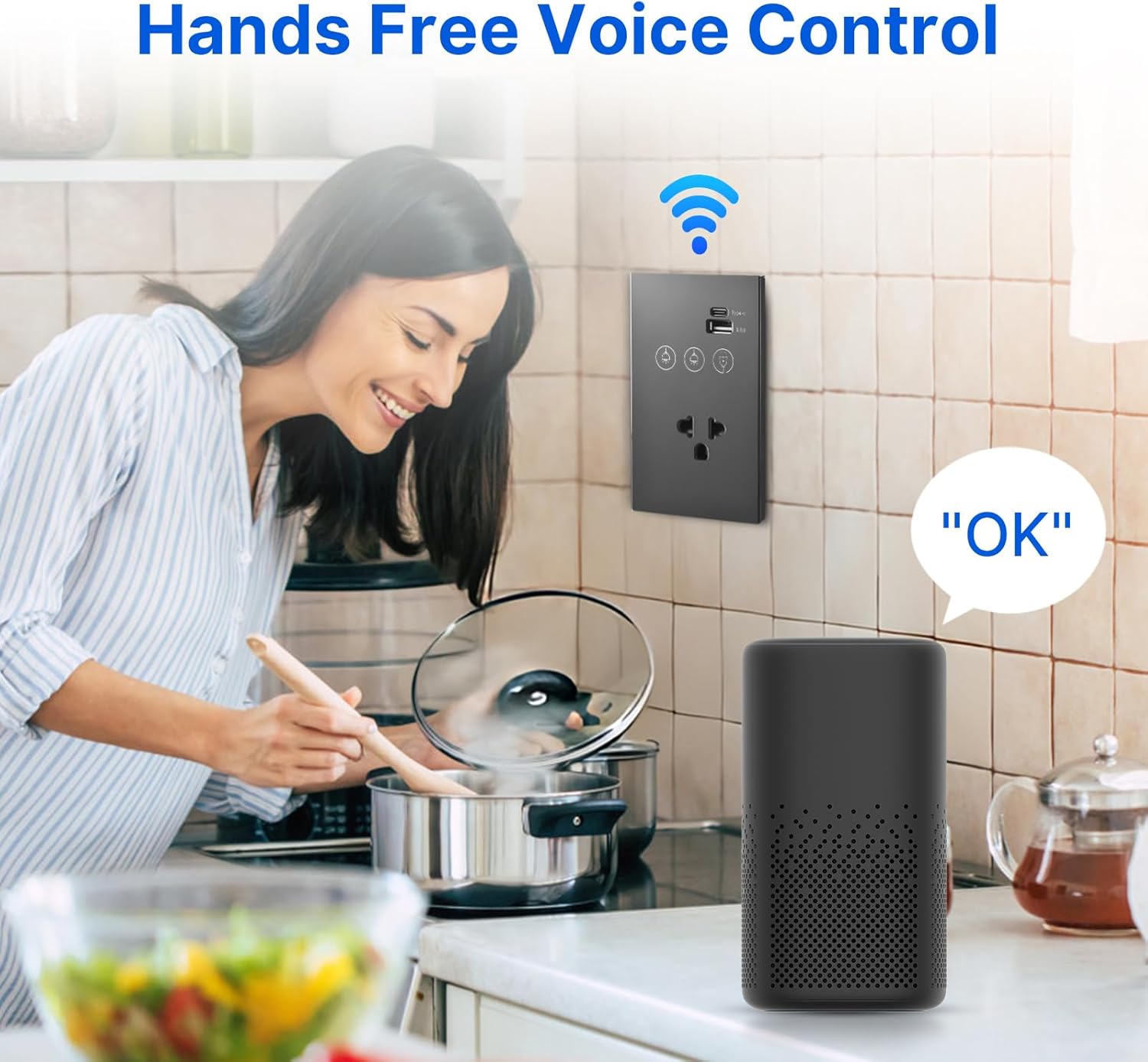
Image: Illustrates hands-free voice control of the smart switch.
8. メンテナンス
- クリーニング: The tempered glass panel is anti-scratch and easy to clean. Use a soft, damp cloth to wipe the surface. Avoid abrasive cleaners or solvents that may damage the finish.
- ファームウェアの更新: Periodically check the smart home APP for available firmware updates for your device to ensure optimal performance and security.
- 接続チェック: If experiencing connectivity issues, ensure your Wi-Fi router is functioning correctly and the switch is within range of the 2.4 GHz network.
9。 トラブルシューティング
- スイッチが応答しない:
- 回路ブレーカーがオンになっているかどうかを確認してください。
- Ensure all wiring connections are secure and correct (Live, Neutral, Load).
- If recently installed, double-check that the neutral wire is properly connected.
- Wi-Fi接続失敗:
- Confirm your Wi-Fi network is 2.4 GHz. This device does not support 5 GHz Wi-Fi.
- スイッチが Wi-Fi ルーターの範囲内にあることを確認してください。
- Wi-Fiルーターを再起動して、再度ペアリングを試みてください。
- Make sure you are entering the correct Wi-Fi password.
- APP Control Issues:
- スマートフォンのインターネット接続が有効であることを確認します。
- Ensure the smart home APP is updated to the latest version.
- Try unpairing and re-pairing the device in the APP.
- 音声コントロールが機能しない:
- Confirm the smart switch is successfully linked to your voice assistant account (e.g., Alexa, Google Home).
- 音声アシスタントデバイスがオンラインで正しく機能しているかどうかを確認します。
- Use the exact device names configured in your smart home APP.
10. 保証とサポート
This product comes with a standard manufacturer's warranty. For specific warranty terms and conditions, please refer to the documentation provided at the time of purchase or contact the retailer. For technical support, troubleshooting assistance, or inquiries regarding your Ailgely Smart Wall Touch Light Switch, please contact Ailgely customer service through the contact information provided on the product packaging or the official Ailgely webサイト。