
Bmax X15 Pro
Bmax X15 Pro 15.6インチノートパソコン ユーザーマニュアル
モデル: X15 Pro
1. はじめに
This manual provides essential information for setting up, operating, and maintaining your Bmax X15 Pro 15.6-inch laptop. Please read this manual thoroughly to ensure proper use and to maximize the performance and longevity of your device.

Image: The Bmax X15 Pro laptop displaying the Windows 11 Pro operating system, highlighting its Intel N95 processor, 16GB RAM, 512GB SSD, and 1920x1080 FHD display.
2. 箱の中身
Upon unpacking your Bmax X15 Pro laptop, please verify that all the following items are included:
- 1 x BMAX MaxBook X15 Pro Intel N95 Notebook Computer
- 1 x 12V / 3ADC電源アダプター
- 1 x Multi-Language User Manual
3.製品オーバーview
3.1. 物理コンポーネントとポート
Familiarize yourself with the various ports and components of your laptop for optimal connectivity and usage.

画像: サイド view of the Bmax X15 Pro laptop illustrating the placement of its various ports, including Micro SD, USB 3.0, Headset jack, HDMI, and Power input.
- 左側: Micro SD slot, 2x USB 3.0 ports, 3.5mm Headset jack.
- 右側: Power input, HDMI port, 1x USB 3.0 port, Security Lock slot.
3.2. キーボードとタッチパッド
The laptop features a full-size keyboard with large keycaps and a large touchpad supporting multi-touch gestures for efficient navigation and input.

画像: トップダウン view of the Bmax X15 Pro laptop's full-size keyboard and large touchpad, highlighting its ergonomic design for comfortable use.
4. セットアップ
4.1. 初回電源投入と充電
- Connect the provided DC power adapter to the laptop's power input port and a wall outlet.
- 初めて使用する前に、少なくとも 30 分間、またはバッテリー インジケーターが十分な充電量を示すまで、ラップトップを充電してください。
- キーボードにある電源ボタンを押して、ラップトップの電源をオンにします。
- 画面上の指示に従って、Windows 11 Pro のセットアップ プロセスを完了します。
5. 操作手順
5.1.電力管理
- 電源オン: 電源ボタンを押します。
- スリープモード: 蓋を閉じるか、電源ボタンを短く押します。
- シャットダウン: [スタート] ボタンをクリックし、[電源] > [シャットダウン] をクリックします。
- 再起動: [スタート] ボタンをクリックし、[電源] > [再起動] をクリックします。
5.2. ディスプレイの使用状況
The 15.6-inch FHD IPS display offers a 180° convertible design, allowing for flexible view角度と共同使用。

Image: The Bmax X15 Pro laptop shown in its 180-degree lay-flat configuration, demonstrating its versatility for sharing and collaboration.
5.3. 接続性
The laptop supports various wireless and wired connections:
- Wi-Fi: Dual-band Wi-Fi 5 (802.11ac/a/b/g/n) for fast internet access.
- ブルートゥース: ワイヤレス周辺機器を接続するための Bluetooth 5.0。
- HDMI: 外部ディスプレイまたはプロジェクターに接続します。
- USB3.0: Three ports for high-speed data transfer with external devices.
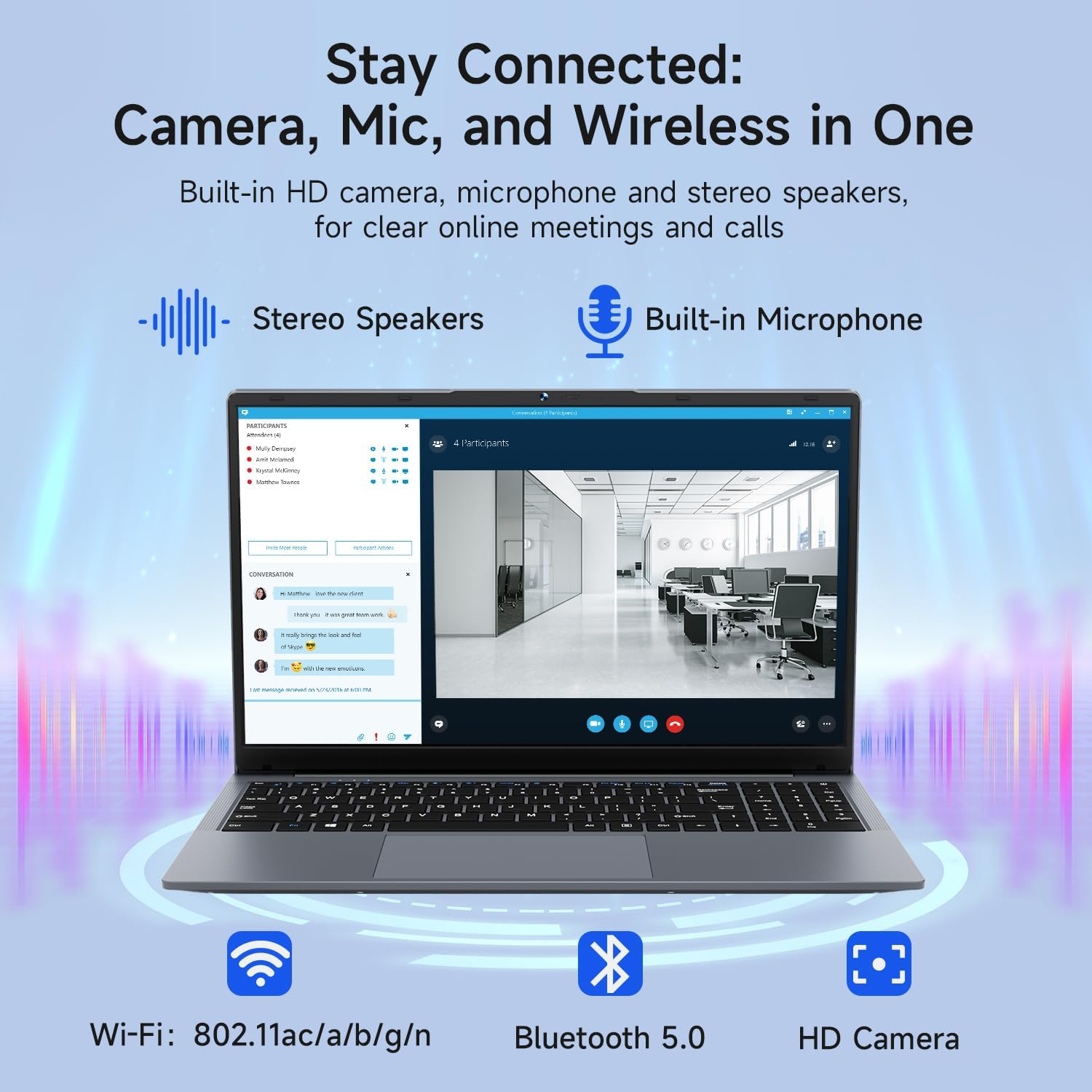
Image: The Bmax X15 Pro laptop with icons representing its integrated Wi-Fi, Bluetooth 5.0, and HD camera capabilities, emphasizing its comprehensive connectivity for communication.
6. ストレージとパフォーマンス
The Bmax X15 Pro is equipped with robust components for efficient performance and ampファイルストレージ。
6.1. プロセッサ
Powered by the Intel Celeron N95 Quad-Core Processor (up to 3.4GHz), featuring 4 cores and 4 threads with a 6MB cache, ensuring efficient performance for various tasks.

Image: A graphic detailing the Intel 12th Gen Processor N95, showing its 3.40GHz Turbo Frequency, 6MB Cache, 15W Power Consumption, and 4 cores/4 threads, alongside performance benchmarks.
6.2. メモリとストレージ
The laptop includes 16GB DDR4 RAM and a 512GB SSD, providing substantial storage capacity and enabling efficient multitasking. An M.2_SATA 2280 expansion slot is available for additional storage.
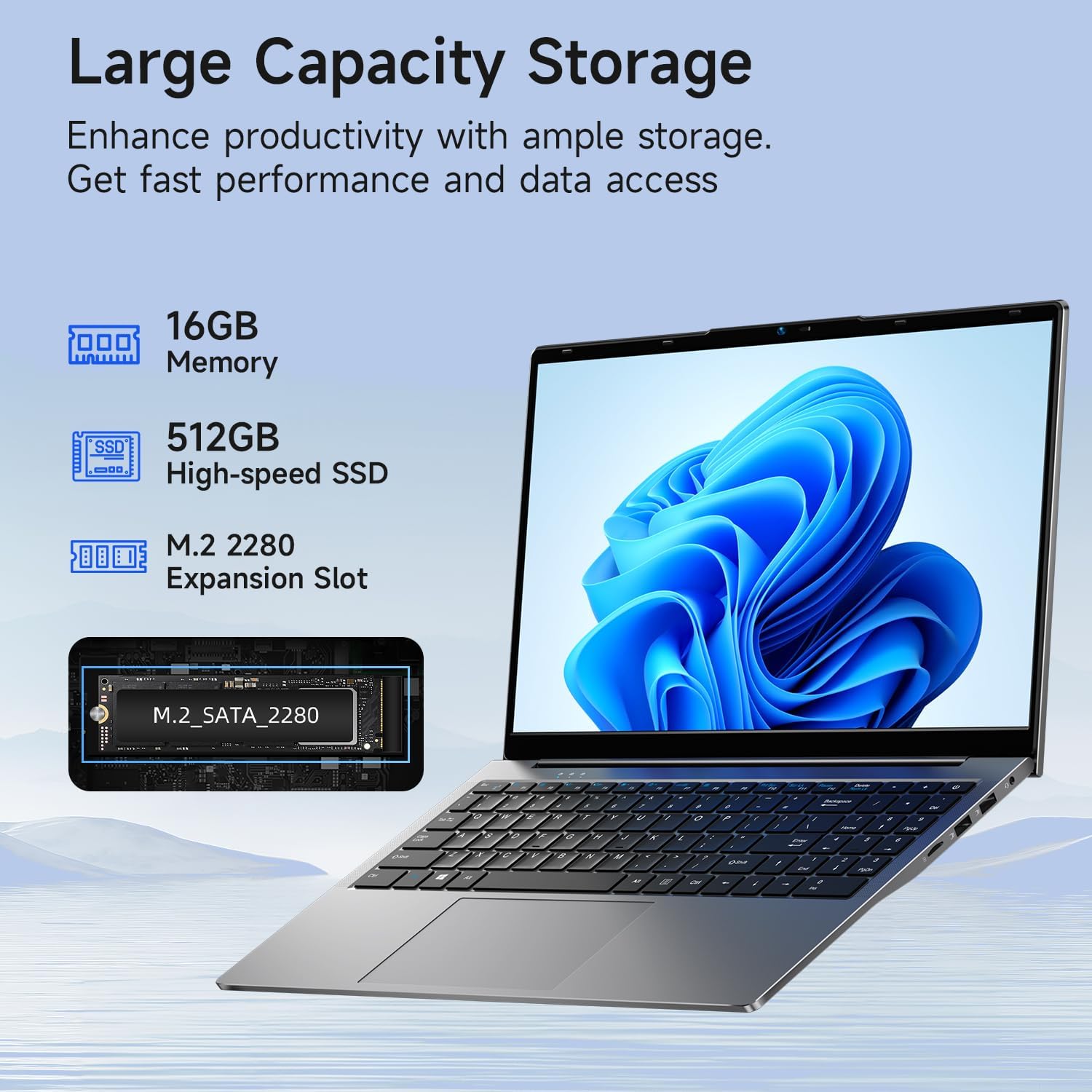
Image: A visual representation of the Bmax X15 Pro laptop's internal components, highlighting its 16GB memory, 512GB high-speed SSD, and an accessible M.2 2280 expansion slot for storage upgrades.
7. 表示機能
Experience clear and vibrant visuals with the 15.6-inch FHD 1920x1080 IPS display, featuring a slim bezel design and 180° view角度を変える。

Image: A graphic illustrating the Bmax X15 Pro laptop's display features, including its 15.6-inch IPS FHD screen, 1920x1080 resolution, 5.7mm ultra-narrow bezel, and 180° lay-flat design.
8. 冷却システム
The laptop incorporates intelligent fans and dual copper heat pipes to ensure rapid heat dissipation, maintaining optimal performance and preventing overheating during extended use.

Image: An internal diagram of the Bmax X15 Pro laptop, highlighting its dual copper heat pipes and silent smart fan, illustrating the efficient and quiet cooling system.
9.バッテリー管理
The laptop is powered by a 51.3Wh battery, providing up to 6-8 hours of usage on a single charge, depending on usage patterns.
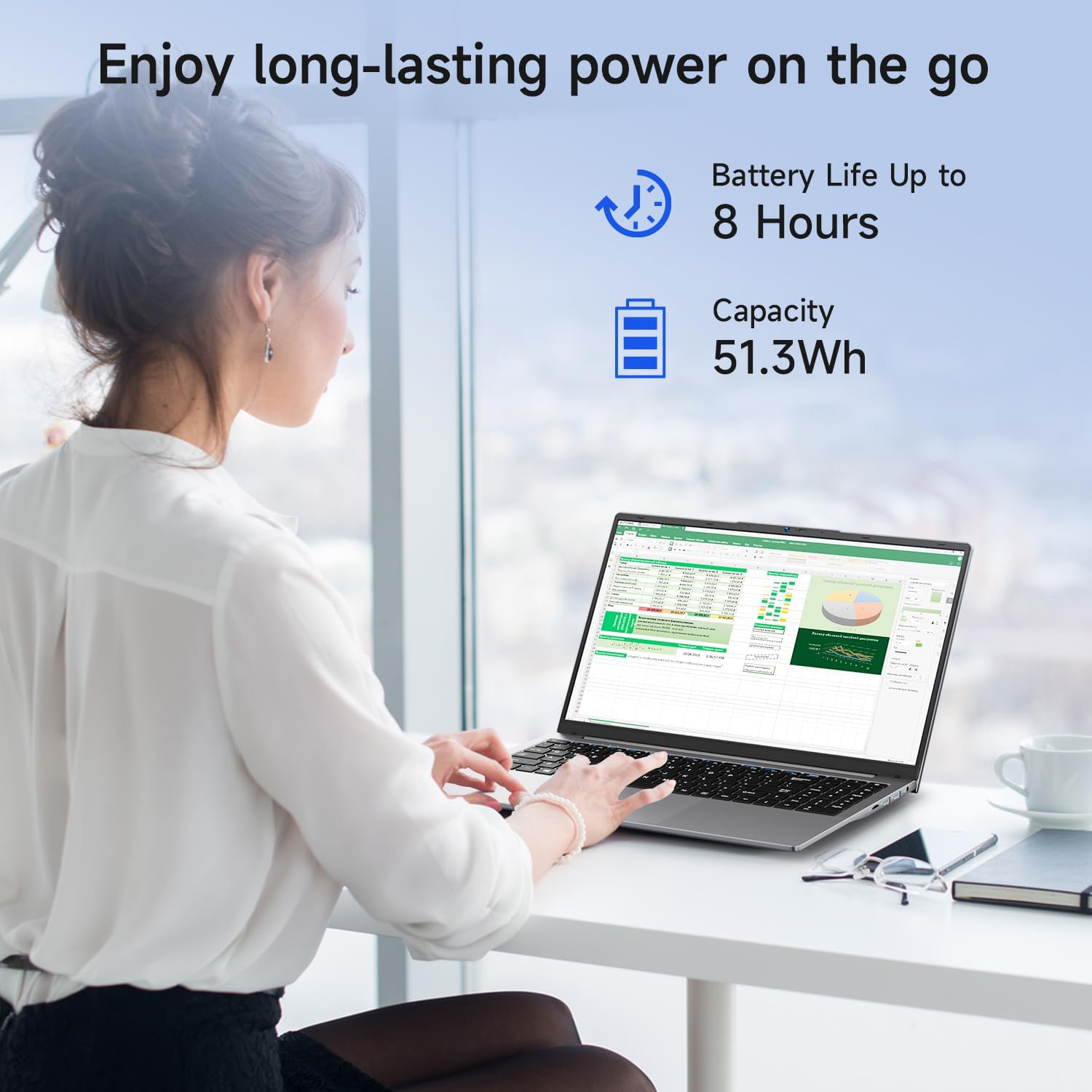
Image: A woman working on the Bmax X15 Pro laptop, with an overlay indicating a battery life of up to 8 hours and a capacity of 51.3Wh, emphasizing its long-lasting power.
10. メンテナンス
適切なメンテナンスを行うことで、ノートパソコンの寿命が長くなり、最適なパフォーマンスが確保されます。
- クリーニング: 画面と外装の清掃には、柔らかく糸くずの出ない布をご使用ください。刺激の強い化学薬品は使用しないでください。
- 換気: 過熱を防ぐために、通気口に障害物がないことを確認してください。
- ソフトウェアアップデート: セキュリティとパフォーマンスを維持するために、オペレーティング システムとドライバーを定期的に更新してください。
- バッテリーのケア: バッテリーを頻繁に完全に放電することは避けてください。長期間使用しない場合は、ノートパソコンを涼しく乾燥した場所に保管してください。
11。 トラブルシューティング
このセクションでは、Bmax X15 Pro ラップトップで発生する可能性のある一般的な問題について説明します。
- ノートパソコンの電源が入らない: 電源アダプターがしっかりと接続され、バッテリーが十分に充電されていることを確認してください。別のコンセントをお試しください。
- 表示の問題: 画面に何も表示されない場合は、外付けモニターを接続して、ノートパソコンのディスプレイに問題があるかどうかを確認してください。明るさの設定を調整してください。
- Wi-Fi接続の問題: Windowsの設定でWi-Fiが有効になっていることを確認してください。ルーターとノートパソコンを再起動してください。Wi-Fiドライバーが更新されているか確認してください。
- パフォーマンスが遅い: 不要なアプリケーションを閉じてください。マルウェアがないか確認してください。SSDに十分な空き容量があることを確認してください。
12. 仕様
| 特徴 | 仕様 |
|---|---|
| スタンディングスクリーンの表示サイズ | 15.6インチ |
| 画面解像度 | 1920 x 1080 ピクセル |
| 最大画面解像度 | 1920x1080ピクセル |
| プロセッサ | 3.4 GHz Celeron (Intel N95 Quad-Core) |
| ラム | 16GB DDR4 |
| メモリ速度 | 2666 MHz |
| ハードドライブ | 512 GB SSD (PCIE x 4 インターフェース) |
| グラフィックスコプロセッサ | インテルUHDグラフィックス |
| グラフィックカードのRAMサイズ | 8 GB(統合) |
| ワイヤレスタイプ | 2.4 GHz Radio Frequency, 5 GHz Radio Frequency, 802.11a/b/g/n/ac, Bluetooth 5.0 |
| USB 3.0 ポートの数 | 3 |
| 平均バッテリー寿命(時間) | 4-8 Hours (51.3Wh) |
| オペレーティング·システム | ウィンドウズ11プロ |
| アイテム重量 | 3.57ポンド |
| 製品寸法 | 14.08 x 9.04 x 0.76インチ |
| 色 | スペースグレイ |
| 特集 | HDオーディオ、軽量、メモリカードスロット、テンキー |
13. 保証とサポート
Your Bmax X15 Pro laptop comes with a 12-month warranty from the date of purchase. This warranty covers manufacturing defects and ensures product reliability.
- 保証期間: 12 months from the purchase date.
- 返品規則: Worry-free 30-day return period.
- 顧客サービス: 7 days/24 hours friendly customer support.
- 付属品: 2 replaceable plugs (US, EU) are included to meet diverse connectivity needs.
For technical assistance or warranty claims, please refer to the contact information provided with your purchase documentation or visit the official Bmax support webサイト。