
導入
Thank you for choosing the HISHELL Language Translator Earbuds. These open-ear headphones are designed to provide seamless real-time language translation across 144 online languages, powered by 6 top translation engines. Beyond translation, they also function as versatile devices for music streaming and phone calls. This manual will guide you through the setup, operation, and maintenance of your new device to ensure an optimal user experience.

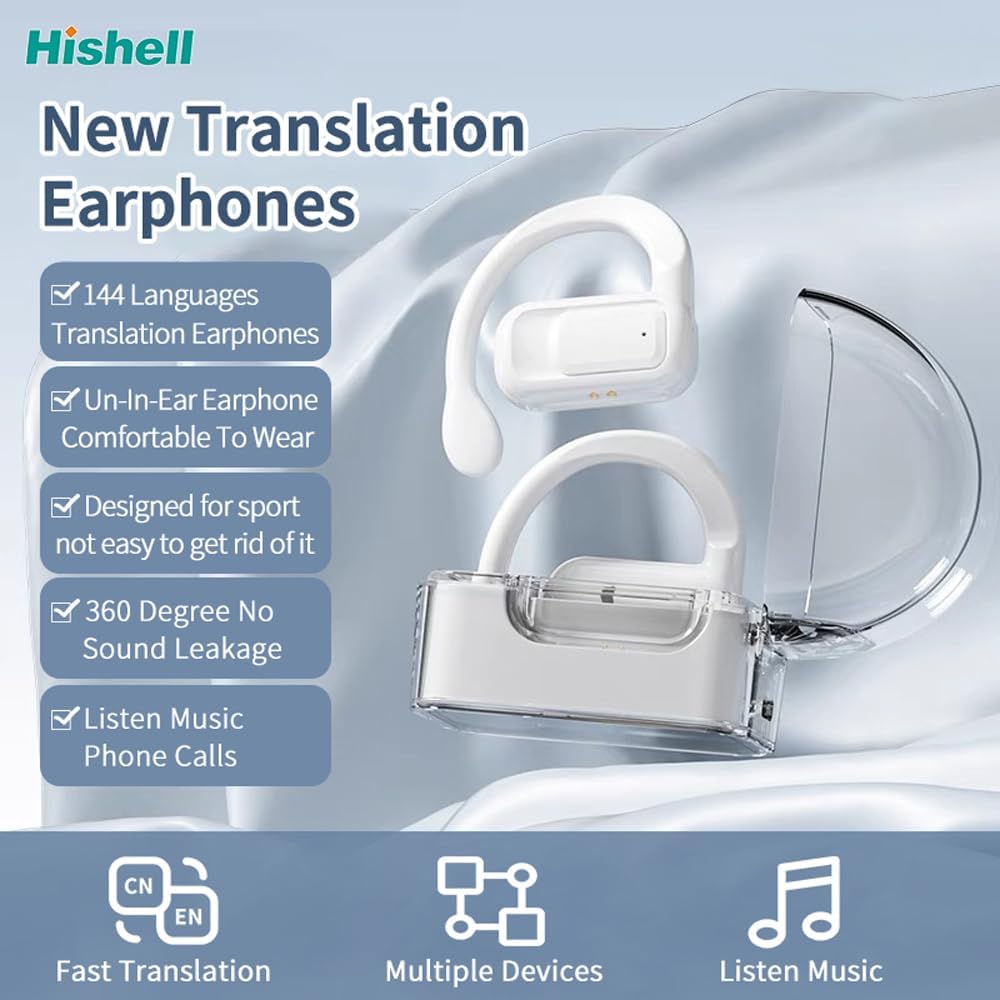
Image: The HISHELL Language Translator Earbuds, showing both earbuds and their transparent charging case.
箱の中身
- 2 x Language Translator Earphones
- 充電コンパートメント x 1
- データケーブル (USB-C) x 1
- 1 x Headset User Manual
- 1 x APP Translation User Manual

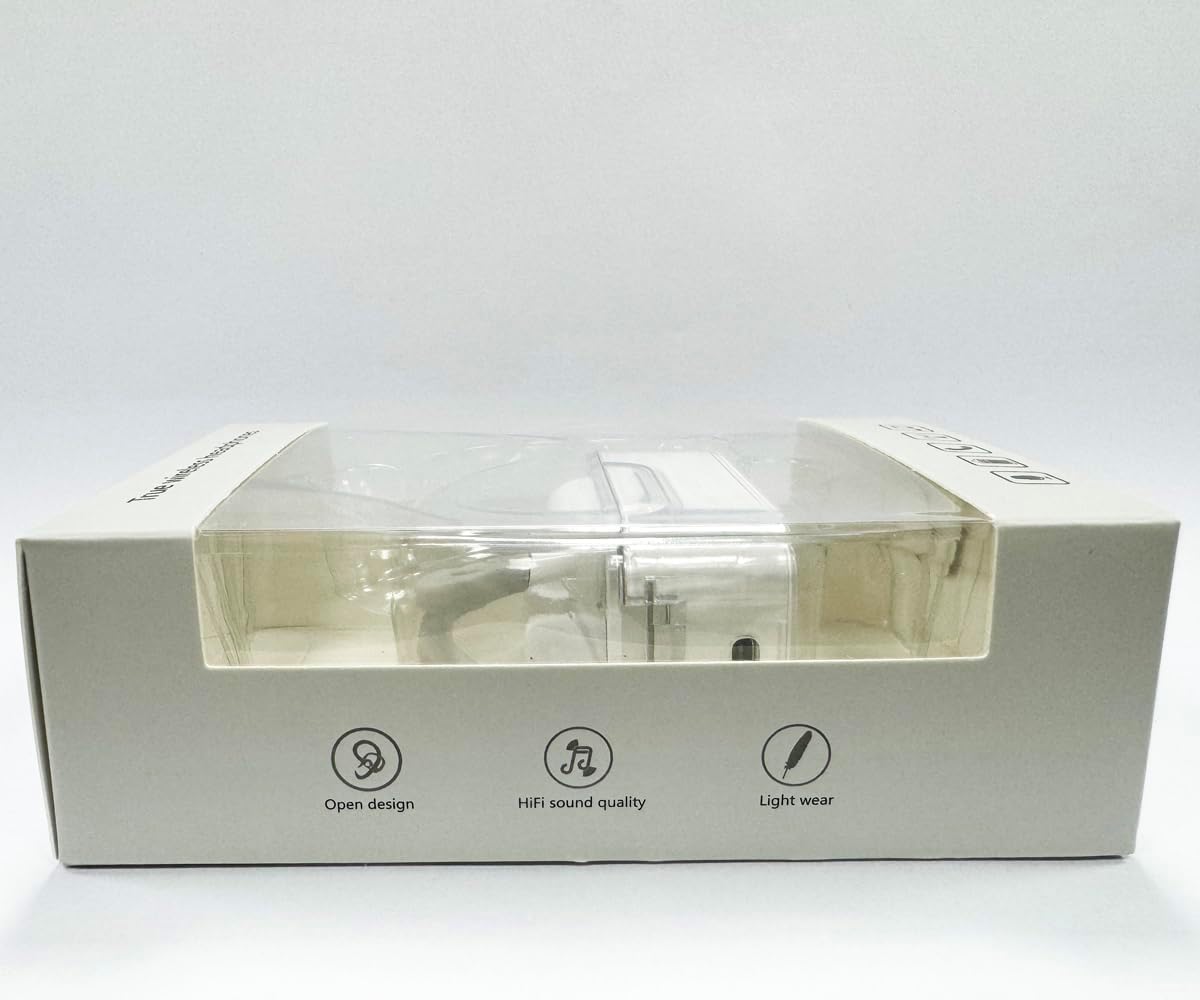
画像: 正面 view of the product packaging, displaying the earbuds inside.
設定
1. イヤホンとケースの充電
Before first use, fully charge the earbuds and the charging case. Connect the provided USB-C data cable to the charging port on the case and plug the other end into a USB power source (e.g., computer, wall adapter). The indicator lights on the case will show charging status.
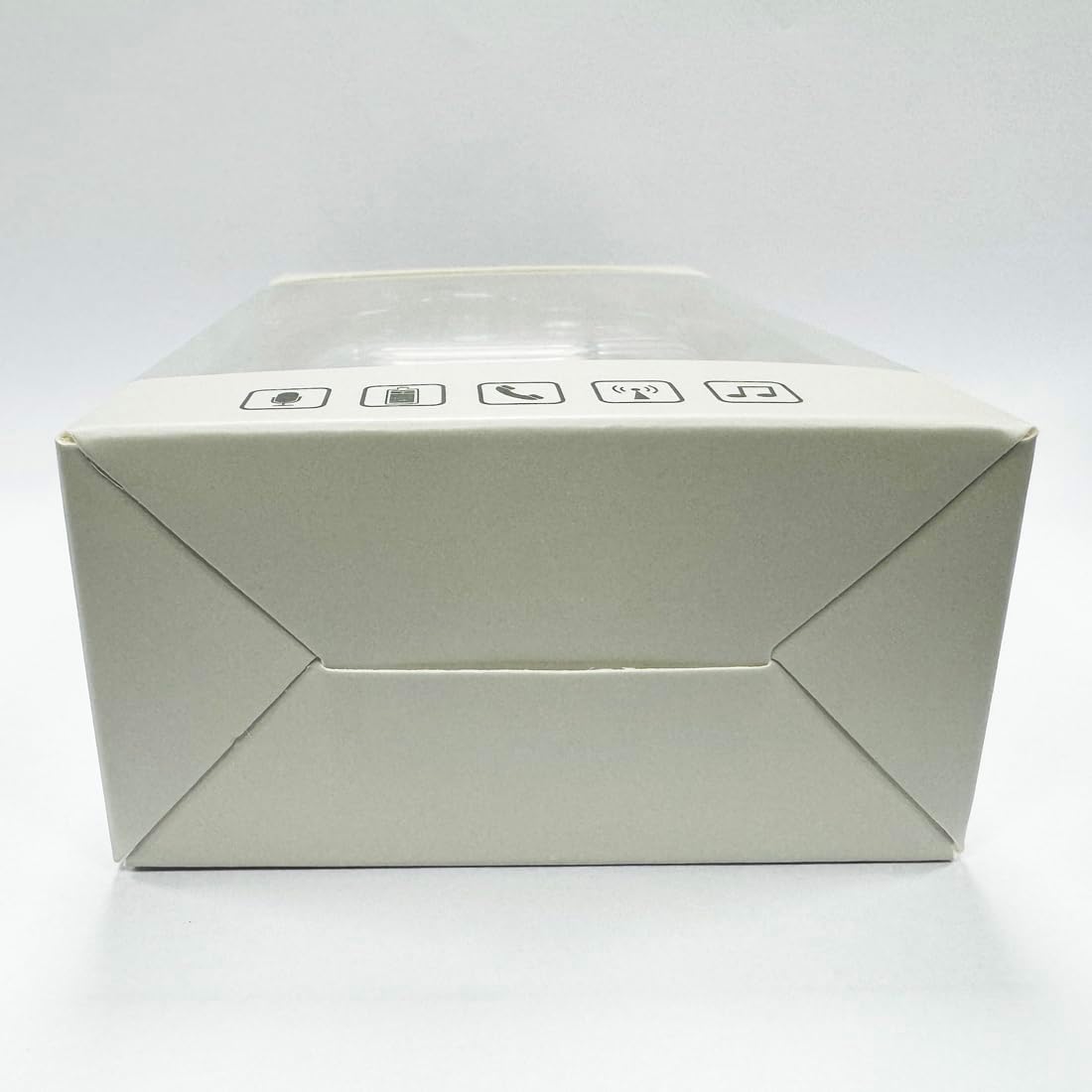
画像: 下 view 充電ケースの、USB-C 充電ポートを強調表示します。
2.アプリのインストール
To utilize the translation features, you must download the dedicated HISHELL translation app on your smartphone (iOS or Android). Scan the QR code provided in the APP Translation User Manual or search for "HISHELL Translator" in your device's app store.
3.Bluetoothペアリング
- イヤホンが充電されていることを確認し、充電ケースから取り出してください。自動的にペアリングモードになります。
- On your smartphone, go to Bluetooth settings and turn Bluetooth on.
- Select "HISHELL BL02" (or similar name) from the list of available devices.
- 接続されると確認音が鳴り、イヤホンが使用できるようになります。
操作手順
The HISHELL Language Translator Earbuds offer three primary translation modes, along with standard audio functions.
翻訳モード

Image: Visual representation of the three distinct translation modes available with the earbuds.
- タッチモード:
Two people each wear one earphone. Click or double-click the earphone to translate in real-time. This mode is suitable for acquaintances who are willing to wear your earphone.

Image: Two individuals using the translator earbuds in a conversational setting.
- スピーカーモード:
One person wears the earphones, and the other person holds the mobile phone. The phone's speaker will output the translation. This mode is suitable for strangers or situations where it's inconvenient for the other person to wear an earphone.
- フリートークモード:
Both users wear an earphone. The device translates in real-time, allowing for natural, continuous conversation without needing to press buttons. This mode facilitates smooth and uninterrupted communication.
Music and Call Functions
In addition to translation, the earbuds function as standard Bluetooth headphones:
- 音楽再生: Once connected via Bluetooth, you can stream audio from your device. Use your phone's media controls for play/pause, skip tracks, and volume adjustment.
- 電話: The earbuds support hands-free calling. Answer/end calls directly through the earbuds (refer to the APP Translation User Manual for specific touch controls). The binaural HD microphone ensures clear communication.

画像: Examples of individuals comfortably wearing the open-ear translator earbuds.
メンテナンス
クリーニング
- イヤホンと充電ケースを柔らかく乾いた糸くずの出ない布で拭いてください。
- 研磨剤入りの洗剤、アルコール、化学溶剤は使用しないでください。
- 開口部に湿気が入らないようにしてください。
ストレージ
使用しないときは、イヤホンを保護し、充電を保つために充電ケースに保管してください。直射日光や極端な温度を避け、涼しく乾燥した場所に保管してください。
トラブルシューティング
| 問題 | 考えられる原因 | 解決 |
|---|---|---|
| イヤホンがペアリングされない | Low battery; out of range; not in pairing mode; previous connection issue. | Ensure earbuds are charged. Place them closer to your device. Re-insert into case and remove to re-enter pairing mode. Forget device in Bluetooth settings and re-pair. |
| Translation not accurate or delayed | Poor internet connection; background noise; speaking too fast/unclearly; incorrect language selection. | Ensure stable internet connection. Speak clearly and at a moderate pace. Reduce background noise. Verify correct source and target languages in the app. |
| イヤフォンから音が出ない | 音量が低すぎます。接続されていません。メディアが一時停止されています。 | デバイスの音量を上げてください。Bluetooth接続を確認してください。メディアが再生されていることを確認してください。 |
| 充電ケースが充電されない | ケーブル/アダプタの故障、充電ポートの汚れ。 | Try a different USB-C cable and power adapter. Clean the charging port gently with a dry cotton swab. |
For further assistance, please refer to the APP Translation User Manual or contact customer support.
仕様
| 特徴 | 詳細 |
|---|---|
| モデル番号 | BL02 |
| パッケージ寸法 | 5.16 x 3.15 x 1.69インチ |
| アイテム重量 | 2.12オンス |
| バッテリー | 1 リチウムポリマー電池 (付属) |
| 翻訳言語 | 144のオンライン言語 |
| Translation Engines | Powered by 6 top translation engines |
| マイクロフォン | Binaural HD microphone |
| バッテリー寿命(リスニング) | 約3時間 |
| 待機時間 | 約240時間 |
| 充電ポート | USB-C |


画像: 各種 views of the HISHELL charging case, showing its dimensions and design.
保証とサポート
保証情報
HISHELL products typically come with a standard manufacturer's warranty. Please refer to the warranty card included in your product packaging or visit the official HISHELL webお住まいの地域と購入日に応じた詳細な保証条件については、こちらのサイトをご覧ください。
カスタマーサポート
If you encounter any issues or have questions not covered in this manual, please contact HISHELL customer support. You can usually find contact information (email, phone, or support portal) on the official HISHELL webサイトまたは製品を購入した小売店を通じて購入できます。