

1. はじめに
Thank you for choosing the Calypso Digital Metallic Rose Watch, model K5874/1. This manual provides essential information for the proper setup, operation, and maintenance of your new digital watch. Please read these instructions carefully to ensure optimal performance and longevity of your timepiece.
2.製品オーバーview
The Calypso K5874/1 is a digital watch featuring a metallic rose finish and a comfortable strap. It is designed for daily wear and offers essential timekeeping functions.
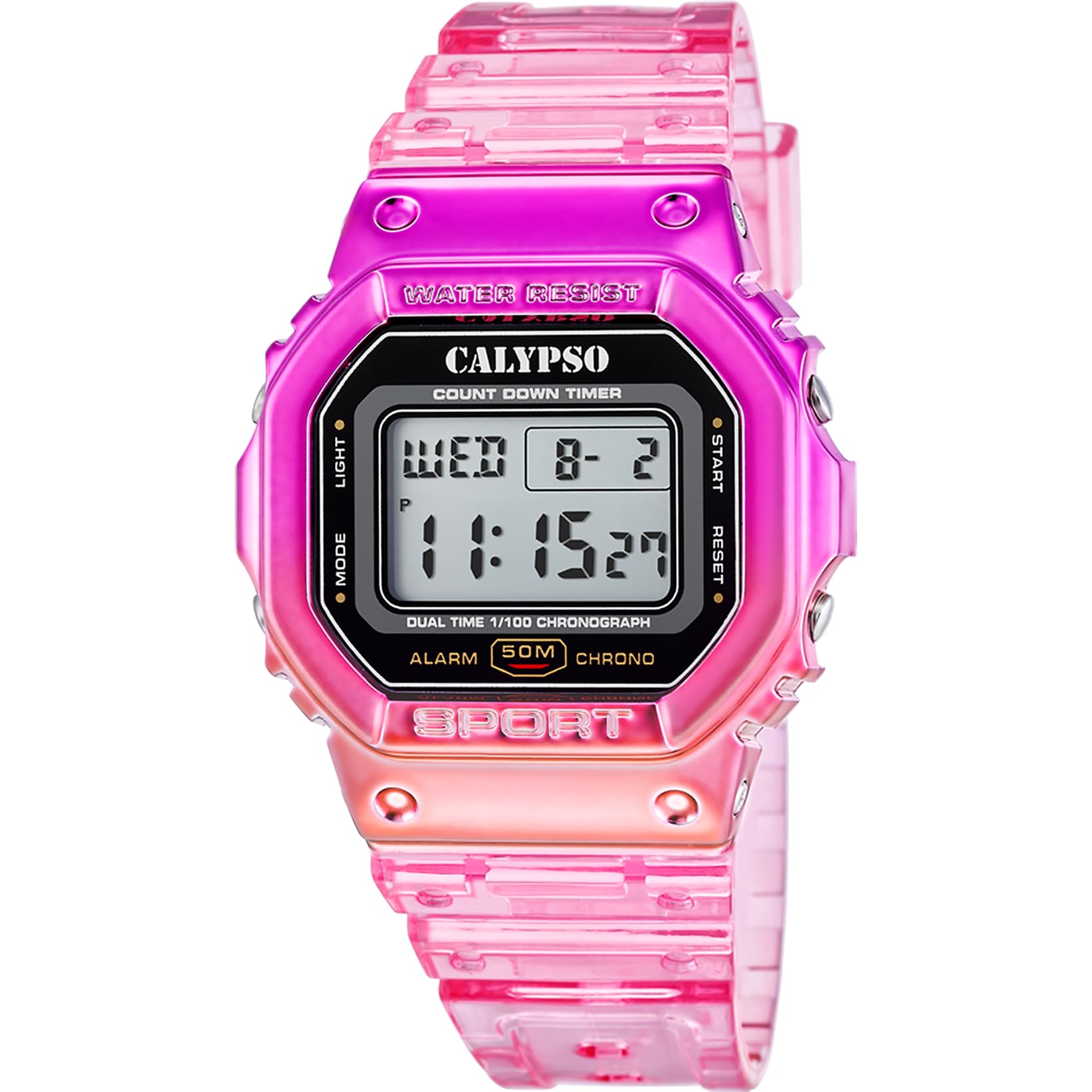
Figure 2.1: Calypso Digital Metallic Rose Watch (K5874/1) worn on a wrist.
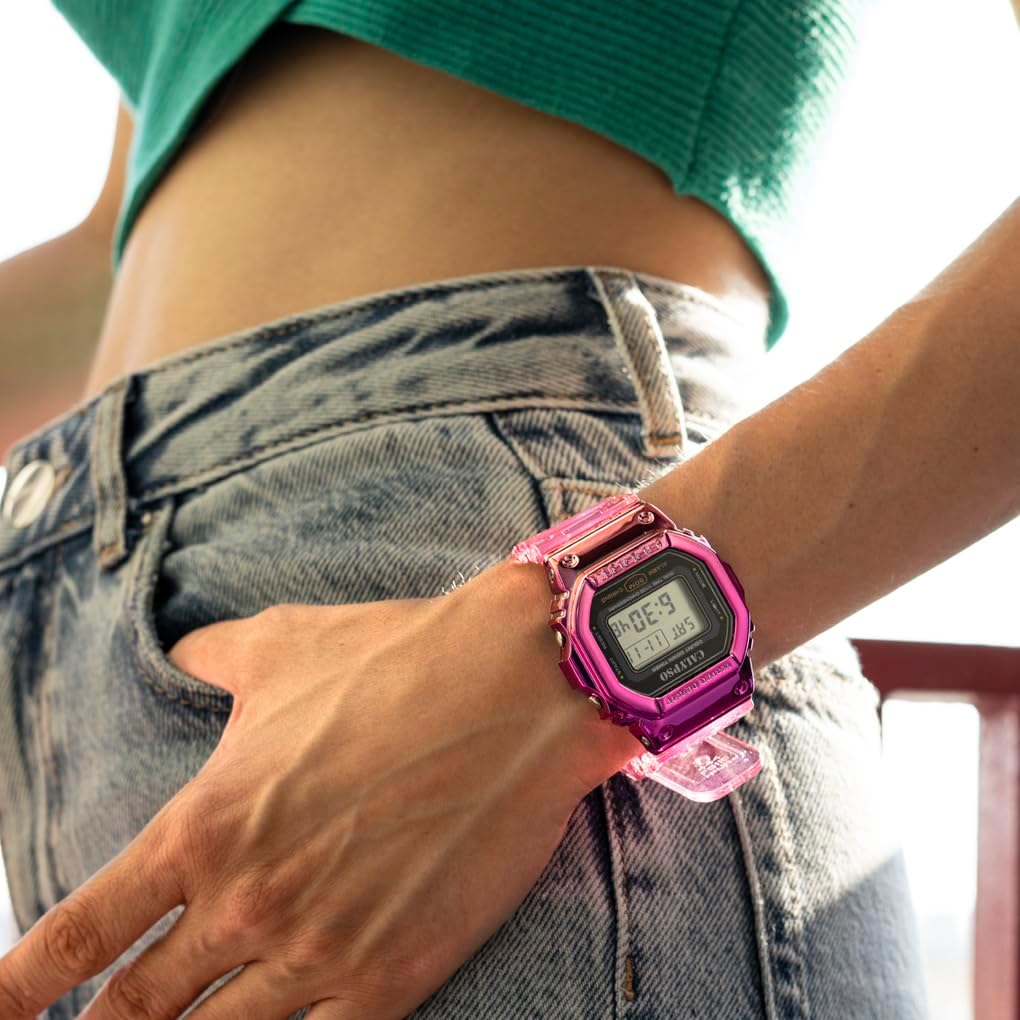
図2.2: 前面 view of the Calypso Digital Metallic Rose Watch (K5874/1).

図2.3: 角度付き view of the Calypso Digital Metallic Rose Watch (K5874/1).
3. セットアップ
3.1 初期時間設定
Your watch comes with a pre-installed battery (1 C battery included). To set the time and date:
- を押す モード 時間設定モードが表示されるまで(通常は数字が点滅して表示されます)、ボタンを繰り返し押します。
- 使用 セット or 調整する ボタンを押して、変更したい数字(時間、分、年、月、日など)を選択します。
- 使用 ライト or スタート/ストップ 選択した数字の値を増やすボタンです。
- Repeat steps 2 and 3 until all desired settings are correct.
- を押す モード もう一度ボタンを押すと設定モードが終了し、通常の時刻表示に戻ります。
Note: Button labels may vary. Refer to the markings on your specific watch for exact button functions.
4. 操作手順
4.1 基本的な時間表示
In normal timekeeping mode, the watch displays the current time (hours, minutes, seconds) and often the day of the week and date.
4.2 モード機能
を押す モード button to cycle through various functions:
- ストップウォッチ: Used for measuring elapsed time. Press スタート/ストップ to begin and end timing, and リセット (often the セット button) to clear.
- アラーム: Set a specific time for an audible alert. Use セット/調整する アラーム時間を設定し、 モード 有効/無効にします。
- 日付表示: 現在の月と日を表示します。
- ライト: を押す ライト ボタンを押すと、暗い場所でディスプレイが数秒間点灯します。
4.3 耐水性
This watch is water-resistant. This means it can withstand splashes, rain, and brief immersion in water. It is not suitable for swimming, diving, or hot water activities (e.g., showering, sauna) as steam and temperature changes can compromise the seals.
5. メンテナンス
5.1 クリーニング
時計をお手入れするには、柔らかく乾いた布で優しく拭いてください。頑固な汚れには、軽く湿らせた布で拭いてください。amp 布で拭き、すぐに乾かしてください。化学洗剤、溶剤、研磨剤の使用は避けてください。
5.2 電池の交換
The watch uses one C battery. When the display becomes dim or functions become erratic, it may be time to replace the battery. It is recommended to have the battery replaced by a qualified watch technician to ensure proper sealing and maintain water resistance.
5.3 耐水性のケア
To maintain the water resistance of your watch, ensure the crown (if applicable) is pushed in completely. Avoid operating buttons while the watch is wet or submerged. Gaskets and seals can degrade over time; periodic inspection by a professional is recommended.
6。 トラブルシューティング
- ディスプレイが空白または暗い場合: 電池残量が少ないか、消耗している可能性があります。電池を交換してください。
- 時間が間違っています: Re-set the time following the instructions in Section 3.1. Ensure you are in the correct 12-hour or 24-hour format if applicable.
- ボタンが反応しない: Ensure the watch is not in a locked mode (if applicable). If the issue persists, a battery replacement might be needed, or consult a technician.
- 時計内部の結露: This indicates a breach in water resistance. Immediately take the watch to a qualified technician for inspection and repair to prevent further damage.
7. 仕様
| 特徴 | 詳細 |
|---|---|
| モデル番号 | K5874/1 |
| ブランド | カリプソ |
| 表示タイプ | デジタル |
| 移動タイプ | デジタル |
| 留め具タイプ | バックル |
| 耐水性レベル | 耐水性 |
| アイテムの形状 | 長方形 |
| バンドカラー | 薔薇 |
| 文字盤カラー | 薔薇 |
| ケース直径 | 44ミリメートル |
| バンド幅 | 22ミリメートル |
| ケースの厚さ | 14.6ミリメートル |
| アイテム重量 | 65グラム |
| バッテリー | 単1電池XNUMX本(付属) |
| 原産国 | 中国 |
8. 保証とサポート
For warranty information and customer support, please refer to the documentation included with your purchase or visit the official Calypso Watches webサイトでご確認ください。保証請求に備えて購入証明書を保管してください。
For further assistance, contact Calypso customer service through their official channels.