
BNCF Bpad Mini
BNCF Bpad Mini Android 14 タブレット ユーザー マニュアル
Model: Bpad Mini | Brand: BNCF
1. はじめに
Thank you for choosing the BNCF Bpad Mini Android 14 Tablet. This manual provides essential information to help you set up, operate, and maintain your device. The Bpad Mini is a versatile 8.4-inch tablet featuring a powerful Snapdragon 685 octa-core processor, ample memory and storage, high-resolution cameras, and comprehensive connectivity options, designed for both productivity and entertainment.
2. 安全情報
Please read the following safety guidelines carefully before using your tablet:
- Handle the tablet gently to prevent damage from drops or impacts.
- Always perform a proper shutdown. Avoid forced shutdowns, especially when applications are running, as this may corrupt system files またはデータ。
- デバイスを極端な温度、直射日光、液体から遠ざけてください。
- Use only BNCF-approved chargers and accessories.
- タブレットをご自身で分解したり修理したりしないでください。サポートが必要な場合は、カスタマーサポートにお問い合わせください。
- Periodically clear unnecessary data to maintain optimal performance.
3. パッケージ内容
製品ボックスにすべてのアイテムが揃っていることを確認します。
- BNCF Bpad Mini Tablet
- Standard Charger (5V/2A)
- Type-C USB Cable (5V/2A)
- SIMカードイジェクトピン
- ユーザーマニュアル

4.製品オーバーview
Familiarize yourself with the physical components of your Bpad Mini tablet:
- フロントカメラ: 自撮りやビデオ通話用(5MP)。
- リアカメラ: 高解像度の写真とビデオ(32MP)用。
- 懐中電灯: For illumination when taking photos or as a torch.
- 光センサー: 周囲の光に基づいて画面の明るさを自動的に調整します。
- 電源ボタン: デバイスの電源をオン/オフにしたり、画面をロック/ロック解除します。
- 音量ボタン(+/-): デバイスの音量を調整します。
- 講演者: オーディオ出力用のデュアルスピーカーを内蔵。
- タイプCポート: 充電やデータ転送に。
- マイクロフォン: 通話中または録音中の音声入力用。
- SIM/MicroSDスロット: SIM カードや拡張ストレージを挿入します。
5. セットアップ
5.1デバイスの充電
Before first use, fully charge your tablet using the provided charger and Type-C USB cable. Connect the Type-C cable to the tablet's port and the charger to a power outlet. The battery indicator on the screen will show charging progress.

5.2 SIM/MicroSDカードの挿入
To use 4G LTE connectivity or expand storage, insert a SIM card or MicroSD card into the designated slot:
- タブレットの側面にある SIM/MicroSD カード スロットを見つけます。
- Use the provided SIM eject pin to open the tray.
- Carefully place the SIM card(s) and/or MicroSD card into the tray, ensuring correct orientation.
- カチッと音がするまでトレイをゆっくりとスロットに戻します。
APN Settings for 4G LTE
For some carriers (e.g., Rakuten Mobile, IIJmio, BIGLOBE Mobile, OCN Mobile ONE, UQ mobile), manual APN (Access Point Name) settings are required after SIM insertion. For others (e.g., docomo, au, SoftBank, Y!mobile, LINEMO), APN settings may be automatic.
If manual setup is needed:
- へ移動 設定 > ネットワークとインターネット > モバイルネットワーク.
- Check if the APN is correctly displayed. If blank, you will need to manually input the APN details provided by your carrier.
- Refer to your carrier's official website for specific APN configuration details.
5.3初期電源オン
Press and hold the Power button until the BNCF logo appears. Follow the on-screen prompts to complete the initial setup, including language selection, Wi-Fi connection, and Google account setup.
6. 操作手順
6.1 Android 14 オペレーティング システム
Your Bpad Mini runs on Android 14, offering enhanced features for a smoother and more secure user experience. Key features include:
- マルチタスク: Utilize split-screen mode to run two apps simultaneously.
- Improved Privacy & Security: アプリの権限とデータ アクセスに対する制御が強化されました。
- 効率的なバッテリー管理: Optimized power usage for longer battery life.
- Smart Screen Cast: Wirelessly share your tablet screen to a larger display.
- 3本指のスクリーンショット: Capture screenshots quickly with a simple gesture.
- ペアレンタルコントロール: お子様のスクリーンタイムとコンテンツへのアクセスを管理します。

6.2 パフォーマンス
The Bpad Mini is powered by the Snapdragon 685 Octa-core Chipset with a clock speed of up to 2.8GHz, ensuring smooth and efficient performance for all your tasks, from browsing to gaming. It features an advanced 6nm manufacturing process for optimized power consumption.
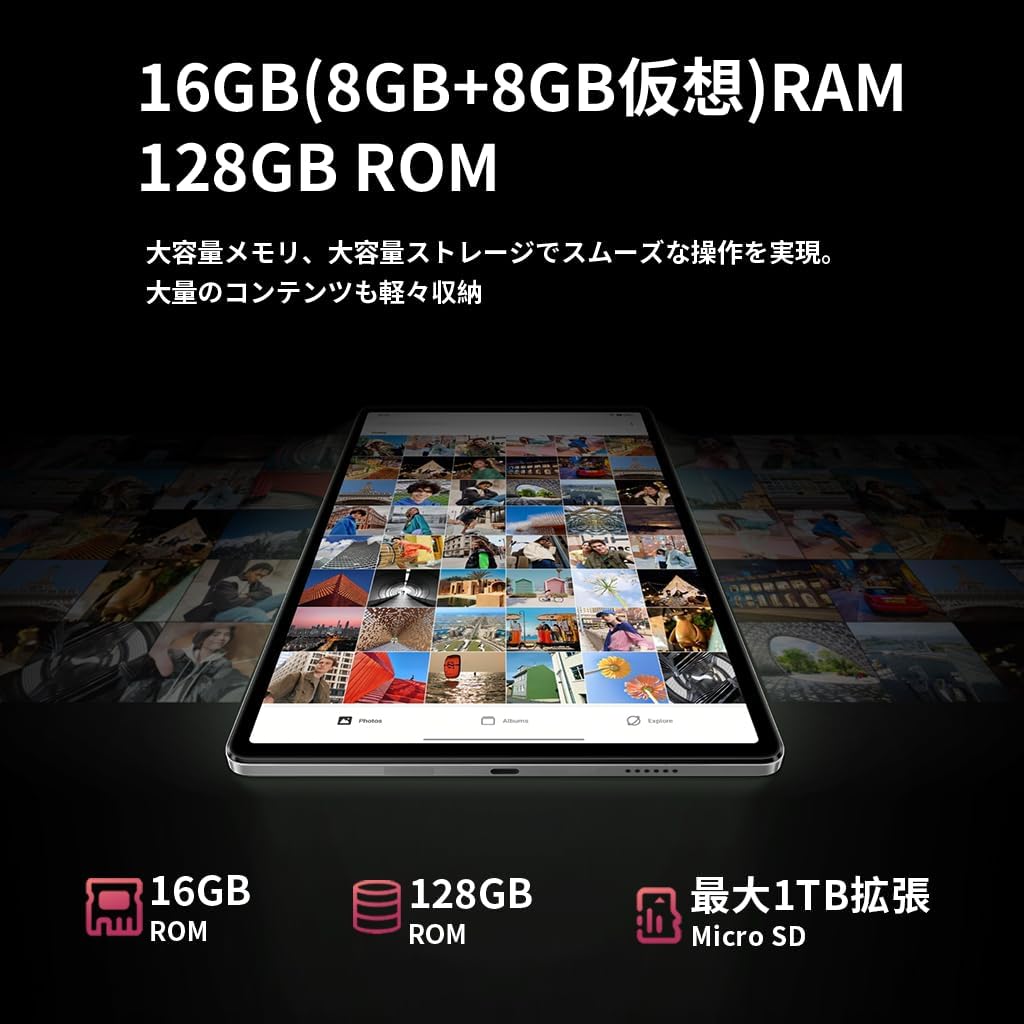
と 16GB of RAM (8GB physical + 8GB virtual), the tablet can handle multiple applications simultaneously without lag. The 128GB UFS internal storage provides fast read/write speeds and ampあなたのためのスペース files, expandable up to 1TB via MicroSD card.


6.3 ディスプレイ
の 8.4-inch FHD IPS display with 1920x1200 resolution provides vivid and clear visuals. It features in-cell full lamination technology for improved transparency and touch responsiveness. With Widevine L1 support, you can enjoy high-definition content from streaming services like Netflix, Amazon Prime Video, and Disney+ in HD, Full HD, and even 4K resolutions.

6.4 カメラ
タブレットのデュアルカメラで瞬間を撮影します。
- フロントカメラ: 5MP, ideal for selfies and high-quality video calls.
- リアカメラ: 32MP, capable of shooting high-resolution photos and videos, including 4K, making it suitable for content creation and live streaming.

6.5 接続性
さまざまなオプションで接続を維持:
- 4GLTE: Insert a SIM card to access the internet and make calls like a smartphone, even without Wi-Fi.
- 2.4G/5G Dual-band Wi-Fi: Enjoy fast and stable internet browsing and online gaming.
- Bluetooth 5.0: Easily connect to wireless headphones, speakers, and other Bluetooth devices for a seamless experience.
- GPS: Utilize accurate navigation services for travel and location-based applications.

6.6 バッテリー管理
The Bpad Mini is equipped with a 6050mAhの大容量バッテリー, providing extended usage time. It supports 18W PD急速充電, allowing for quick recharges (fast charger sold separately; standard charger included).
6.7 センサー
The tablet integrates several sensors for enhanced functionality:
- ジャイロセンサー: Automatically adjusts screen orientation and improves gaming experience with smoother rotation effects and precise control.
- 光センサー: Detects ambient light to automatically adjust screen brightness, optimizing battery consumption.
- 近接センサー: Automatically turns off the screen during calls to prevent accidental touches and save power.

6.8 セキュリティ
The Bpad Mini supports 顔認識 for quick and secure unlocking, protecting your privacy with ease.

7. メンテナンス
To ensure the longevity and optimal performance of your BNCF Bpad Mini, follow these maintenance tips:
- スクリーンのお手入れ: Clean the screen with a soft, lint-free cloth. Avoid harsh chemicals or abrasive materials.
- ソフトウェアアップデート: システム アップデートを定期的に確認してインストールし、デバイスに最新の機能とセキュリティ パッチが適用されていることを確認してください。
- データ管理: 定期的に再view 不要なものを削除する files, apps, and cached data to free up storage space and prevent performance slowdowns.
- バッテリーの状態: バッテリーを頻繁に完全に使い切らないようにしてください。長期保管の場合は、バッテリーを50~60%程度まで充電してください。
- 環境条件: Store and use the tablet in moderate temperatures. Extreme heat or cold can damage the battery and internal components.
8。 トラブルシューティング
発生する可能性のある一般的な問題に対する解決策は次のとおりです。
| 問題 | 考えられる原因 | 解決 |
|---|---|---|
| デバイスが起動しない | バッテリー残量低下、システムクラッシュ | デバイスを少なくとも30分間充電してください。電源ボタンを10~15秒間押し続けて強制的に再起動してください。 |
| Poor 4G LTE connection | Incorrect APN settings; Weak signal area | Restart the device in a good signal area. Verify APN settings in 設定>ネットワークとインターネット>モバイルネットワーク. Consult your carrier for correct APN details. |
| Tablet is slow/lagging | 実行中のアプリが多すぎる、ストレージ容量が不足している、ソフトウェアが古い | Close background apps. Clear unnecessary data and cache. Check for system updates in 設定 > システム > システムアップデート. |
| タッチスクリーンが反応しない | 一時的なソフトウェアの不具合、スクリーンプロテクターの干渉 | Restart the tablet. Ensure screen is clean. If using a screen protector, ensure it is properly applied and not interfering. |
| Wi-Fi接続の問題 | パスワードが間違っています。ルーターに問題があります。タブレットのWi-Fiが無効になっています。 | Wi-Fiが有効になっていることを確認してください。ネットワークを削除して再接続してください。Wi-Fiルーターを再起動してください。 |
9. 仕様
| 特徴 | 仕様 |
|---|---|
| ブランド | BNCF |
| モデル名 | Bpad Mini |
| オペレーティング·システム | アンドロイド14 |
| CPU | Qualcomm Snapdragon 685 Octa-core (up to 2.8 GHz) |
| グラフィックプロセッサ | アドレノ610 |
| ラム | 16 GB (物理 8 GB + 仮想 8 GB) |
| 内部ストレージ | 128 GB UFS |
| 拡張可能なストレージ | MicroSDカードで最大1TB |
| 表示サイズ | 8.4インチ |
| ディスプレイ解像度 | 1920x1200ピクセル(FHD IPS) |
| ディスプレイ技術 | In-cell full lamination |
| ストリーミングサポート | Widevine L1 (Netflix, Amazon Prime Video, Disney+ in HD/FHD/4K) |
| リアカメラ | 32 MP |
| フロントカメラ | 5 MP |
| セルラー接続 | 4G LTE (GSM, WCDMA, LTE-TDD, LTE-FDD bands) |
| Wi-Fi | 2.4G/5G Dual-band (802.11a/b/g/n/ac) |
| ブルートゥース | ブルートゥース5.0 |
| GPS | はい |
| バッテリー容量 | 6050mAh |
| 充電 | Type-C, supports 18W PD fast charging |
| センサー | Gyro Sensor, Light Sensor, Proximity Sensor |
| セキュリティ機能 | 顔認識 |
| 寸法(長さ×幅×高さ) | 200.8 x 124.2 x 7.6 ミリメートル |
| 重さ | 310グラム |
10. 保証とサポート
BNCF offers a 12ヶ月の製品保証 for the Bpad Mini tablet. For any inquiries or issues, please contact customer support through your Amazon account:
- へ移動 Your Amazon Account > 注文履歴.
- Select the relevant order for your BNCF Bpad Mini.
- クリック 売り手に連絡する.
Our support team typically responds within 6 hours. Please provide your order details for faster assistance.