
導入
This manual provides detailed instructions for the installation, operation, and maintenance of your Akozon Universal Digital Motorcycle Speedometer and Tachometer. Designed for compatibility with 1, 2, and 4-cylinder motorcycle models, this digital dash offers precise speed, RPM, and gear position display, along with odometer and trip meter functions. Its robust ABS construction ensures durability in various environmental conditions.
主な特徴
- クリアなデジタルディスプレイ: Provides quick and accurate access to real-time motorcycle data in all lighting conditions.
- 耐久性のある構造: Made of impact-resistant and wear-resistant ABS materials for optimal performance in harsh environments.
- 効率的なボリュームtage Operating System: Operates on DC 8-12V power supply, preventing issues from voltag不安定。
- 幅広い互換性: Suitable for 1, 2, and 4-cylinder motorcycle models.
- 簡単なインストール: Humanized design allows for straightforward installation without complex tools.
- 多機能ディスプレイ: Includes speed (km/h, mph), gear position (1-6, N), odometer, trip meter, and RPM range (0-14000 r/min).
仕様
| 特徴 | 詳細 |
|---|---|
| アイテムタイプ | オートバイのスピードメーター |
| 材料 | アクリロニトリルブタジエンスチレン(ABS) |
| 速度表示範囲 | 0-199 km/h (miles) |
| ギアポジション | 1/2/3/4/5/6 N |
| 走行距離計表示 | 0 ~ 999999 kilometers (miles) |
| Odometer Display Unit | 0.1キロ |
| RPM範囲 | 0 ~ 14000 r/min |
| 適合 | Compatible with 1, 2, 4 Cylinders models |
| 電源 | DC 8-12V |
| ねじの種類 | ホール効果 |
| 寸法(約) | 19.3cm(長さ)×10.2cm(幅)×8.6cm(高さ) |
設定
Proper installation is crucial for accurate readings and safe operation. Follow these steps carefully:
1. 物理的な設置
Mount the speedometer securely on your motorcycle's handlebars or dashboard using the provided bracket and hardware. Ensure it is positioned for clear visibility while riding.

Image: Dimensions of the Akozon Motorcycle Speedometer, showing its length, width, and height for proper fitment.
2. 配線接続
Connect the speedometer's wiring harness to your motorcycle's electrical system. Refer to the wiring diagram provided with your product for specific connections. Key connections typically include:
- Power (usually red wire to ignition switched 12V)
- Ground (usually black wire to chassis ground)
- Ignition/RPM signal (for tachometer function)
- Speed sensor input
- Neutral gear indicator
- 方向指示器(左/右)
- ハイビームインジケーター
- Fuel level sensor input
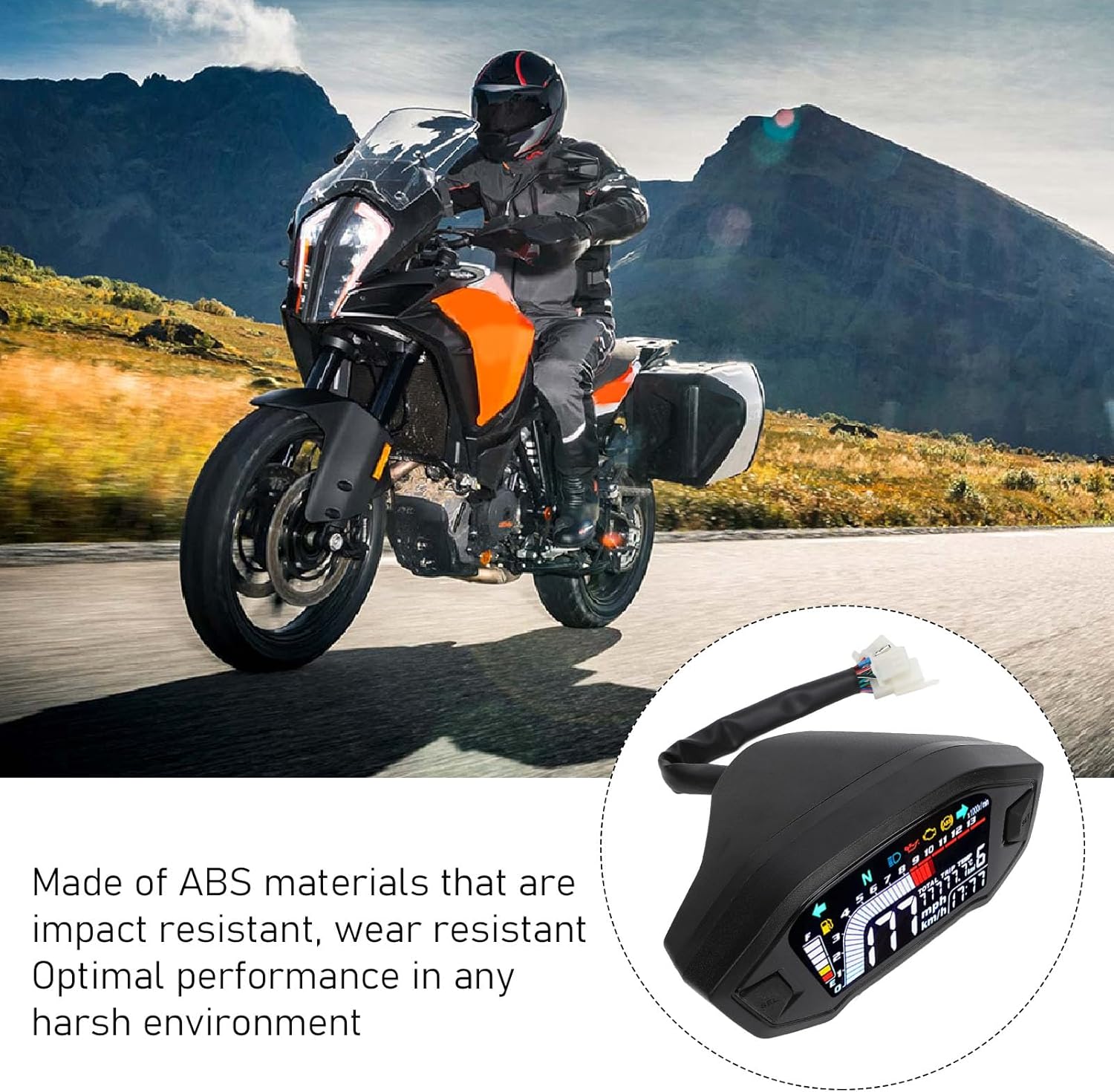
Image: Akozon digital speedometer installed on a motorcycle, demonstrating its integration into the bike's system.
3. スピードセンサーの取り付け
Install the speed sensor near the wheel, ensuring it can detect the magnets. The sensor typically mounts to the brake caliper bracket or a similar fixed point. Attach the magnets to the wheel rotor bolts or spokes, maintaining a small, consistent gap between the sensor and magnets for accurate readings.

画像: クローズアップ view of the Akozon digital speedometer display on a motorcycle, showing speed, RPM, and gear indicators.
4. 初期設定の構成
After wiring, turn on the ignition. The speedometer will perform a self-test. To enter the settings menu, typically press and hold the 'SET' button (or similar) while turning on the ignition, or as indicated in the specific product manual. Adjust the following parameters:
- Tire Circumference: Input the circumference of your front wheel for accurate speed readings.
- Number of Magnets: Set this according to the number of magnets installed for the speed sensor.
- シリンダータイプ: Select 1, 2, or 4 cylinders to ensure correct RPM readings.
- Fuel Sensor Type: Configure the fuel sensor resistance type if applicable.

Image: Diagram illustrating the settings for tire perimeter, number of signals (magnets), and engine cylinder type on the Akozon digital speedometer.
Installation and Settings Video Guide
For a visual guide on installation and initial settings, please watch the official video below:
Video: Detailed guide on how to install and configure the digital motorcycle speedometer, including wiring, sensor placement, and menu settings.
操作手順
Once installed and configured, your Akozon speedometer is ready for use. The display provides real-time information for your ride.
1. 表示モード
The main display shows speed, RPM, and current gear. Press the 'SEL' button (or similar) to cycle through different display modes, such as total odometer and trip meter. Hold the button to switch between kilometers per hour (km/h) and miles per hour (mph).

Image: The clear digital display of the Akozon speedometer, showing its readability in various lighting conditions.
2. 表示灯
The speedometer features various indicator lights for essential motorcycle functions:
- 中立(N): Illuminates when the transmission is in neutral.
- 方向指示器: Flashes to indicate left or right turn.
- ハイビーム: Illuminates when high beam headlights are active.
- 燃料レベル: Indicates the current fuel level.
メンテナンス
To ensure the longevity and optimal performance of your Akozon speedometer, follow these maintenance guidelines:
- 定期清掃: ディスプレイ画面とハウジングを柔らかくて乾いた布で拭いてください。amp 布で拭いてください。プラスチックを傷つける可能性のある研磨剤入りの洗剤や溶剤は使用しないでください。
- 配線検査: Periodically check all wiring connections for tightness and signs of wear or corrosion. Secure any loose connections.
- センサーチェック: Ensure the speed sensor and magnets are clean and properly aligned. Verify the gap between the sensor and magnets remains consistent.
- 環境保護: While designed for harsh environments, prolonged exposure to extreme weather conditions (e.g., heavy rain, direct sunlight) should be minimized when possible.
トラブルシューティング
If you encounter issues with your speedometer, refer to the following common problems and solutions:
| 問題 | 考えられる原因と解決策 |
|---|---|
| 電源なし/ディスプレイオフ |
|
| 不正確な速読 |
|
| Incorrect RPM Reading |
|
| Gear Indicator Malfunction |
|
| 燃料計が不正確 |
|
If troubleshooting steps do not resolve the issue, please contact Akozon customer support.
保証とサポート
Your Akozon Motorcycle Digital Speedometer Tachometer is covered by a manufacturer's warranty against defects in materials and workmanship. Please refer to the warranty card included with your purchase for specific terms and conditions, including the warranty period and coverage details.
For technical assistance, troubleshooting guidance, or warranty claims, please contact Akozon customer support through the retailer where you purchased the product or visit the official Akozon web連絡先情報のサイト。
When contacting support, please have your product model number (Akozongob5q417tr-12) and purchase details readily available to expedite the service process.