
WIITHINK WTB-978
WIITHINK HD Blu-Ray DVD Player User Manual
モデル: WTB-978
1. はじめに
This manual provides detailed instructions for the setup, operation, and maintenance of your WIITHINK HD Blu-Ray DVD Player (Model WTB-978). This player is designed to deliver a high-definition cinematic experience with versatile disc and multimedia playback capabilities. Please read this manual thoroughly before using the product to ensure proper operation and to maximize your enjoyment.
2. パッケージ内容
以下にリストされているすべてのアイテムがパッケージに含まれていることを確認してください。
- 1 x WIITHINK Blu-Ray DVD Player (Model WTB-978)
- リモコン x 1 (電池は付属していません)
- HDMIケーブル x 1
- 1 x AVケーブル
- 取扱説明書 x 1

Image: Contents of the WIITHINK Blu-Ray DVD Player package. This image displays the Blu-ray DVD player, its remote control, an HDMI cable, an RCA (AV) cable, and the instruction manual, illustrating all items included in the box.
3. セットアップ
3.1 テレビへの接続
The WIITHINK Blu-Ray DVD Player offers multiple connectivity options to suit your television or home theater system.
- HDMI接続(HD品質に推奨):
For the best audio and video quality, connect the included HDMI cable from the HDMI OUT port on the player to an HDMI IN port on your television. Select the corresponding HDMI input on your TV.
- AV(RCA)接続:
Use the included AV cable to connect the player to your TV. Match the colored plugs (Yellow for Video, White for Left Audio, Red for Right Audio) from the player's AV OUT ports to the corresponding AV IN ports on your TV. Select the AV input on your TV.
- 同軸オーディオ接続:
For digital audio output to a compatible receiver or sound system, connect a coaxial cable (not included) from the Coaxial OUT port on the player to the Coaxial IN port on your audio device.
3.2電源接続
After connecting the player to your TV, plug the player's power cord into a standard electrical outlet.
3.3 リモコンの電池
極性を間違えないように注意しながら、リモコンに単4電池2本(別売)を挿入します。
4. 操作手順
4.1 電源のオン/オフ
を押す 力 button on the front panel of the player or on the remote control to turn the unit on or off.
4.2 ディスクの再生
This player supports a wide range of disc formats, including Blu-ray Discs (Region A/1), standard DVDs (Region Free), CDs, and VCDs.
- を押す 開く/閉じる 前面パネルまたはリモコンのボタンを押してディスクトレイを開きます。
- ラベル面を上にしてディスクをディスクトレイに静かに置きます。
- を押す 開く/閉じる もう一度ボタンを押してトレイを閉じます。プレーヤーは自動的にディスクの読み取りを開始します。
- Use the remote control's navigation buttons (上、下、左、右、OK) to select options from the disc menu.
- プレス 再生/一時停止 再生を開始または一時停止します。
- プレス 停止 再生を終了します。
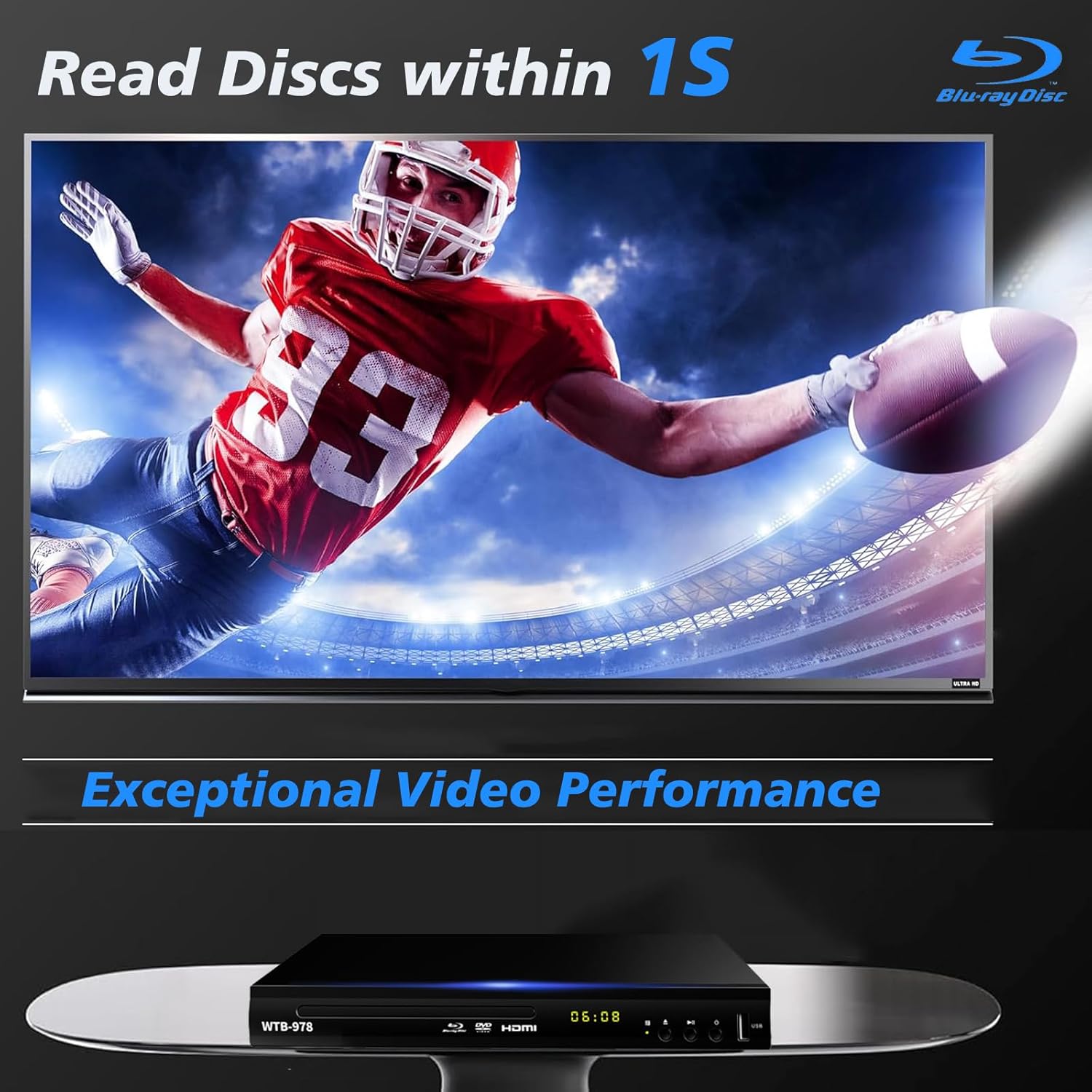
Image: The Blu-Ray DVD player is shown with a screen displaying a high-definition football game, emphasizing its exceptional video performance and quick disc reading capabilities.

Image: A Blu-Ray DVD player with its disc tray open, revealing a Blu-ray disc. The image highlights the player's ability to deliver 1080P HD picture quality, with a film strip graphic above suggesting movie playback.

Image: The Blu-Ray DVD player is positioned in front of a world map, illustrating its "ALL Region Free" capability for DVD playback across multiple countries, while also specifying support for Blu-ray Discs from Region A/1.
4.3 USBマルチメディア再生
The player features a USB input for playing multimedia files from external storage devices (up to 2TB USB flash drives/HDDs).
- Insert your USB flash drive or external HDD into the USB port on the front of the player.
- The player should automatically detect the USB device and display a menu. If not, navigate to the USB input using the remote control.
- Use the navigation buttons to browse through your files (MP4, AVI, MP3, etc.) and press OK 選択して再生します。
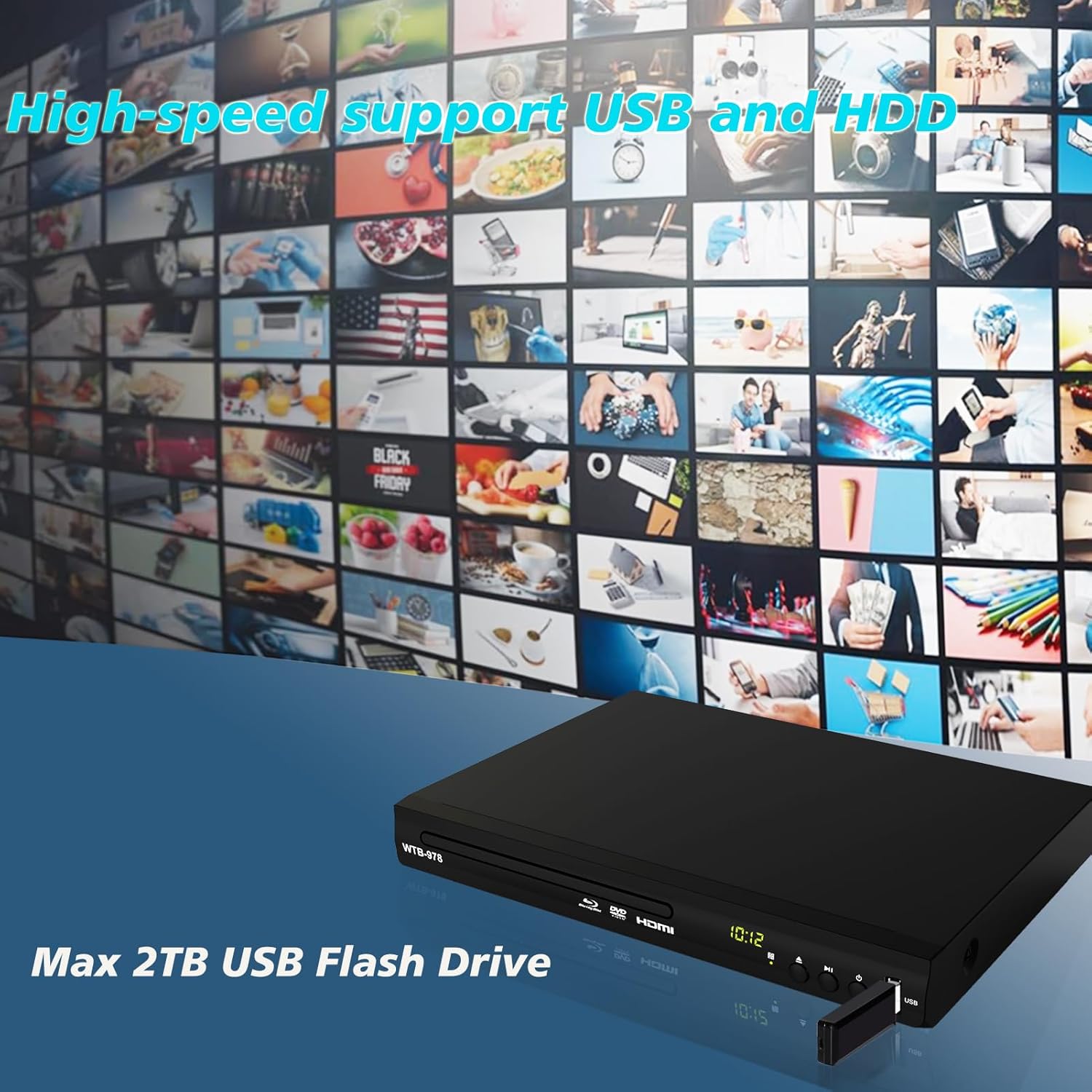
Image: The Blu-Ray DVD player is shown with a USB flash drive inserted into its port, set against a background of numerous video thumbnails, illustrating its high-speed support for USB and HDD multimedia playback.
4.4 Audio Features (Dolby & DTS)
The player supports Dolby and DTS audio formats for an immersive sound experience. Ensure your audio receiver or sound system is properly connected and configured to utilize these features.
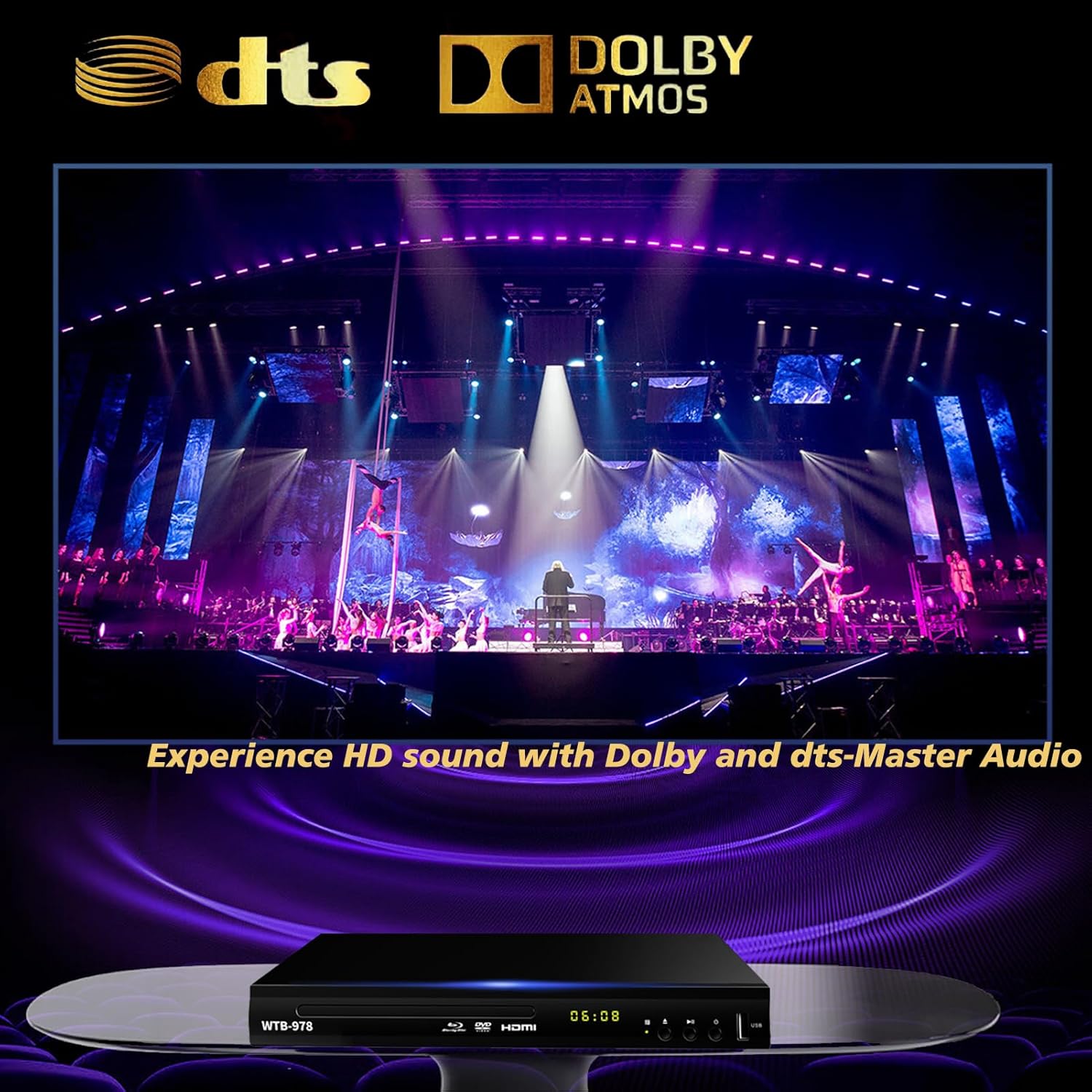
Image: The Blu-Ray DVD player is displayed with prominent DTS and Dolby logos, and a concert scene on the screen, highlighting its capability to deliver HD sound with Dolby and DTS-Master Audio.
4.5 再生を再開する
The player features a resume function, allowing it to continue playback from where it was last paused, even after being powered off.

Image: Two television screens illustrate the resume playback feature. The first screen shows a video paused, and the second shows the video resuming from the exact point after the player was powered off, demonstrating seamless continuity.
5. メンテナンス
- クリーニング: プレーヤーの外装を清掃する際は、柔らかく乾いた布をご使用ください。液体クリーナーや研磨剤は使用しないでください。
- ディスクケア: ディスクは端を持って扱ってください。清潔に保ち、傷がつかないようにしてください。柔らかく糸くずの出ない布で、中心から外側に向かって拭いてください。
- 換気: プレーヤーに十分な換気が確保されていることを確認してください。換気口を塞がないでください。
- ストレージ: プレーヤーは直射日光や極端な温度を避け、涼しく乾燥した場所に保管してください。
6。 トラブルシューティング
| 問題 | 考えられる原因 | 解決 |
|---|---|---|
| 電源なし | 電源コードが接続されていません。電源コンセントがアクティブではありません。 | 電源コードがしっかりと差し込まれていることを確認してください。別のデバイスでコンセントをテストしてください。 |
| 写真なし | テレビで間違った入力が選択されています。HDMI/AV ケーブルの接続が緩んでいます。 | Select the correct HDMI or AV input on your TV. Check cable connections at both ends. |
| 音が出ない | オーディオ ケーブルが接続されていません。テレビ/レシーバーの音量が低すぎるかミュートされています。 | Ensure audio cables (HDMI/AV/Coaxial) are properly connected. Increase volume and check mute settings on TV/receiver. |
| ディスクが再生されない | Disc is dirty, scratched, or inserted incorrectly; Incorrect disc region. | Clean the disc. Ensure the disc is inserted label-side up. Verify Blu-ray disc region (Region A/1 supported). DVDs are region-free. |
| リモコンが動作しない | 電池が切れているか、正しく挿入されていない。リモコンとプレーヤーの間に障害物がある。 | Replace batteries, ensuring correct polarity. Remove any obstructions and point the remote directly at the player's sensor. |
7. 仕様
- モデル: WTB-978
- 解決: 1920x1080 (1080p)
- 対応デバイス: テレビ
- 特別な機能: Surround Sound, Standard DVDs All-Region Free, Anti-Shock, Noise Reduction Technology, Blu-Ray Region A discs support
- オーディオ出力モード: 囲む
- サポートされているオーディオ形式: DTS, Dolby
- コネクタタイプ: RCA, USB, HDMI, Coaxial
- Media Types Supported: CD, DVD, VCD, Blu-Ray Disc (BD, BD-R, BD-RE, DVD-R/RW, DVD+R/RW, DVD-Video, VCD, CD, CD-R/RW)
- サポート File フォーマット(USB): MP4, AVI, MP3
- USB Drive Support: Max 2TB USB Flash Drive/HDD
- 寸法(長さ×幅×高さ): Approximately 10.24 in x 7.56 in x 1.57 in
- 重さ: 約1.62kg
8. 保証とサポート
For warranty information and technical support, please refer to the contact details provided on the product packaging or visit the official WIITHINK webサイトでご確認ください。購入証明として購入レシートを保管してください。
For further assistance, you may contact WIITHINK customer service through their official channels.
Ask a question about this manual
Ask about setup, troubleshooting, compatibility, parts, safety, or missing instructions. Manuals+ will review the question and use this page’s manual context to help answer it.