
1. 安全情報
The Longer RAY5 20W Laser Engraver is a Class 2 laser product. Adherence to safety guidelines is crucial to prevent injury and ensure proper operation.
- 目の保護: Always wear appropriate laser safety glasses when operating the machine. The laser module is equipped with a protective shield that filters over 95% of laser light, but direct exposure should still be avoided.
- 換気: Operate the laser engraver in a well-ventilated area to dissipate fumes and smoke produced during engraving and cutting.
- 物質の安全性: Ensure the material being processed is safe for laser engraving/cutting. Avoid materials that produce toxic fumes or are highly flammable.
- Motion Protection: The machine features motion protection. If the engraver is moved or experiences an accidental drop during operation, it will automatically shut down to prevent unintended laser firing.
- 熱保護: The system includes thermal protection, which automatically shuts down the laser if overheating is detected.
- 監督: 操作中はレーザー彫刻機から目を離さないでください。
- 緊急停止: 緊急停止ボタンの位置と機能をよく理解しておいてください。

Figure 1.1: Eye Protection Design. The laser head includes a protective shield to filter laser light.

Figure 1.2: The 20W Diode Laser offers higher output power for cutting thicker materials.
2.製品オーバーview
The Longer RAY5 20W is an advanced laser engraver and cutter designed for precision and versatility. It features a powerful 20W laser module with compressed spot technology, enabling efficient engraving and cutting across a wide range of materials. The integrated 3.5-inch touch screen and multiple connectivity options enhance user experience and control.

Figure 2.1: Longer RAY5 20W Laser Engraver Machine.
3. セットアップと組み立て
The Longer RAY5 20W laser engraver is designed for straightforward assembly. Follow the included comprehensive installation guide for detailed steps. The process typically involves:
- すべてのコンポーネントを開梱し、部品リストと照合します。
- Assembling the frame structure.
- Mounting the laser module and control box.
- Connecting all necessary cables (motors, limit switches, laser module).
- Performing initial power-on and calibration.
Video 3.1: LONGER RAY5 Laser Engraver 3.5" touchscreen. This video demonstrates the assembly process and highlights key features of the engraver, including the touchscreen interface.
4. 操作手順
4.1 制御インターフェース
The machine features a built-in 3.5-inch color touch screen for convenient operation. Use the touch screen to monitor engraving progress, adjust settings, and execute commands directly.
4.2 接続モード
The Longer RAY5 20W supports multiple connection methods for flexibility:
- USB: Connect directly to a computer via USB cable.
- TFカード: 荷重設計 files onto a TF card for offline operation.
- Wi-Fi: Connect wirelessly to your network for remote control.
- アプリ: Utilize a dedicated mobile application for control and monitoring.
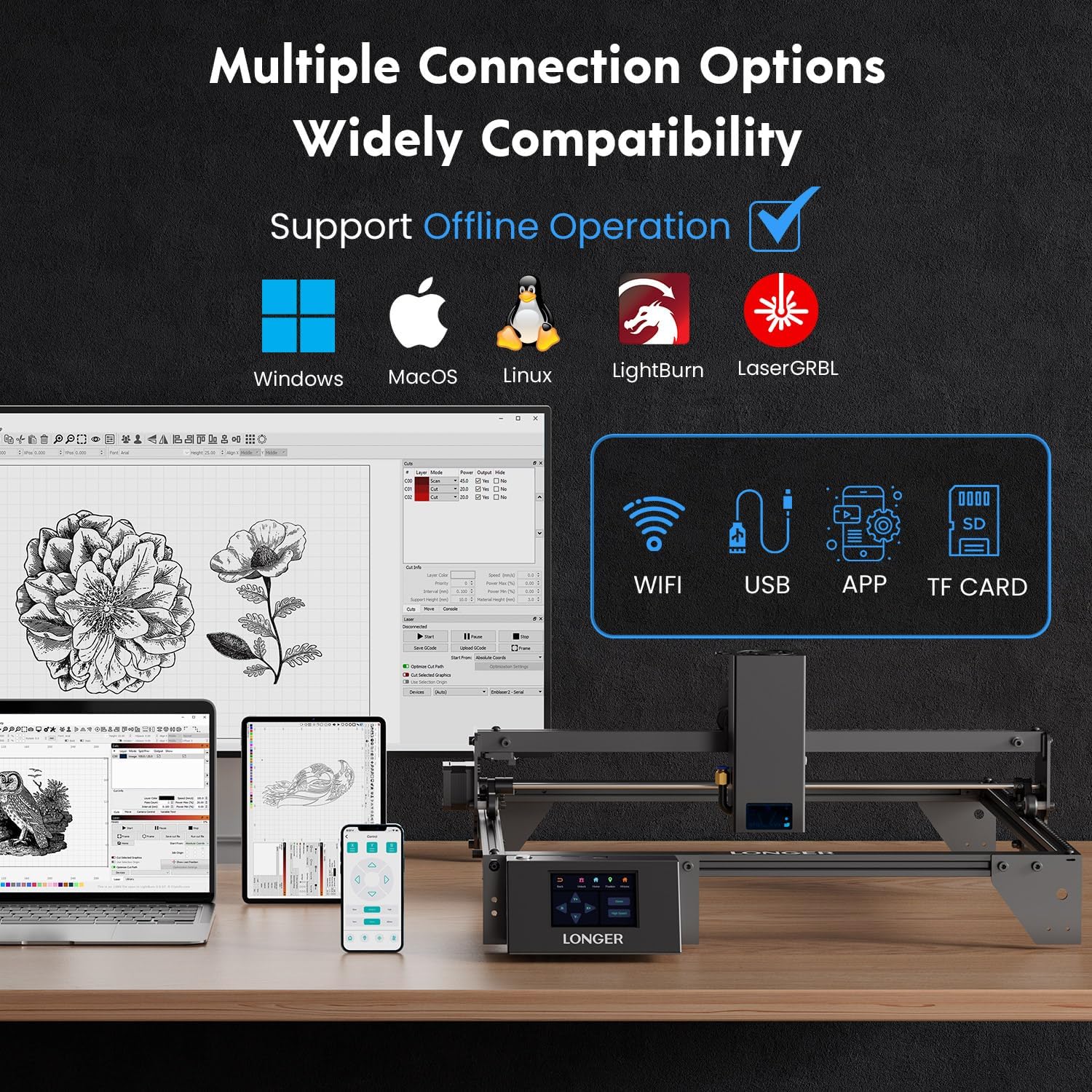
Figure 4.1: Multiple Connection Options. The engraver supports USB, TF card, WiFi, and APP connections, including offline operation.
4.3 ソフトウェアの互換性
The engraver is compatible with professional laser engraving software such as LaserGRBL and LightBurn, allowing for advanced design and control capabilities.
4.4 彫刻と切断機能
The 20W laser module with a 0.08x0.1mm compressed beam offers high precision and speed.
- 彫刻速度: Up to 10000mm/min for intricate and precise designs.
- 彫刻精度: Achieves precision up to 0.01mm.
- 切断深さ: Capable of cutting 25mm wood and 35mm acrylic. It can also cut 0.05mm stainless steel.
- 素材の多様性: Suitable for metal coloring, acrylic, wood, glass, leather, paper, and various plastics.
- カラー彫刻: Supports color engraving for enhanced artistic results.

Figure 4.2: RAY5 20W Upgrade Compressed Spot Technology. Demonstrates cutting capabilities for various materials.
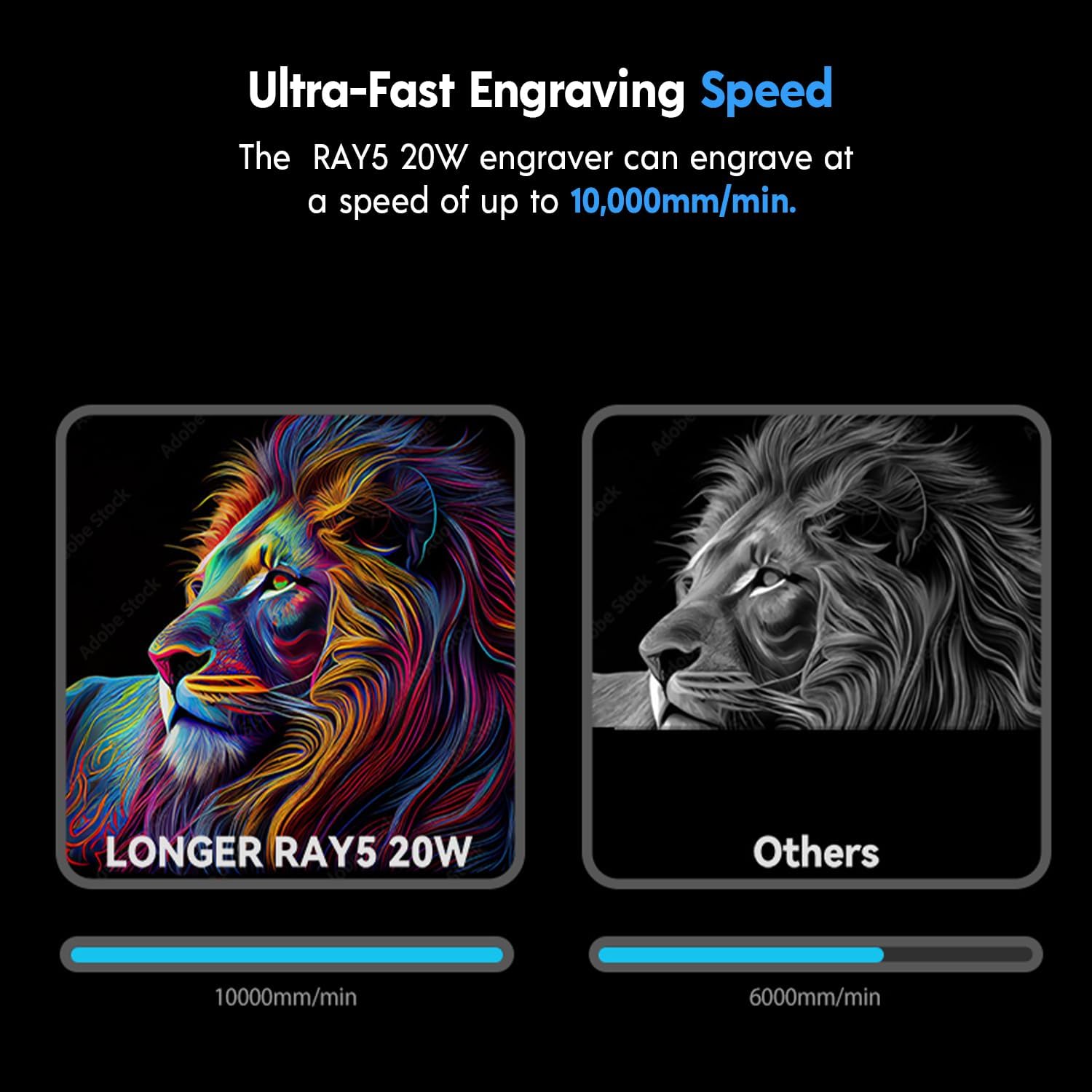
Figure 4.3: Ultra-Fast Engraving Speed. The RAY5 20W engraver can engrave at up to 10,000mm/min.

Figure 4.4: Rare Color Engraving Performance. Achieve new experiences and better engraving results.
Video 4.1: Longer RAY5 20W-2. This video demonstrates the cutting capabilities of the laser engraver on various materials.
Video 4.2: Longer RAY5 20W. This video showcases the engraving process and precision of the laser engraver.
Video 4.3: Laser engraving and cutting a cat clock. This video demonstrates a practical application of the engraver, creating a cat-shaped clock.
4.5 Continuous Working Capacity
The RAY5 20W Engraving Machine supports multi-machine operation and can work continuously for extended periods (7*24 hours), making it suitable for high-volume projects.

Figure 4.5: Powerful Continuous Working Capacity. The machine supports multi-machine operation for improved efficiency.
5. メンテナンス
Regular maintenance ensures optimal performance and longevity of your Longer RAY5 20W laser engraver.
- Cleaning the Laser Module: Periodically clean the laser lens and protective shield to maintain laser beam quality. Use a soft, lint-free cloth and appropriate cleaning solution.
- レールとベルトの検査: Check the precise rails and belts for any debris or wear. Keep them clean and properly tensioned for smooth movement.
- Air Pump Recommendation: An air pump is recommended for better engraving and cutting effects, especially when processing materials that produce significant smoke or debris. Ensure the air pump is clean and functioning correctly.
- ファームウェアの更新: Check the official Longer webサイトで利用可能なファームウェア アップデートを確認し、マシンに最新の機能とバグ修正が適用されていることを確認してください。
6。 トラブルシューティング
If you encounter issues with your Longer RAY5 20W, refer to the following common troubleshooting steps:
- マシンが応答しません: Check all power connections and ensure the machine is properly plugged in. Verify that the emergency stop button is not engaged.
- レーザーが発射されない: Ensure the laser module is correctly installed and all cables are securely connected. Check software settings for laser power and frequency.
- Movement Protection Triggered: If the machine stops unexpectedly with a movement protection alert, ensure the engraver is on a stable surface and has not been bumped. Restart the machine as indicated on the screen.
- 過熱: If thermal protection activates, allow the machine to cool down. Ensure proper ventilation and clear any obstructions around the laser module's cooling fins.
- 接続の問題: For WiFi or APP connection problems, verify your network settings and ensure the machine is within range. For USB or TF card issues, try a different cable or card.
- 彫刻/切断品質が悪い: Adjust laser power, speed, and focus settings in your software. Ensure the material is clean and properly secured. Consider using an air assist pump for cleaner cuts.
Video 6.1: Ray5 Series Motherboard Replacement. This video provides instructions on how to replace the motherboard for Ray5 series models, useful for advanced troubleshooting.
7. 仕様
| 特徴 | 仕様 |
|---|---|
| 製品寸法 | 23.62 x 12.19 x 5.9インチ |
| アイテム重量 | 10.68ポンド |
| モデル番号 | 202406024 |
| メーカー | より長い |
| 初回利用可能日 | 24年2024月XNUMX日 |
| レーザーパワー | 20W |
| レーザースポットサイズ | 0.08x0.1mm |
| 最大彫刻速度 | 10000mm/分 |
| コントロール画面 | 3.5インチカラータッチスクリーン |
| 接続性 | USB, TF Card, WiFi, APP |
8. 保証とサポート
Longer is committed to providing excellent customer service and support for its products.
- カスタマーサポート: Our customer service team is available 24/7 to provide professional assistance for any product issues.
- テクニカルサポート: Lifelong technical support is provided for the Longer RAY5 20W laser engraver.
- 連絡先:
電話: +1 888-575-9099
Operating Hours: Mon-Fri: 9:00am-6:00pm (EST, UTC-5)
Sun-Thu: 8:30pm-7:00am (EST, UTC-5)

Figure 8.1: Strong After-Sales Support. Longer provides dedicated customer and technical support.