
導入
This manual provides detailed instructions for setting up and operating your YNF Smart Plug. Please read this manual carefully before use to ensure proper functionality and safety. The YNF Smart Plug allows you to control your home appliances remotely, via voice commands, and through scheduled timers.

Image: The YNF Smart Plug, a compact white device designed for smart home integration.
安全情報
- デバイスを分解したり改造したりしないでください。
- 水や湿度の高い環境を避けて保管してください。
- Do not exceed the maximum load rating of the smart plug. Refer to specifications.
- プラグが壁のコンセントに完全に差し込まれていることを確認してください。
- 屋内専用です。
パッケージ内容
- 1 x YNF Smart Plug
- ユーザーマニュアル (本書) x 1
設定
1. スマートライフアプリをダウンロード
検索する "Smart Life" in the Apple App Store or Google Play Store and download the application. Alternatively, scan the QR code provided in the product packaging (if available) to download.
2. 登録とログイン
Open the Smart Life App. If you are a new user, register for an account. If you already have an account, log in.
3. デバイスを追加する
- Plug the YNF Smart Plug into a wall outlet.
- Open the Smart Life App and tap the "+" icon in the top right corner to add a device.
- デバイスリストから「電気コンセント」または「スマートプラグ」を選択します。
- スマートプラグのインジケーターライトが高速点滅していることを確認してください。そうでない場合は、プラグの電源ボタンを高速点滅になるまで5~10秒間押し続けます。
- Enter your 2.4GHz Wi-Fi network password. The YNF Smart Plug supports 2.4GHz Wi-Fi and Bluetooth for stable connection.
- Wait for the app to connect to the device. Once connected, you can rename the smart plug.

Image: A comparison chart highlighting YNF Smart Plug's superior connectivity (Wi-Fi & Bluetooth), faster response time, higher stability, and broader compatibility (Alexa, Google, SmartThings) compared to other smart plugs.
操作手順
Smart Lifeアプリによるリモートコントロール
Once the smart plug is successfully added to the Smart Life App, you can control connected appliances from anywhere with an internet connection.
- Open the Smart Life App.
- Tap on the smart plug's name to access its control interface.
- Toggle the power button within the app to turn the connected appliance on or off.

Image: A user demonstrating remote control of a smart plug via the Smart Life app on a smartphone, showing a bedroom light being controlled.
音声コントロール(AlexaとGoogle Home)
The YNF Smart Plug is compatible with Amazon Alexa and Google Home for hands-free voice control.
- Link Smart Life to Voice Assistant:
- Alexa または Google Home アプリを開きます。
- 「スキルとゲーム」(Alexa)または「Works with Google」(Google Home)に移動します。
- 検索する 「スマートライフ」でスキル・サービスを有効にします。
- 資格情報を使用して Smart Life アカウントをリンクします。
- デバイスを検出します。
- 音声コマンド:
- 「アレクサ、[デバイス名]をオンにして。」
- 「OK Google、[デバイス名] をオフにして。」
- "Alexa, set [device name] to 50%." (If applicable for dimmable devices connected to the plug)
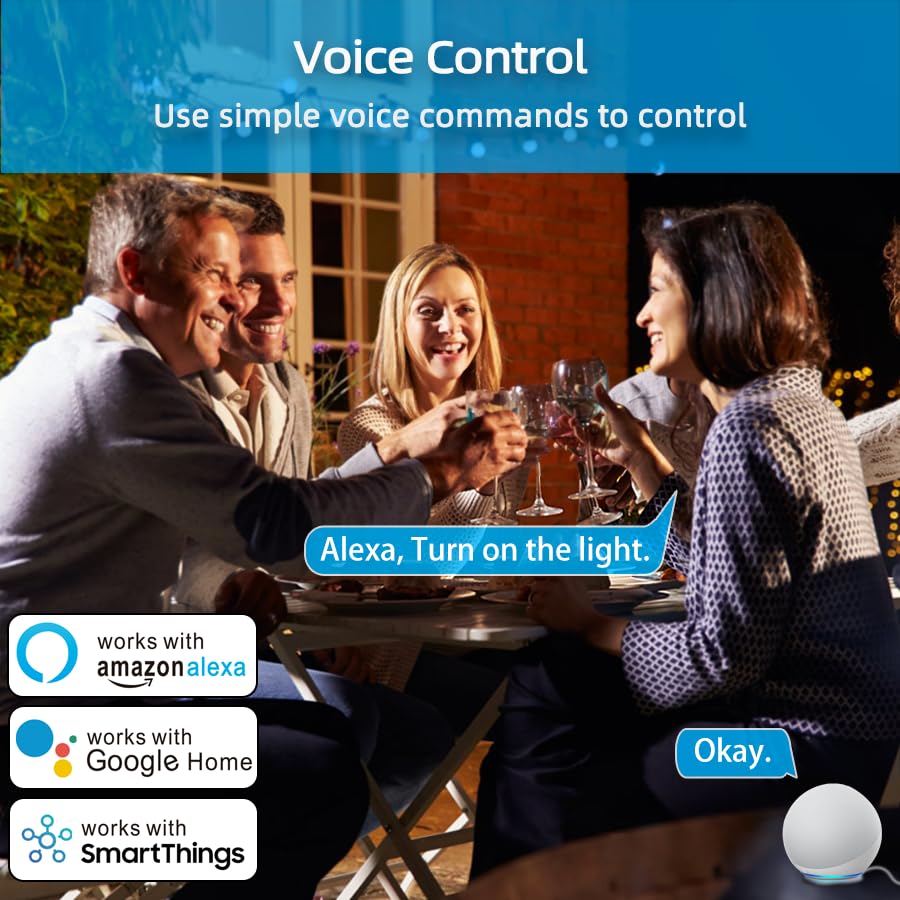
Image: An illustration of voice control in action, with people at a dinner table and a voice command "Alexa, Turn on the light." being processed, indicating compatibility with Amazon Alexa, Google Home, and SmartThings.
Timer Function and Schedules
Set schedules and timers to automate your appliances.
- In the Smart Life App, select your smart plug.
- Tap on "Timer" or "Schedule" to create new automation rules.
- You can set specific times for the plug to turn on or off daily, weekly, or on custom days.

Image: A visual representation of setting a schedule, with a sunrise icon at 7:00 AM and a sunset icon at 6:00 PM, demonstrating how to automate device operation based on time.
天気モード
Utilize the Weather Mode feature to automate actions based on local weather conditions.
- In the Smart Life App, navigate to the smart plug's settings or automation section.
- Look for "Weather Mode" or "Scene" creation.
- Configure rules, for example, "If weather is Rainy, turn on the light."

Image: A diagram illustrating the "Weather Mode" feature, where actions like "Turn on the light" are scheduled based on daily weather forecasts (e.g., Cloudy, Rainy, Snowy, Hazy).
グループ制御とデバイス共有
Manage multiple smart plugs simultaneously and share control with family members.
- グループコントロール: In the Smart Life App, select multiple smart plugs and create a group to control them all with a single command.
- デバイスの共有: Share access to your smart plugs with other Smart Life account users in your household.
メンテナンス
- スマートプラグを清潔で乾燥した状態に保ってください。
- Wipe with a soft, dry cloth. Do not use liquid cleaners.
- Ensure the firmware of the smart plug and the Smart Life App are updated to the latest versions for optimal performance and security.
トラブルシューティング
| 問題 | 考えられる解決策 |
|---|---|
| スマートプラグがWi-Fiに接続されません。 |
|
| 音声制御が機能しません。 |
|
| プラグが応答しません。 |
|
仕様
| 特徴 | 詳細 |
|---|---|
| ブランド | YNF |
| モデル | B0D6ZDR4KD |
| 色 | 白 |
| 材料 | アクリロニトリルブタジエンスチレン(ABS) |
| コネクタタイプ | 電気プラグ |
| ワイヤーの数 | 3 |
| プラグタイプ | タイプB |
| ワイヤレス接続 | 2.4GHz Wi-Fi、Bluetooth |
| 互換性 | Amazon Alexa, Google Home, SmartThings, Smart Life App |
| 認定資格 | ETL, UL, cUL |
保証とサポート
For warranty information and technical support, please refer to the contact details provided on the product packaging or visit the official YNF webサイト。 保証請求に備えて購入時のレシートを保管しておいてください。
さらにサポートが必要な場合は、製品を購入したプラットフォームを通じて販売者に連絡することもできます。