
導入
Thank you for choosing the Gvyugke Captain 500 Wireless Gaming Headset. This headset is designed to provide a versatile and immersive audio experience across multiple gaming platforms and devices. Featuring 2.4GHz wireless, Bluetooth 5.2, and 3.5mm wired connectivity, along with a detachable noise-cancelling microphone and RGB lighting, it offers flexibility and high-quality sound for your gaming and communication needs. Please read this manual carefully to ensure proper setup and operation.

The Gvyugke Captain 500 Wireless Gaming Headset, showcasin洗練されたデザイン。
製品終了view
ヘッドセットコンポーネント

爆発した view illustrating the internal and external components of the headset, including the ear cushion, integrated head beam, game lights, ring transducer, neodymium magnet, and PET shockproof protector.
主な特徴
- トリプル接続モード: 2.4GHz Wireless, Bluetooth 5.2, and 3.5mm Wired for broad compatibility.
- Low Latency 2.4GHz Wireless: Provides a stable connection with less than 20ms delay for gaming.
- High-Performance Bluetooth 5.2: For mobile devices and general wireless use.
- Omni-directional Noise-Cancelling Microphone: 取り外し可能で柔軟性があり、明確なコミュニケーションを実現します。
- 見事なRGB照明: イヤーカップの照明効果をカスタマイズできます。
- 人間工学に基づいたデザイン: Features breathable memory foam ear cushions, a soft protective head beam, and adjustable sliders for comfort.
- 50mmオーディオドライバー: Delivers rich stereo sound.
- 長いバッテリー寿命: Up to 40 hours of gaming time.
セットアップと接続
ヘッドセットの充電
Before first use, fully charge the headset. Connect the provided USB charging cable to the headset's charging port and a compatible USB power source. A full charge typically takes approximately 3 hours. The headset provides a voice alert when the battery level is below 3%.

An infographic detailing the headset's battery performance: 35-40 hours gaming, less than 3% battery voice alert, 15-20 hours lighting mode times, and 3 hours charging time. Note: Turn off RGB lights to extend usage time.
Connection Modes Overview

A diagram illustrating the three connection channels: 2.4GHz Wireless Mode, Bluetooth Mode, and 3.5mm Aux Cable Mode, along with their respective compatibilities and latency information.
1. 2.4GHzワイヤレス接続
This mode offers low-latency wireless audio, ideal for gaming.
- 2.4GHz USB ドングルをデバイスの使用可能な USB ポートに挿入します。
- ヘッドセットの電源を入れます。ヘッドセットは自動的にドングルに接続されます。
- システム設定でヘッドセットがオーディオ出力/入力デバイスとして選択されていることを確認します。
対応デバイス: PC, PlayStation 4/5, Nintendo Switch (microphone may not be supported), Mac (microphone may not be supported). Note: Does not support Xbox All Series in this mode.

The headset connected wirelessly via a 2.4GHz dongle to a PlayStation 5 console, emphasizing a stable and low-latency connection.
2.Bluetooth接続
Use Bluetooth for connecting to mobile devices and other Bluetooth-enabled systems.
- Power on the headset and switch to Bluetooth mode (refer to operating instructions for mode switching).
- デバイスで Bluetooth を有効にし、利用可能なデバイスを検索します。
- Select "Gvyugke Captain 500" (or similar name) from the list to pair.
対応デバイス: Phones, Tablets, and other Bluetooth-enabled mobile devices. Note: Does not support Xbox All Series in this mode.
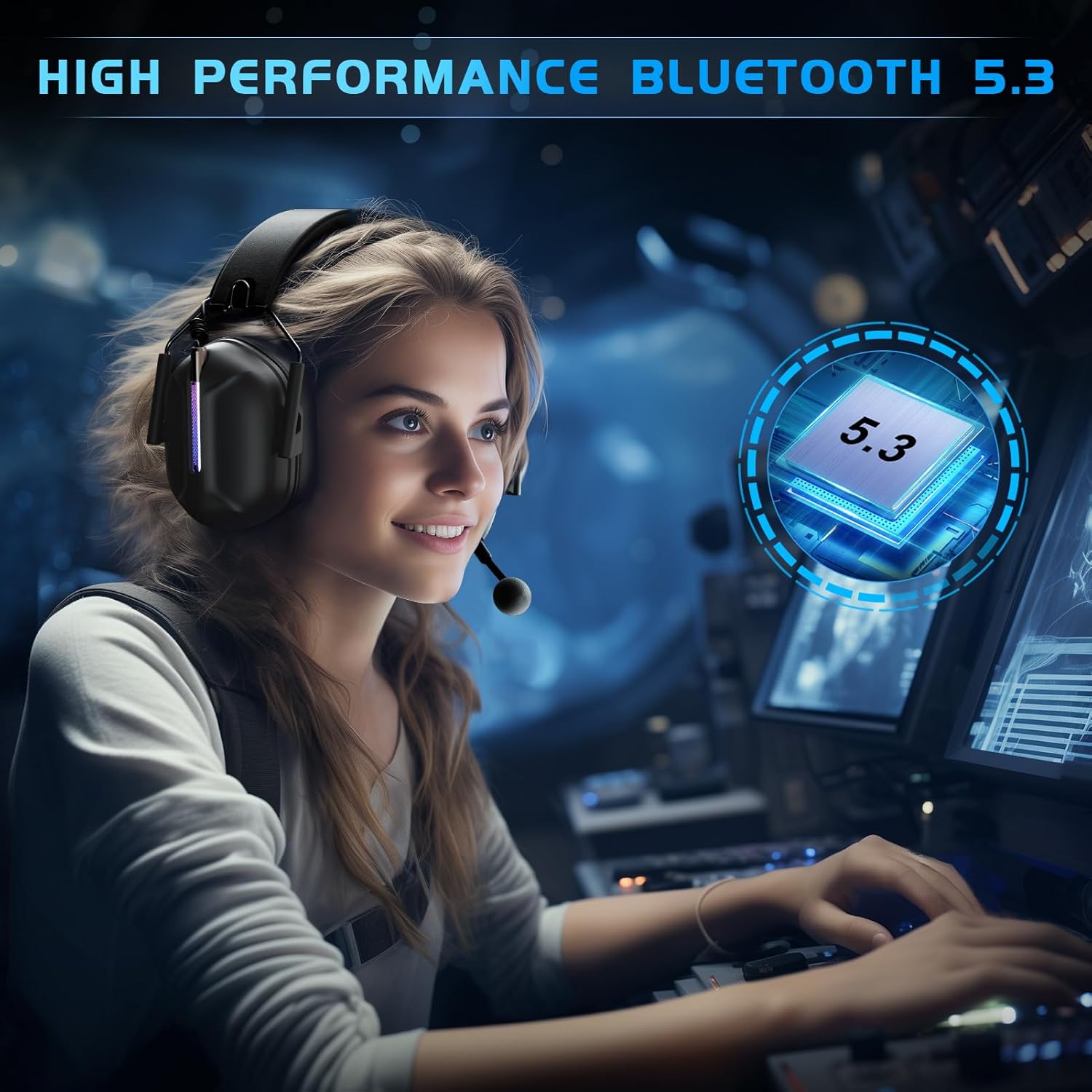
A user wearing the headset, highlighting the high-performance Bluetooth 5.3 connectivity for a seamless audio experience.
3. 3.5mm有線接続
For universal compatibility with devices featuring a 3.5mm audio jack.
- 3.5mm オーディオ ケーブルをヘッドセットの 3.5mm ポートに接続します。
- Connect the other end of the 3.5mm audio cable to your device's audio jack.
対応デバイス: Any 3.5mm audio devices, Xbox Controller. Note: Older version Xbox controllers may require a headset adapter (not included in the package).

クローズアップ view of the detachable microphone connecting via a 3.5mm jack, illustrating the Environmental Noise Cancellation (ENC) technology.
操作手順
電源オン/オフ
- To power on, press and hold the Power button for approximately 3 seconds until the indicator light illuminates.
- 電源を切るには、インジケーター ライトが消えるまで電源ボタンを約 3 秒間押し続けます。
ボリュームコントロール
イヤーカップにある専用の音量ローラーまたはボタンを使って音量を調整します。上に回すと音量が上がり、下に回すと音量が下がります。
マイクの使用
- 取り付け/取り外し: The microphone is detachable. Align the microphone jack with the port on the headset and push firmly to attach. Pull gently to detach.
- ミュート/ミュート解除: Use the microphone mute button on the headset to toggle the microphone on or off. An indicator light may show the microphone status.

A user wearing the headset, showcasing the flexible and detachable omni-directional noise-cancelling microphone with 360-degree pickup.
RGB照明制御
The headset features RGB lighting effects. Refer to the specific button on your headset (often a dedicated light button or a multi-function button) to cycle through lighting modes or turn the lights off. Turning off the RGB lights can extend battery life.

A user wearing the headset, highlighting the vibrant and stunning RGB lighting effect on the earcups.
Comfort and Ergonomic Design
The Gvyugke Captain 500 is designed for extended wear comfort.

An image detailing the comfort features: breathable memory foam ear cushions for reduced occlusion, a soft protective design for stress-free wear, and adjustable sliders for a customizable fit for both adults and children.
- Breathable Memory Foam: Ear cushions are designed to be highly breathable, reducing ear occlusion and discomfort during long sessions.
- Soft Protective Design: The head beam features soft cushioning to provide a comfortable, pressure-free fit.
- 調整可能なスライダー: The headband can be adjusted to fit various head sizes, ensuring a secure and comfortable fit for all users.
メンテナンス
クリーニング
Wipe the headset with a soft, dry cloth. Do not use harsh chemicals or abrasive materials. For ear cushions, a slightly damp 布を使用することもできますが、使用前に完全に乾いていることを確認してください。
ストレージ
ヘッドセットは、直射日光や極端な温度を避け、涼しく乾燥した場所に保管してください。損傷を防ぐため、ヘッドセットの上に重いものを置かないでください。
バッテリーケア
To prolong battery life, avoid fully discharging the headset frequently. Charge the headset regularly, even if not in use for extended periods.
トラブルシューティング
よくある問題と解決策
- 音が出ない/音量が低い:
- Check headset volume controls and device volume settings.
- Ensure the headset is correctly connected (2.4GHz dongle, Bluetooth paired, or 3.5mm cable fully inserted).
- システム設定で正しいオーディオ出力デバイスが選択されていることを確認します。
- マイクが機能しない:
- マイクがしっかりと接続され、ミュートされていないことを確認してください。
- デバイスのマイク入力設定を確認してください。
- Note that the microphone may not be supported on Mac or Nintendo Switch in 2.4GHz mode.
- Connection Drops / Cannot Connect:
- For 2.4GHz, ensure the dongle is firmly inserted and within range (up to 49ft).
- Bluetoothの場合、ヘッドセットがペアリングモードになっていること、およびデバイスのBluetoothが有効になっていることを確認してください。ペアリングを解除してから再度ペアリングをお試しください。
- 干渉を減らすには、デバイスに近づいてください。
- ヘッドセットが充電されない:
- Verify the charging cable is properly connected to both the headset and the power source.
- 別の USB ポートまたは充電ケーブルを試してください。
- 電源が機能していることを確認してください。
技術仕様
| 特徴 | 詳細 |
|---|---|
| ブランド | グヴュゲケ |
| モデル名 | キャプテン500 |
| 接続技術 | 2.4GHzワイヤレス、Bluetooth 5.2、3.5mm有線 |
| 無線範囲(2.4GHz) | 最大49フィート(15メートル) |
| Bluetoothバージョン | 5.2 |
| Bluetooth範囲 | 10メートル |
| オーディオドライバーのサイズ | 50mmダイナミックドライバー |
| インピーダンス | 32オーム |
| 周波数応答 | 20 KHz(最大20,000 Hz) |
| オーディオレイテンシー(2.4GHz) | 20ミリ秒未満 |
| バッテリーの平均寿命 | Up to 40 hours (gaming), 15-20 hours (with RGB lights) |
| バッテリー充電時間 | 3時間 |
| マイクロフォン | Omni-directional, Detachable, Noise Control (ENC) |
| 耳の位置 | オーバーイヤー |
| 制御方法 | 触る |
| 対応デバイス | PS5, PC, PS4, Mac, Nintendo Switch, Gaming Consoles, Desktops, Laptops, Mobile Devices, Xbox Series (wired) |
| アイテム重量 | 590グラム |
保証とサポート
保証情報
For detailed warranty information, please refer to the warranty card included with your product packaging or visit the official Gvyugke webサイトでご確認ください。保証請求の際は購入証明として領収書を保管してください。
カスタマーサポート
If you encounter any issues or have questions not covered in this manual, please contact Gvyugke customer support through the contact information provided on the official website or your retailer's support channels. Provide your product model (Captain 500) and a detailed description of the issue for faster assistance.