
1. 重要な安全情報
Please read these safety instructions carefully before operating your TV and retain them for future reference. Always follow basic safety precautions to reduce the risk of fire, electric shock, and injury.
- 力: Connect the TV to an AC power outlet only. Do not overload wall outlets. Ensure the power cord is not damaged or pinched.
- 換気: Do not block ventilation openings. Install the TV in a location with adequate airflow.
- クリーニング: 清掃する前にテレビの電源プラグを抜いてください。柔らかく乾いた布を使用してください。液体クリーナーやエアゾールスプレーは使用しないでください。
- 水と湿気: テレビを雨や湿気にさらさないでください。また、液体の入った物をテレビの上に置かないでください。
- 安定性: Ensure the TV is placed on a stable surface or securely mounted to prevent it from falling.
2. 含まれるもの
パッケージ内にすべてのコンポーネントが揃っていることを確認します。
- LG 55QNED85T 55-inch 4K QNED Smart TV
- Base (Stand)
- 取り外し可能な電源ケーブル
- Magic Remote (MR 24Y)
- 単三電池×2
3. セットアップ
3.1 開梱
テレビとすべての付属品を梱包から慎重に取り出してください。梱包材は、今後の輸送や修理の際に必要となるため、保管しておくことをお勧めします。
3.2 スタンドの取り付け
テレビスタンドを取り付けるには:
- 画面の損傷を防ぐため、テレビを画面を下にして柔らかく平らな面に置いてください。
- スタンドのコンポーネントをテレビの下部にある対応するスロットに合わせます。
- 付属のネジを使用してスタンドを固定します。すべてのネジがしっかりと締められていることを確認してください。

フロント view of the LG 55QNED85T 55-inch 4K QNED Smart TV with its stand installed.

側 view of the LG 55QNED85T 55-inch 4K QNED Smart TV showing its slim profile そして立ちます。
3.3 壁掛け(オプション)
If you choose to wall mount your TV, refer to the instructions provided with your wall mount bracket. Ensure the bracket is compatible with VESA standards for your TV model and installed by a qualified professional.
3.4 周辺機器の接続
Connect external devices such as set-top boxes, gaming consoles, or sound systems to the TV's ports. The TV features HDMI, USB, Ethernet, Bluetooth, and Wi-Fi connectivity.

後方 view of the LG 55QNED85T 55-inch 4K QNED Smart TV showing various input and output ports.
3.5電源接続
After connecting all desired devices, plug the detachable power cable into the TV's power input and then into a wall outlet.
3.6 初期設定
Upon first power-on, the TV will guide you through the initial setup process. This includes selecting your language, connecting to a network (Wi-Fi or Ethernet), and scanning for channels.
4. テレビの操作
4.1 Magic Remote (MR 24Y)
The LG Magic Remote allows for intuitive control of your TV. It functions like an air mouse, allowing you to point and click. It also features a dedicated AI button for smart functions.

The LG AI Magic Remote offers dedicated buttons and features for AI functions, including AI Chatbot, AI Concierge, AI Search, AI Picture Wizard, AI Voice ID, and AI Sound Wizard.
4.2 WebOS 24 スマート機能
LG QNED TVは webOS 24は、スマートでユーザーフレンドリーなインターフェースを備えています。主な機能は以下のとおりです。
- LG ThinQ AI: Integrated artificial intelligence for enhanced control and personalization.
- Amazon Alexa 内蔵: さまざまなテレビ機能やスマートホームコントロールに音声コマンドを使用します。
- インテリジェント音声認識: Control your TV and search for content using your voice.
- App Remote Control (LG ThinQ): Control your TV from your smartphone using the LG ThinQ app.
- AIコンシェルジュ: Provides personalized keyword suggestions and recommendations based on your viewingの歴史。

The AI Concierge feature provides personalized keyword suggestions and recommendations based on your search and viewingの歴史。
- AI検索: Offers personalized recommendations for your queries and additional solutions with Microsoft Copilot.

AI Search provides personalized recommendations for your queries and can integrate with Microsoft Copilot for additional solutions.
- AI音声ID: Recognizes each user's vocal signature and offers personalized recommendations as you speak.

AI Voice ID recognizes individual user voices to provide personalized content recommendations.
4.3画像設定
Your QNED TV combines Quantum Dot and NanoCell technologies for vibrant and accurate colors. The α8 AI Processor Gen 2 optimizes picture quality.
- QNED Dynamic Colors: LG's wide color gamut technology provides enhanced color reproduction.
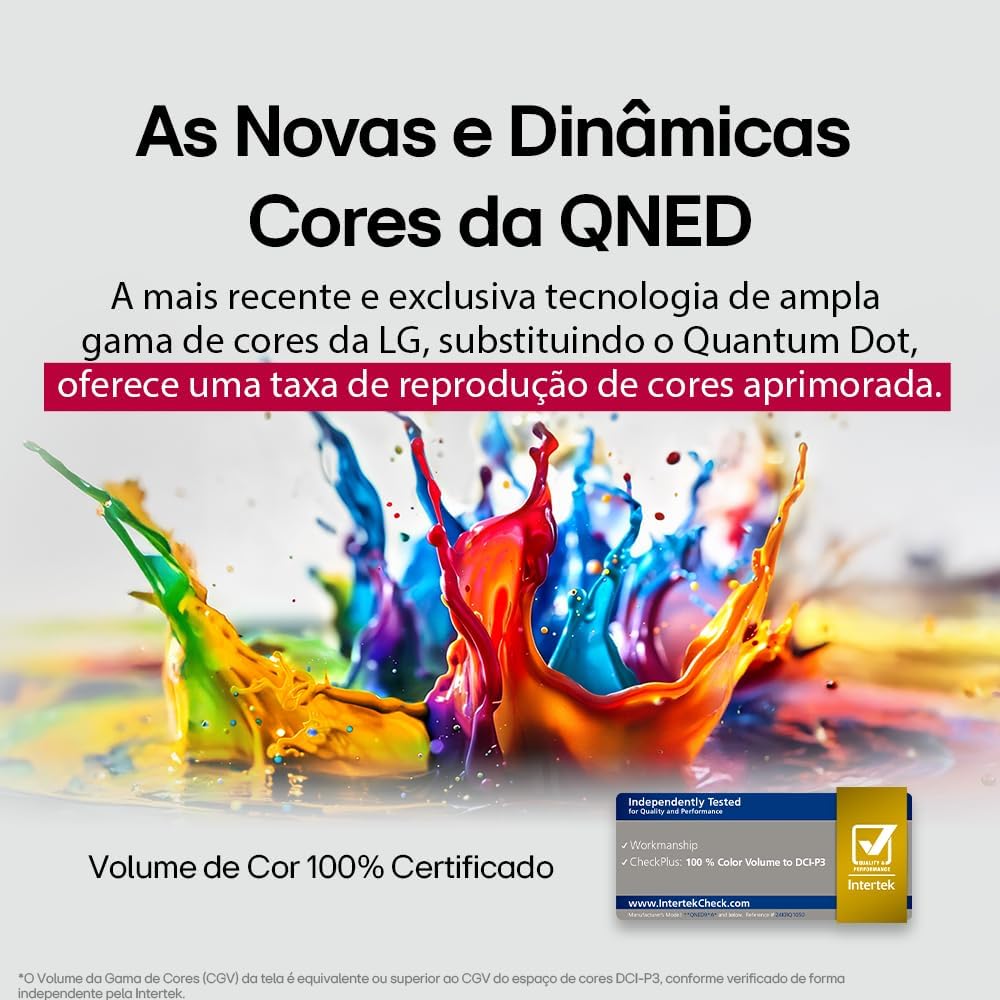
LG's QNED technology delivers new and dynamic colors, offering an improved color reproduction rate with 100% Certified Color Volume to DCI-P3.
- MiniLED: This technology enhances sharpness and provides superior contrast for an immersive viewing の経験。
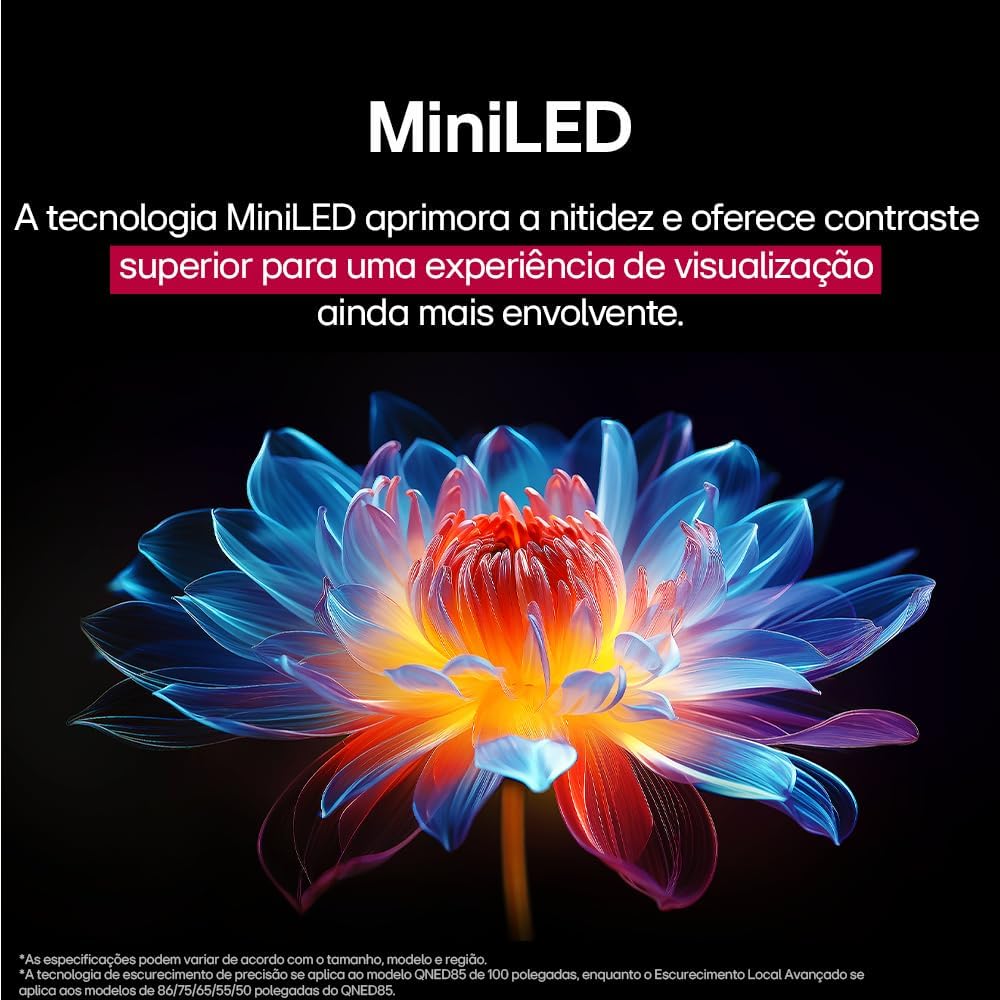
MiniLED technology improves sharpness and offers superior contrast for an immersive viewing の経験。
- α8 AI Processor Gen 2: This processor enhances 4K visuals with impressive colors and brightness.
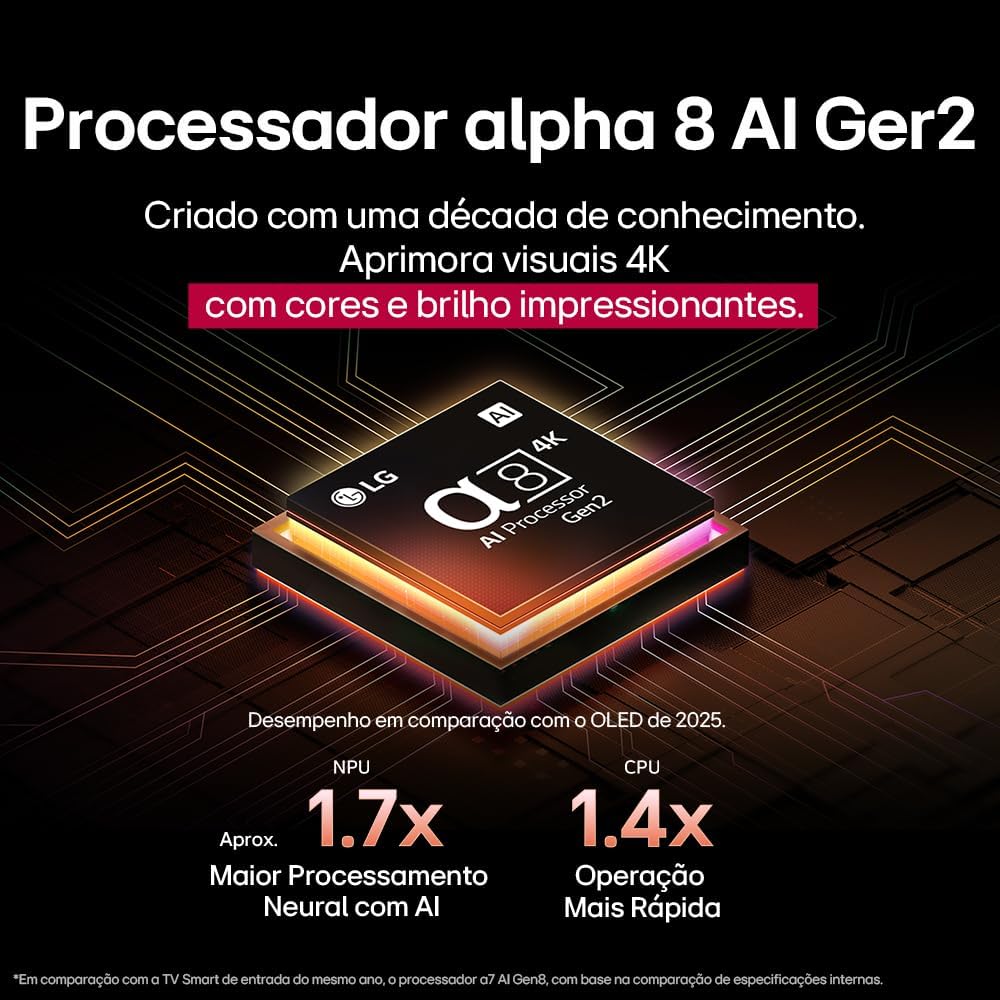
The Alpha 8 AI Processor Gen 2 enhances 4K visuals with impressive colors and brightness, offering approximately 1.7x greater neural processing with AI and 1.4x faster operation compared to previous generations.
- AIピクチャープロ: Analyzes each frame, enhancing resolution, brightness, depth, and clarity to bring every scene to life.

AI Picture Pro analyzes each frame, enhancing resolution, brightness, depth, and clarity to bring every scene to life.
4.4 サウンド設定
The TV includes AI Sound Wizard features to optimize audio output based on your environment and content.
4.5 接続性
テレビはさまざまな接続オプションをサポートしています。
- Wi-Fi: インターネット アクセスとスマート機能を利用するには、自宅のワイヤレス ネットワークに接続します。
- イーサネット: Use a wired connection for stable internet access.
- HDMI: Connect high-definition devices like Blu-ray players, game consoles, and soundbars.
- USB: メディアを再生する fileUSB ストレージ デバイスから。
- ブルートゥース: Connect wireless headphones, speakers, or other compatible devices.
4.6 ゲーム機能
The LG 55QNED85T is equipped with features for an enhanced gaming experience:
- 120Hz Panel: ペースの速いゲームでよりスムーズな動きを実現します。
- フリーシンク: Reduces screen tearing and stuttering when connected to compatible gaming devices.
5. メンテナンス
5.1 クリーニング
- 画面: 柔らかく糸くずの出ない布で画面を優しく拭いてください。頑固な汚れには、軽くamp布に水または専用のスクリーンクリーナーを含ませます(スクリーンに直接スプレーしないでください)。
- フレームとスタンド: 柔らかく乾いた布で拭いてください。
- リモートコントロール: Use a soft, dry cloth to clean the remote.
5.2ソフトウェアアップデート
Your TV may receive software updates to improve performance and add new features. You can usually check for and install updates through the TV's settings menu (Settings > General > About This TV > Check for Updates).
6。 トラブルシューティング
テレビで問題が発生した場合は、次の一般的な解決策を参照してください。
| 問題 | 考えられる解決策 |
|---|---|
| 電源なし | 電源ケーブルがテレビと壁のコンセントにしっかりと接続されているか確認してください。コンセントが正常に機能していることを確認してください。 |
| 映像は出ないが音は出る | Check the input source. Ensure external devices are powered on and connected correctly via HDMI. |
| 音は出ないが画像は表示される | 音量レベルとミュート状態を確認してください。オーディオ出力設定(内蔵スピーカー、外付けサウンドバーなど)を確認してください。 |
| リモコンが動作しない | 電池を交換してください。リモコンとテレビの間に障害物がないことを確認してください。必要に応じて、マジックリモコンを再度ペアリングしてください。 |
| ネットワーク接続の問題 | ルーターとモデムを再起動してください。Wi-Fiのパスワードを確認してください。可能であれば有線イーサネット接続をお試しください。 |
| 画質の問題 | 画像設定(明るさ、コントラスト、シャープネス)を調整します。入力ソースが高品質の信号を提供していることを確認してください。 |
問題が解決しない場合は、工場出荷時設定にリセットするか(テレビの設定メニューを参照)、LG カスタマー サポートにお問い合わせください。
7. 仕様
Detailed specifications for the LG 55QNED85T 55-inch 4K QNED Smart TV:
| 特徴 | 仕様 |
|---|---|
| 画面サイズ | 55インチ |
| ブランド | LG |
| ディスプレイ技術 | LED (QNED, MiniLED) |
| 解決 | 4K (3840 x 2160) |
| リフレッシュレート | 120Hz |
| 特集 | QNED Dynamic Colors, MiniLED, α8 AI Processor Gen 2 |
| 接続技術 | Bluetooth、イーサネット、HDMI、USB、Wi-Fi |
| アスペクト比 | 16:9 |
| 製品寸法 (奥行き×幅×高さ) | 25.7D x 123.6W x 78.3H centimeters (with stand) |

Dimensions of the LG 55QNED85T 55-inch TV. Indicated values and actual measurements may differ.
8. 保証とサポート
Your LG 55QNED85T Smart TV comes with a manufacturer's warranty. Please refer to the warranty card included in your product packaging for specific terms and conditions.
技術サポート、サービス、または保証請求については、LGの公式カスタマーサービスにお問い合わせください。 webサイトまたは保証書に記載されている連絡先情報を参照してください。