
ビンヌーネ BW01
BINNUNE ワイヤレス ゲーミング ヘッドセット ユーザー マニュアル
モデル: BW01
ブランド: BINNUNE
導入
Thank you for choosing the BINNUNE Wireless Gaming Headset. This manual provides detailed instructions on how to set up, operate, and maintain your headset to ensure optimal performance and a superior gaming experience. Please read this manual thoroughly before using the product.
箱の中身
Upon unboxing your BINNUNE Wireless Gaming Headset, please verify that all the following components are included:
- BINNUNE Wireless Gaming Headset (Blue)
- 2.4GHzUSBドングル
- 3.5mmオーディオケーブル
- USB充電ケーブル
- ユーザーマニュアル(このドキュメント)

Image: The BINNUNE Wireless Gaming Headset in blue, accompanied by its 2.4GHz USB dongle and a 3.5mm audio jack. These are the primary components included in the product package.
製品終了view
Familiarize yourself with the key features and components of your BINNUNE Wireless Gaming Headset:
- 調節可能なヘッドバンド: 快適なフィット感を実現。
- ソフトイヤーマフ: Large-size memory foam earmuffs (110mm diameter, 45mm thickness) made of breathable PU leather and mesh material for extended comfort.
- 50mmドライバー: High-performance 50mm driver units for clear and rich stereo sound.
- Unidirectional Noise-Canceling Microphone: A 120° adjustable boom mic designed to filter out background noise for clear communication.
- On-Headset Controls: Buttons for power, volume adjustment, and microphone mute.

画像: 詳細な view of the BINNUNE Wireless Gaming Headset's unidirectional boom microphone, highlighting its flexible design and noise-canceling capabilities.

Image: An exploded diagram illustrating the internal components of the 50mm audio drivers within the BINNUNE headset, emphasizing their design for rich, full-range sound.
設定
ヘッドセットの充電
Before first use, fully charge the headset. A full charge takes approximately 3 hours. A 10-minute quick charge can provide up to 3 hours of battery life. The headset offers up to 80 hours of continuous use in 2.4GHz mode and up to 120 hours in Bluetooth mode.
- USB充電ケーブルをヘッドセットの充電ポートに接続します。
- USB ケーブルのもう一方の端を互換性のある USB 電源 (コンピューターの USB ポート、USB 壁アダプタなど) に接続します。
- The LED indicator on the headset will show charging status (refer to the headset's LED guide for specific indications).

Image: The BINNUNE Wireless Gaming Headset displayed alongside a visual representation of its impressive 120-hour battery life, indicating extended usage time.
接続オプション
Your BINNUNE headset supports three connection modes:
- 2.4GHz Wireless (USB Dongle): Provides ultra-low latency (15ms) for gaming. Ideal for PS5, PS4, PC, and Mac.
- Bluetooth 5.3: For wireless connection to mobile phones, tablets, PC, and Mac.
- 3.5mm有線接続: Universal compatibility with any device featuring a 3.5mm audio jack.
2.4GHz Wireless Connection (for PS5, PS4, PC, Mac)
- 2.4GHz USBドングルをPS5、PS4、PC、またはMacの使用可能なUSBポートに挿入します。
- ヘッドセットの電源を入れます。自動的にドングルへの接続を試みます。
- Once connected, the LED indicator on the headset will confirm the connection (refer to LED guide).
- On your device, ensure the BINNUNE headset is selected as the audio output and input device.
Bluetooth 5.3 Connection (for PC, Mac, Mobile Phone, Tablet)
- Ensure the headset is powered on and in Bluetooth pairing mode (usually indicated by a blinking LED). If not, double-press the power button to switch to Bluetooth mode.
- On your device (PC, Mac, mobile phone, tablet), go to Bluetooth settings and search for available devices.
- Select "BINNUNE BW01" (or similar) from the list of found devices to pair.
- Once paired, the LED indicator will show a solid light (refer to LED guide).
3.5mm Wired Connection (for All Platforms)
- 3.5mm オーディオ ケーブルの一方の端をヘッドセットの 3.5mm ポートに接続します。
- Connect the other end of the 3.5mm audio cable to the 3.5mm audio jack on your device (e.g., PS4/PS5 controller, PC, mobile phone).
- The headset will function in passive wired mode. Note that some headset features (like LED lighting or specific controls) may be limited in wired mode.
Note: The BINNUNE Wireless Gaming Headset is not compatible with Xbox consoles.
互換性以上view
The following table provides a quick reference for device compatibility across different connection modes:

Image: A visual compatibility chart detailing which devices (PC, PS4/PS5 Console, PS4/PS5 Controller, Switch, Cell Phone, Tablet) support sound, microphone, and microphone mute functions across 2.4GHz Wireless (USB Dongle), Bluetooth 5.3, and 3.5mm Wired connection modes.
操作手順
電源オン/オフ
- 電源オン: LED インジケーターが点灯するまで、電源ボタンを約 3 秒間押し続けます。
- 電源を切る: LED インジケーターが消えるまで、電源ボタンを約 3 秒間押し続けます。
Switching Between 2.4GHz and Bluetooth Modes
The headset supports simultaneous wireless operation, allowing quick toggling between 2.4GHz and Bluetooth modes.
- モードを切り替えるには: Double-press the Power button. The headset will switch between 2.4GHz wireless mode and Bluetooth mode.
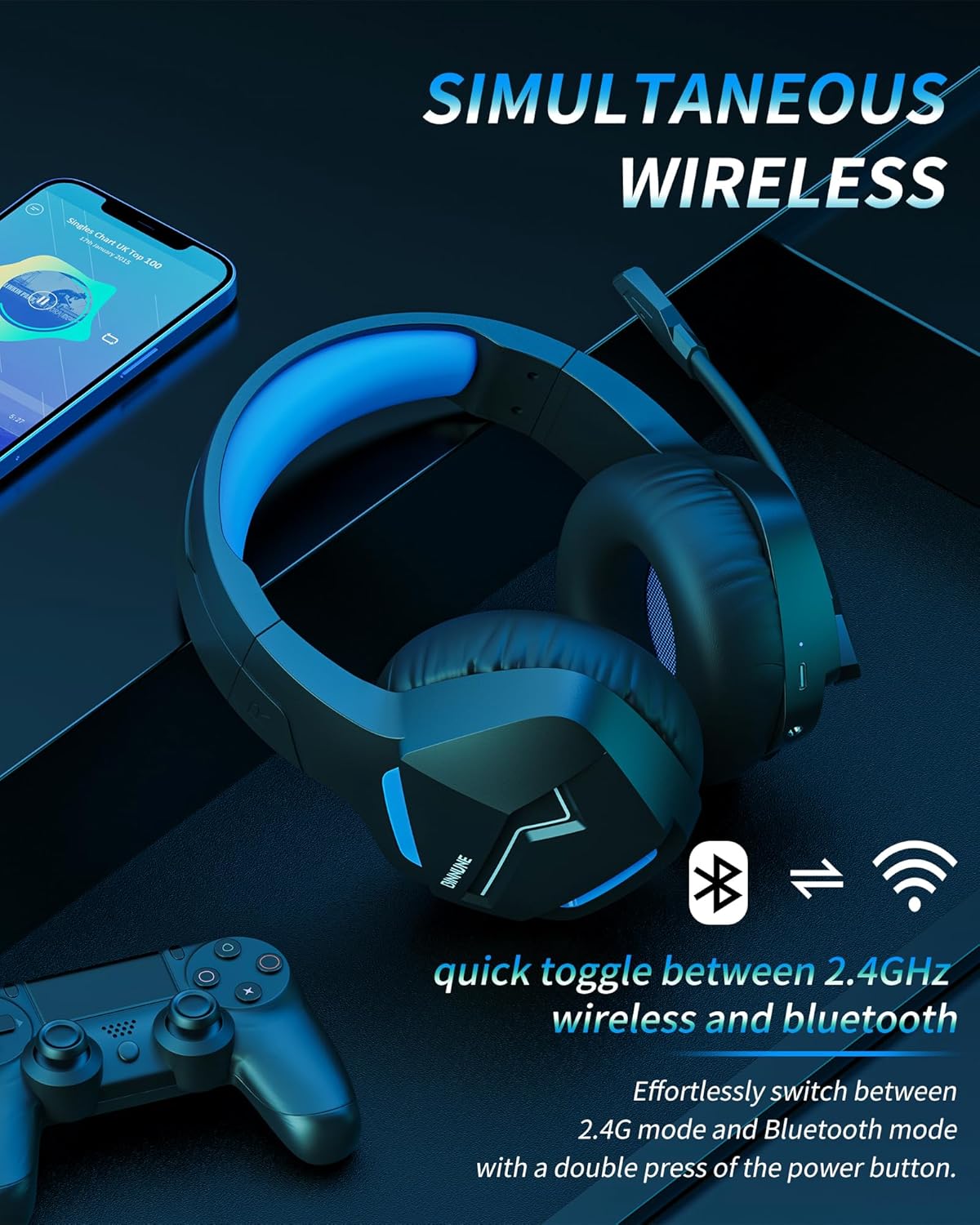
Image: The BINNUNE Wireless Gaming Headset shown with icons representing both 2.4GHz wireless and Bluetooth connectivity, indicating its ability to switch between these modes for versatile use.
ボリュームコントロール
- 音量を上げる: 音量アップ(+)ボタンを押します。
- 音量を下げる: 音量ダウン(-)ボタンを押します。
マイク制御
- マイクのミュート/ミュート解除: Press the Microphone Mute button. A red LED on the microphone tip usually indicates it is muted.
- マイクの位置を調整します: The 120° adjustable memory line microphone can be freely shaped and adjusted to your ideal angle.
ゲームパフォーマンス
The headset is designed for an immersive gaming experience with features like:
- Accurate Sound Positioning: The 50mm drivers provide clear and rich stereo sound, allowing you to accurately pinpoint in-game sounds like footsteps and environmental details.
- 低遅延: The 2.4GHz wireless technology ensures an ultra-low latency of 15ms, providing synchronized audio and video for competitive gaming.
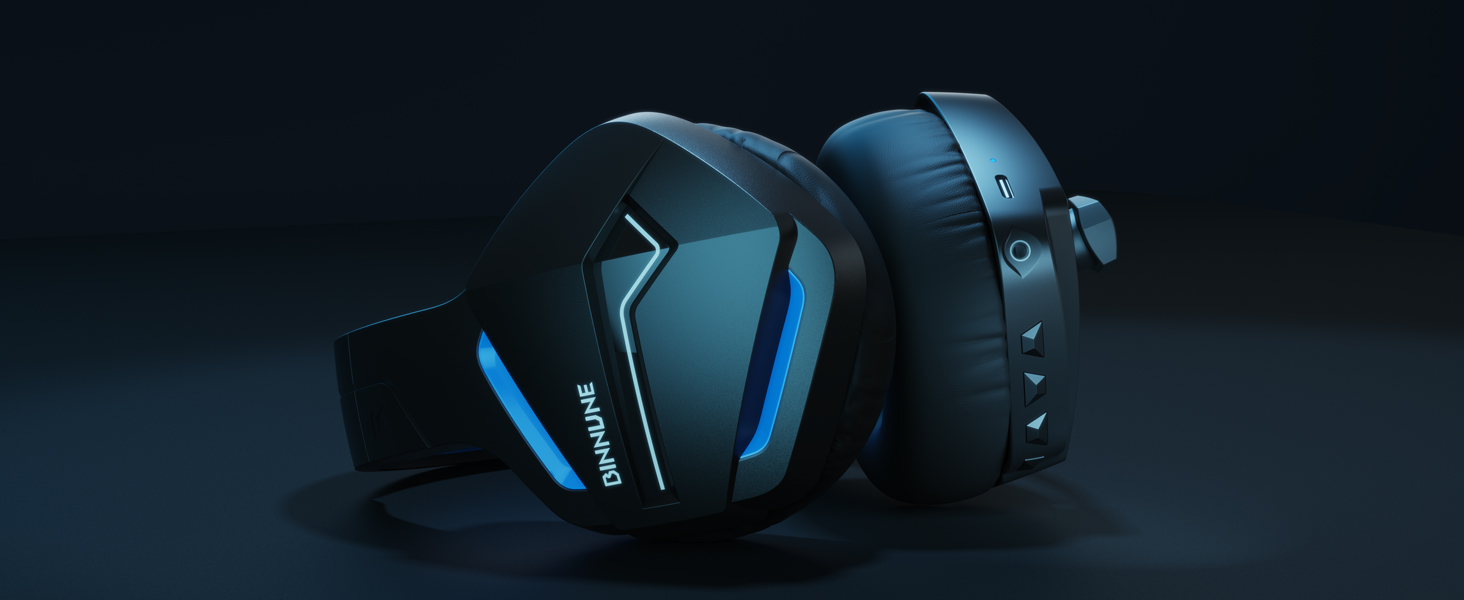
Image: A gamer immersed in a game, wearing the BINNUNE headset, highlighting the benefits of low latency and stable wireless connection for an enhanced gaming experience.
メンテナンス
Proper maintenance ensures the longevity and performance of your BINNUNE Wireless Gaming Headset.
- クリーニング:
- Use a soft, dry, lint-free cloth to clean the headset's surfaces.
- イヤーマフの場合は、軽く湿らせた布で優しく拭いてください。amp 使用する前に布で拭き、完全に自然乾燥させてください。
- 過酷な化学薬品、洗浄溶剤、または強力な洗剤は使用しないでください。
- ストレージ:
- ヘッドセットは、直射日光や極端な温度を避け、涼しく乾燥した場所に保管してください。
- ヘッドセットの上に重い物を置かないでください。
- バッテリーのケア:
- バッテリーを頻繁に完全に放電することは避けてください。
- If storing for a long period, charge the headset to about 50% every few months to preserve battery health.
トラブルシューティング
If you encounter issues with your BINNUNE Wireless Gaming Headset, please refer to the following common solutions:
| 問題 | 考えられる原因 | 解決 |
|---|---|---|
| 音が出ない / 音量が低い |
|
|
| マイクが機能しない |
|
|
| Connection Issues (Intermittent/No Connection) |
|
|
| Headset Not Compatible with Xbox |
|
|
仕様
Detailed technical specifications for the BINNUNE Wireless Gaming Headset (Model: BW01):
| 特徴 | 詳細 |
|---|---|
| モデル名 | BW01 |
| 接続技術 | Wireless (2.4GHz USB Dongle, Bluetooth 5.3), Wired (3.5mm Jack) |
| 無線通信技術 | ブルートゥース5.3 |
| Bluetooth範囲 | 最大10メートル(33フィート) |
| オーディオレイテンシー(2.4GHz) | 15ms (Ultra Stable 2.4GHz Wireless Connection) |
| オーディオドライバータイプ | ダイナミックドライバ |
| オーディオドライバーのサイズ | 50ミリメートル |
| 周波数応答 | 20 Hz - 20,000 Hz |
| 感度 | 96デシベル |
| マイクロフォン | Unidirectional Noise-Canceling Mic (120° adjustable) |
| バッテリー寿命 | Up to 80 hours (2.4GHz mode), Up to 120 hours (Bluetooth mode) |
| 充電時間 | 約。 フル充電で3時間 |
| イヤーピースの形状 | Oval (110mm diameter, 45mm thickness memory foam) |
| 材料 | Plastic (headset), PU leather and mesh (earmuffs) |
| アイテム重量 | 10.7オンス(約303グラム) |
| 製品寸法 | 8.27 x 7.48 x 4.33インチ |
| 対応デバイス | Gaming Consoles (PS4, PS5), Laptops, PC, Mac, Mobile Phones, Tablets |
| コントロールタイプ | ボタンコントロール |
| 含まれるコンポーネント | User Manual, 2.4GHz USB Dongle, 3.5mm Audio Cable, USB Charging Cable |
保証情報
BINNUNE products are manufactured with high-quality standards. While specific warranty details are not provided in this manual, BINNUNE typically offers a limited warranty against defects in materials and workmanship. For detailed warranty terms, conditions, and registration, please refer to the official BINNUNE webサイトをご覧いただくか、カスタマー サポートにお問い合わせください。
カスタマーサポート
For further assistance, technical support, or inquiries regarding your BINNUNE Wireless Gaming Headset, please contact BINNUNE customer support through the following channels:
- Official BINNUNE Webサイト: Visit the official BINNUNE webFAQ、サポート リソース、お問い合わせフォームのサイト。
- Amazonストア: また、 AmazonのBINNUNEストア 製品情報および販売者の連絡先オプションについては、こちらをご覧ください。
Please have your product model (BW01) and purchase details ready when contacting support.
Ask a question about this manual
Ask about setup, troubleshooting, compatibility, parts, safety, or missing instructions. Manuals+ will review the question and use this page’s manual context to help answer it.