導入
Thank you for choosing the TELEFUNKEN TE40750B45I2K Smart TV. This manual provides essential information for setting up, operating, and maintaining your television. Please read these instructions carefully before using your TV and retain them for future reference.
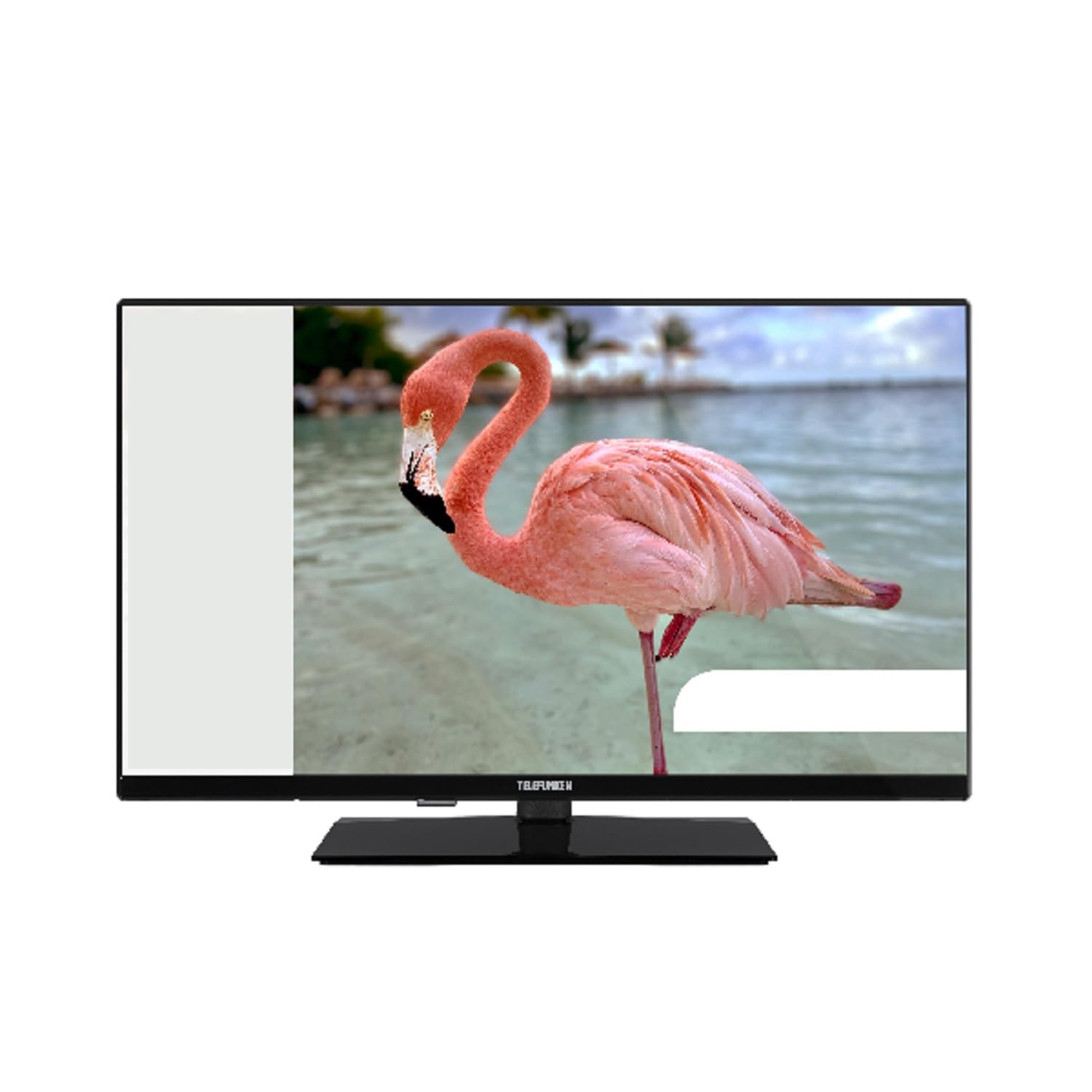
This image shows the TELEFUNKEN TE40750B45I2K Smart TV, a 40-inch model with a sleek black finish and its included stand. The screen displays a vibrant image, highlighting its Full HD LED display capabilities.
設定
1. 開梱とスタンドの組み立て
- テレビをパッケージから慎重に取り出します。
- Attach the included base to the television using the provided screws. Ensure it is securely fastened to prevent the TV from tipping.
2. 電源の接続
- Connect the power cord to the TV's power input, then plug it into a 220-240V AC, 50 Hz electrical outlet.
3. 外部機器の接続
テレビには外部デバイス用のさまざまな接続ポートがあります。
- HDMI: For high-definition audio and video devices like Blu-ray players, game consoles, or set-top boxes.
- USB: USBストレージデバイスを接続してメディアを再生します files.
- イーサネット: 有線インターネット接続用。
- Component Input (YPbPr via VGA): コンポーネントビデオケーブルを使用してデバイスを接続します。
- Composite Video/Audio Input: 複合ビデオ ケーブルとステレオ オーディオ ケーブルを使用して古いデバイスを接続します。
- ヘッドフォン出力: ヘッドホン接続用。
4. 初期設定
- Upon first power-on, the On-Screen Display (OSD) will guide you through the initial setup process.
- 実行する 自動検索 to find available digital channels (DVB-T2/C/C S2). The TV supports HEVC (H.265) decoding.
- Connect to your Wi-Fi network or use the Ethernet port for internet access to enable Smart TV features.
操作手順
基本機能
- 力: Use the remote control or the TV's power button to turn the TV on or off.
- チャンネル選択: チャンネル上下ボタンを使用するか、チャンネル番号を直接入力します。
- 音量コントロール: 音量アップ/ダウンボタンを使用して音量を調整します。
Smart TV Features (Android OS)
Your TELEFUNKEN Smart TV runs on Android OS, providing access to a variety of applications and online services.
- インターネットサービス: Access popular streaming platforms such as Netflix, Hulu, and Amazon Prime Video directly from your TV.
- Wi-Fi接続: Connect to your home network wirelessly for seamless internet access.
メディア再生
- USBメディアプレーヤー: Insert a USB storage device into the USB port to play supported media files. The TV supports MP3, WMA, MPG, MPEG, MP4, MOV, AVI, JPG, PNG, and GIF formats.
高度な機能
- 電子番組ガイド (EPG): View program schedules for digital channels.
- Timer Sleep Function: テレビが自動的にオフになるようにタイマーを設定します。
- Fast Text - TeleText: Access TeleText services on compatible channels.
- ペアレンタルロック: Set restrictions on channels or programs.
- Hotel Mode (Passive): A specialized mode for hotel environments.
- ズームモード: Adjust the screen display to zoom in on content.
- オーディオ設定: Customize your audio experience with Dolby Audio support, a 5-band equalizer, and DOLBY DIGITAL PLUS audio mode.
メンテナンス
テレビの掃除
- 掃除する前に必ずテレビの電源プラグを抜いてください。
- 画面とキャビネットの汚れは、柔らかく乾いた布で拭いてください。頑固な汚れには、軽く拭いてください。amp布を水、または電子機器専用の、低刺激で研磨剤を含まないクリーナーで拭いてください。
- アルコール、ベンジン、シンナーなどの揮発性物質はテレビの表面を傷つける恐れがあるので使用しないでください。
ソフトウェアアップデート
- Periodically check for available software updates through the TV's settings menu to ensure optimal performance and access to the latest features.
- Information regarding guaranteed software update periods is not available.
トラブルシューティング
テレビで問題が発生した場合は、サポートに連絡する前に、次の一般的な解決策を参照してください。
- 電源なし: 電源コードがテレビと壁のコンセントの両方にしっかりと差し込まれていることを確認してください。コンセントが正常に機能しているかどうかもご確認ください。
- 画像/音声なし: Verify that the correct input source is selected. Check all cable connections to external devices. For no sound, ensure volume is not muted or too low.
- 画質が悪い: アンテナまたはケーブルの接続を確認してください。テレビメニューで画像設定を調整してください。
- リモコンが動作しない: 電池を交換してください。リモコンとテレビの赤外線センサーの間に障害物がないことを確認してください。
- ネットワーク接続の問題: For Wi-Fi, ensure the router is on and within range. For Ethernet, check the cable connection. Try restarting your router and TV.
- スマートテレビアプリが動作しない: Ensure a stable internet connection. Try restarting the app or the TV. Check for app updates.
If the problem persists after trying these steps, please contact TELEFUNKEN customer support.
仕様
| モデル名 | TE40750B45I2K |
| ブランド | テレフンケン |
| 画面サイズ | 40インチ(100 cm) |
| ディスプレイ技術 | 導かれた |
| パネルタイプ | D-LED |
| 解決 | 1920 x 1080 (フルHD) |
| スマートテレビ | Yes (Android Operating System) |
| サポートされているインターネットサービス | Netflix, Hulu, Amazon Prime Video |
| コントラスト比 | 208.33:1 |
| 輝度 | 250 cd/m² |
| 応答時間 | 9.5ミリ秒 |
| チューナータイプ | HD DVB-T2/C/C S2 |
| HEVC(H.265)デコーダー | はい |
| プログラムストレージ容量(デジタルS / S2) | 200チャンネル |
| プログラムストレージ容量(デジタルT / T2 / C) | 1000チャンネル |
| 接続性 | HDMI, USB, Ethernet, Wi-Fi, Component (YPbPr via VGA), Composite Video/Audio, Headphone Output |
| USBポート合計 | 1 |
| オーディオ出力電力(RMS) | 2x8W RMS (10% THD) |
| ドルビーオーディオ | はい |
| DTSデコーダ | いいえ |
| イコライザ | 5バンド |
| オーディオモード | ドルビーデジタルプラス |
| Media Player Supported Files(USB) | MP3, WMA, MPG, MPEG, MP4, MOV, AVI, JPG, PNG, GIF |
| 電源 | 220-240V AC 50 Hz |
| Dimensions (without base, WxDxH) | 90.2 x 5.3/8.7 x 51.7 cm |
| Dimensions (with base, WxDxH) | 90.2 x 23.5 x 57 cm |
| 正味重量 | 6.65キロ |
| VESAの寸法 | M4 100x100 |
保証とサポート
For warranty information, please refer to the documentation provided with your purchase or contact your retailer. For technical support, please visit the official TELEFUNKEN webサイトにアクセスするか、カスタマーサービスにお問い合わせください。
- Information regarding the availability of spare parts is not provided.
- Information regarding guaranteed software update periods is not available.