
1. はじめに
Thank you for choosing the Peakeep MHP6020 Small Digital Alarm Clock. This compact and versatile alarm clock is designed for convenience and reliability, featuring a large, clear display, adjustable brightness, multiple alarm volumes, and a battery backup function. This manual provides detailed instructions for setup, operation, and maintenance to ensure optimal performance.
2. 箱の中身
- Peakeep MHP6020 Digital Alarm Clock
- Type-C Power Adapter (USB cable and wall adapter)
- 取扱説明書
3.製品オーバーview
The Peakeep MHP6020 features a minimalist design with intuitive controls located on the back and a large snooze/light button on top. The display shows time in clear blue digits.

画像: 背面 view of the Peakeep MHP6020 Digital Alarm Clock, highlighting the 'TIME SET', '12/24HR', 'VOLUME', 'ALARM SET ON/OFF', and 'DIMMER' buttons, along with the Type-C power input.
コントロールボタン:
- スヌーズ/ライトボタン(上): Press to activate snooze during an alarm or to temporarily illuminate the display during a power outage.
- 時刻設定ボタン(背面): Used to enter time setting mode.
- 12/24HR Button (Back): Toggles between 12-hour and 24-hour time formats. Also functions as '+' for adjusting values.
- VOLUME Button (Back): Adjusts alarm volume. Also functions as '-' for adjusting values.
- ALARM SET ON/OFF Button (Back): Used to set the alarm time and to turn the alarm on or off.
- DIMMER Button (Back): Adjusts the display brightness.
4. セットアップ
4.1 クロックの電源供給
The Peakeep MHP6020 is primarily powered by the included Type-C adapter. It also supports battery backup for retaining settings during power outages。
- Install Battery Backup (Optional but Recommended): Open the battery compartment on the back of the clock. Insert 4 AAA batteries (not included). These batteries will save your time and alarm settings in case of a power interruption, and allow the display to light up for 20 seconds when the top button is pressed during an outage.
- 電源アダプタを接続します: Plug the Type-C cable into the 'power in' port on the back of the clock and connect the adapter to a standard electrical outlet. The display will illuminate.
Video: A demonstration of the Peakeep compact digital alarm clock, showing its features and ease of use, including setup and basic functions.
Video: This video illustrates the battery backup function of the Peakeep Small Digital Alarm Clock, demonstrating how settings are retained during a power outage.
4.2時間の設定
- を押し続けます 時間設定 button on the back for 2 seconds until the hour digits flash.
- 使用 12/24HR (+) or VOLUME (-) 時間を調整するボタン。
- プレス 時間設定 もう一度押して時間を確定し、分の設定に移ります。分の数字が点滅します。
- 使用 12/24HR (+) or VOLUME (-) 分を調整するためのボタン。
- プレス 時間設定 もう一度押して確認し、時間設定モードを終了します。
4.3アラームの設定
- を押し続けます アラーム設定のオン/オフ button on the back for 2 seconds until the alarm hour digits flash.
- 使用 12/24HR (+) or VOLUME (-) ボタンでアラーム時間を調整します。
- プレス アラーム設定のオン/オフ again to confirm the alarm hour and move to minute adjustment. The alarm minute digits will flash.
- 使用 12/24HR (+) or VOLUME (-) アラームの分数を調整するボタン。
- プレス アラーム設定のオン/オフ one more time to confirm and exit alarm setting mode. The alarm icon will appear on the display, indicating the alarm is active.
5. 操作手順
5.1 ディスプレイの明るさを調整する(調光器)
The clock features 5 adjustable brightness levels and an OFF setting to suit your preference.
- を押す ディマー button on the back repeatedly to cycle through the 5 brightness levels (L5 being brightest, L1 being dimmest) and the OFF setting.
- 希望する明るさのレベルを選択します。

Image: The Peakeep MHP6020 Digital Alarm Clock display at various brightness levels (L5 to OFF), demonstrating the dimmer function.
5.2 アラーム音量の調整
The alarm offers 5 adjustable volume levels (U01 to U05) ranging from 55-90 dB.
- 通常の時刻表示モードで、 VOLUME (-) button on the back to cycle through the 5 alarm volume levels.
- The current volume level (U01-U05) will be displayed temporarily.

Image: The Peakeep MHP6020 Digital Alarm Clock illustrating the range of 5 alarm volumes, from 55dB for light sleepers to 90dB for heavy sleepers.
5.3スヌーズ機能
アラームが鳴ったら、大きな スヌーズ/ライト button on top to activate the 9-minute snooze function. The alarm will sound again after 9 minutes. To turn off the alarm completely, press any button on the back of the clock.
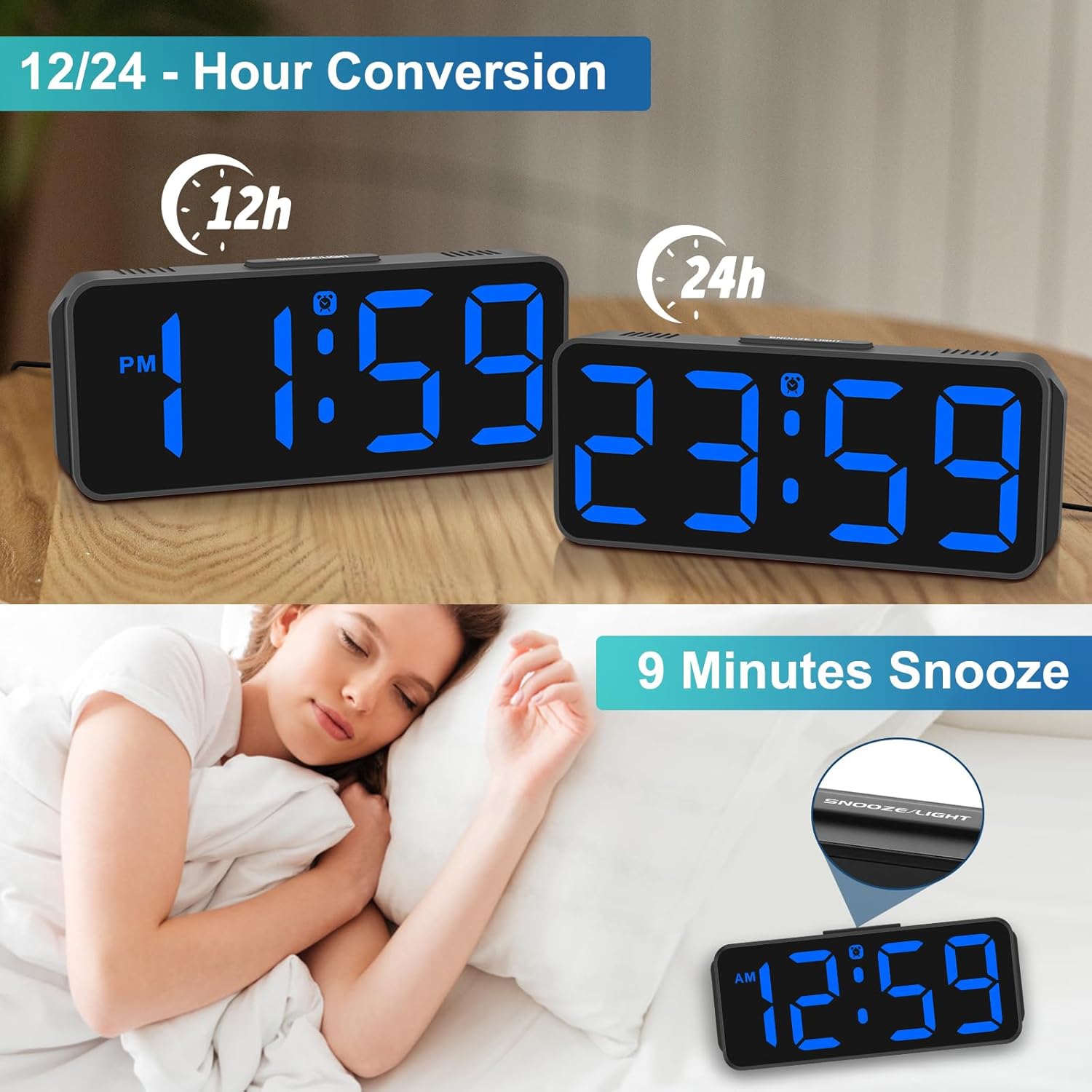
Image: The Peakeep MHP6020 Digital Alarm Clock demonstrating the 12/24 hour format conversion and the 9-minute snooze function activated by the top button.
5.4 12/24 時間形式
通常時刻表示モードで、 12/24時間 button on the back to switch between 12-hour and 24-hour time formats.
6. メンテナンス
- 時計は柔らかく乾いた布で拭いてください。研磨剤入りの洗剤や溶剤は使用しないでください。
- 時計を極端な温度、直射日光、高湿度にさらさないでください。
- 誤って落下するのを防ぐため、時計が安定した表面に設置されていることを確認してください。
7。 トラブルシューティング
| 問題 | 解決 |
|---|---|
| 表示が空白です。 | Ensure the power adapter is securely plugged into both the clock and the electrical outlet. If using battery backup, check if batteries are correctly installed and not depleted. |
| アラームは鳴りません。 | Verify that the alarm is set and the alarm icon is visible on the display. Check the alarm volume setting. |
| 電源を切った後の時刻が正しくないtage. | Ensure 4 AAA batteries are installed for memory backup. If not, reset the time manually. |
| ディスプレイが明るすぎる/暗すぎる。 | を押す ディマー button on the back to adjust the brightness level. |
8. 仕様
| 特徴 | 詳細 |
|---|---|
| モデル番号 | MHP3129 |
| ブランド | ピーキープ |
| 表示タイプ | デジタルLED |
| 表示色 | 青 |
| 寸法 | 幅5.3インチ x 高さ2.1インチ |
| 電源 | Corded Electric (Type-C adapter included) |
| バッテリーバックアップ | 4 AAA batteries required (not included) for memory backup only. |
| 明るさレベル | 5 levels + OFF |
| アラーム音量 | 5段階調整可能(55~90 dB) |
| スヌーズ時間 | 9 minutes |
| 材料 | プラスチック |
| アイテム重量 | 4.64オンス |
9. 保証とサポート
This product comes with a limited warranty. For detailed warranty information or technical support, please refer to the contact information provided below or visit the official Peakeep webサイト。
ピークキープサービス: sales@us-myhome.com