
1. はじめに
Thank you for choosing the VCHICS Digital Audio Amplifier Receiver Module. This device is designed to provide versatile audio playback options, including Bluetooth, USB, TF card, and FM radio, with adjustable bass and treble controls. This manual will guide you through the setup, operation, and maintenance of your amplifierモジュール。
2. 主な特徴
- MP3 music playback from TF card, USB disk, and Bluetooth.
- Adjustable Treble, Bass, and Master Volume controls.
- Integrated Bluetooth receiver for wireless audio streaming.
- FMラジオ機能内蔵。
- AUX port for connection to PC, phone, or CD players.
- Supports AC 110-220V or DC 12-24V input voltage.
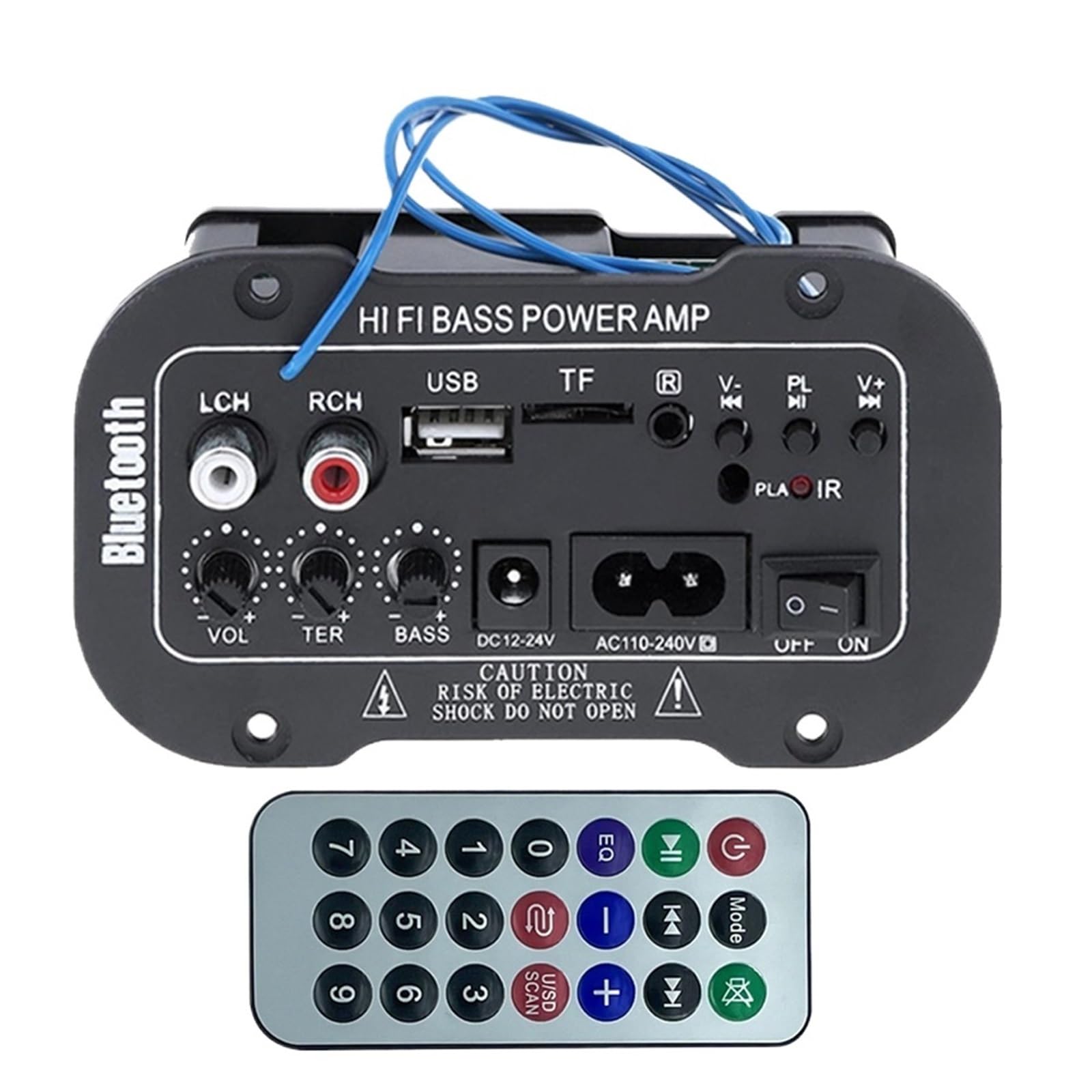
図1:以上view of the VCHICS Digital Audio Amplifier Receiver Module.
3. 仕様
| 仕様 | 価値 |
|---|---|
| Bluetoothバージョン | 2.1+EDR |
| 営業巻tage | 9-20 V DC |
| 働く力 | 25-30 ワット |
| コーデック | SBC |
| インピーダンス | 4オーム |
| スピーカーユニットサイズ | 133ミリメートル |
| 感度 | 200hv |
| 周波数応答 | 20~20000Hz |
| アイテム重量 | 400グラム |
| チャンネル数 | 1 |
| モデル番号 | 1005005454581585 |

Figure 2: Product dimensions (11.7cm x 6.5cm x 4.5cm / 10cm x 4cm).
4. コントロールと接続
さまざまなコントロールと接続ポートの使い方を理解しましょう ampライファイアモジュール:

図3:詳細 view of controls and connection points.
- LCH / RCH (Audio Input): Left and Right channel audio input for external devices.
- USBスロット: MP3 再生用に USB フラッシュ ドライブを接続します。
- TF スロット: For inserting TF (MicroSD) cards for MP3 playback.
- Previous / Next (V- / V+): Navigate tracks or adjust volume in certain modes.
- Play / Pause (PL/IR): Play/pause audio, or initiate FM scan. IR indicates Infrared Sensor for remote control.
- インジケータ: ステータスライト。
- 赤外線センサー: For receiving signals from a remote control (if included or compatible).
- オンオフ: Power switch for the module.
- AC110-240V: AC電源入力。
- DC12-24V: DC電源入力。
- 低音調整: Rotary knob to adjust bass levels.
- トレブル調整: Rotary knob to adjust treble levels.
- 音量調整: Rotary knob to adjust master volume.
- Bluetooth ボタン: Bluetooth モードを有効にします。
5. セットアップ
5.1電源接続
- 確実に amplifier module is switched OFF.
- Connect the appropriate power supply to either the AC110-240V 入力または DC12-24V input. Use only the specified voltag損傷を防ぐための範囲。
5.2スピーカー接続
Connect your speakers to the output terminals of the amplifier module. Ensure correct polarity (+/-) for optimal sound quality.
5.3 Antenna Connection (for FM Radio)
If using the FM radio function, connect the provided FM antenna to the designated antenna port for better reception.
6. 操作手順
6.1 電源オン/オフ
切り替える オンオフ switch to power on or power off the module.
6.2 Bluetooth接続
- を押す モード button (or the Bluetooth button if labeled) to switch the amplifier to Bluetooth mode.
- On your mobile phone or Bluetooth device, open the Bluetooth settings and search for available devices.
- 選択してください amplifier's Bluetooth device name (usually "Bluetooth" or similar) from the list to connect.
- Once successfully paired, you can play audio from your device through the amplifier。
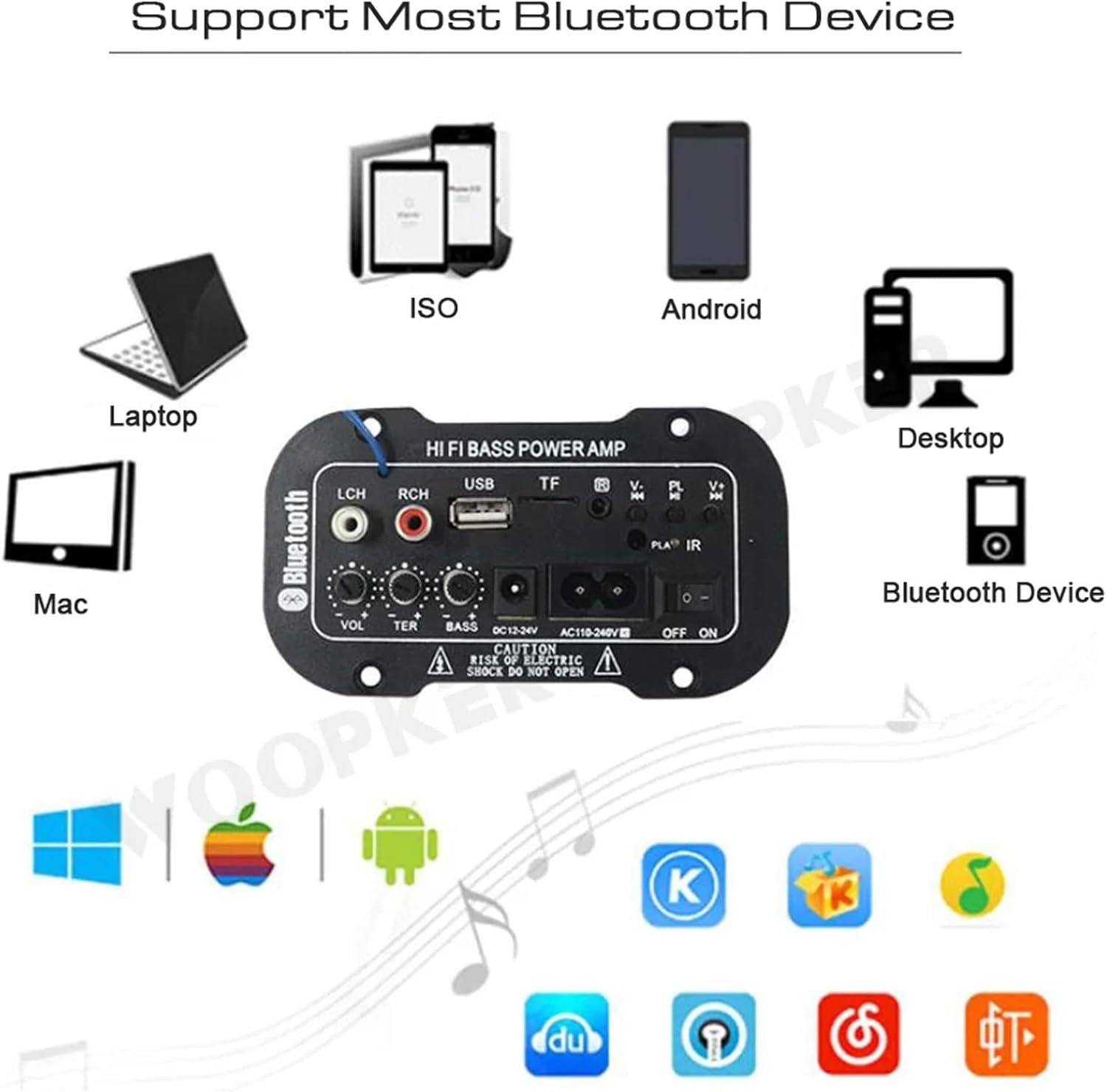
図4: amplifier module supports various Bluetooth devices including laptops, phones, and desktops.
6.3 FMラジオの操作
- ラジオアンテナが正しく接続されていることを確認してください。
- を押す モード 切り替えボタン amplifier to FM radio mode.
- を押す 再生 / 一時停止 button to initiate an automatic scan for all available FM channels. The module will save them automatically.
- 使用 前へ/次へ buttons to switch between saved radio stations.
6.4 USB / TFカードの再生
- USB フラッシュ ドライブを USBスロット or a TF (MicroSD) card into the TFスロット.
- The module should automatically detect the storage device and begin playing MP3 fileそうでない場合は、 モード button to cycle through input sources until USB or TF mode is active.
- 使用 前へ/次へ buttons to change tracks and the 再生 / 一時停止 再生を制御するボタン。
6.5 AUX入力
Connect an external audio source (e.g., PC, phone, CD player) to the LCH / RCH (Audio Input) ports using an appropriate audio cable. Press the モード button to select the AUX input source.
6.6 オーディオの調整
使用 音量調節, トレブルアジャスト、 そして 低音調整 rotary knobs to fine-tune your audio output to your preference.
7。 トラブルシューティング
- 電源なし: Ensure the power cable is securely connected and the power switch is in the ON position. Verify the power source is active and providing the correct voltage (AC 110-240V or DC 12-24V).
- 音が出ない: Check speaker connections for correct polarity. Ensure the volume is turned up. Verify the correct input mode (Bluetooth, FM, USB, TF, AUX) is selected. Test with a different audio source.
- Bluetoothが接続されない: 必ず amplifier is in Bluetooth mode. Ensure your device's Bluetooth is enabled and within range. Try restarting both the amplifier と Bluetooth デバイス。
- FM受信状態が悪い: Ensure the FM antenna is properly connected and extended. Try repositioning the antenna or the amplifier for better signal.
- USB/TF カードが再生されない: Ensure the USB drive or TF card contains compatible MP3 audio files. Check that the storage device is inserted correctly and not corrupted.
8. メンテナンス
- 保管してください amplifier module clean by wiping it with a soft, dry cloth.
- デバイスを湿気、極端な温度、直射日光にさらさないでください。
- Do not attempt to disassemble or repair the module yourself, as this may void any warranty and cause damage.
9. 保証とサポート
保証情報およびテクニカルサポートについては、ご購入時に付属のマニュアルをご参照いただくか、販売店にお問い合わせください。保証請求の際に必要となるため、購入証明書は保管してください。