
1. はじめに
Thank you for choosing the OTIC 10.1-inch Portable Dual Screen Car DVD Player. This device is designed to provide versatile entertainment on the go, featuring two synchronized screens, a long-lasting rechargeable battery, and broad media compatibility. This manual will guide you through the proper setup, operation, and maintenance of your new DVD player to ensure optimal performance and longevity.
2. パッケージ内容
パッケージをよくご確認の上、すべての品物が揃っていること、また良好な状態であることをご確認ください。不足品や破損品がございましたら、販売店までご連絡ください。
- 1 x Main DVD Player Unit
- 1 x Slave Monitor Unit
- 1 x AC/DC電源アダプター
- 1 x DC to DC Connection Cable
- 1 x AV Connection Cable
- カーチャージャーアダプター x 1
- リモコン x 1 (電池付属)
- 2 xイヤホン
- 取り付けストラップ x 2
- ユーザーマニュアル (本書) x 1
- クイックスタートガイド x 1

注記: The remote control requires 2 AAA batteries, which are included.
3. 主な特徴
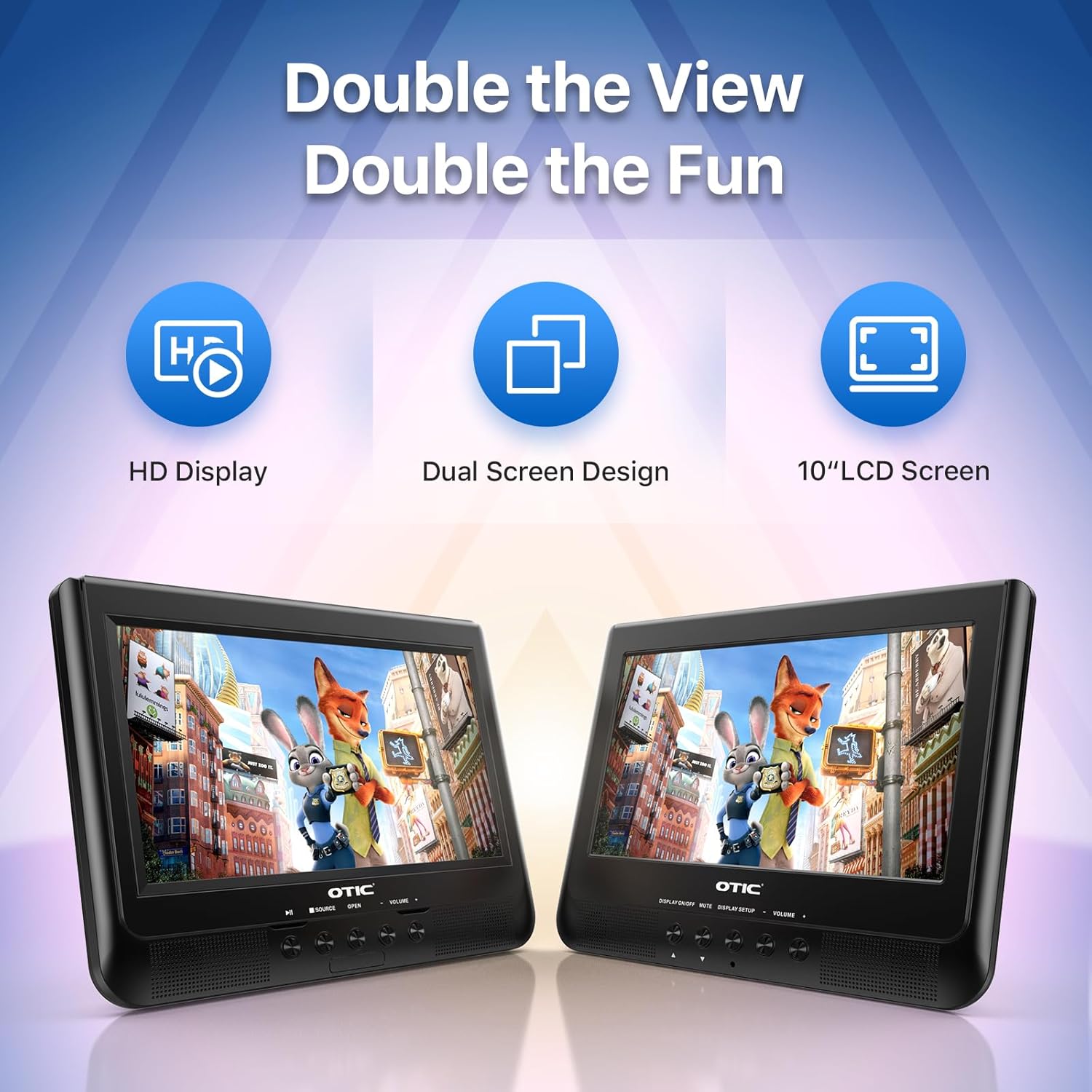
- Dual Display Capability: Connect the host DVD player to the slave monitor using the included AV cable for synchronized viewing of the same content.
- High-Resolution Screens: Both 10.1-inch displays feature a resolution of 1024 x 600 pixels. The main unit's screen can rotate 270° and flip 180° for optimal view角度を変える。
- バッテリー寿命の延長: Equipped with a built-in 2500 mAh rechargeable battery, providing 3-5 hours of continuous video playback.
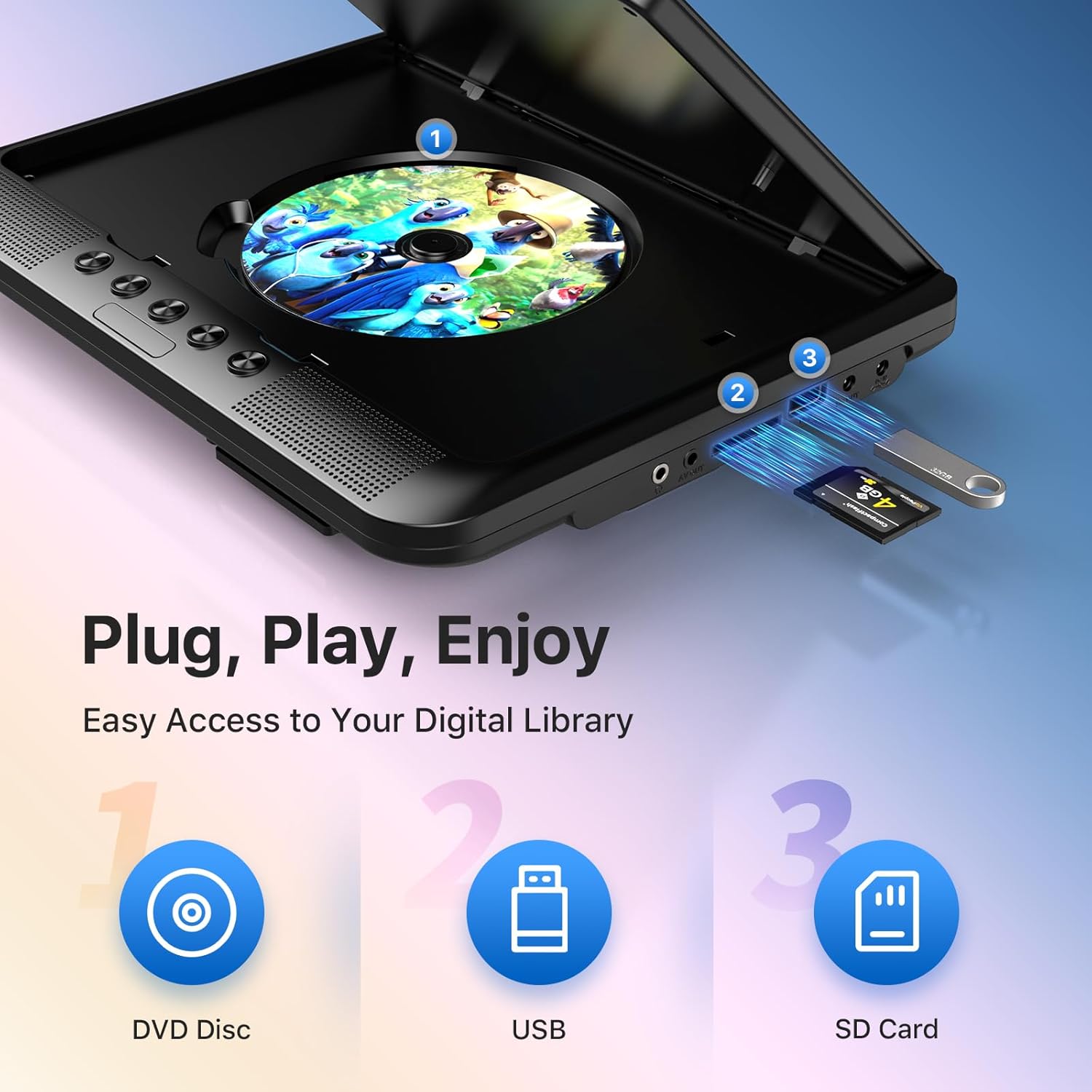
- 多彩なメディアサポート: Plays various formats including CD, DVD, CD-R/RW, DVD±R/±RW, VCD/SVCD. Supports USB drives and SD cards up to 32GB for video (VOB, AVI, MPEG1, MPEG2, XVID), audio (MP3, WMA), and image (JPG, JPEG) files. (Note: Blu-ray DVDs are not supported.)
- ラストメモリー機能: Automatically resumes playback from where you left off, ensuring a seamless viewing の経験。
- 強化されたオーディオ: Integrated dual stereo speakers deliver clear sound. A 3.5mm headphone jack is available for private listening.
- AV入力/出力: Allows connection to larger TV screens for shared viewing or to external video sources.
4.セットアップガイド
4.1 初期充電
Before first use, fully charge the main DVD player unit. Connect the AC/DC power adapter to the player's DC IN port and plug it into a wall outlet. The charging indicator light will typically turn off or change color when fully charged.
4.2 Connecting the Dual Screens
- Locate the AV OUT port on the main DVD player unit.
- Locate the AV IN port on the slave monitor unit.
- Connect the included AV connection cable between the AV OUT of the main unit and the AV IN of the slave unit.
- Connect the DC to DC connection cable from the main unit's DC OUT port to the slave unit's DC IN port to power the slave monitor.
4.3 デバイスへの電源供給
- AC電源: Use the AC/DC power adapter for home use.
- 車のパワー: Use the car charger adapter to power the unit from your vehicle's 12V power outlet.
- バッテリー電源: The built-in rechargeable battery provides portable power for outdoor use.
4.4 車両への取り付け
Use the provided mounting straps to securely attach the DVD player and slave monitor to the headrests in your car. Ensure they are positioned safely and do not obstruct the driver's view またはエアバッグの展開。

5. 操作手順
5.1 基本的な再生
- 電源オン: Press the 'POWER' button on the unit or remote control.
- ディスクを挿入: Gently open the disc cover and place a DVD or CD onto the spindle, label side up. Close the cover firmly.
- USB/SD再生: Insert a USB drive into the USB port or an SD card into the SD card slot. The player should automatically detect the media or allow you to select the source using the 'SOURCE' button.
- 再生コントロール: Use the 'PLAY/PAUSE', 'STOP', 'NEXT', 'PREVIOUS', 'FF' (Fast Forward), and 'REW' (Rewind) buttons on the unit or remote control to manage playback.
- 音量調整: 「VOL+」および「VOL-」ボタンを使用して音量を調整します。

5.2 リモコンの使用
The included remote control provides full functionality for convenient operation from a distance. Point the remote control directly at the main DVD player unit's IR sensor.
5.3 ラストメモリー機能
The player automatically remembers the last playback point. To resume from where you left off, simply power on the device and press 'PLAY'. This function is active for most disc and digital media formats.
5.4 Connecting to an External Display (TV)
To share your viewing experience on a larger screen, use the AV OUT port on the main DVD player unit and connect it to the AV IN ports of your television using the included AV cable. Select the correct AV input on your TV.

6. メディアの互換性
The OTIC DVD player supports a wide range of media formats:
- ディスクフォーマット: DVD, DVD+R, DVD-R, DVD+RW, DVD-RW, CD, CD+R, CD-R, CD+RW, CD-RW, VCD, SVCD. (Blu-ray discs are not supported.)
- ビデオフォーマット(USB/SD): VOB、AVI、MPEG1、MPEG2、XVID。
- オーディオフォーマット(USB/SD): MP3、WMA。
- 画像フォーマット(USB/SD): JPG、JPEG。
USB drives and SD cards up to 32GB capacity are supported.

7. メンテナンス
7.1 ユニットのクリーニング
プレーヤーの外側は、柔らかく乾いた布で拭いてください。頑固な汚れには、軽く拭いてください。ampen the cloth with water. Do not use abrasive cleaners or solvents, as they may damage the surface.
7.2 ディスクケア
Handle discs by their edges. Keep discs clean and free of scratches. Store them in their cases when not in use. A dirty or scratched disc can cause playback issues.
7.3バッテリーケア
To prolong battery life, avoid fully discharging the battery frequently. If storing the unit for an extended period, charge it to about 50% every few months.
8。 トラブルシューティング
If you encounter issues with your OTIC DVD player, please refer to the following common problems and solutions:
| 問題 | 考えられる原因 | 解決 |
|---|---|---|
| プレーヤーの電源が入りません。 | バッテリーが消耗しています。電源アダプターが接続されていないか故障しています。 | Charge the battery; Ensure power adapter is securely connected and functional. |
| 画面に画像が表示されません。 | Disc is dirty/scratched; Incorrect source selected; AV cable loose (for slave monitor/TV). | Clean or replace disc; Press 'SOURCE' button to select correct input; Check AV cable connections. |
| 音が出ません。 | Volume too low; Mute function active; Headphone connected. | Increase volume; Press 'MUTE' button on remote; Disconnect headphones if using speakers. |
| Disc skipping or freezing. | Dirty/damaged disc; Player is on an unstable surface; Excessive vibration. | Clean or replace disc; Place player on a stable surface; Reduce vibrations if in a moving vehicle. |
| リモコンが機能しない。 | Batteries depleted; Obstruction between remote and player; Incorrect angle. | Replace batteries; Ensure clear line of sight to IR sensor; Point remote directly at player. |
If the problem persists after trying these solutions, please contact OTIC customer support for further assistance.
9. 仕様
| 特徴 | 仕様 |
|---|---|
| ブランド | 耳鼻科 |
| モデル番号 | DP-2123A |
| 画面サイズ | 10.1 Inches (visible display area) |
| スクリーンタイプ | 液晶 |
| ディスプレイ解像度 | 1024 x 600 ピクセル |
| バッテリー容量 | 2500 mAh (built-in rechargeable) |
| バッテリー再生時間 | 3~5時間 |
| 互換性のあるディスクフォーマット | CD, CD-R/RW, DVD, DVD+R/RW, DVD-R/RW, VCD, SVCD |
| Compatible Digital Media | USB drives (up to 32GB), SD cards (up to 32GB) |
| サポートされているビデオ形式 | VOB, AVI, MPEG1, MPEG2, XVID |
| サポートされているオーディオ形式 | MP3、WMA |
| サポートされている画像形式 | JPEG、JPG |
| 接続性 | AV In, AV Out, USB, SD Card Slot, 3.5mm Headphone Jack, DC In, DC Out |
| 外形寸法図(本体) | 約35.56 x 13.46 x 25.4 cm(14 x 5.3 x 10インチ) |
| 重さ | 約2.23kg(4.92ポンド) |
| 色 | 黒 |
10. 保証とサポート
For information regarding warranty coverage, technical support, or service, please refer to the warranty card included in your package or contact the retailer from whom you purchased the product. You may also visit the official OTIC web最新のサポート情報については、サイトをご覧ください。
保証請求のために購入証明書を保管してください。