
1.製品オーバーview
The Logitech Zone 301 is an essential wireless Bluetooth headset designed for both work and leisure. It offers reliable connectivity with multipoint Bluetooth, allowing you to move freely up to 30 meters (98 feet) from your device. Equipped with dual noise-canceling microphones on an extended boom, it effectively suppresses background noise, ensuring clear communication. Enhanced speakers provide excellent audio quality for calls and other listening activities. The headset is also constructed with a minimum of 55% recycled plastic (excluding PWA, cables, and packaging), making it an environmentally conscious choice.
主な特徴
- LogiTune Software Compatibility: Download LogiTune for advanced features, firmware updates, and customization of sidetone, mic level, and EQ.
- ノイズキャンセリングマイク: Dual beamforming mics with noise-canceling algorithms reduce background sound for clear conversations in various environments.
- 素晴らしいオーディオ: Features 30 mm dynamic audio drivers with fine-tuned diaphragm patterns for clear sound.
- ワイヤレスの自由: Enjoy a wireless range of up to 30 meters (98 feet) and seamless switching between computer and phone.
- バッテリー寿命の延長: Provides up to 20 hours of listening time and 16 hours of talk time on a full charge. A 5-minute quick charge offers up to 1 hour of talk time.
- 快適なデザイン: Lightweight at just 122 grams (4.3 oz), with enlarged earpads and a padded headband for all-day comfort.
- Replaceable Earpads: Earpads can be replaced to extend the headset's lifespan (sold separately).
- 持続可能な建設: Certified carbon neutral and made with certified post-consumer recycled plastic (Graphite: 55%, Off-white and Rose: 42%).
- 幅広い互換性: Fully compatible with Windows 11, Mac, Chrome, Linux, iOS, iPadOS, and Android devices.

Figure 1.1: The Logitech Zone 301 Wireless Bluetooth Headset in Graphite, showcasing its sleek design and integrated microphone boom.

Figure 1.2: Detail of the dual noise-canceling microphones on the boom, designed to ensure clear voice transmission by suppressing background noise.

Figure 1.3: A user wearing the headset, highlighting the comfortable fit and the position of the microphone for optimal audio input.

Figure 1.4: The headset positioned on a desk, illustrating its wireless capability and connectivity to multiple devices like a laptop and smartphone.
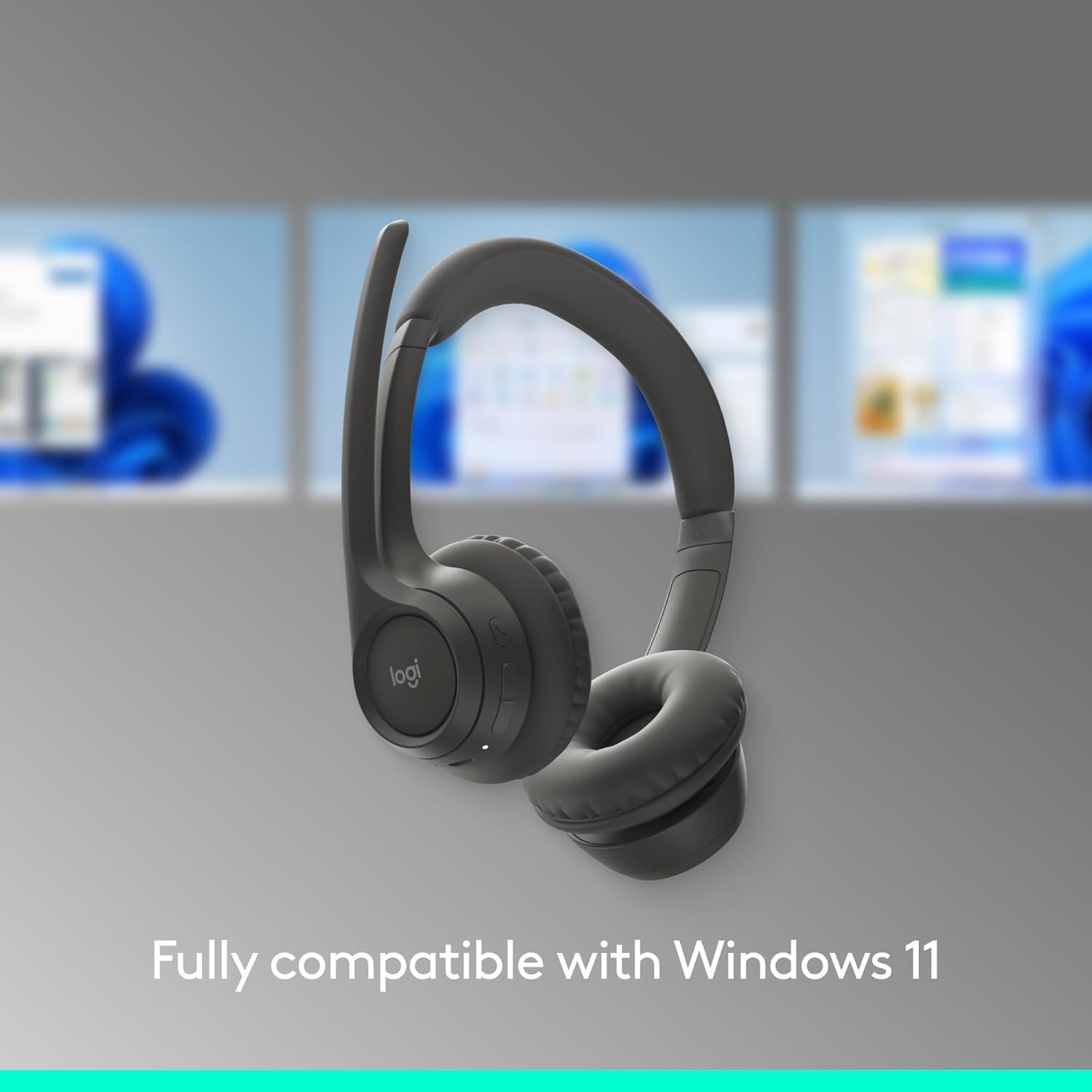
Figure 1.5: The headset shown with a background depicting the Windows 11 operating system, emphasizing its full compatibility.

Figure 1.6: An annotated diagram pointing out key features such as the 2 noise-canceling mics, padded headband, flip-to-mute function, on-ear controls, and USB-C charging port.

Figure 1.7: Visual representation of the headset's sustainable design, highlighting its use of recycled plastic, responsibly sourced packaging, and carbon-neutral certification.

Figure 1.8: A user wearing the headset, with an overlay indicating up to 20 hours of battery life and the quick charge feature providing 1 hour of talk time from a 5-minute charge.

Figure 1.9: The headset displayed on a stand, emphasizing its lightweight construction at just 122 grams (4.3 oz) for enhanced comfort.

Figure 1.10: The headset shown alongside a laptop running the LogiTune application, illustrating how users can customize settings for a personalized audio experience.
2.セットアップガイド
2.1 初期充電
Before first use, fully charge your Logitech Zone 301 headset. Use the included USB-C charging cable to connect the headset to a power source (e.g., computer USB port or USB wall adapter). The LED indicator on the headset will show charging status.

Figure 2.1: The headset and its accompanying USB-C charging cable, which is used for initial charging and power.
2.2 デバイスとのペアリング(Bluetooth)
- 電源オン: LED インジケーターが点灯するまで、ヘッドセットの電源ボタンを押し続けます。
- ペアリングモードに入る: Press and hold the Bluetooth pairing button (usually indicated by a Bluetooth icon) until the LED indicator flashes rapidly, indicating it's in pairing mode.
- デバイスで Bluetooth を有効にする: On your computer, smartphone, or tablet, go to Bluetooth settings and ensure Bluetooth is enabled.
- ヘッドセットを選択: In the list of available Bluetooth devices, select "Logitech Zone 301" (or similar name).
- 接続を確認: Once connected, the LED indicator on the headset will turn solid, and you will hear an audible confirmation.
2.3 Installing LogiTune Software
For enhanced features and customization, it is recommended to install the LogiTune software on your computer.
- ロジクールの公式サポートをご覧ください webサイト。
- 検索する "LogiTune" and download the appropriate version for your operating system (Windows or macOS).
- 画面の指示に従ってインストールを完了します。
- Once installed, open LogiTune to access settings for sidetone, mic level, EQ, and firmware updates.
3. 操作手順
3.1 電源オン/オフ
- 電源オン: Press and hold the Power button for approximately 2 seconds until the LED indicator lights up and you hear a power-on tone.
- 電源を切る: Press and hold the Power button for approximately 3 seconds until the LED indicator turns off and you hear a power-off tone.
3.2 ボリュームコントロール
The volume buttons are located on the right earcup.
- ボリュームアップ: 音量を上げるには、「+」ボタンを押します。
- ボリュームダウン: 音量を下げるには、「-」ボタンを押します。
3.3 Mute/Unmute Microphone (Flip-to-Mute)
The Zone 301 features a convenient flip-to-mute function for the microphone.
- ミュート: Flip the microphone boom arm upwards until it is parallel with the headband. You will hear an audible confirmation that the microphone is muted.
- ミュートを解除: Flip the microphone boom arm downwards towards your mouth. You will hear an audible confirmation that the microphone is unmuted.
3.4 通話管理
Use the multi-function button (often indicated by a phone icon) on the earcup for call control.
- 通話の応答/終了: 多機能ボタンをXNUMX回押します。
- 通話を拒否: 多機能ボタンを2秒間押し続けます。
- オーディオの再生/一時停止: Press the multi-function button once when not on a call.
3.5 デバイス間の切り替え
The Zone 301 supports multipoint Bluetooth, allowing connection to two devices simultaneously.
- To switch audio source, simply play audio on the desired connected device. The headset will automatically switch.
- If automatic switching does not occur, pause audio on the current device and initiate playback on the other.
図3.1: 詳細な view of the headset's on-ear controls, including volume buttons, multi-function button, and the USB-C charging port.
4. お手入れとメンテナンス
4.1 クリーニング
- Use a soft, dry, lint-free cloth to clean the headset.
- 研磨剤入りの洗剤、溶剤、エアゾールスプレーは使用しないでください。
- 開口部に湿気が入らないようにしてください。
4.2 Earpad Replacement
The earpads on your Zone 301 headset are replaceable to extend the product's life. Replacement earpads can be purchased separately from Logitech's official webサイトまたは正規販売店。
- Gently twist and pull the old earpads off the earcups.
- Align the new earpads with the earcup and press firmly, twisting slightly until they click into place.
4.3バッテリーケア
- 頻繁に使用しない場合でも、バッテリーの状態を維持するために、ヘッドセットを定期的に充電してください。
- Avoid exposing the headset to extreme temperatures (hot or cold), as this can degrade battery performance.
- ヘッドセットを使用しないときは、涼しく乾燥した場所に保管してください。
5。 トラブルシューティング
| 問題 | 考えられる原因 | 解決 |
|---|---|---|
| ヘッドセットからの音声がありません | Headset not powered on; Not paired correctly; Volume too low; Incorrect audio output selected on device. | Ensure headset is powered on and charged. Re-pair the headset. Increase headset and device volume. Select Logitech Zone 301 as the audio output device in your system settings. |
| マイクが機能しない | マイクがミュートされています。間違った入力デバイスが選択されています。マイク ブームの位置が正しくありません。 | Ensure microphone boom is flipped down (unmuted). Select Logitech Zone 301 as the microphone input device in your system settings. Position the microphone closer to your mouth. |
| Cannot pair headset with device | Headset not in pairing mode; Device Bluetooth off; Interference; Device limit reached. | Put headset into pairing mode (rapidly flashing LED). Ensure Bluetooth is enabled on your device. Move closer to the device and away from other wireless devices. Try unpairing other devices from the headset or device. |
| バッテリー寿命が短い | バッテリーが完全に充電されていない、バッテリーが古い、使用量が多い。 | Ensure headset is fully charged before use. Battery life naturally degrades over time. Lower volume settings can extend battery life. |
| Audio cutting out or poor connection | Too far from device; Obstructions; Wireless interference. | Move closer to your connected device. Ensure there are no large obstructions (walls, metal objects) between the headset and device. Avoid using near other strong wireless signals (Wi-Fi routers, microwaves). |
6. 技術仕様
| 特徴 | 詳細 |
|---|---|
| モデル名 | 981-001468 |
| 接続技術 | ワイヤレス(Bluetooth) |
| 無線通信技術 | ブルートゥース5.3 |
| Bluetooth範囲 | 最大30メートル(98フィート) |
| オーディオドライバータイプ | ダイナミックドライバ |
| オーディオドライバーのサイズ | 30ミリメートル |
| 周波数範囲 | 100~20000Hz |
| インピーダンス | 38オーム |
| 騒音制御 | アクティブノイズキャンセリング(マイク) |
| バッテリー寿命(リスニング) | 最大20時間 |
| バッテリー寿命(通話時間) | 最大16時間 |
| 充電時間 | 約2時間(フル充電時) |
| クイックチャージ | 5 min charge for up to 1 hour talk time |
| アイテム重量 | 122グラム(4.3オンス) |
| 製品寸法 | 2.6 x 6.6 x 6.8インチ |
| 材料 | Plastic (minimum 55% recycled plastic for Graphite model) |
| 耳の位置 | 耳に |
| コントロールタイプ | Media Control, Touch, App |
| 対応デバイス | Windows, Mac, Chrome, Linux, iOS, iPadOS, Android, Phone |
| 含まれるコンポーネント | Headset, USB-C Charging Cable |
| 欧州連合 | 097855196989 |
7. 保証情報
Logitech products are designed with reliability in mind. The Logitech Zone 301 Wireless Bluetooth Headset typically comes with a limited hardware warranty. For specific warranty terms, duration, and conditions applicable to your region, please refer to the warranty card included with your product or visit the official Logitech webサイトのサポートセクション。
Optional protection plans may also be available for purchase, offering extended coverage beyond the standard manufacturer's warranty. Please check with your retailer or Amazon for details on available protection plans.
8. カスタマーサポート
For further assistance, technical support, or to access additional resources for your Logitech Zone 301 headset, please visit the official Logitech Support webサイト:
ここでは以下を見つけることができます:
- FAQs and knowledge base articles
- Driver and software downloads (including LogiTune)
- コミュニティフォーラム
- 直接サポートの連絡先情報