
1. はじめに
This manual provides instructions for the safe and effective use of your Coby Kids' Wireless Bluetooth Earbuds, Model CETW582 (Umi The Unicorn). Please read this manual thoroughly before using the product and retain it for future reference.
These earbuds are designed for children, featuring an ergonomic design with soft gel tips for a comfortable and secure fit. They offer wireless audio connectivity via Bluetooth 5.1 and are rated IPX4 for water resistance.
2. 箱の中身
開梱時にすべてのコンポーネントが揃っていることを確認します。
- Coby Wireless Bluetooth Earbuds (Left and Right)
- Umi The Unicorn Charging Case
- マイクロUSB充電ケーブル
- ユーザーマニュアル
3.製品オーバーview
Familiarize yourself with the components of your Coby Kids' Wireless Earbuds.

図3.1: The Coby Kids' Wireless Earbuds shown within their Umi The Unicorn charging case, alongside a closed view of the case. The earbuds are white with soft gel tips, and the case features a unicorn design with a horn and ears.

図3.2: クローズアップ view of the Umi The Unicorn charging case, highlighting its design elements including the unicorn's face, horn, and ears.
イヤホンの機能:
- タッチコントロールエリア: 再生、通話、音声アシスタントを管理します。
- LEDインジケーター: ペアリングステータスとバッテリーレベルを表示します。
- マイクロフォン: ハンズフリー通話用。
- ジェルチップ: Soft, interchangeable tips for comfortable fit.
充電ケースの特徴:
- 充電ポート: Micro USB port for charging the case.
- イヤホン充電スロット: イヤホンをしっかりと保持し、充電します。
- 充電インジケーター: ケースとイヤホンの充電状態を表示します。
4. セットアップ
4.1 初期充電
- 初めて使用する前に、充電ケースとイヤホンを完全に充電してください。
- 両方のイヤフォンを充電ケースに入れます。
- Connect the Micro USB charging cable to the charging port on the case and the other end to a USB power source (e.g., computer, wall adapter).
- The charging indicator on the case will illuminate to show charging is in progress. A full charge takes approximately 1.5 hours.
- 完全に充電されたら、充電ケーブルを取り外します。
4.2 Bluetoothデバイスとのペアリング
The earbuds use Bluetooth 5.1 for a stable wireless connection.
- イヤホンが充電され、充電ケースに収納されていることを確認してください。
- 充電ケースを開けると、イヤホンは自動的に電源が入り、ペアリングモードになります。イヤホンのLEDインジケーターが点滅し、ペアリングの準備が整ったことを示します。
- On your device (e.g., smartphone, tablet, laptop), enable Bluetooth.
- 検索する available Bluetooth devices. Select "COBY-CETW582" from the list.
- Once connected, the earbud LED indicators will stop flashing or show a solid light (refer to specific LED behavior in the full manual if available). A voice prompt may confirm successful pairing.
- デバイスで Bluetooth が有効になっている場合、イヤホンはケースから取り出すと最後にペアリングしたデバイスに自動的に再接続されます。

図4.1: A child wearing the Coby Kids' Wireless Earbuds, demonstrating their comfortable and secure fit with soft gel tips.
5. 操作
5.1 電源オン/オフ
- 電源オン: 充電ケースを開くか、両方のイヤホンのタッチコントロール領域を 3 秒間押し続けます。
- 電源を切る: イヤホンを充電ケースに戻し、蓋を閉じるか、両方のイヤホンのタッチコントロール領域を 5 秒間押し続けます。
5.2音楽の再生
- 再生/一時停止: どちらかのイヤホンのタッチコントロール領域を 1 回タップします。
- 次のトラック: 右のイヤホンのタッチコントロール領域をダブルタップします。
- 前のトラック: 左のイヤホンのタッチコントロール領域をダブルタップします。
- 音量コントロール: 接続されたデバイスで直接音量を調整します。
5.3 電話
- 通話の応答/終了: どちらかのイヤホンのタッチコントロール領域を 1 回タップします。
- 通話を拒否: どちらかのイヤホンのタッチコントロール領域を 2 秒間押し続けます。
5.4音声アシスタント
- 音声アシスタントを有効にする: どちらかのイヤホンのタッチコントロール領域を 3 回タップします。
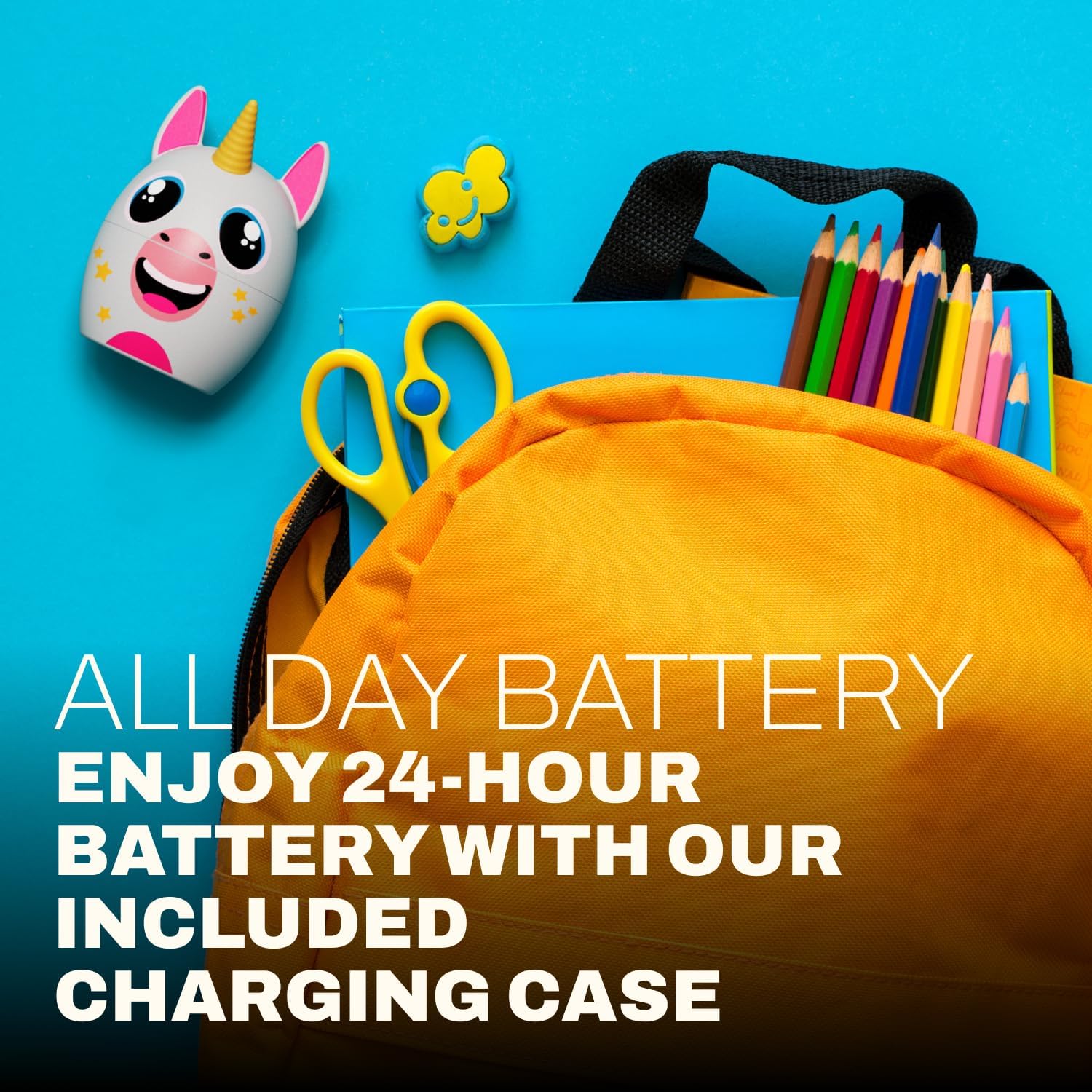
図5.1: A child focused on studying while wearing the Coby Kids' Wireless Earbuds, illustrating their use for educational or quiet activities.
6. メンテナンス
6.1 クリーニング
- 柔らかく乾いた糸くずの出ない布を使用して、イヤホンと充電ケースを清掃してください。
- 研磨剤入りの洗剤、溶剤、エアゾールスプレーは使用しないでください。
- 小さくて柔らかいブラシまたは綿棒を使用して、イヤホンのチップとスピーカーのメッシュから耳垢やゴミを丁寧に取り除きます。
6.2 ストレージ
- 使用しないときは、イヤホンを保護し、充電を保つために充電ケースに保管してください。
- 製品は、極端な温度や直射日光を避け、涼しく乾燥した場所に保管してください。
6.3 防水性能(IPX4)
The earbuds are IPX4 water-resistant, meaning they are protected from splashing water from any direction. They are not designed for submersion in water. Avoid exposing them to heavy rain, showering, or swimming.
7。 トラブルシューティング
| 問題 | 考えられる原因 | 解決 |
|---|---|---|
| イヤホンの電源が入りません。 | バッテリー残量が少なくなりました。 | イヤホンと充電ケースを完全に充電します。 |
| デバイスとペアリングできません。 | デバイスの Bluetooth がオフになっている、イヤホンがペアリング モードになっていない、デバイスから遠すぎる。 | Ensure Bluetooth is enabled on your device. Place earbuds in case, close, then open to re-enter pairing mode. Move device closer to earbuds (within 33 feet). |
| 音が出ない、または断続的に音が出る。 | イヤホンが正しく接続されていない、電池残量が少ない、干渉がある。 | Check Bluetooth connection. Recharge earbuds. Move away from other wireless devices. |
| 片方のイヤホンから音が出ません。 | Earbuds not properly synced. | Place both earbuds back into the charging case, close the lid, then open again to re-sync. |
| Earbuds slip out of ears. | Incorrect gel tip size or improper insertion. | Ensure gel tips are correctly sized for the user's ears. Adjust the angle of insertion for a secure fit. |
8. 仕様
| 特徴 | 詳細 |
|---|---|
| モデル名 | COBY-CETW582 |
| 接続技術 | Bluetooth、ワイヤレス |
| 無線通信技術 | ブルートゥース5.1 |
| 含まれるコンポーネント | Coby Wireless Bluetooth Earbuds for Kids |
| 充電時間 | 1.5時間 |
| 対応デバイス | 携帯電話、ノートパソコン、タブレット |
| コントロールタイプ | メディアコントロール、タッチ |
| アイテム重量 | 1.6オンス |
| 耐水性レベル | IPX4防水 |
| 周波数範囲 | 20Hz~20,000Hz |
| バッテリー寿命 | 最大24時間(充電ケース使用時) |
| Bluetooth範囲 | 最大33フィート |
| 製品寸法 | 3 x 2.5 x 2.5インチ |
9. サポート
For further assistance, product information, or warranty inquiries, please visit the official Coby website or contact Coby customer support.
- Coby Official Webサイト: www.cobyusa.com (元ampリンク、実際のサポートを確認してください URL)
- 顧客サービス: Refer to the Coby web連絡先情報のサイト。