
GenMachine R5-3550H 16G+512GB White
GenMachine Mini PC AMD Ryzen 5 3550H User Manual
Model: R5-3550H 16G+512GB White
Brand: GenMachine
1. はじめに
This manual provides essential information for the setup, operation, maintenance, and troubleshooting of your GenMachine Mini PC AMD Ryzen 5 3550H. Please read this manual thoroughly before using the product to ensure optimal performance and longevity.
The GenMachine Mini PC is a compact yet powerful computing solution designed for a variety of tasks, including gaming, office work, and design. It features an AMD Ryzen 5 3550H processor, 16GB DDR4 RAM, and a 512GB SSD with M.2 NVMe support, offering high performance in a small form factor.

図1.1: 前面 view of the GenMachine Mini PC, showcasing its compact white design with front USB ports and power button.
2. セットアップ
2.1 箱の開梱
Carefully unpack all components from the packaging. Ensure all items listed in the packing list are present.

Figure 2.1: The packing list includes the Mini PC unit, user manual, packing box, power adapter, and HD line (HDMI cable).
2.2 周辺機器の接続
Connect your monitor(s), keyboard, mouse, and other necessary peripherals to the Mini PC. The device supports multiple display options via HDMI and DisplayPort.
- Connect your monitor(s) to the HDMI or DisplayPort outputs.
- キーボードとマウスを利用可能な USB 3.0 ポートに接続します。
- For wired network access, connect an Ethernet cable to the LAN port.
- 電源アダプタをミニ PC に接続し、電源コンセントに接続します。
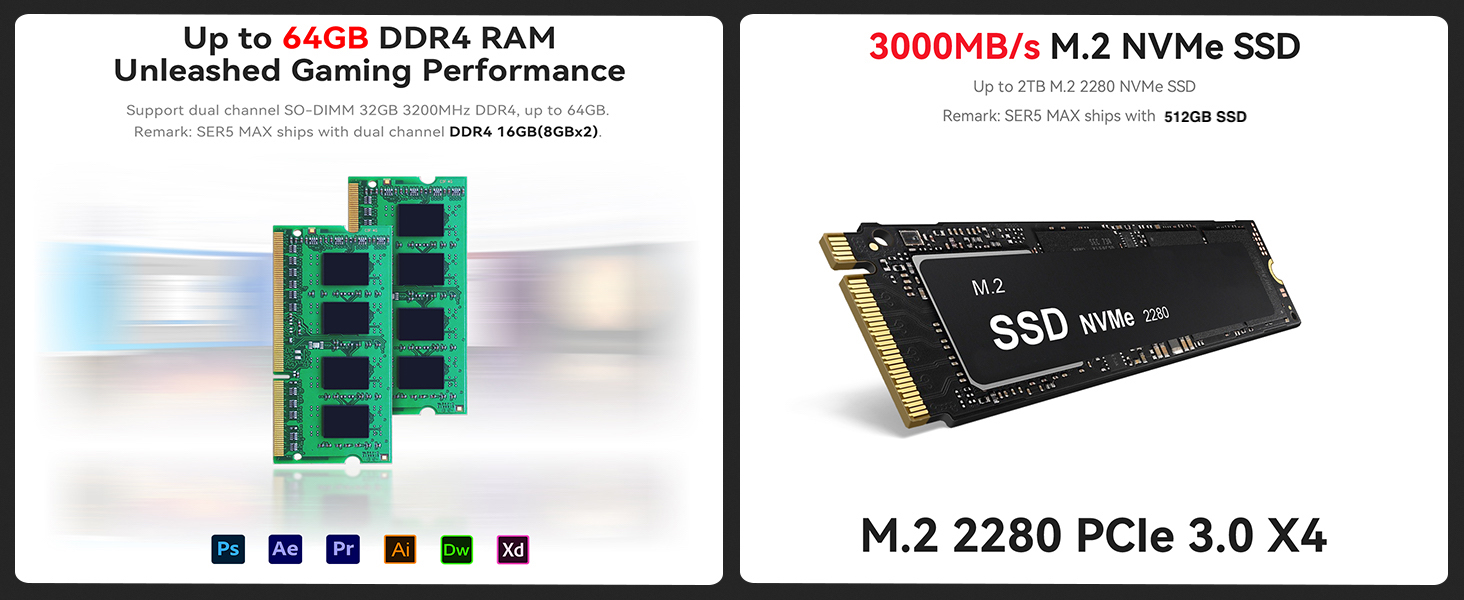
図2.2:以上view of the Mini PC's interfaces, including power supply, network interface (LAN), DisplayPort (DP), HDMI interface, USB interfaces, and audio port.
2.3初期電源オン
Press the power button located on the front of the Mini PC. The system will boot up. Follow the on-screen instructions for initial operating system setup.
3. 操作
3.1 一般的な使用法
The GenMachine Mini PC is designed for versatile use, from demanding gaming sessions to professional design work and everyday office tasks. Its AMD Ryzen 5 3550H processor ensures smooth performance across various applications.
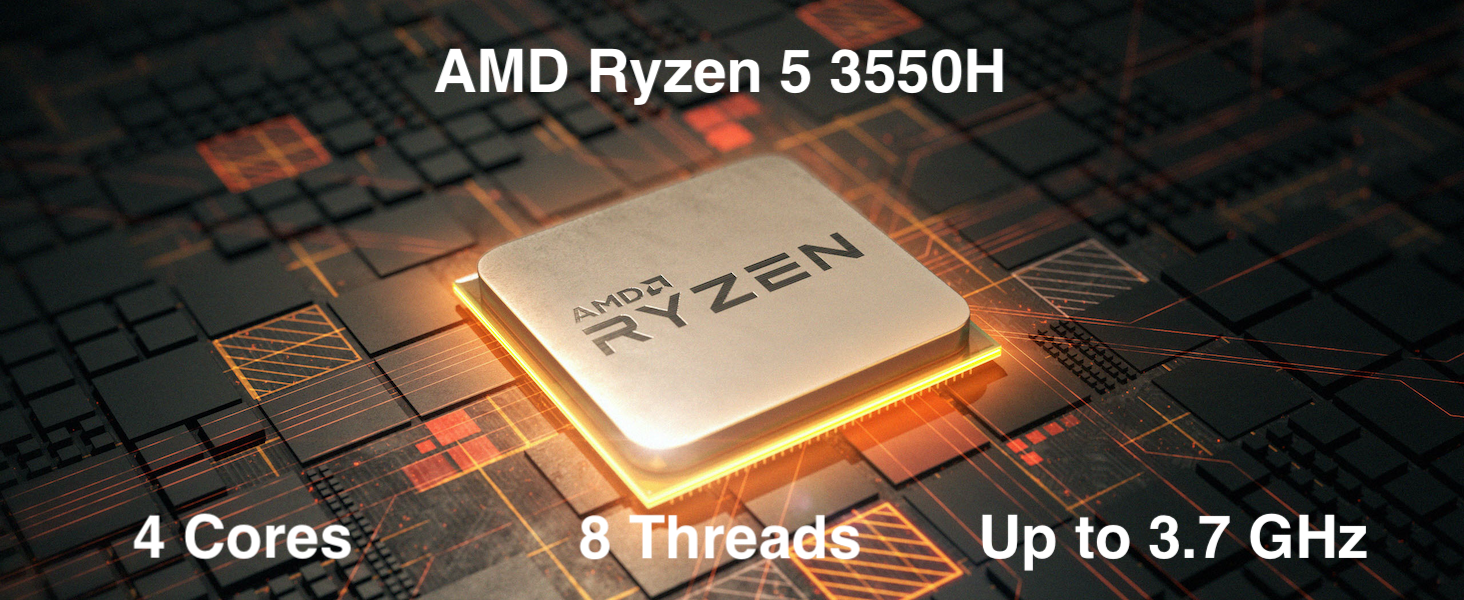
Figure 3.1: The AMD Ryzen 5 3550H processor features 4 cores, 8 threads, and a boost clock up to 3.7GHz, providing powerful performance for various computing needs.
3.2 マルチディスプレイ設定
Utilize the HDMI and DisplayPort outputs to connect up to two 4K displays simultaneously, enhancing productivity and immersive experiences.
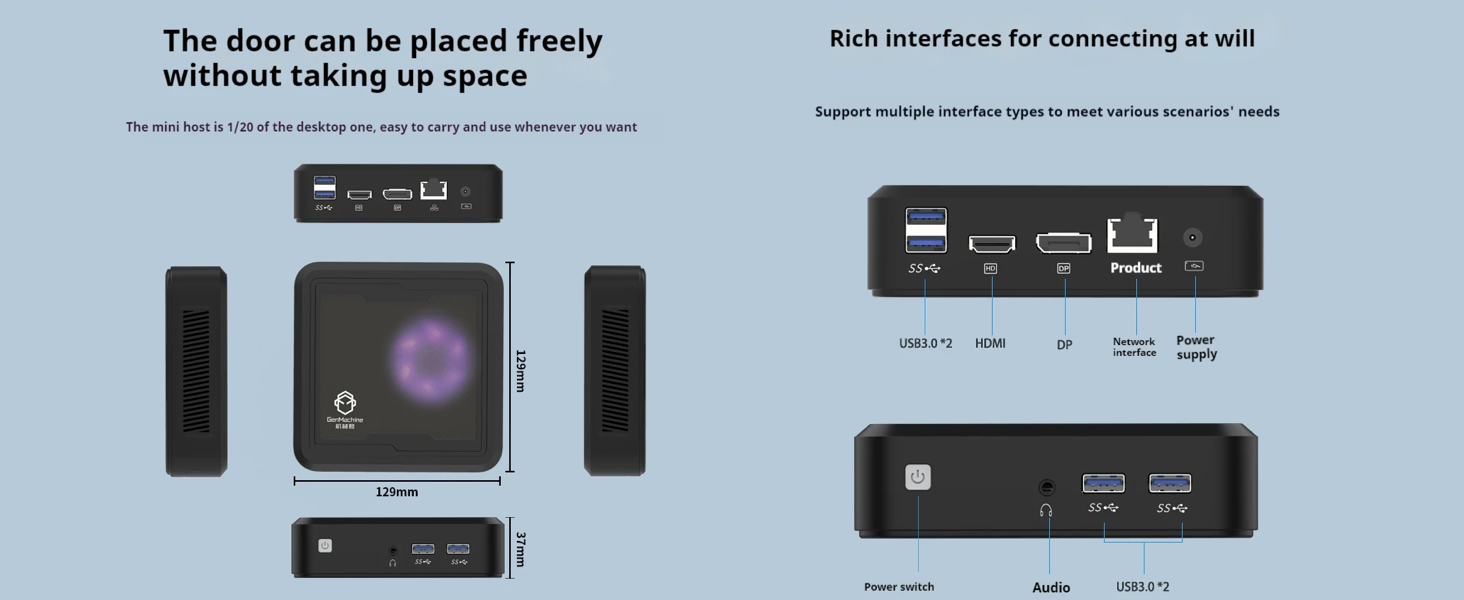
Figure 3.2: The Mini PC supports dual 4K displays via HD (HDMI) and DP (DisplayPort) outputs, allowing for an expanded workspace.
3.3 ストレージとメモリの拡張
The Mini PC comes with 16GB DDR4 RAM and a 512GB SSD. It supports dual-channel DDR4 memory up to 64GB and M.2 NVMe SSDs up to 2TB for significant storage and performance upgrades.
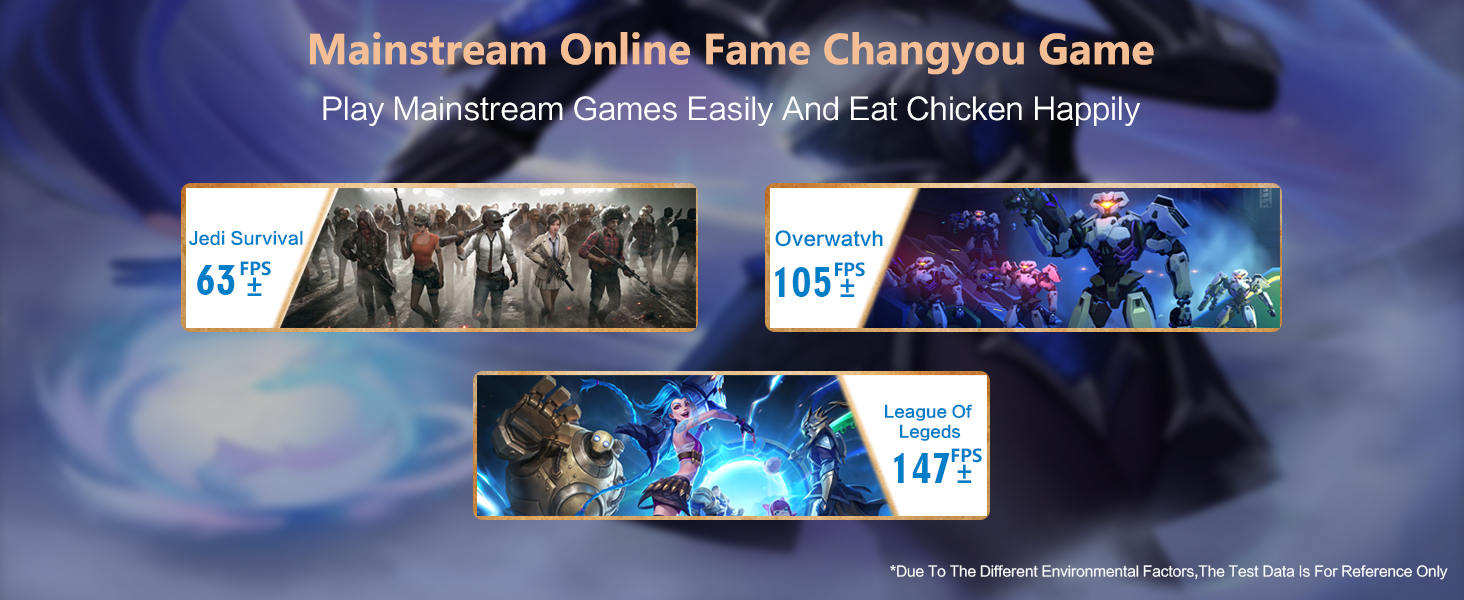
Figure 3.3: Illustration showing support for up to 64GB DDR4 RAM and 3000MB/s M.2 NVMe SSD (PCIe 3.0 X4) for enhanced performance and storage.
3.4 接続性
The Mini PC includes WiFi 5 and Bluetooth 4.2 for wireless connectivity, ensuring high-speed internet access and seamless pairing with wireless peripherals.
3.5 ビデオデモンストレーション
Watch this official video from GenMachine for a visual overview of the Mini PC's features and capabilities.
Video 3.1: An official video demonstrating the GenMachine Mini Personal Desktop Computer, highlighting its compact size, various interfaces, and suitability for office and media server use.
4. メンテナンス
4.1 クリーニング
Regularly clean the exterior of the Mini PC with a soft, dry cloth. Use compressed air to gently clear dust from the ventilation grilles to ensure proper airflow and prevent overheating.
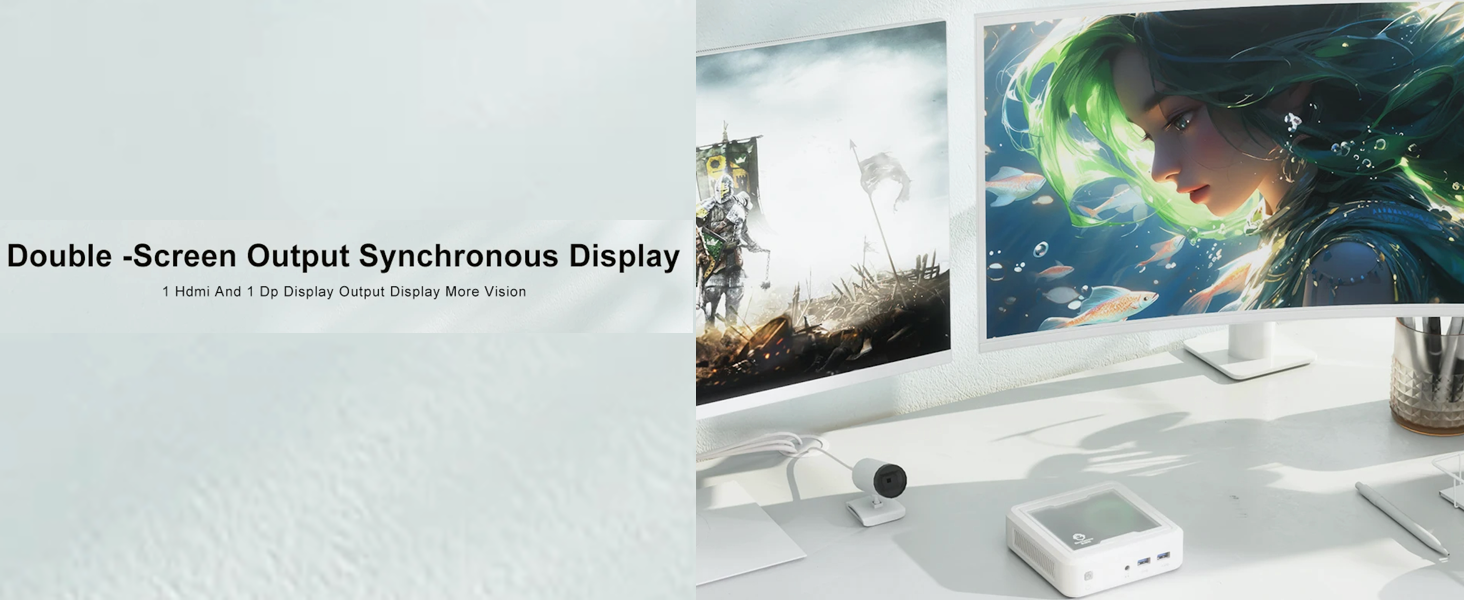
Figure 4.1: The Mini PC undergoes rigorous quality control, including vibration, drop, temperature/humidity, port, and noise tests, ensuring durability and reliability.
4.2 熱管理
Ensure the Mini PC is placed in a well-ventilated area. Avoid blocking the air vents to allow for efficient heat dissipation. The device is designed with mesh ventilated heat dissipation to maintain optimal operating temperatures.
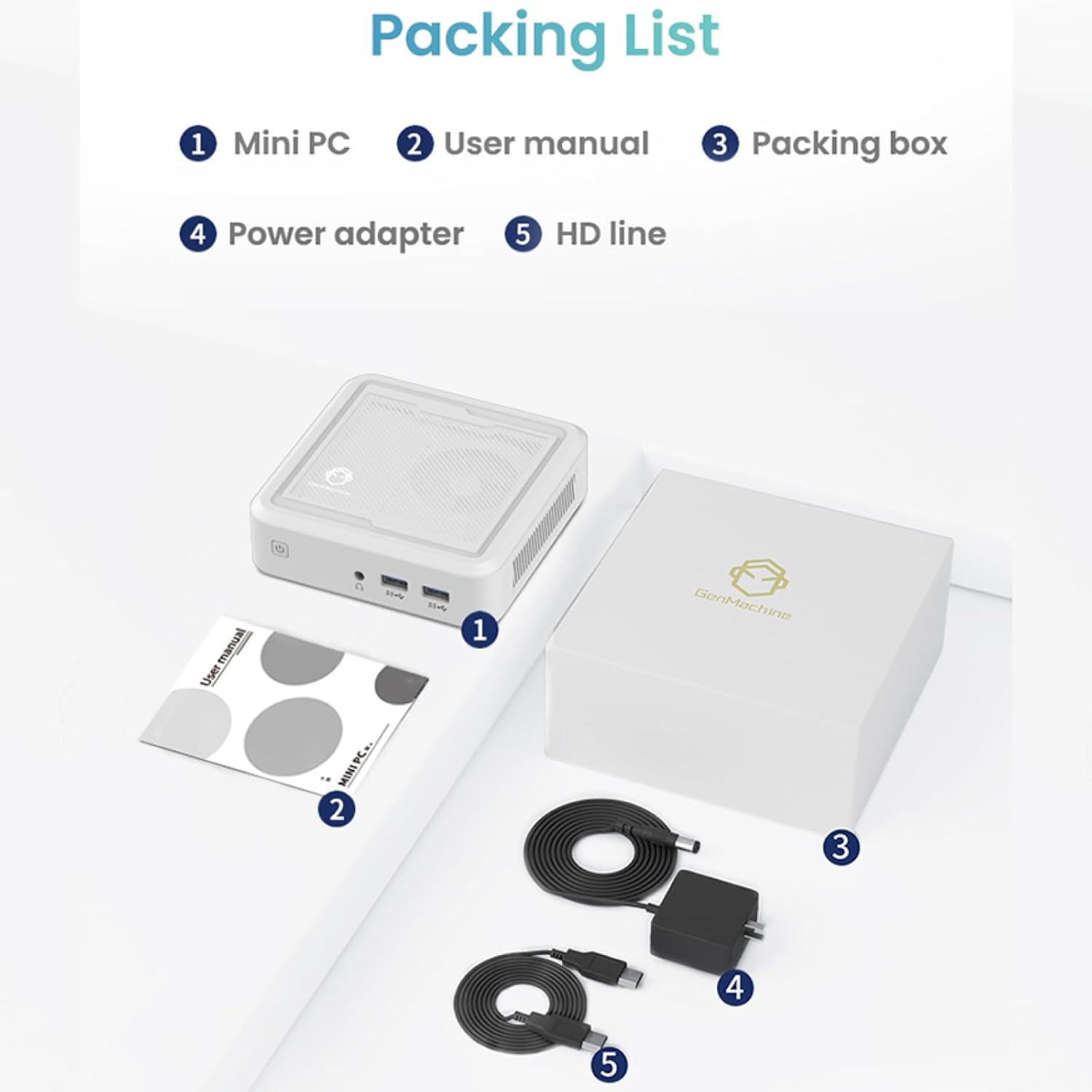
Figure 4.2: The GenMachine Mini PC operates at a low noise level of approximately 35 decibels, comparable to a quiet library environment.
5。 トラブルシューティング
5.1 一般的な問題と解決策
- 電源なし:
- 電源アダプタがミニ PC と正常な電源コンセントの両方にしっかりと接続されていることを確認します。
- 別のデバイスを接続して、電源コンセントが機能していることを確認します。
- 表示なし:
- HDMI または DisplayPort ケーブルがミニ PC とモニターの両方にしっかりと接続されていることを確認します。
- モニターの電源がオンになっており、正しい入力ソースに設定されていることを確認します。
- 可能であれば、別のケーブルまたはモニターを試してください。
- パフォーマンスが遅い:
- バックグラウンドで実行されている不要なアプリケーションを閉じます。
- SSD に十分な空き容量があるかどうかを確認します。
- Ensure the Mini PC is well-ventilated to prevent thermal throttling.
- Consider upgrading RAM or SSD if performance issues persist (refer to Section 3.3).
- Wi-Fi/Bluetoothなし:
- オペレーティング システムの設定で Wi-Fi と Bluetooth が有効になっているかどうかを確認します。
- Ensure drivers are correctly installed. Visit the manufacturer's web最新のドライバーのサイト。
- ミニ PC を再起動します。
6. 仕様
Below are the key technical specifications for the GenMachine Mini PC AMD Ryzen 5 3550H:
| 特徴 | 詳細 |
|---|---|
| プロセッサ | AMD Ryzen 5 3550H (Up to 3.7GHz, 4 Cores, 8 Threads) |
| ラム | 16GB DDR4(最大64GBまで拡張可能) |
| ストレージ | 512GB SSD (M.2 NVMe support up to 2TB) |
| グラフィックスコプロセッサ | 統合グラフィックス |
| オペレーティング·システム | OS (Pre-installed or user-installable) |
| 接続性 | WiFi 5, Bluetooth 4.2, LAN (Ethernet) |
| ビデオ出力 | HDMI, DisplayPort (Supports Dual 4K Displays) |
| USBポート | 2のx USB 2.0、2のx USB 3.0 |
| オーディオ | 3.5mmオーディオジャック |
| 寸法(長さx幅x高さ) | 5 x 5 x 1.45 インチ (12.9 x 12.9 x 3.7 cm) |
| アイテム重量 | 1.7ポンド |
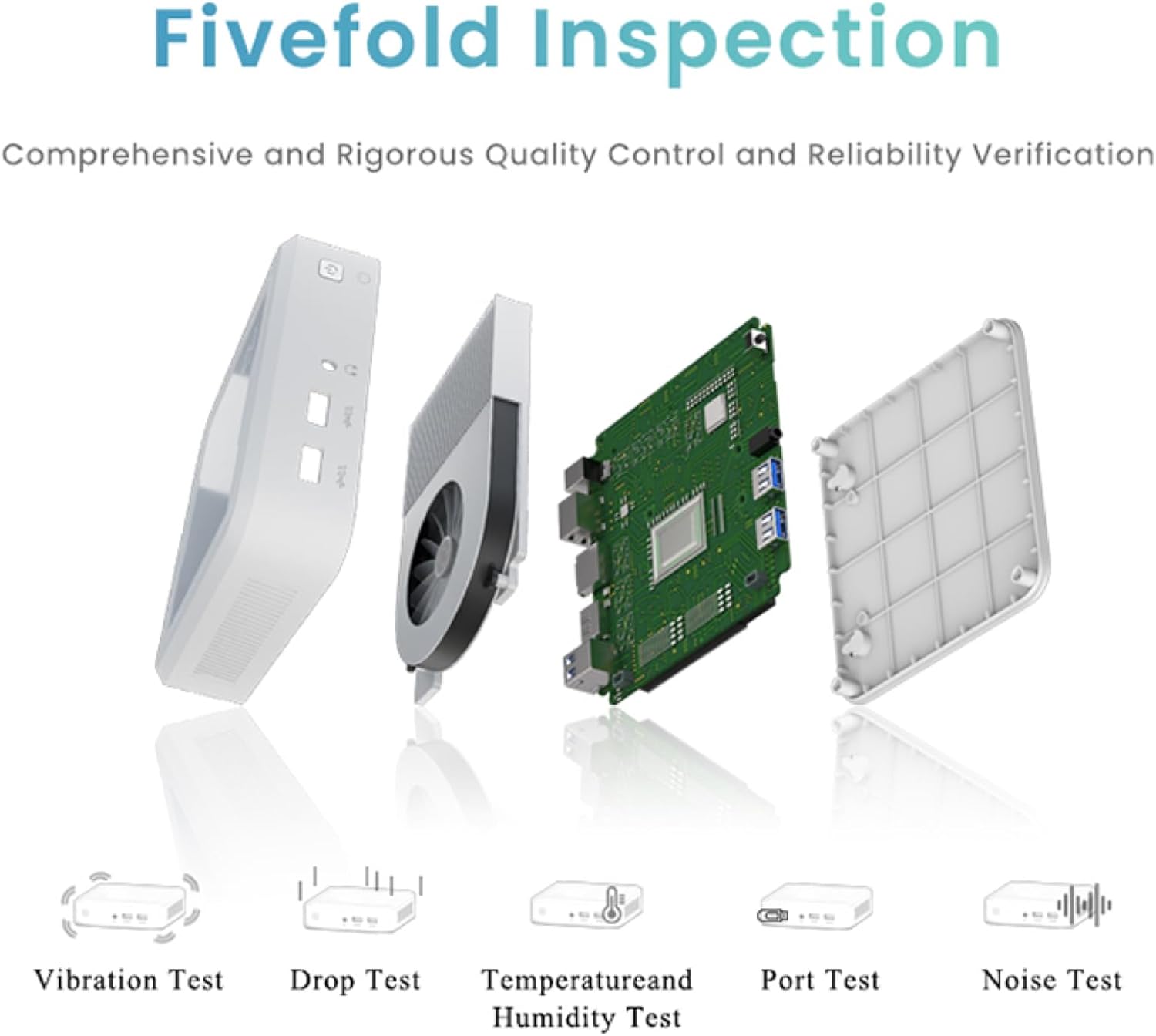
Figure 6.1: The compact dimensions of the GenMachine Mini PC, measuring 12.9 x 12.9 x 3.7 cm, making it suitable for various workspaces.
7. 保証とサポート
For detailed warranty information and technical support, please refer to the official GenMachine web公式サイトをご覧いただくか、カスタマーサービスに直接お問い合わせください。保証請求の際は、購入証明としてレシートを保管してください。
The product typically includes a standard manufacturer's warranty. Additional protection plans may be available from your retailer at the time of purchase.
連絡先: Please visit the official GenMachine website for the most up-to-date contact details for support and service.