
Creative EF1160
Creative Aurvana Ace 2 完全ワイヤレスインイヤーヘッドホン 取扱説明書
モデル: EF1160
1. はじめに
This manual provides detailed instructions for the proper use, setup, and maintenance of your Creative Aurvana Ace 2 True Wireless In-Ear Headphones. Please read this manual thoroughly before using the product to ensure optimal performance and longevity.

Image: Creative Aurvana Ace 2 earbuds shown in their open charging case, highlighting the black earbuds with copper accents and the translucent charging case.
2. パッケージ内容
パッケージにすべてのアイテムが揃っていることを確認します。
- Creative Aurvana Ace 2 True Wireless In-Ear Headphones (Left and Right earbuds)
- 充電ケース
- USB-C充電ケーブル
- Silicone Ear Tips (Various Sizes: Small, Medium, Large)
- クイックスタートガイド(このマニュアルは包括的なガイドとして機能します)
3. セットアップ
3.1 初期充電
Before first use, fully charge the earbuds and the charging case. Place the earbuds into the charging case. Connect the USB-C charging cable to the case and a power source. The charging indicator on the case will show charging status. A full charge provides up to 6 hours of playback for the earbuds and a total of 24 hours with the charging case (with ANC off).

Image: The Creative Aurvana Ace 2 charging case resting on a wireless charging pad, indicating its wireless charging capability.
3.2 イヤーチップの選択とフィット
Selecting the correct ear tip size is crucial for sound quality and noise isolation. Experiment with the provided silicone ear tips (Small, Medium, Large) to find the best fit for your ears. A good seal ensures optimal audio performance and comfort.

Image: Graphic illustrating different sizes of ear tips for a customized fit.
重要: Before first use, ensure you remove any protective clear films covering the charging contacts on the earbuds. Failure to do so will prevent proper charging and pairing.
3.3Bluetoothペアリング
- イヤホンが充電され、充電ケースに収納されていることを確認してください。
- 充電ケースの蓋を開けます。イヤホンは自動的にペアリングモードになります。
- デバイス(スマートフォン、タブレット、コンピューター)で、Bluetooth 設定に移動します。
- Select "Creative Aurvana Ace 2" from the list of available devices.
- 接続されると確認音が鳴り、イヤホンが使用できるようになります。
3.4 Creative App Download
For full functionality, including firmware updates, equalizer settings, and customizable controls, download the Creative app. The app is available for both iOS and Android devices.
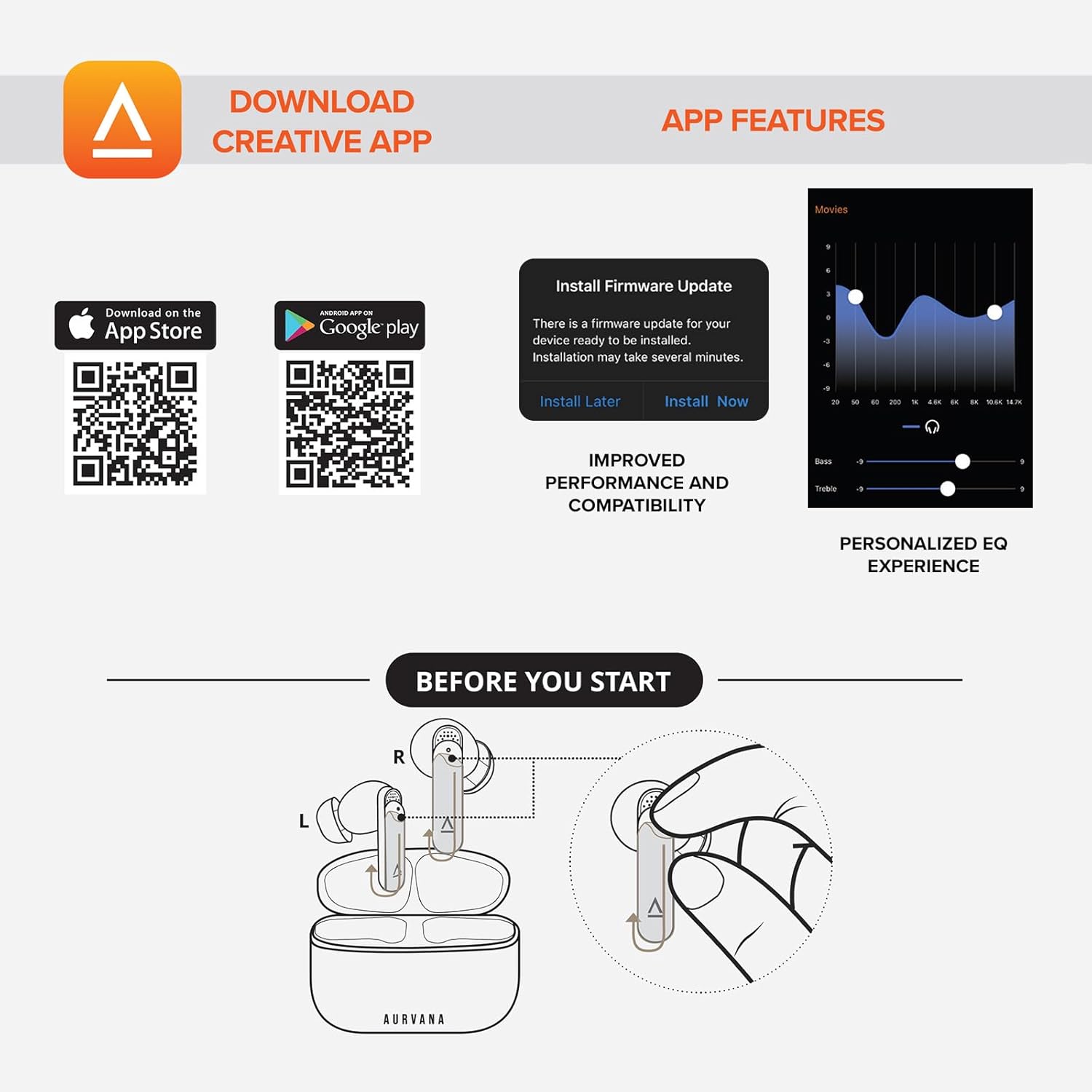
Image: Screenshot showing QR codes for downloading the Creative app from the Apple App Store and Google Play Store, alongside examples of app features such as firmware updates and personalized EQ settings.
Android向けのダウンロード: Google Playストア
iOS用のダウンロード: Apple Appストア
4. 操作手順
4.1 タッチコントロール
The Creative Aurvana Ace 2 earbuds feature touch-sensitive controls on each earbud. Functions can be customized via the Creative app. Common controls include:
- シングルタップ: オーディオの再生/一時停止、通話の応答/終了。
- ダブルタップ: Next track, Activate voice assistant.
- トリプルタップ: Previous track, Toggle ANC/Ambient Mode.
- 長押し: Volume control (customizable).

Image: Graphic depicting a finger tapping an earbud, symbolizing touch controls.
4.2 Noise Control (Adaptive ANC & Ambient Mode)
The earbuds feature Adaptive Active Noise Cancellation (ANC) and Ambient Mode. These modes can be toggled via the touch controls or the Creative app.
- アダプティブ ANC: 外部のノイズを低減し、臨場感あふれるリスニング体験を実現します。
- アンビエントモード: Allows environmental sounds to pass through, enhancing situational awareness.
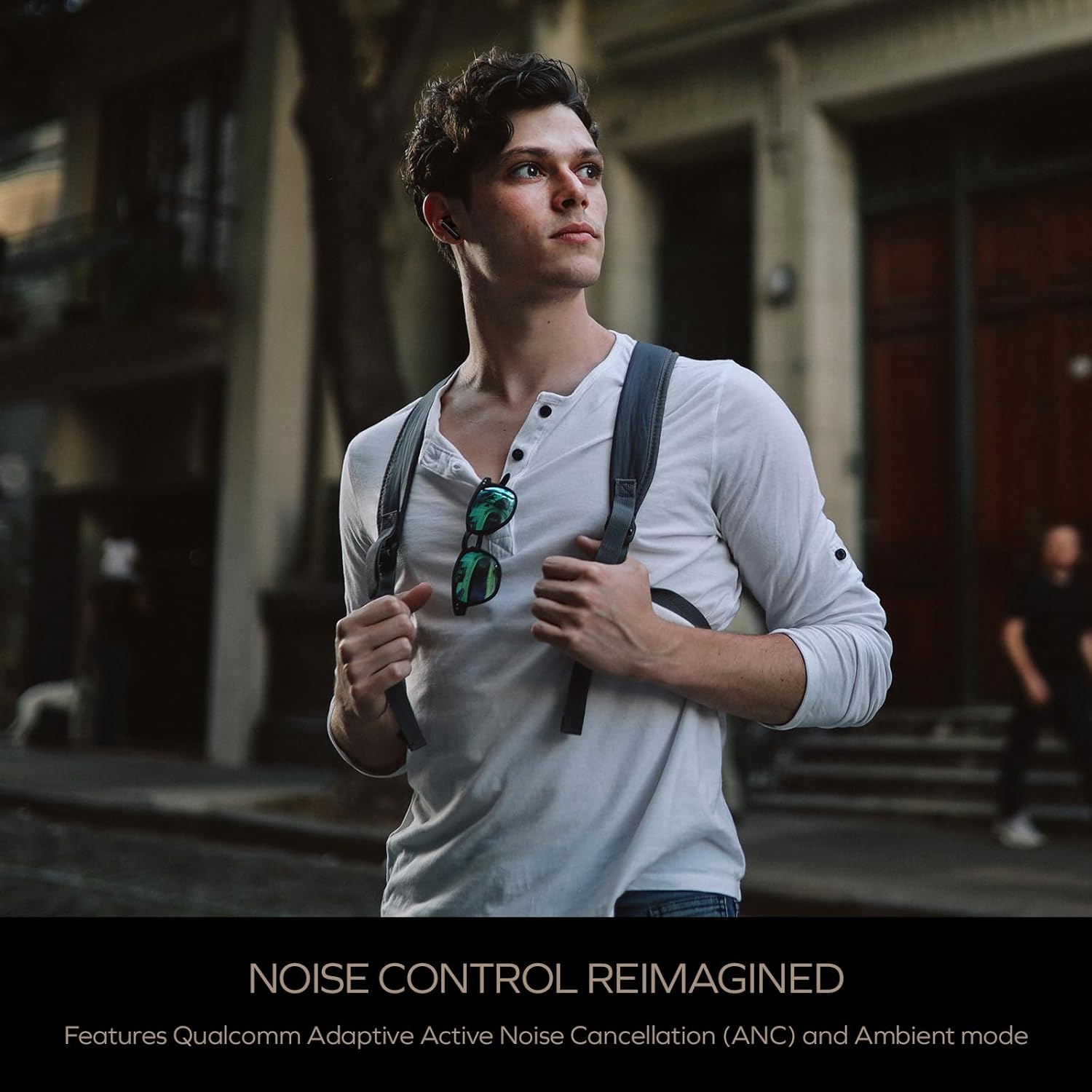
Image: A person wearing the Creative Aurvana Ace 2 earbuds while walking outdoors, illustrating the use of noise control features in various environments.
4.3 Audio Technologies (xMEMS, aptX Lossless, Bluetooth LE Audio)
The Aurvana Ace 2 incorporates advanced audio technologies for high-fidelity sound:
- xMEMS Technology: Provides precise and detailed audio reproduction.
- Qualcomm aptX Lossless: Delivers CD-quality audio over Bluetooth for compatible devices.
- Bluetooth LE Audio: Offers improved wireless audio quality with lower power consumption and Unicast mode for a more stable connection.

画像: 詳細 view of the earbud's internal components, highlighting the xMEMS drivers and 10mm dynamic drivers responsible for audio output.

Image: The Qualcomm aptX Lossless logo, indicating support for high-fidelity audio streaming.

Image: A microchip labeled 'LE Audio', representing the Bluetooth LE Audio technology integrated into the earbuds.
4.4 Voice Assistant and Call Quality
The earbuds support voice assistant activation (e.g., Siri, Google Assistant) via touch controls. Equipped with Qualcomm cVc (clear voice capture) noise cancellation technology and six built-in microphones, the Aurvana Ace 2 ensures clear voice calls.

Image: Graphic showing an earbud with Google Assistant and Siri icons, accompanied by sound wave visualizations, indicating voice assistant support and clear audio transmission.
5. メンテナンス
5.1 クリーニング
Regular cleaning helps maintain optimal performance and hygiene. Use a soft, dry, lint-free cloth to wipe the earbuds and charging case. For ear tips, remove them from the earbuds and clean with mild soap and water, then dry thoroughly before reattaching. If charging issues occur, gently clean the charging contacts on both the earbuds and inside the case with a cotton swab lightly damp消毒用アルコールで強化。
5.2 ストレージ
使用しないときは、イヤホンを保護し、充電を保つために充電ケースに収納してください。ケースは直射日光や極端な温度を避け、涼しく乾燥した場所に保管してください。
6。 トラブルシューティング
If you encounter issues with your Creative Aurvana Ace 2 earbuds, refer to the following common solutions:
| 問題 | 考えられる原因 | 解決 |
|---|---|---|
| イヤホンがペアリングまたは接続されない | Protective film on contacts, low battery, out of range, incorrect pairing mode. |
|
| イヤホンが充電されない | Dirty charging contacts, improper placement, faulty cable/power source. |
|
| Frequent disconnections or audio dropouts | Interference, distance from device, low earbud battery. |
|
| Screeching sound in Ambient Mode | Pressure on earbuds, improper fit. |
|
| Audio glitching or shrill noises | Software issue, interference. |
|
| タッチコントロールが反応しない | Incorrect gesture, dirty sensor, temporary software glitch. |
|
7. 仕様
| 特徴 | 詳細 |
|---|---|
| モデル名 | EF1160 |
| 接続技術 | Wireless (Bluetooth 5.2, LE Audio) |
| オーディオドライバータイプ | xMEMS Driver, 10 mm Dynamic Driver |
| オーディオコーデック | aptX Lossless, aptX Adaptive, AAC, SBC |
| 騒音制御 | Adaptive Active Noise Cancellation (ANC), Ambient Mode |
| マイク | 6 built-in mics with Qualcomm cVc Noise Cancellation |
| バッテリー寿命(イヤホン) | 最大6時間(ANCオフ) |
| ケース付き合計プレイ時間 | 最大24時間(ANCオフ) |
| 充電時間 | Approximately 2 hours for earbuds and case |
| 充電インターフェース | USB-C、ワイヤレス充電 |
| Bluetooth範囲 | 最大10メートル(33フィート) |
| 周波数応答 | 20 Hz - 20,000 Hz |
| 制御方法 | タッチ、ボイス |
| 材料 | プラスチック |
| 製品寸法 | 3.58 x 4.33 x 1.53インチ |
| アイテム重量 | 5.3オンス |
| 欧州連合 | 054651196032 |
8. 保証とサポート
Creative products are covered by a limited warranty. For specific warranty terms and conditions applicable to your region, please refer to the warranty card included with your product or visit the official Creative webサイト。
For technical support, frequently asked questions, and driver/firmware downloads, please visit the Creative support page:
You can also contact Creative customer service directly for assistance.