導入
This manual provides comprehensive instructions for the operation and maintenance of your Kodak PIXPRO FZ45 Digital Camera. Please read this manual thoroughly before using your camera to ensure proper handling and optimal performance. The Kodak PIXPRO FZ45 is a compact and user-friendly digital camera designed for capturing high-quality photos and Full HD videos with ease.
含まれるもの
Your Kodak PIXPRO FZ45 package includes the following items:
- Kodak PIXPRO FZ45 Digital Camera (Red)
- 32GB SDメモリーカード
- カメラバッグ
- 2xAA電池
- USBケーブル
- リストストラップ
- クイックスタートガイド
- Kodak 1 Year Limited Warranty Card
製品終了view
The Kodak PIXPRO FZ45 is designed for simplicity and performance. Below are key components and their functions.

Figure 1: Kodak PIXPRO FZ45 Digital Camera bundle, showing the red camera, a black camera bag, and a SanDisk 32GB SD card.

図2: 前面 view of the Kodak PIXPRO FZ45 camera, highlighting the lens, flash, and Kodak branding.

図3:背面 view of the Kodak PIXPRO FZ45 camera, displaying the 2.7-inch LCD screen and various control buttons for navigation and settings.

図4:上 view of the Kodak PIXPRO FZ45 camera, showing the shutter button and power button.
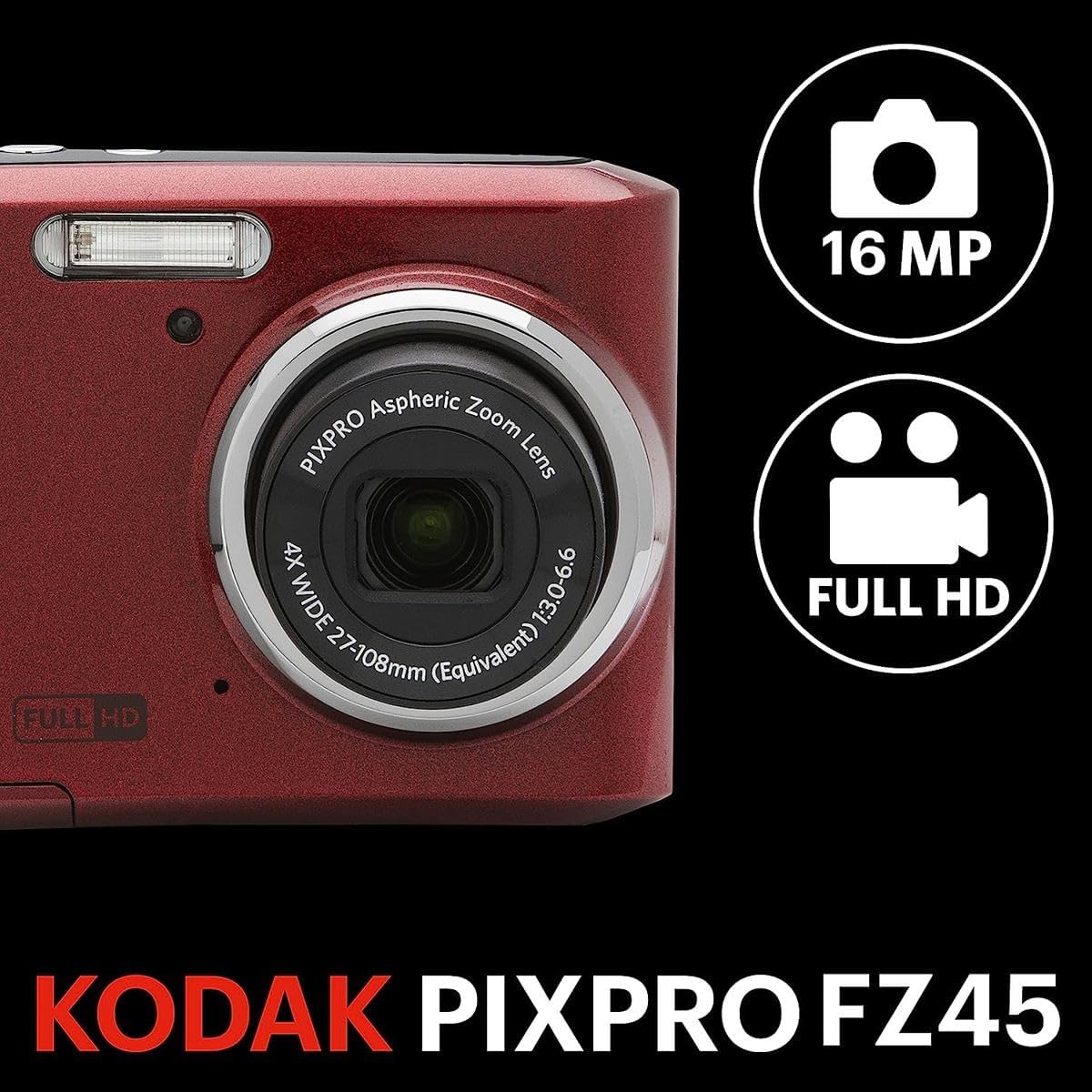
図5:側面 view of the Kodak PIXPRO FZ45 camera, indicating the wrist strap attachment point.

図6:下 view of the Kodak PIXPRO FZ45 camera, revealing the battery and memory card compartment cover.

Figure 7: The Slinger Alpine 2 Camera Bag, a compact and water-resistant case designed for point-and-shoot cameras.

Figure 8: The SanDisk Ultra 32GB SD Memory Card, included for storing photos and videos.
設定
1. 電池の入れ方
- カメラの底面にある電池ケースのカバーを見つけます。
- カバーをスライドさせて開きます。
- 電池ボックス内の指示に従って、極性 (+/-) が正しいことを確認して、単 3 電池 2 本を挿入します。
- 電池ケースのカバーをカチッと音がするまでしっかりと閉じます。
2. メモリーカードの挿入
- 電池ケースを開いたら、SD カード スロットを見つけます。
- Insert the 32GB SD memory card with the metal contacts facing the front of the camera until it clicks into place.
- 取り外すには、カードが飛び出すまでゆっくりと押し込みます。
3. リストストラップの取り付け
Thread the wrist strap through the strap lug on the side of the camera to prevent accidental drops.
カメラの操作
電源のオン/オフ
を押す 力 カメラの上部にあるボタンで電源のオン/オフを切り替えます。
基本操作
The camera features an intuitive button layout on the rear for easy navigation:
- 表示します。: Toggles display information on the LCD screen.
- セット: メニューの選択を確定します。
- モード: Changes shooting modes (e.g., Auto, Program, Scene Modes).
- 方向パッド: Navigates menus and adjusts settings. The up arrow often controls flash settings, and the down arrow may control self-timer.
- W/T (Zoom Lever): Controls the optical and digital zoom. 'W' for wide-angle, 'T' for telephoto.
写真を撮る
- カメラをオンにします。
- 2.7 インチの LCD 画面を使用してショットをフレーミングします。
- を押す シャッター ボタンを半押ししてフォーカスします。フォーカスが合うとフォーカスフレームが緑色に変わります。
- を押す シャッター button all the way down to capture the image.
ビデオの録画
The FZ45 supports 1080p Full HD video recording.
- Switch to video recording mode using the モード 必要に応じてボタンを押します。
- 専用の 記録 ボタン (多くの場合、赤い点でマークされています) をクリックして録音を開始します。
- を押す 記録 もう一度ボタンを押すと、録音が停止します。
フラッシュの使用
The built-in flash can be adjusted for various lighting conditions. Press the フラッシュ button (often the up arrow on the directional pad) to cycle through modes like Auto Flash, Fill-in Flash, Red-eye Reduction, and Flash Off.
メンテナンス
カメラの掃除
- カメラ本体を清掃するには、柔らかく糸くずの出ない布を使用してください。
- レンズと液晶画面には、専用のレンズクリーニングクロスと洗浄液をご使用ください。刺激の強い化学薬品は使用しないでください。
- Do not use excessive force when cleaning.
バッテリーケア
- 長期間カメラを使用しない場合は、液漏れを防ぐため電池を取り外してください。
- Use only recommended AA alkaline batteries.
- 使用済みのバッテリーは責任を持って廃棄してください。
メモリーカードの取り扱い
- 新しいメモリ カードを初めて使用する前に、必ずカメラでフォーマットしてください。
- Avoid removing the memory card while the camera is powered on or writing data.
- メモリカードを強力な磁場から遠ざけてください。
トラブルシューティング
| 問題 | 考えられる原因 / 解決策 |
|---|---|
| カメラの電源が入りません。 | Check if batteries are inserted correctly and have sufficient charge. Replace with new AA batteries if necessary. |
| 写真がぼやけています。 | Ensure proper focus by pressing the shutter button halfway. Hold the camera steady during capture. Check lighting conditions; use flash if needed. |
| メモリカードエラー。 | Reinsert the memory card. Try formatting the card (this will erase all data). Use a different compatible SD card if the issue persists. |
| フラッシュが発光しません。 | Check flash settings to ensure it's not set to "Flash Off". Allow time for the flash to recharge between shots. |
| バッテリー寿命が短い。 | Using flash frequently or reviewing images extensively can drain batteries faster. Use fresh, high-quality AA alkaline batteries. |
仕様
| 特徴 | 詳細 |
|---|---|
| ブランド | コダック |
| モデル名 | ピクプロFZ45 |
| フォトセンサー解像度 | 16 MP |
| 光学ズーム | 4x |
| デジタルズーム | 6x (combined 24x capability) |
| ビデオ解像度 | 1080pフルHD |
| 画面サイズ | 2.7インチ液晶 |
| 画像安定化 | デジタル |
| サポート File 形式 | RAW, MP4 (Video) |
| 最小焦点距離 | 27ミリメートル |
| 最大焦点距離 | 108ミリメートル |
| 電源 | 単2アルカリ電池XNUMX本 |
| 接続性 | USB, HDMI (Video Out) |
| メモリカードのサポート | SDHC, SDXC (up to 32GB included) |
| アイテム重量 | 15.52オンス |
| 色 | 赤 |
保証とサポート
保証情報
Your Kodak PIXPRO FZ45 Digital Camera comes with a Kodak 1 Year Limited Warranty. This warranty covers manufacturing defects and issues arising from normal use within one year from the date of purchase. Please retain your proof of purchase for warranty claims.
カスタマーサポート
For technical assistance, troubleshooting beyond this manual, or warranty service, please refer to the contact information provided on your warranty card or visit the official KODAK PIXPRO support webサイト。を訪問することもできます。 AmazonのKODAKストア 詳細な製品情報については。