
導入
The Majority Naga 80 Sound Bar is designed to enhance your home audio experience with powerful 140W peak output and 2.1 channel sound. Featuring advanced 3D surround sound technology and a built-in subwoofer, it delivers rich, clear audio for movies, gaming, and music. This manual provides detailed instructions for setup, operation, and maintenance of your sound bar.

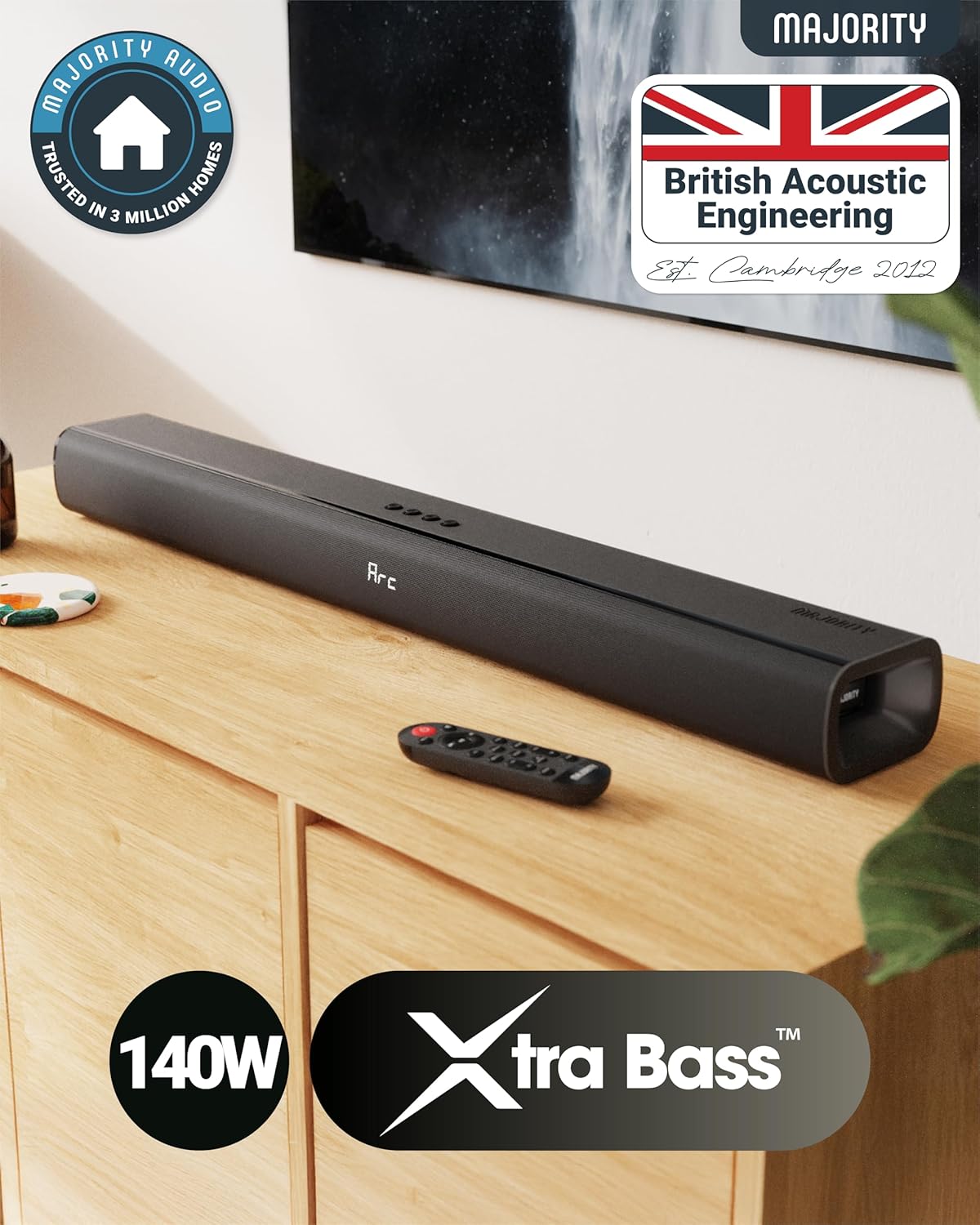
The Naga 80 TV Soundbar delivers powerful, high-quality sound to elevate your home entertainment.
箱の中身
パッケージの内容をよくご確認ください。不足品や破損品がございましたら、カスタマーサポートまでご連絡ください。
- Naga 80 サウンドバー
- ユーザーマニュアル
- リモートコントロール
- 壁掛けブラケット
- HDMI, AUX, and Power cables
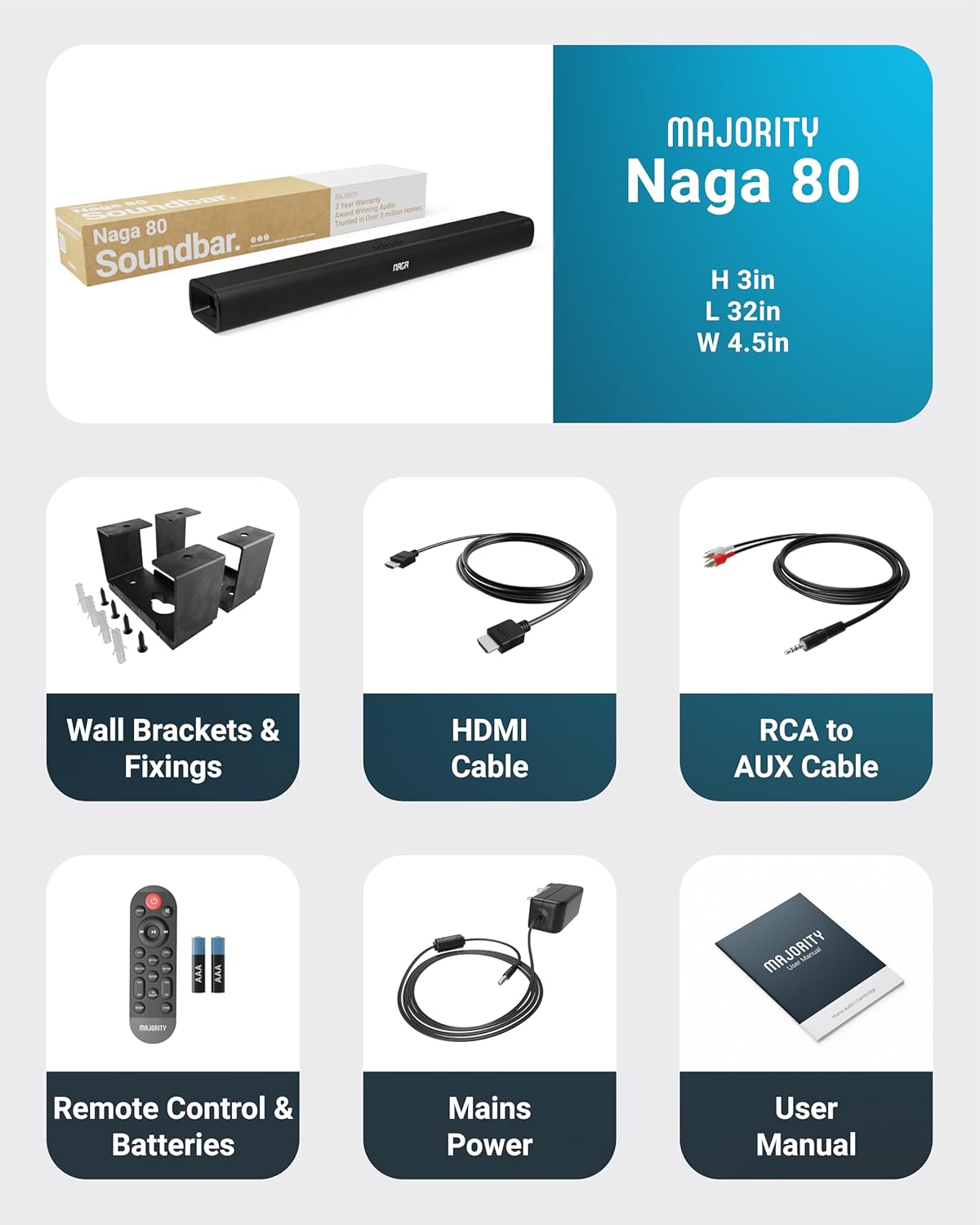
All items included in the Naga 80 Sound Bar package.
設定
電源への接続
- Ensure the sound bar is placed on a stable surface or securely wall-mounted.
- Connect the power adapter to the DC 24V input port on the back of the sound bar.
- 電源アダプタを壁のコンセントに差し込みます。
オーディオ接続
The Naga 80 Sound Bar offers multiple connectivity options for your devices:
- HDMI ARC: Connect an HDMI cable from the sound bar's ARC port to your TV's HDMI ARC port for high-quality audio and TV remote control integration.
- 光入力: Use an optical cable to connect to your TV or other audio source for digital audio transmission.
- AUX 入力: Connect devices using the 3.5mm AUX cable for analog audio input.
- USB: USBドライブを挿入してオーディオを再生します files directly from the sound bar.
- ブルートゥース: Pair your smartphone, tablet, or other Bluetooth-enabled devices wirelessly.
重要: If you experience buzzing or static sound when using HDMI or Optical connections, adjust your TV's audio output settings to PCM (Pulse Code Modulation).

Rear panel connections of the Naga 80 Sound Bar.
Bluetoothペアリング
- Press the 'Input' button on the sound bar or remote control until 'BT' appears on the display.
- On your device (smartphone, tablet), enable Bluetooth and search for 'Naga 80'.
- Select 'Naga 80' to pair. A confirmation sound will indicate successful pairing.
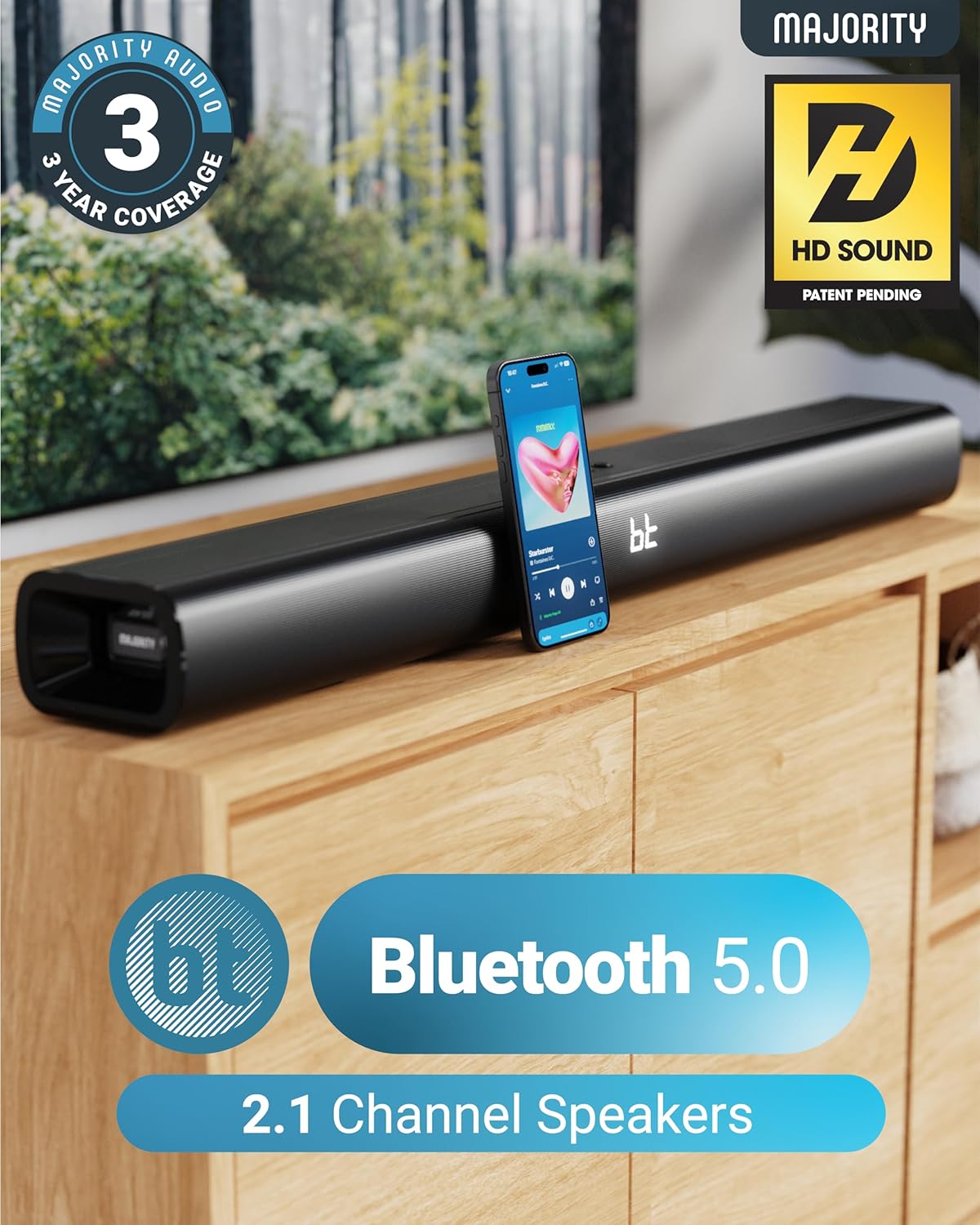
The Naga 80 Sound Bar supports Bluetooth 5.0 for wireless audio streaming.
操作手順
リモートコントロール機能
The included remote control allows full command over your sound bar's features:
- 力: サウンドバーのオン/オフを切り替えます。
- 入力: Cycle through input sources (HDMI ARC, Optical, AUX, USB, Bluetooth).
- ボリューム+/-: マスターボリュームを調整します。
- 再生/一時停止、トラックのスキップ: Control media playback in Bluetooth or USB mode.
- サウンドモード: Select between Movie, Music, and Dialog modes.
- Bass +/- (BA+/-): 低音レベルを調整します。
- Treble +/- (TR+/-): 高音レベルを調整します。
- 3D On/Off: Activate or deactivate 3D surround sound.
- リセット: Reset audio settings to default.
- ペア: Bluetoothのペアリングを開始します。
The remote control provides comprehensive control over your sound bar.
サウンドモード
専用のサウンド モードでオーディオ体験を最適化します。
- 映画モード: 映画のサウンド効果とセリフを強化して、臨場感あふれる映画鑑賞体験を実現します。
- 音楽モード: バランスの取れたオーディオプロを提供file 様々な音楽ジャンルに適しています。
- ダイアログモード: Prioritizes vocal clarity, making conversations easier to understand, especially in TV shows or news broadcasts.
低音と高音の調整
You can fine-tune the bass and treble levels to your preference using the remote control. Both settings can be adjusted from -4 to +4, with 0 being the default. Use the 'BA+/-' buttons for bass and 'TR+/-' buttons for treble.
設置と配置
壁掛け
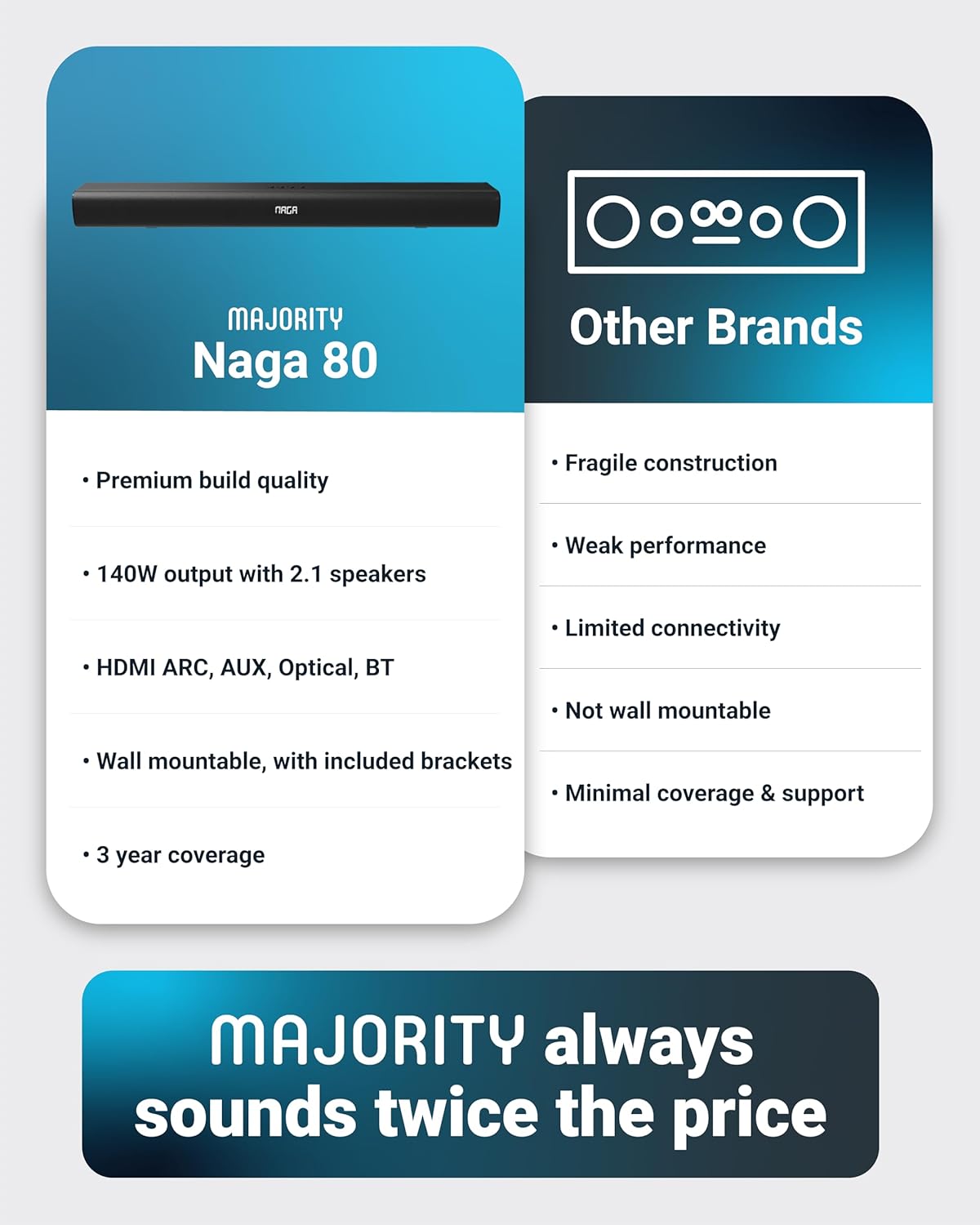
The Naga 80 Sound Bar can be wall-mounted for a clean, space-saving setup. Use the included wall brackets and fixings. Ensure the mounting surface is sturdy enough to support the sound bar's weight (4.3 pounds).
Wall mount brackets for secure installation.
仕様
| 特徴 | 仕様 |
|---|---|
| モデル名 | ナガ80 |
| スピーカータイプ | サウンドバー |
| スピーカー最大出力 | 140ワット |
| サラウンドサウンドチャンネル構成 | 2.1 |
| 接続技術 | Bluetooth, HDMI, Optical, AUX, USB |
| 無線通信技術 | ブルートゥース |
| Bluetooth範囲 | 10メートル |
| 制御方法 | リモート |
| 製品寸法 | 奥行き31.8インチ x 幅4.6インチ x 高さ3.06インチ |
| アイテム重量 | 4.3 ポンド |
| 材料 | Plastic (Enclosure), Metal (Subwoofer) |
| 含まれるコンポーネント | HDMI, AUX and Power cables, Naga 80 Soundbar, Remote, User Manual, Wall Brackets |
| バッテリー | 単2電池XNUMX本が必要(付属) |
| 取り付けタイプ | 壁掛け |
メンテナンス
To ensure the longevity and optimal performance of your Majority Naga 80 Sound Bar, follow these maintenance guidelines:
- クリーニング: Use a soft, dry cloth to wipe the exterior of the sound bar. Avoid using abrasive cleaners, waxes, or solvents.
- 換気: Ensure proper ventilation around the sound bar to prevent overheating. Do not block any ventilation openings.
- ストレージ: サウンドバーを長期間保管する場合は、電源を外して涼しく乾燥した場所に保管してください。
トラブルシューティング
サウンドバーで問題が発生した場合は、次の一般的な問題と解決策を参照してください。
- 電源なし: Ensure the power cable is securely connected to both the sound bar and a working power outlet. Check if the power adapter is functioning correctly.
- 音が出ない: Verify the correct input source is selected on the sound bar. Check all audio cables for secure connections. Ensure the volume is not muted or set too low on both the sound bar and your connected device.
- Buzzing/Static Sound (HDMI/Optical): Adjust your TV's HDMI/Optical audio output settings to PCM. Some TVs may default to other formats that are not compatible with the sound bar.
- Bluetooth ペアリングの問題: Ensure the sound bar is in Bluetooth pairing mode. Turn off and on Bluetooth on your device, then try pairing again. Move your device closer to the sound bar to ensure it's within range (10 meters).
- リモコンが動作しない: Check the batteries in the remote control and replace them if necessary (2 AAA batteries). Ensure there are no obstructions between the remote and the sound bar.
保証とサポート
The Majority Naga 80 Sound Bar comes with a 3年間の延長保証 upon registration. For warranty registration, technical support, or further assistance, please visit the official Majority webサイトにアクセスするか、カスタマーサービスにお問い合わせください。
For more information and to register your product, visit: www.majority.co.uk