
アイオウォド W50
IOWODO W50 スマートウォッチ ユーザーマニュアル
モデル:W50
1. はじめに
Thank you for choosing the IOWODO W50 Smartwatch. This manual provides essential information for setting up, operating, and maintaining your device. Please read it carefully to ensure optimal performance and longevity of your smartwatch.

The IOWODO W50 Smartwatch, showcasinさまざまな健康状態とアクティビティの指標を表示する鮮やかなディスプレイを備えています。
2.製品オーバーview
2.1. デザインと耐久性
The IOWODO W50 Smartwatch features a robust and comfortable design, built with high-quality materials for excellent durability. It is heat-resistant, shock-resistant, corrosion-resistant, and boasts a 5ATM water resistance rating, making it suitable for various environments and activities.
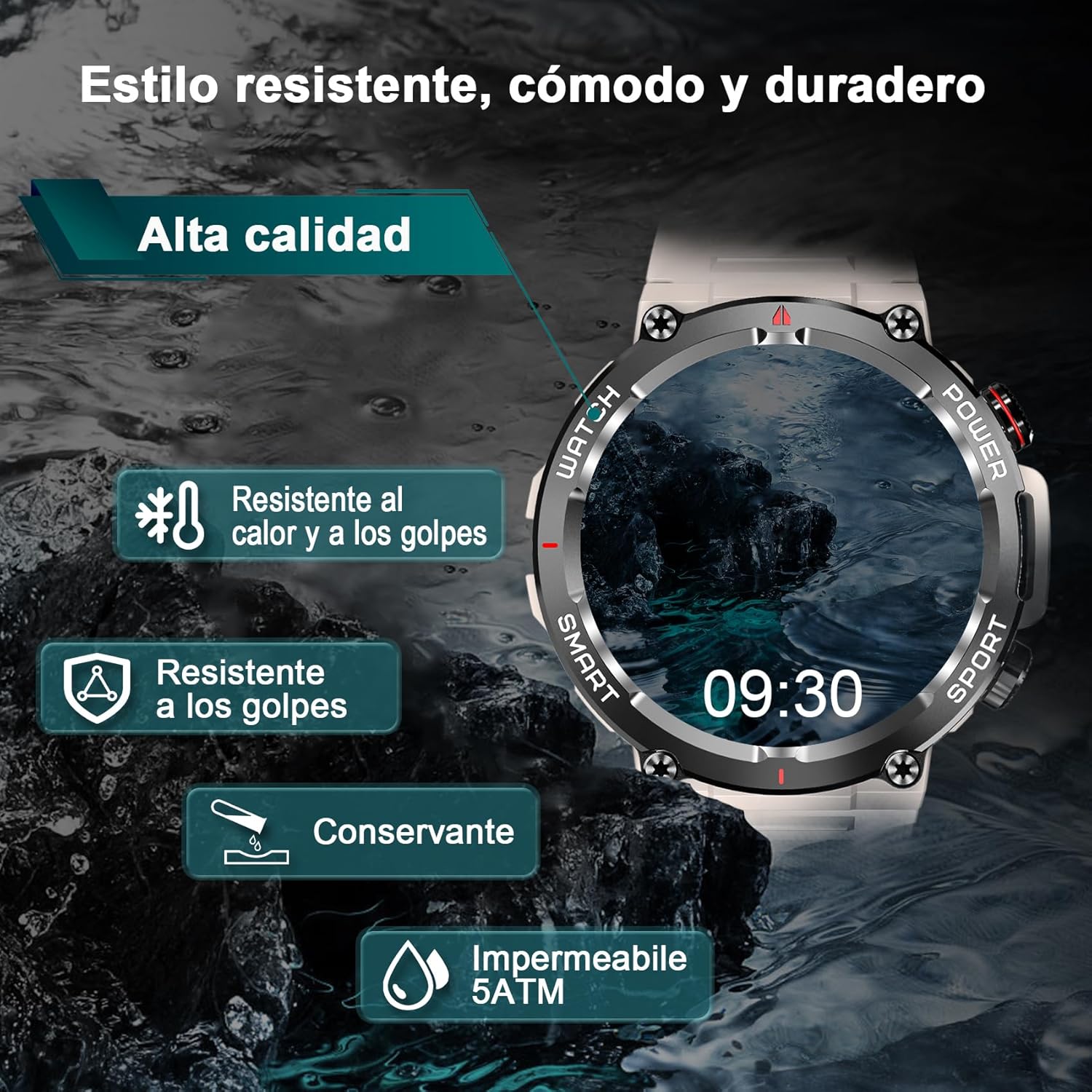
The smartwatch demonstrating its 5ATM water resistance and durable, comfortable, and long-lasting style.

詳細 view of the smartwatch's high-quality materials and careful design, including its 1.39-inch HD touch screen, synthetic sapphire mirror, titanium alloy bezel, MIP touchscreen, and silicone airbag strap.
2.2. 箱の中身
- IOWODO W50 Smartwatch
- 充電ケーブル
- ユーザーマニュアル
- Additional Strap (if included in package)
3. はじめに(セットアップ)
3.1. スマートウォッチの充電
Before first use, fully charge your smartwatch. Connect the magnetic charging cable to the charging contacts on the back of the watch and plug the USB end into a power adapter (5V/1A recommended) or a computer USB port. The watch display will show the charging status.
3.2. アプリのダウンロードとインストール
To unlock the full potential of your IOWODO W50 Smartwatch, download the "Info Wear" application on your smartphone. You can find it on the App Store (iOS) or Google Play Store (Android), or by scanning the QR code provided in the quick start guide.
3.3. スマートフォンとのペアリング
- スマートフォンでBluetoothが有効になっていることを確認します。
- Open the "Info Wear" app and follow the on-screen instructions to create an account or log in.
- In the app, navigate to the device pairing section and search for your IOWODO W50.
- Select your smartwatch from the list of discovered devices to initiate the pairing process. Confirm the pairing request on both your phone and the watch if prompted.
- ペアリングすると、アプリはデータを時計と同期します。
4. Core Functions (Operating)
4.1. Bluetooth通話
The smartwatch is equipped with a built-in microphone and speaker, allowing you to make and receive calls directly from your wrist when connected to your phone via Bluetooth. This feature provides convenience, especially when your hands are occupied.

The smartwatch's smart information display, showing Bluetooth call functionality, external audio, and contact synchronization.

Visual representation of making and receiving calls with Bluetooth on the smartwatch.
4.2. メッセージ通知
Once connected to your smartphone, the smartwatch can receive notifications from various applications such as WhatsApp, Twitter, Facebook, LinkedIn, Line, Instagram, Snapchat, and Skype. This ensures you don't miss any important information.

The smartwatch's ability to receive messages and check records from various applications.
4.3. 健康モニタリング
The IOWODO W50 Smartwatch provides comprehensive health data monitoring, including blood oxygen (SpO2), heart rate, and sleep status. This helps you maintain a healthier lifestyle. (Note: This smartwatch is not a medical device and should not be used for medical diagnosis or treatment.)
- 心拍数モニタリング: Real-time tracking of your heart rate throughout the day.
- 血中酸素濃度(SpO2)モニタリング: Helps you understand your heart and lung condition by monitoring blood oxygen levels.
- 睡眠モニタリング: Scientifically observes your sleep patterns to help you understand and improve your sleep quality.
- ストレスモニタリング: Helps you manage and reduce stress levels.
- 座りっぱなしの注意: 一定時間操作しないと移動するように促します。
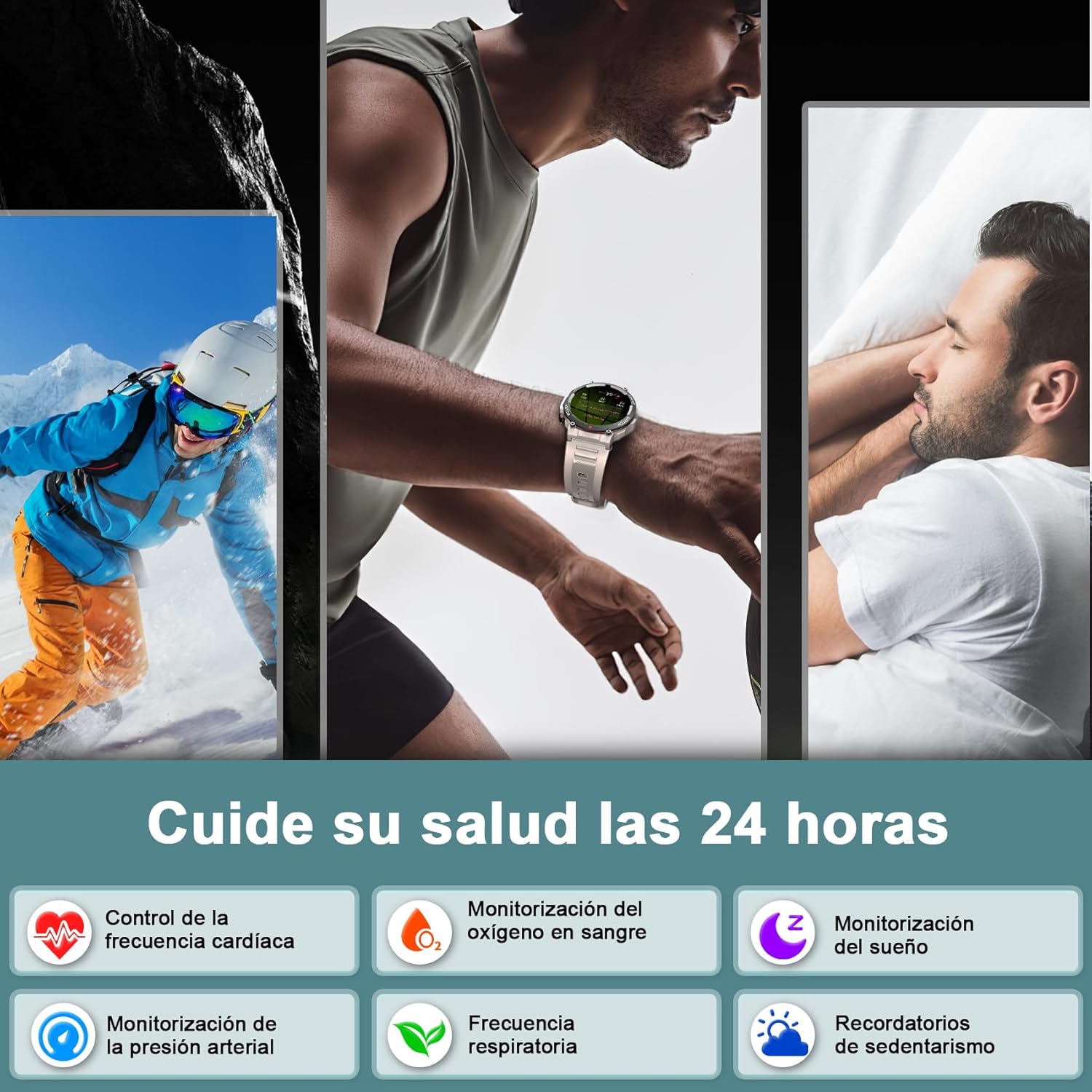
The smartwatch helps you take care of your health 24 hours a day with various monitoring functions.

Detailed heart rate and blood oxygen monitoring displays on the smartwatch.

Detailed sleep and stress monitoring displays on the smartwatch.

The oximeter function detects changes in blood oxygen, contributing to overall health.
4.4. スポーツモード
The smartwatch supports over 100 sports modes, including treadmill, jogging, cycling, walking, free training, skiing, and various sports field activities. It features a dual-button design for quicker access to sport modes. When connected to your phone's GPS, you can track your workout routes, distances, and fitness data in the "Info Wear" app.
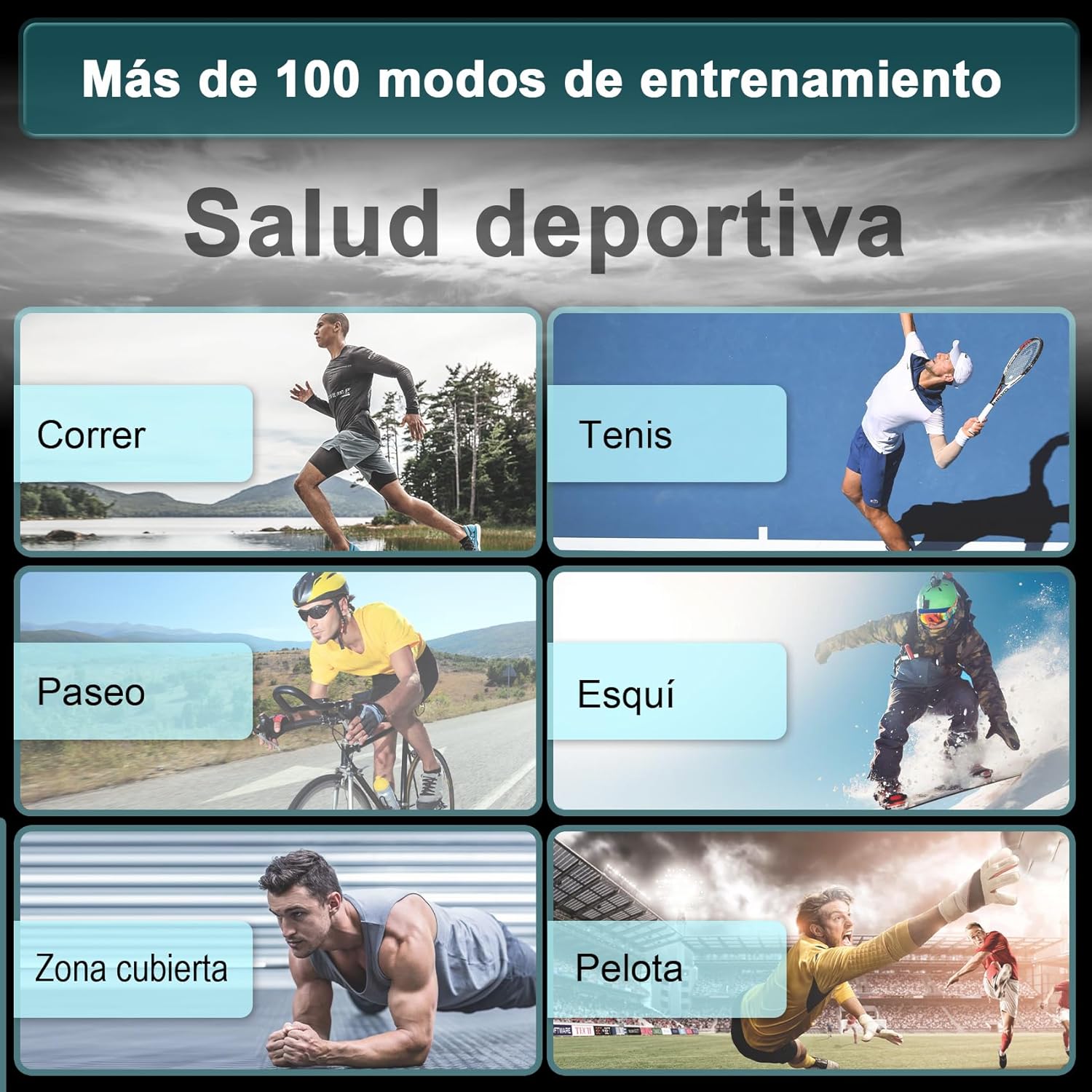
The smartwatch supports over 100 training modes for various sports activities.

The smartwatch monitors your health condition during physical activity, allowing you to enjoy the passion of sport.
4.5. ウォッチフェイスのカスタマイズ
Personalize your smartwatch with multiple dial styles available. You can choose from a variety of pre-installed watch faces or download more through the "Info Wear" app to match your style and preferences.

Multiple dial styles are available to choose from, allowing for personalization.

Dials available online of your choice, allowing you to show your styles.
5. 追加機能
The IOWODO W50 Smartwatch includes a range of useful daily functions:
- 目覚まし時計: 時計から直接アラームを設定します。
- 音楽コントロール: スマートフォンで音楽の再生を制御します。
- 電卓: 手首に便利な電卓。
- ストップウォッチとタイマー: For timing activities and workouts.
- 電話/時計を探す: Locate your paired smartphone or smartwatch.
- 天気予報: リアルタイムの天気予報を入手します。
- 女性の健康追跡: Specific features for female users.
6. お手入れとメンテナンス
6.1. スマートウォッチのクリーニング
皮膚への刺激を防ぎ、デバイスの衛生状態を保つため、スマートウォッチとストラップを定期的に清掃してください。柔らかく糸くずの出ない布を使用してください。必要に応じて、amp布に少量の水を含ませて拭いてください。刺激の強い化学薬品や研磨剤は使用しないでください。
6.2. 耐水性
The IOWODO W50 Smartwatch is 5ATM water-resistant, meaning it can withstand pressures equivalent to a depth of 50 meters. It is suitable for showering, swimming in shallow water, and everyday use. However, it is not recommended for diving, high-pressure water activities, or hot water environments (e.g., saunas, hot tubs) as steam can damage the seals.
6.3. バッテリーのお手入れ
バッテリー寿命を延ばすには:
- 極端な温度を避けてください。
- 時計は定期的に充電してください。ただし、長時間完全に充電された状態や完全に空になった状態を放置しないでください。
- 純正の充電ケーブルを使用してください。
7。 トラブルシューティング
| 問題 | 考えられる原因 | 解決 |
|---|---|---|
| 時計が起動しない | バッテリー残量が少ない | 時計を少なくとも30分間充電してください。 |
| 携帯電話とペアリングできません | Bluetoothがオフ、アプリに問題、時計が検出できない | Ensure Bluetooth is on. Restart phone and watch. Reinstall app. Reset watch to factory settings. |
| 通知なし | アプリの権限、通知設定 | Check app permissions in phone settings. Ensure notifications are enabled in the "Info Wear" app. Keep the app running in the background. |
| 不正確な健康データ | 不適切なフィット、測定中の動き | Ensure the watch is worn snugly on the wrist. Remain still during measurements. |
| 通話品質の問題 | Bluetooth connection unstable, distance from phone | Ensure watch is within Bluetooth range of phone. Check phone's network signal. |
8. 仕様
| 特徴 | 詳細 |
|---|---|
| ブランド | イオウッド |
| モデル番号 | W50 |
| 画面サイズ | 1.39インチ |
| スクリーンタイプ | HDタッチスクリーン |
| 接続技術 | ブルートゥース |
| 無線通信規格 | ブルートゥース |
| オペレーティング·システム | Wear OS (as per product spec, though likely a custom OS) |
| バッテリー容量 | 370 mAh(リチウムイオン) |
| 耐水性 | 5気圧 |
| 対応デバイス | Smartphone (Android/iOS) |
| 特集 | Sedentary Reminder, Heart Rate Monitor, Blood Oxygen Monitor, Sleep Analysis, Bluetooth Call, 100+ Sports Modes |
| GPS | スマートフォン経由のGPS |
| 形 | ラウンド |
9. 保証とサポート
For warranty information and technical support, please refer to the warranty card included with your product or visit the official IOWODO webサイトでご確認ください。保証請求の際は購入証明として領収書を保管してください。
Ask a question about this manual
Ask about setup, troubleshooting, compatibility, parts, safety, or missing instructions. Manuals+ will review the question and use this page’s manual context to help answer it.