
1. はじめに
This manual provides instructions for the VINABTY MB2199 replacement remote control, designed for use with TREVI LTV 4008 Smart TVs. This remote offers a dedicated replacement solution, ensuring full compatibility and ease of use without the need for complex programming.
2. セットアップ
2.1 バッテリーの取り付け
リモコンには単4形1.5V電池2本(別売)が必要です。電池の取り付けは以下の手順に従ってください。
- リモコンの背面にある電池ボックスのカバーを見つけます。
- タブを押し下げてカバーを下方にスライドさせ、コンパートメントを開きます。
- 単 4 電池 2 本を挿入し、プラス (+) とマイナス (-) の端子がコンパートメント内のマークと正しく揃っていることを確認します。
- 電池ボックスのカバーを、カチッと音がするまで元の位置に戻します。

Image: Back of the remote control with the battery compartment open, illustrating the correct insertion of two AAA 1.5V batteries.
2.2最初の使用
No programming or configuration is required for this replacement remote control. Once the batteries are correctly installed, the remote is ready for immediate use with your TREVI LTV 4008 Smart TV.
3. 操作手順
The VINABTY MB2199 remote control features an ergonomic design for comfortable handling and intuitive button layout for easy operation of your television. The transmission distance is approximately 10 meters.

画像: 正面 view of the VINABTY remote control, displaying the layout of all function buttons.
3.1 主要機能view
- 電源スイッチ (●): テレビの電源をオンまたはオフにします。
- 数字ボタン(0-9): チャンネルを直接選択します。
- VOL +/-: 音量レベルを調整します。
- CH +/-: チャンネルを順番に変更します。
- ミュートボタン(🔇): テレビの音声をミュートまたはミュート解除します。
- メニューボタン: テレビのメインメニューにアクセスします。
- ナビゲーション ボタン (上、下、左、右、ENTER): メニューを移動して選択内容を確認します。
- 終了ボタン: 現在のメニューまたは機能を終了します。
- ソースボタン: 入力ソース(HDMI、AVなど)を選択します。
- Colored Buttons (Red, Green, Yellow, Cyan): Access specific functions depending on the TV's current mode or application.
- Other buttons provide access to features like Sleep, List, P.Mode, S.Mode, Aspect, Info, Guide, Index, TTX (Teletext), Sub.Pg (Subpage), Reveal, Mix, Cancel, Hold/Refresh, Size/Mouse, Fav (Favorites), Cap (Caption), Subtitle, TV/Radio.
4. メンテナンス
4.1 クリーニング
リモコンを清掃する際は、柔らかく乾いた布をご使用ください。液体クリーナー、スプレー、研磨剤は使用しないでください。リモコンの表面や内部部品を損傷する恐れがあります。
4.2 電池の交換
Replace batteries when the remote control's response becomes sluggish or stops working. Always replace both batteries at the same time with new AAA 1.5V batteries. Do not mix old and new batteries or different types of batteries.
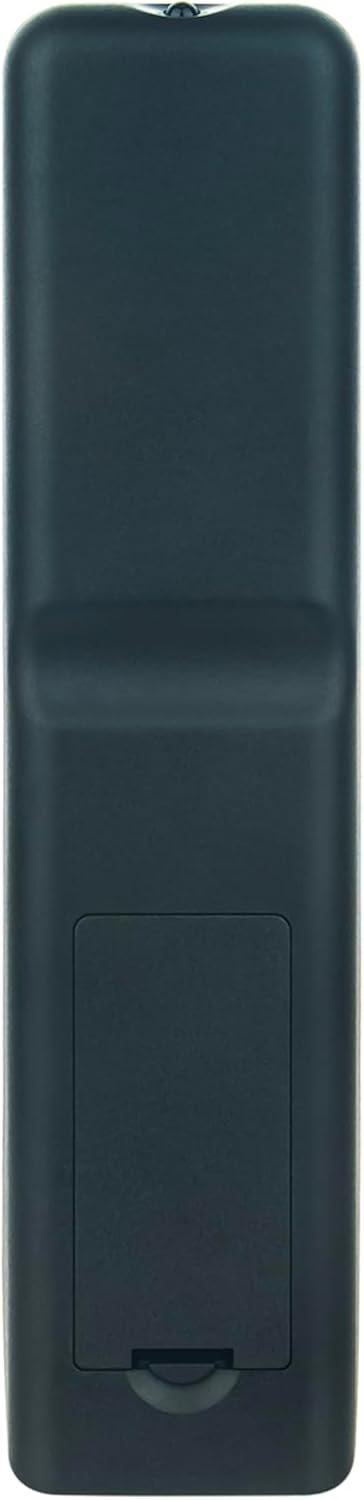
Image: Back of the remote control with the battery compartment closed, showing its sleek design.
5。 トラブルシューティング
- リモコンが応答しない:
- 電池が正しい極性で正しく取り付けられていることを確認してください。
- 古い電池を新しい AAA 1.5V 電池と交換してください。
- リモコンとテレビの赤外線受信機の間に障害物がないか確認してください。
- Ensure you are within the effective operating range (approximately 10 meters) and pointing the remote directly at the TV.
- 動作範囲の制限:
- 電池を新しいものと交換してください。
- 赤外線信号に干渉する強い光源(直射日光や明るい蛍光灯など)がないことを確認してください。
6. 仕様
| ブランド | ヴィナティ |
| モデル番号 | MB2199 |
| 対応機種 | TREVI LTV 4008 Smart Fernbedienung |
| 接続技術 | 赤外線 |
| 最大範囲 | 10メートル |
| ボタンの数 | 20 |
| サポートされているデバイス | Television (up to 18 devices supported, though this remote is dedicated to one TV model) |
| 電池のタイプ | 2 x AAA 1.5V(別売) |
| 材料 | アブソリュート |
| 色 | 黒 |
| 特集 | 人間工学に基づいたデザイン |
7. 保証とサポート
For any questions or issues regarding your VINABTY replacement remote control, please contact the seller or manufacturer directly. Refer to your purchase documentation for specific warranty details and customer service contact information.