
1. はじめにview
This manual provides instructions for the Manhattan Spanish Layout Wireless Keyboard and Optical Mouse Combo, Model 180955. This combo is designed to enhance your productivity and comfort with its reliable wireless connectivity and ergonomic features.
Enjoy comfortable and easy typing with the standard ergonomic keyboard design. The adjustable tilt mechanism provides comfortable typing positions, and the keyboard boasts a lifespan of 10,000,000 keystrokes. The optical mouse offers adjustable DPI settings (800/1200/1600) for precise control.
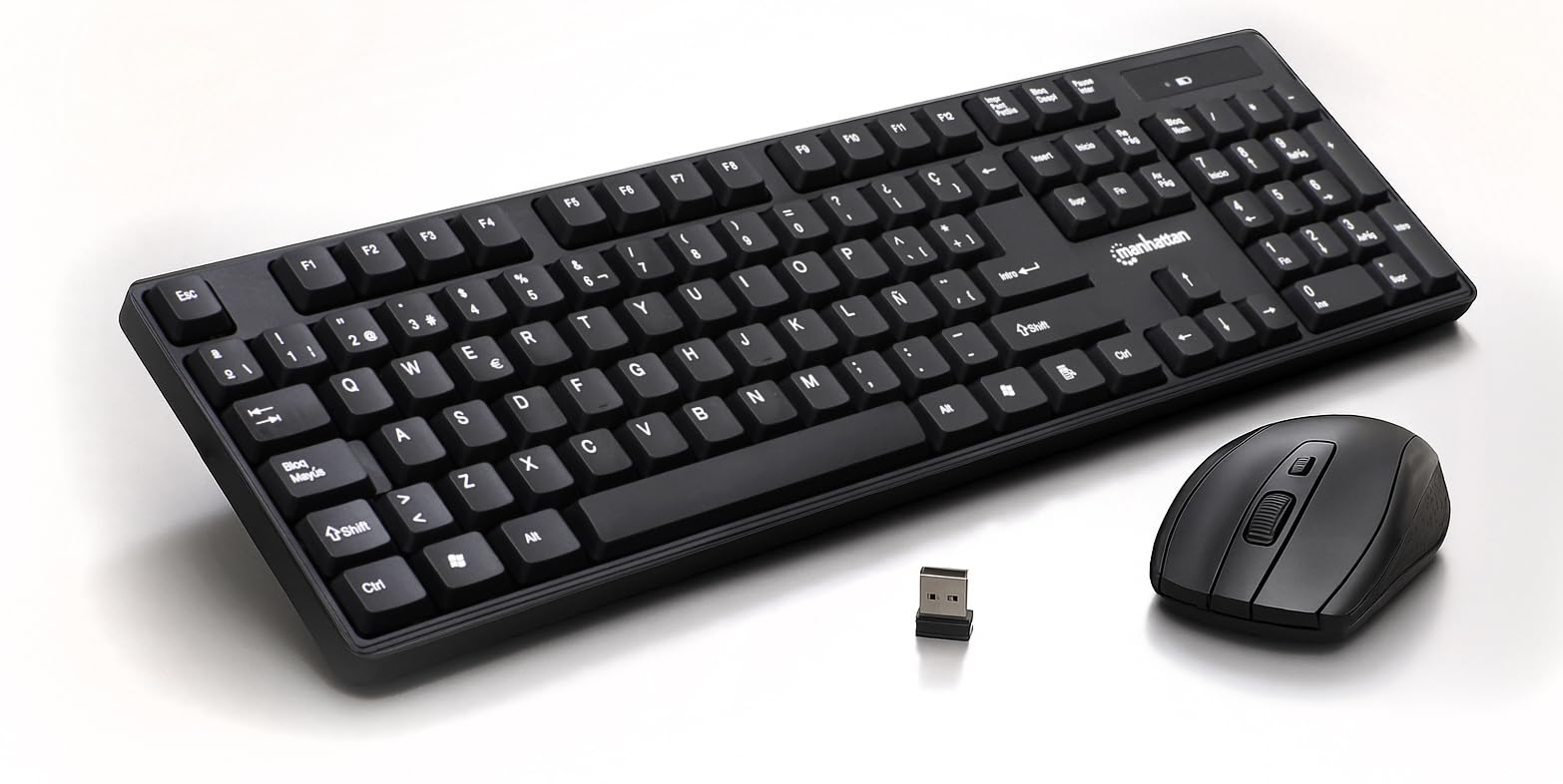
Figure 1: Manhattan Spanish Layout Wireless Keyboard and Mouse Combo
2. パッケージ内容
パッケージにすべてのアイテムが含まれていることを確認します。
- Manhattan Spanish Layout Wireless Keyboard
- Manhattan Wireless Optical Mouse
- USB 2.4 GHz レシーバー
- 単4電池2本(キーボード用)
- 単三電池1本(マウス用)
3. セットアップ手順
- バッテリーの取り付け:
- For the keyboard: Open the battery compartment on the underside of the keyboard and insert 2 AAA batteries, ensuring correct polarity.
- For the mouse: Open the battery compartment on the underside of the mouse and insert 1 AA battery, ensuring correct polarity.
- USBレシーバーを接続します: Locate an available USB port on your computer (laptop or desktop). Insert the 2.4 GHz USB receiver into the port.
- デバイスの電源をオンにします:
- For the keyboard: Locate the ON/OFF switch, usually on the top right edge or underside, and slide it to the 'ON' position.
- マウスの場合: マウスの裏側にあるオン/オフ スイッチを見つけて、「オン」の位置にスライドします。
- 自動接続: キーボードとマウスは自動的にコンピュータに接続されます。ほとんどのオペレーティングシステムでは、追加のドライバーは必要ありません。

Figure 2: Easy Setup with Batteries and USB Receiver
4. 操作手順
4.1 キーボード操作
- 標準的なタイピング: Use the full-size Spanish layout keyboard for all your typing needs.
- テンキー: The dedicated numeric keypad on the right allows for efficient data entry.
- マルチメディアキー: Utilize the function keys (F1-F12) for quick access to multimedia controls (e.g., volume, play/pause) and other shortcuts.
- 調整可能な傾き: Flip out the integrated foldable supports on the underside of the keyboard to adjust the typing angle for maximum comfort.

Figure 3: Full-Size 104-Key Spanish Layout Keyboard

Figure 4: Keyboard LED Indicators and Numeric Keypad

Figure 5: Adjustable Tilt Legs for Ergonomic Typing
4.2 マウス操作
- 標準的な使用: The optical mouse features standard left, right, and scroll wheel buttons.
- DPI 調整: Use the DPI button (often located near the scroll wheel) to cycle through 800, 1200, and 1600 DPI settings to adjust cursor sensitivity.

Figure 6: Wireless Optical Mouse with Adjustable DPI
5. 特徴
- ワイヤレス接続: 2.4 GHz RF wireless technology with a range of up to 25 feet.
- Spanish Layout: Full-size keyboard with a dedicated numeric keypad and Spanish character set.
- 人間工学に基づいたデザイン: Comfortable typing experience with adjustable tilt legs.
- 自動電源管理: Conserves battery life by entering sleep mode when idle.
- 耐久性のある構造: Keyboard designed for a lifespan of 10,000,000 keystrokes.
- 調整可能なマウス感度: Optical mouse with 800/1200/1600 DPI settings.
- 幅広い互換性: Works with most computer operating systems including Windows XP/Vista/7/8.1/10 and Mac OS.
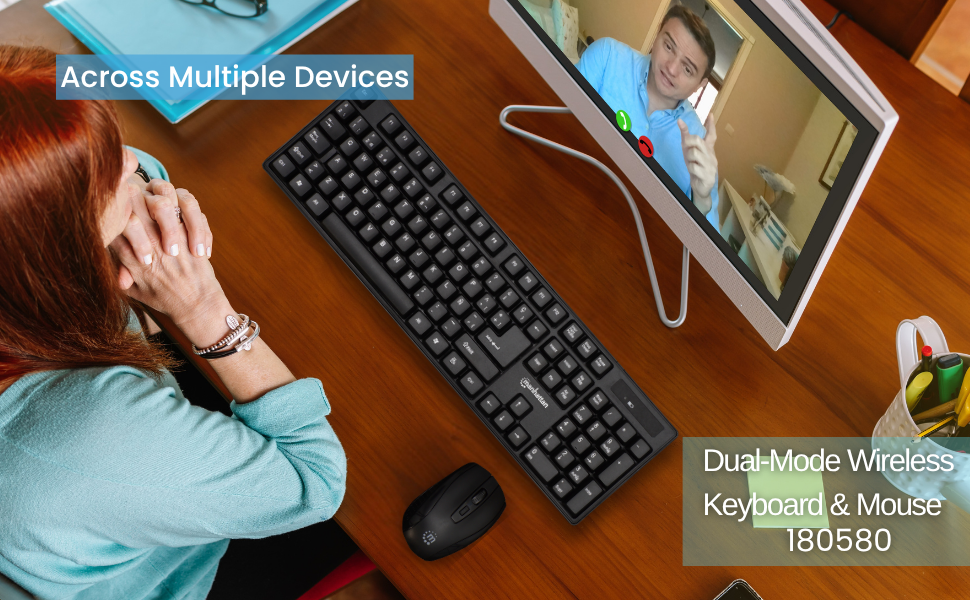
Figure 7: Maximum Compatibility with various Operating Systems
6. メンテナンス
- クリーニング: キーボードとマウスの表面を拭くときは、柔らかく乾いた布を使用してください。より深く掃除するには、軽く湿らせた布を使用してください。amp 布を使用することで、液体がデバイス内に入らないようにすることができます。
- バッテリー交換: Replace batteries when performance degrades. Refer to Section 3.1 for battery installation.
- ストレージ: 長期間使用しない場合は、キーボードとマウスの両方の電源をオフにして、バッテリーを節約してください。涼しく乾燥した場所に保管してください。
7。 トラブルシューティング
- 接続なし/応答なし:
- USB レシーバーがコンピューターの動作中の USB ポートにしっかりと差し込まれていることを確認します。
- キーボードとマウスの両方が「オン」になっていることを確認します。
- 両方のデバイスの電池を新しいものに交換してください。
- 範囲の問題を排除するために、キーボードとマウスを USB レシーバーに近づけます。
- USB レシーバーをコンピューターの別の USB ポートに接続してみてください。
- 応答の遅れ:
- デバイスと USB レシーバー間の距離を短くします。
- Avoid using the devices near strong electromagnetic interference sources (e.g., other wireless devices, large metal objects).
- マウスカーソルのジャンプ/不規則な動き:
- マウスは清潔で反射しない表面で使用してください。
- Adjust the DPI setting of the mouse to a lower sensitivity if needed.
8. 仕様
- 製品寸法: 17.32 x 5.12 x 0.87インチ
- 商品の重量: 1.25ポンド
- メーカー: マンハッタン
- 接続技術: RF(2.4GHz)
- キーボード・レイアウト: スペイン語
- Keyboard Lifespan: 10,000,000回のキーストローク
- マウス DPI: Adjustable 800/1200/1600
- 電池: 2 AAA (keyboard), 1 AA (mouse)
- 色: 黒
- 材料: プラスチック
- 対応デバイス: ラップトップ、PC
- 対応OS: Windows XP/Vista/7/8.1/10、Mac OS
9. 保証とサポート
This Manhattan product comes with a 3年間保証 when purchased from the manufacturer or an authorized dealer. For technical support, troubleshooting assistance, or warranty claims, please contact your authorized dealer or visit the official MANHATTAN webサポート リソースのサイト。
10.製品オーバーview ビデオ
この公式商品をご覧くださいview video for a visual guide to the features and functionality of the Manhattan Wireless Keyboard and Mouse Combo.
ビデオ1:製品終了viewこのビデオでは、view of a wireless keyboard and mouse combo, demonstrating its features and ease of use.