
導入
Thank you for choosing the Lexip Tsume Kakashi Kamui Naruto Shippuden Controller. This high-performance gaming controller is designed to enhance your gaming experience with its unique design and advanced features. This manual provides essential information for setting up, operating, and maintaining your controller.
パッケージ内容
パッケージに以下の項目が含まれているか確認してください。
- Lexip Tsume Kakashi Kamui Naruto Shippuden Controller
- USB充電/データケーブル
- ユーザーマニュアル(このドキュメント)
コントローラーのレイアウト
Familiarize yourself with the various components of your controller.

図1: フロント view コントローラーの、showcasing the limited edition design inspired by Naruto Shippuden.
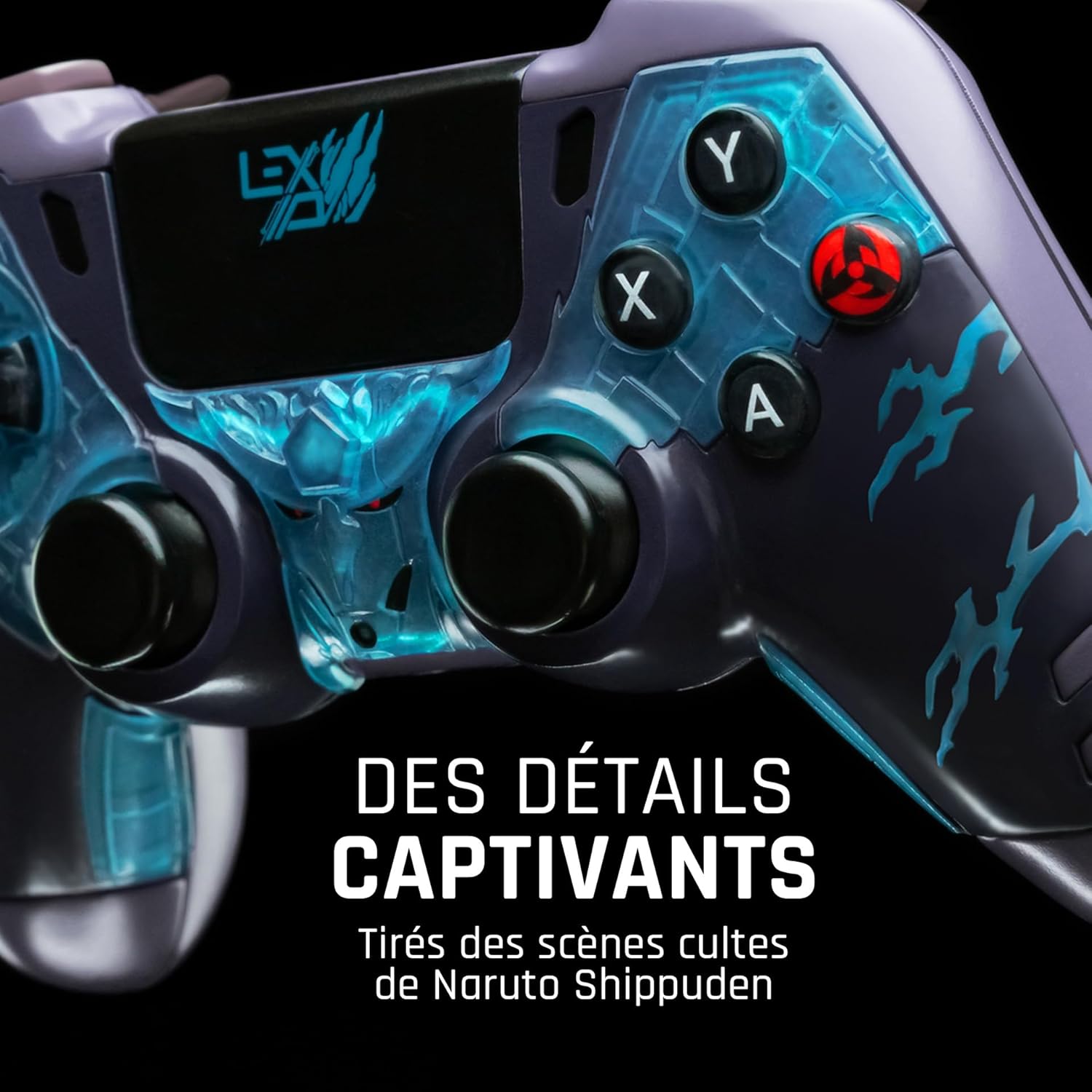
図2: 詳細 view of the controller's face buttons and analog sticks, highlighting the intricate Naruto Shippuden design elements.

図3: 後方 view of the controller, illustrating the placement of the programmable paddles (M1, M2, M3) for enhanced gameplay.
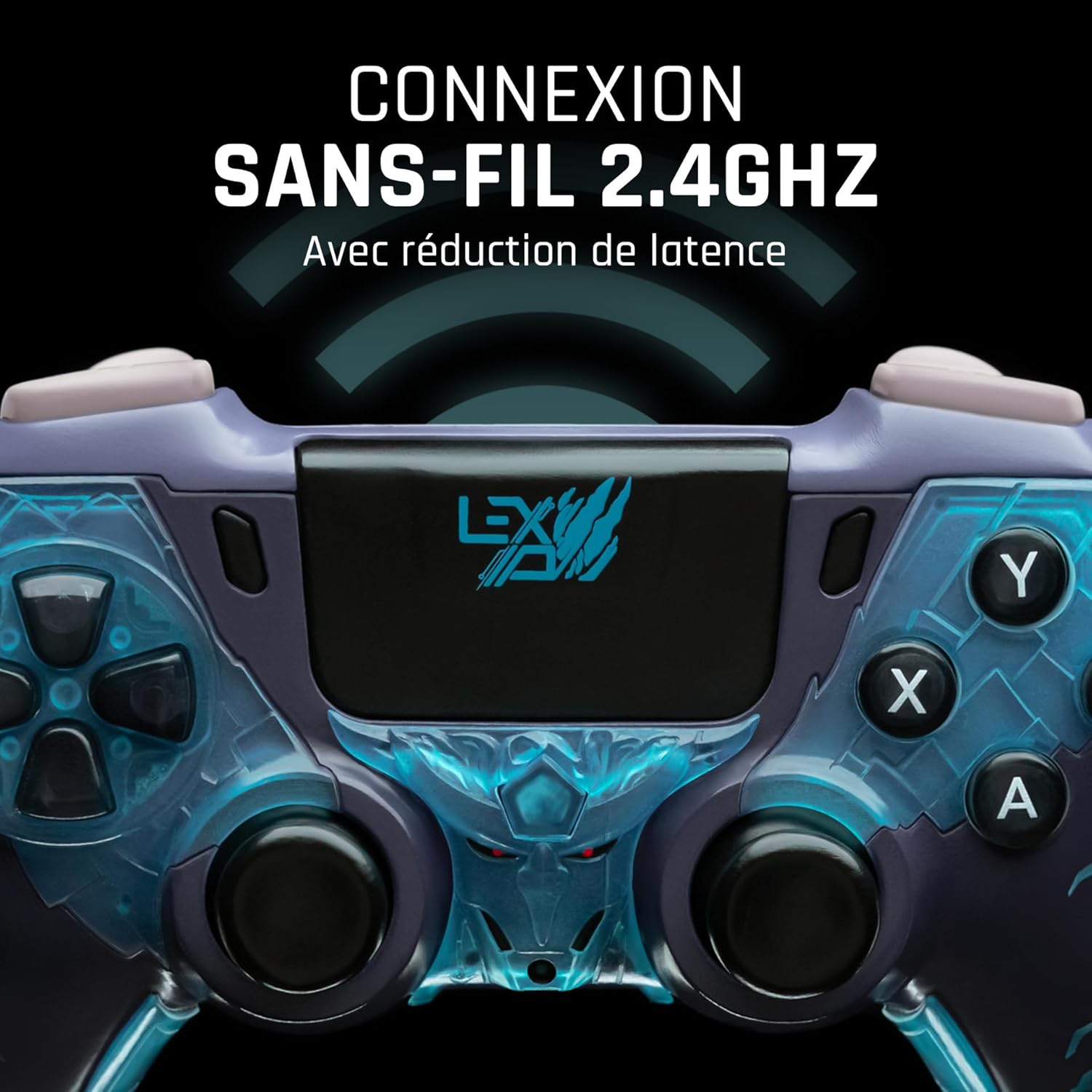
図4: フロント view of the controller, indicating its 2.4GHz wireless connection capability for reduced latency.
主要コンポーネント:
- アナログスティック: 移動とカメラ制御用の 2 つの高精度アナログ スティック。
- 十字キー: 正確な入力を可能にする方向パッド。
- フェイスボタン(A、B、X、Y): 標準のアクション ボタン。
- ショルダーボタン(L1、R1)とトリガー(L2、R2): ゲーム内のさまざまなアクションに使用します。
- Programmable Paddles (M1, M2, M3): Located on the rear for custom button assignments.
- ホームボタン: システム メニューにアクセスします。
- Share/Options Buttons: For in-game menu and sharing functions.
- USB-Cポート: 充電と有線接続用。
設定
1. 初期充電
Before first use, fully charge the controller. Connect the supplied USB cable to the controller's USB-C port and the other end to a powered USB port (e.g., console, PC, or USB wall adapter). The charging indicator will show the charging status and turn off when fully charged.
2. ワイヤレス接続(2.4GHz)
- Insert the 2.4GHz wireless dongle (if included, typically found in the controller's packaging or a dedicated slot) into an available USB port on your gaming console or PC.
- ホームボタンを押してコントローラーの電源をオンにします。
- The controller will automatically attempt to pair with the dongle. The indicator light on the controller will stop flashing and remain solid once connected.
3. Connecting via USB Cable
To use the controller in wired mode or if wireless connection is not desired:
- Connect the USB cable to the controller's USB-C port.
- Connect the other end of the USB cable to an available USB port on your gaming console or PC.
- The controller will be recognized as a wired device and is ready for use.
操作手順
電源オン/オフ
- 電源を入れるには: Press the Home button. The controller will attempt to connect to the last paired device.
- 電源を切るには: Press and hold the Home button for approximately 5-10 seconds until the indicator lights turn off. The controller will also power off automatically after a period of inactivity to conserve battery.
Using Programmable Paddles
The controller features three programmable paddles (M1, M2, M3) on the rear. These paddles can be assigned to replicate other button inputs for quick access during gameplay. Refer to your console or PC's controller settings for specific button remapping options, as dedicated software for programming these paddles may not be available.

図5: A user holding the controller, demonstrating its ergonomic design during use.
メンテナンス
- クリーニング: コントローラーのお手入れには、柔らかく乾いた布を使用してください。頑固な汚れには、軽くamp布を水で拭いてください。刺激の強い化学薬品や研磨剤入りの洗剤は使用しないでください。
- ストレージ: コントローラーは、直射日光や極端な温度を避け、涼しく乾燥した場所に保管してください。
- バッテリーのケア: バッテリーの寿命を延ばすには、コントローラーを頻繁に完全に放電させないでください。長期間使用しない場合でも、定期的に充電してください。
トラブルシューティング
コントローラーが接続されない
- コントローラーが充電されていることを確認してください。
- For wireless connection, ensure the 2.4GHz dongle is securely plugged into the console/PC and the controller is powered on.
- Try connecting the controller via the USB cable to verify functionality.
- Restart your console/PC and try connecting again.
Buttons/Sticks Unresponsive
- コントローラーが正しく接続され、電源がオンになっていることを確認します。
- Check for any physical obstructions or debris around the buttons or sticks.
- Test the controller with another game or application to determine if the issue is specific to one program.
バッテリー寿命が短い
- 使用する前にコントローラーが完全に充電されていることを確認してください。
- Reduce rumble intensity if possible through system settings, as vibration motors consume significant power.
- 使用中および保管中は極端な温度を避けてください。
仕様
| 特徴 | 詳細 |
|---|---|
| モデル番号 | TSXLXGC0002 |
| 接続性 | 2.4GHzワイヤレス、USB有線 |
| 寸法(長さ×幅×高さ) | 3.94 x 1.97 x 0.5インチ |
| 重さ | 1.01ポンド |
| 入力ボリュームtage | 3V - 500mA |
| Programmable Paddles | Yes (M1, M2, M3) |
保証とサポート
For warranty information and technical support, please refer to the official Lexip website or contact Lexip customer service. Keep your proof of purchase for warranty claims.
Lexip Official Webサイト: www.lexip.com (Note: This is a placeholder link, please refer to actual Lexip support channels.)