
1. はじめに
The PhoFuta M832 is an ultra-portable wireless thermal printer designed for convenience and efficiency. Weighing approximately 1.5 pounds and compact in size, it is ideal for use in various settings including business trips, vehicles, offices, homes, and schools. This printer utilizes thermal technology, eliminating the need for ink cartridges and simplifying your printing experience.

2. 安全情報
安全で適切な操作を確保するために、デバイスを使用する前にすべての安全に関する指示をよくお読みください。
- プリンターを極端な温度、直射日光、高湿度にさらさないでください。
- Keep the printer away from water or other liquids to prevent electric shock or damage.
- 付属の充電ケーブルとアダプターのみを使用してください。
- プリンターをご自身で分解したり修理したりしないでください。サポートが必要な場合は、カスタマーサポートにお問い合わせください。
- デバイスを充電するときは、適切な換気を確保してください。
3. 箱の中身
パッケージにすべてのコンポーネントが含まれていることを確認します。
- 1 x PhoFuta M832 Portable A4 Printer
- 1 x USB Cable and Type-C Converter
- A4サーマルペーパーロール1本
- ユーザーマニュアル x 1
4. セットアップ
4.1デバイスの充電
Before first use, fully charge the printer. Connect the provided USB-C cable to the printer's charging port and the other end to a compatible power source (e.g., wall adapter, computer USB port). The indicator light will show charging status.

4.2 感熱紙のセット
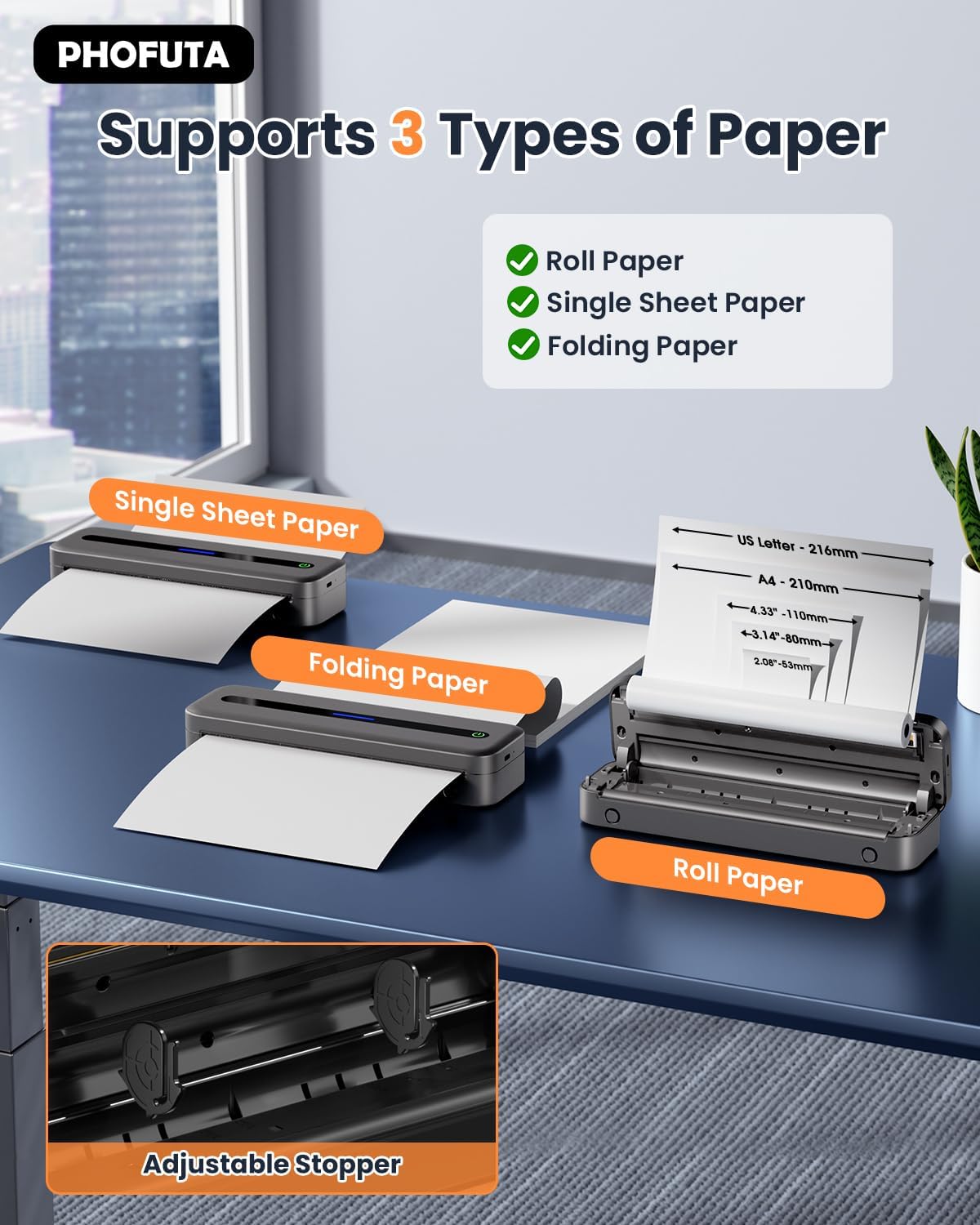
The PhoFuta M832 supports various thermal paper types, including roll paper, single sheets, and folding paper. Open the paper compartment cover, insert the thermal paper according to the diagram, ensuring the printable side faces the print head. Close the cover securely.
4.3 デバイスへの接続
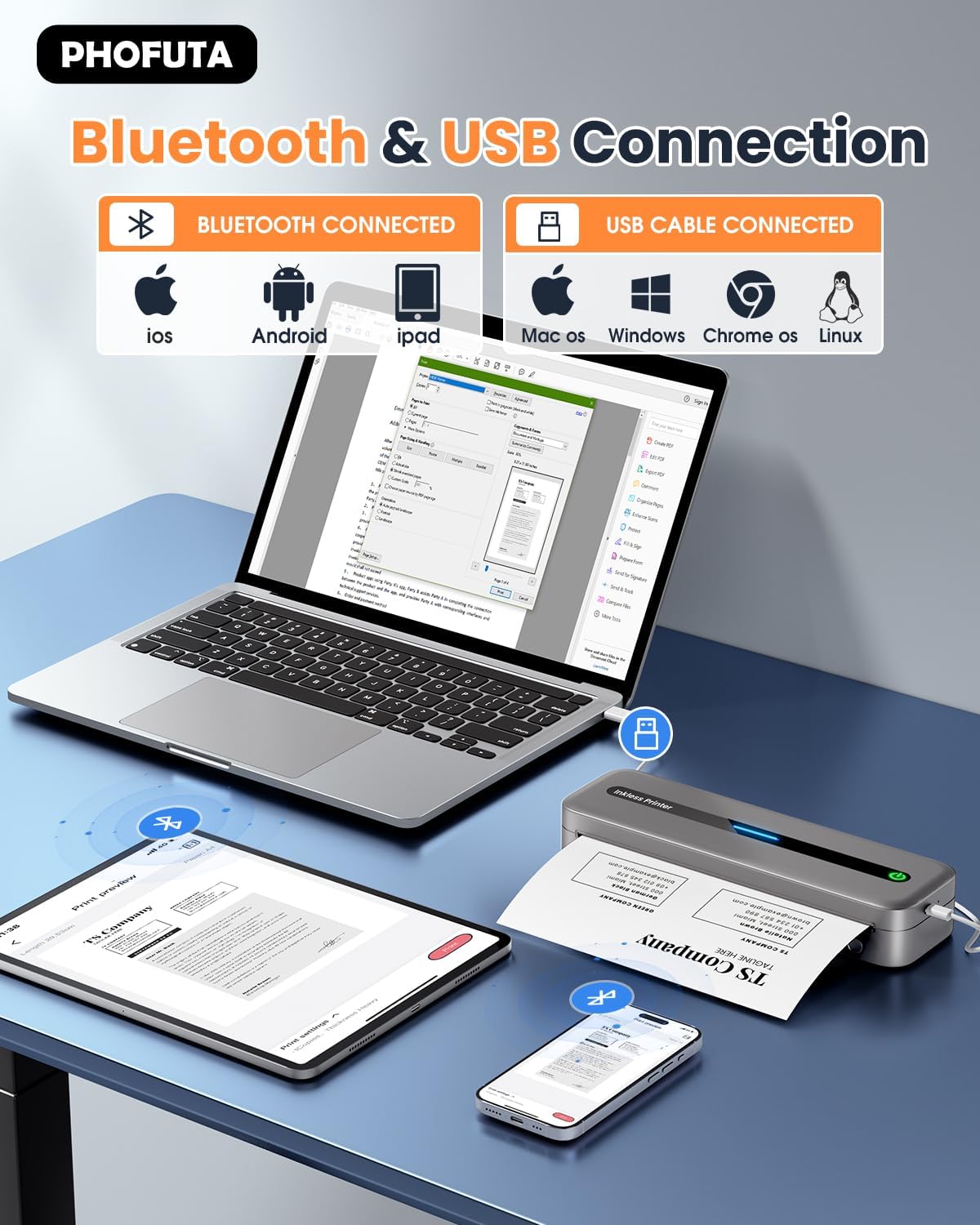
The printer offers both Bluetooth and USB connectivity options.
- Bluetooth接続: Turn on the printer and enable Bluetooth on your smartphone or tablet. Download the Phomemo app (available for iOS and Android). Open the app, search for the printer, and pair.
- USB接続: Connect the printer to your laptop or computer using the provided USB-C cable. Install the necessary drivers (usually available from the PhoFuta website or included on a small disk/QR code).
5. 操作手順
5.1 基本的な印刷
Once connected, open the document or image you wish to print from your device. Select the PhoFuta M832 as your printer. Adjust print settings as needed (e.g., paper size, orientation) and initiate the print command. The printer will feed the thermal paper and produce the printout.
5.2 印刷品質
The PhoFuta M832 offers a maximum print resolution of 300 DPI (dots per inch) for black and white prints, ensuring clear and legible documents.

5.3 サポートされている用紙サイズ
The printer supports various paper sizes, including US Letter, A4, and smaller sizes like 4-inch, 3-inch, and 2-inch (216mm, 210mm, 110mm, 80mm, 53mm respectively). Ensure you use thermal paper compatible with these dimensions.
6. メンテナンス
6.1プリンターのクリーニング
Regularly clean the printer to maintain optimal performance. Use a soft, dry, lint-free cloth to wipe the exterior. For the print head, use a cotton swab lightly dampened with isopropyl alcohol, wiping gently. Ensure the printer is off and disconnected from power before cleaning.
6.2 Thermal Paper Considerations
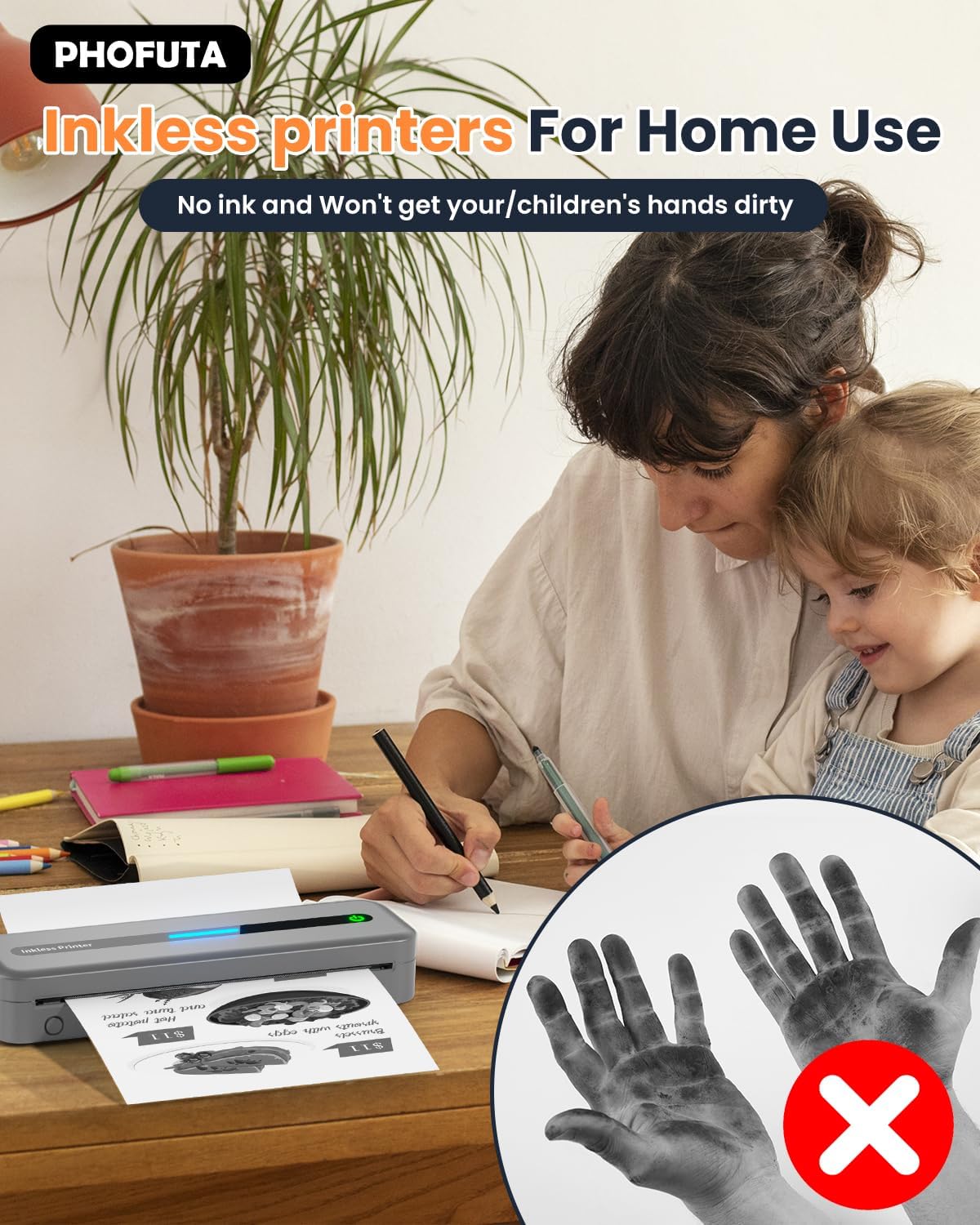
The PhoFuta M832 is an inkless printer, meaning it uses thermal paper that reacts to heat to create images. This eliminates the need for ink cartridges, preventing messy hands and reducing ongoing costs. However, it is crucial to use only thermal paper, as regular paper will not work. Thermal prints may fade over time if exposed to heat, light, or certain chemicals, so store important documents appropriately.

7。 トラブルシューティング
If you encounter issues with your PhoFuta M832 printer, refer to the following common problems and solutions:
- プリンターが起動しない: バッテリーが充電されていることを確認してください。プリンターを電源に接続して、もう一度お試しください。
- Bluetooth経由で接続できません: Make sure Bluetooth is enabled on both devices. Restart the printer and your device. Ensure the Phomemo app is installed and updated.
- 印刷品質が悪い: Check if you are using thermal paper. Ensure the paper is loaded correctly. Clean the print head if smudges or lines appear.
- 紙詰まり: Turn off the printer, open the paper compartment, and carefully remove any jammed paper. Ensure paper is loaded straight and not wrinkled.
- プリンターが応答しません: Try restarting the printer. If the issue persists, perform a factory reset (refer to the Phomemo app or detailed user manual for instructions).
8. 仕様
| 特徴 | 仕様 |
|---|---|
| ブランド | フォフタ |
| モデル | M832 |
| 製品番号 | PH-M832-GY |
| 色 | グレー |
| 印刷技術 | サーマル |
| プリンタ出力 | モノクロ |
| 最大印刷解像度(白黒) | 300DPI |
| 最大印刷速度(モノクロ) | 毎分5ページ |
| 最大入力シート容量 | 300枚 |
| サポートされているメディアタイプ | Plain Paper (Thermal Paper) |
| シートサイズ | US Letter/A4/4"/3"/2" (216mm/210mm/110mm/80mm/53mm) |
| 両面印刷 | いいえ |
| 接続技術 | ブルートゥース |
| ハードウェアインターフェイス | USB-C |
| 対応デバイス | スマートフォン、タブレット、ノートパソコン、コンピューター |
| スキャナタイプ | ポータブル |
| スキャナーの解像度 | 203×203 DPI |
| 製品寸法 | 31 x 11.4 x 9.2 cm |
| 製品重量 | 992グラム |
| バッテリー | 1 リチウムイオン (付属) |
| バッテリー構成 | リチウム |
| ソフトウェアアップデートの保証期間 | 未知 |
9. 保証とサポート
9.1 保証情報
The PhoFuta M832 Portable Thermal Printer comes with a 生涯保証. This warranty covers manufacturing defects and ensures the long-term reliability of your device. Please retain your proof of purchase for warranty claims.
9.2 カスタマーサポート
For technical assistance, troubleshooting, or warranty inquiries, please contact PhoFuta customer support. Refer to the official PhoFuta web最新のサポート チャネルについては、当社のサイトまたは購入時に提供された連絡先情報を参照してください。