
1. はじめに
Thank you for choosing the PPLEE CR1023i Vibrating Digital Alarm Clock. This device is designed to provide a reliable and versatile wake-up experience, especially for heavy sleepers and individuals with hearing impairments. It features a large, dimmable LED display, dual alarms, multiple wake-up modes including a powerful bed shaker, a night light, and a convenient USB charging port.

Image 1.1: The PPLEE CR1023i alarm clock, bed shaker, and a smartphone connected for charging.
2. パッケージ内容
パッケージに以下の項目が含まれているか確認してください。
- 1 x PPLEE CR1023i Digital Alarm Clock
- 1 x Wired Bed Shaker
- 電源アダプター x 1
- 電源ケーブル x 1
- ユーザーマニュアル x 1

Image 2.1: All components included in the PPLEE CR1023i alarm clock package.
3.製品オーバーview
The PPLEE CR1023i features a clear digital display and intuitive controls for easy operation.
3.1. コントロールとディスプレイ
Familiarize yourself with the buttons and display indicators on your alarm clock. The large LED digits show the current time, and indicators for AM/PM, Alarm 1, and Alarm 2 are present.

Image 3.1: Key features and components of the PPLEE CR1023i alarm clock.
4. 初期設定
- 電源接続: Connect the power cable to the alarm clock and plug the power adapter into a standard electrical outlet. The display will light up.
- ベッドシェーカー接続: Plug the wired bed shaker into the designated port on the back of the alarm clock.
- バッテリーバックアップ(オプション): 停電時のバックアップ用tages, insert 2 AAA batteries (not included) into the battery compartment. Note that the battery backup only maintains time settings and alarm functions; the display will not be active.
5. 時刻と日付の設定
5.1.時間を設定する
- を押し続けます 時間設定 button (usually located on the back or top) until the hour digits begin to flash.
- 使用 時間 そして 分 buttons (or +/- buttons) to adjust the hour and minute. Pay attention to the AM/PM indicator.
- プレス 時間設定 もう一度押して確認し、時間設定モードを終了します。
5.2. 12H/24H Format and DST
The clock supports both 12-hour and 24-hour time formats, as well as Daylight Saving Time (DST) adjustments.
- To switch between 12H/24H: 通常時刻表示モードで、 12/24時間 button (or a dedicated button, refer to the clock's labels) to toggle between the formats.
- To activate/deactivate DST: 通常時刻表示モードで を長押しすると、 夏時間 button (or a dedicated button) to adjust the time by one hour forward or backward.

図5.1: 例amples of 12H, 24H, and DST time display options.
6.アラーム設定
The PPLEE CR1023i features dual alarms and multiple wake-up modes.
6.1. デュアルアラームの設定
- を押し続けます アラーム1 アラーム 1 の時間の数字が点滅し始めるまでボタンを押します。
- 使用 時間 そして 分 buttons (or +/- buttons) to set the desired alarm time.
- プレス アラーム1 時間を確認するためにもう一度。
- 手順1~3を繰り返します アラーム2 if a second alarm is needed.
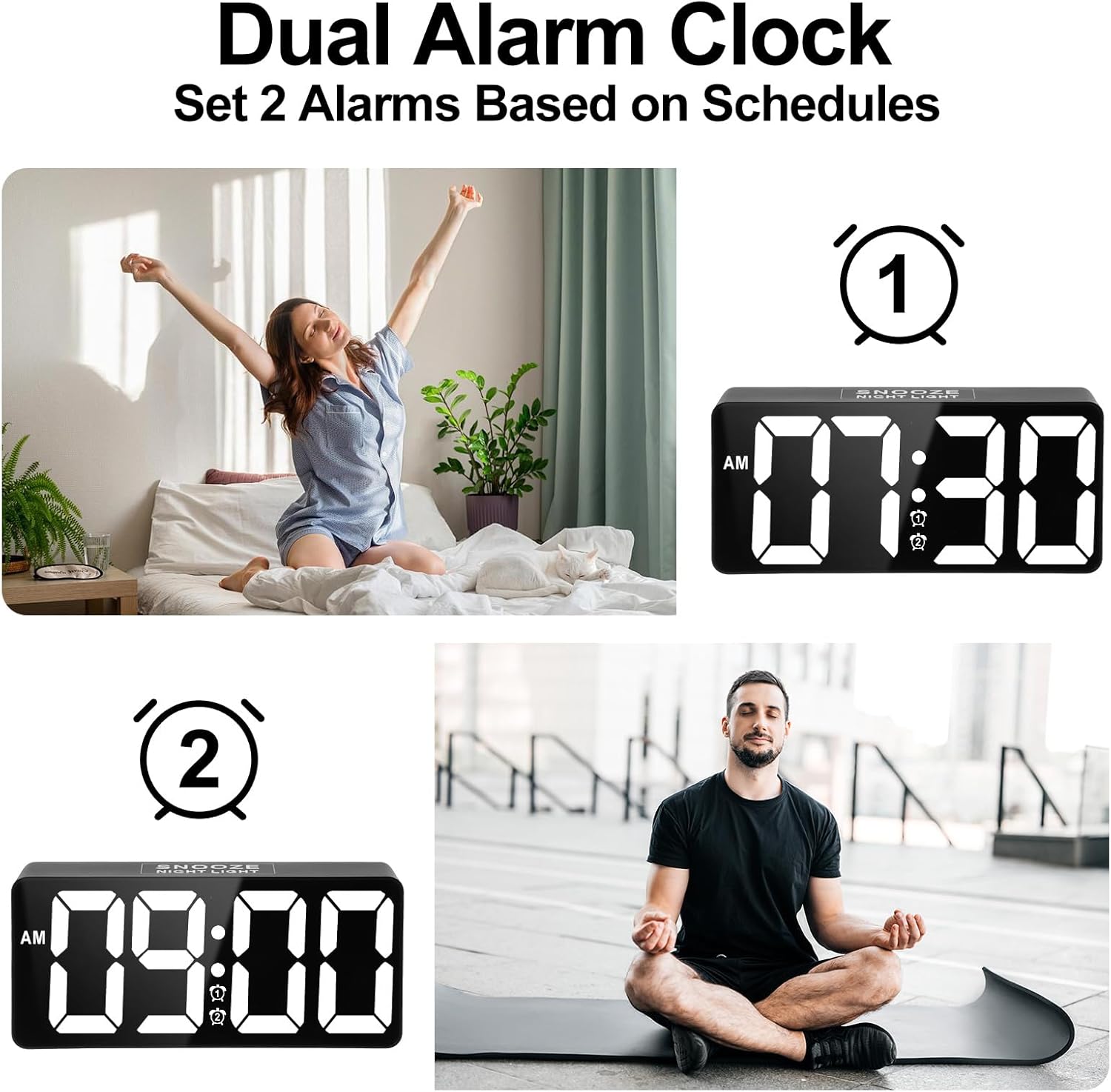
Image 6.1: Setting up two independent alarms for different schedules.
6.2. ウェイクアップモード
Choose from three wake-up modes: Sound Only, Vibration Only, or Sound + Vibration.
- After setting an alarm time, press the アラーム1/2 button repeatedly to cycle through the wake-up modes. The display will show corresponding icons (bell for sound, wavy lines for vibration, or both).
- ご希望のモードを選択してください。

Image 6.2: The three available wake-up solutions: sound, vibration, or both.
6.3. アラーム音量調整
The alarm volume can be adjusted to 7 levels, from 50dB to 120dB.
- While the alarm is sounding, or during alarm setup, use the 音量 button (or +/- buttons) to adjust the sound level.
- The display will indicate the current volume level (e.g., U01 for lowest, U07 for highest).

Image 6.3: Visual representation of the 7-level volume adjustment for the alarm.
6.4. Disabling an Alarm
鳴っているアラームを止めるには、 アラームオフ button. To disable an alarm completely, press the corresponding アラーム1/2 アラームアイコンがディスプレイから消えるまでボタンを押します。
7. スヌーズ機能
When an alarm sounds, gently tap the large スヌーズ button on the top of the clock to activate the snooze function. The alarm will pause for 9 minutes and then sound again. You can repeat this process.

Image 7.1: Activating the 9-minute snooze by touching the top button.
8.明るさの調整
The large LED display features a 0-100% dimmable brightness control.
- 見つける rotary stepless switch (often on the side or back of the clock).
- Rotate the switch to adjust the display brightness to your desired level, from completely off to maximum brightness.
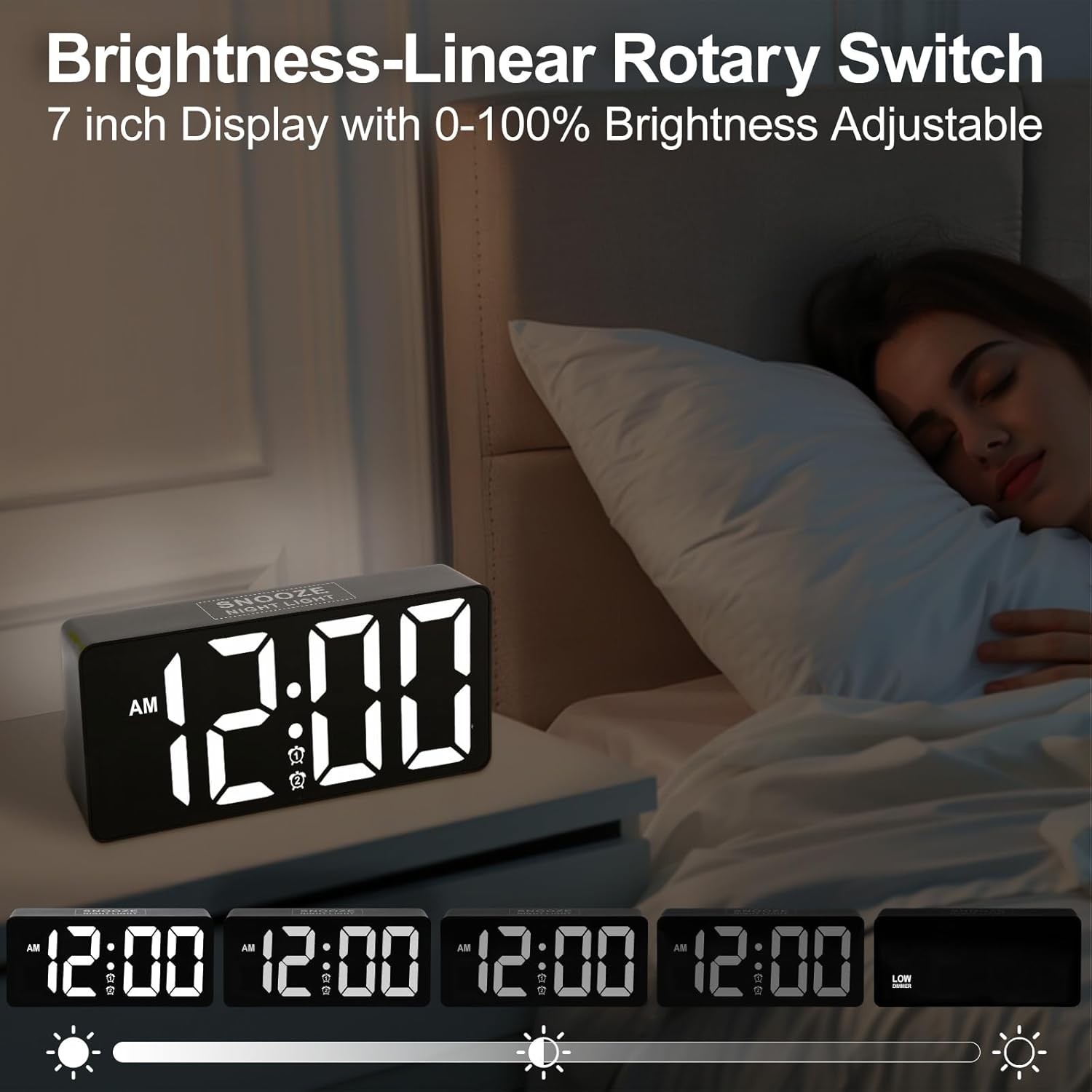
Image 8.1: Demonstrating the range of display brightness settings.
9. ナイトライト機能
The alarm clock includes a soft rear night light, providing a gentle illumination.
- To turn the night light on or off, tap the スヌーズ ボタン。
- The night light offers a warm and relaxed ambiance, ideal for pre-bedtime or as a subtle light source during the night.

Image 9.1: The night light feature providing soft illumination.
10.USB充電ポート
A built-in USB charging port allows you to charge your devices conveniently while you sleep.
- Locate the USB port on the side or back of the alarm clock.
- デバイスの USB 充電ケーブルをこのポートに接続します。
- The charging function operates independently of the alarm clock's other settings.
11. ベッドシェーカーの配置
The wired bed shaker is designed to be placed in various locations to effectively wake heavy sleepers.
- Under Pillow: Place the shaker directly under your pillow for direct vibration.
- Under Fitted Sheet: Position the shaker under your fitted sheet, near your head or torso.
- Between Mattress and Box Spring: For a more subtle but still effective vibration, place it between the mattress and box spring.

Image 11.1: Recommended placements for the bed shaker.
12. お手入れとメンテナンス
- クリーニング: 時計とベッドシェーカーは、柔らかく乾いた布で拭いてください。研磨剤入りの洗剤や溶剤は使用しないでください。
- 配置: 時計は安定した平らな場所に置いてください。直射日光、極端な温度、高湿度を避けてください。
- 力: Ensure the power adapter and cable are not damaged. Disconnect from power during electrical storms or when not in use for extended periods.
13。 トラブルシューティング
| 問題 | 考えられる原因 | 解決 |
|---|---|---|
| 時計の表示がオフになっています。 | 電源なし、電源オフtage, or brightness set to minimum. | Check power connection. If using battery backup, display will not show. Adjust brightness. |
| アラームが鳴らない/振動しない。 | Alarm not activated, incorrect mode selected, or volume too low. | Ensure alarm is set and activated (icon visible). Verify wake-up mode (sound/vibration). Adjust volume. Check bed shaker connection. |
| 時間が間違っています。 | Time not set correctly, or DST needs adjustment. | Re-set the time. Check 12H/24H format. Adjust DST if applicable. |
| USB充電が機能しません。 | Cable issue, device not compatible, or power issue. | Try a different USB cable. Ensure the clock is powered. Check device compatibility. |
14. 仕様
| 特徴 | 詳細 |
|---|---|
| ブランド | プリー |
| モデル番号 | CR1023i |
| 表示タイプ | デジタルLED |
| 表示サイズ | 7インチ |
| Wake-up Modes | Sound, Vibration, Sound + Vibration |
| アラーム音量 | 7段階(50dB~120dB) |
| スヌーズ時間 | 9 minutes |
| 明るさコントロール | 0-100% Dimmable (Rotary Switch) |
| ナイトライト | Yes (Soft rear light) |
| USB充電ポート | はい(外部デバイス用) |
| 電源 | コード式電気 |
| バッテリーバックアップ | Yes (2x AAA, not included; for time/alarm memory only) |
| 製品寸法 | 1.77"W x 3.03"H (Clock unit) |
| アイテム重量 | 13.7オンス |
| 材料 | プラスチック、アクリロニトリル ブタジエン スチレン |
15. 保証情報
This product comes with an extended warranty. For specific details regarding warranty coverage and duration, please refer to the warranty card included in your package or contact customer support.
16. カスタマーサポート
If you encounter any issues or have questions regarding your PPLEE CR1023i alarm clock, please contact our customer support team. You can typically find contact information on the product packaging, the warranty card, or by visiting the official PPLEE store on Amazon: PPLEE Store.