
1. はじめに
Thank you for choosing the ZIPRO Nitro RS Home Exercise Bike. This manual provides essential information for the safe assembly, operation, and maintenance of your new fitness equipment. Please read all instructions carefully before use to ensure optimal performance and safety.

Image: The ZIPRO Nitro RS Home Exercise Bike, showcasin洗練されたデザインと主要機能。
2. 重要な安全情報
Before beginning any exercise program, consult with your physician. Failure to follow these safety instructions could result in injury or damage to the equipment.
- 使用前にすべての部品がしっかりと締められていることを確認してください。
- 動作中は子供やペットを装置に近づけないでください。
- エクササイズバイクを平らで安定した場所に置きます。
- 適切な運動用の服装と靴を着用してください。
- ユーザーの最大体重: 150 kg。
- Maximum user height: 200 cm.
3. パッケージ内容
Verify that all components are present before assembly. Refer to the included assembly guide for a detailed list and diagrams.
- メインフレームコンポーネント
- ハンドルバーアセンブリ
- シートポストとサドル
- ペダル
- スタビライザーバー
- Computer console
- ウォーターボトルホルダー
- 組み立て工具とハードウェア
4. 組み立て手順
Assembly typically requires two people. Follow the step-by-step instructions provided in the separate assembly manual for detailed diagrams and hardware identification. A general overview 以下に提供します。
- スタビライザーバーを取り付けます。 付属のボルトとワッシャーを使用して、フロントおよびリアのスタビライザー バーをメイン フレームに固定します。
- ペダルを取り付ける: Attach the left and right pedals to the crank arms. Note that pedals are typically threaded differently (left pedal is reverse-threaded).
- シートポストとサドルを取り付けます。 シートポストをメインフレームに挿入し、希望の高さで固定します。サドルをシートポストに取り付けます。
- Assemble Handlebar: Connect the handlebar post to the main frame. Attach the handlebar to the post.
- Install Computer Console: Connect the sensor cables from the main frame to the computer console. Mount the console onto the handlebar post.
- 付属品を取り付ける: Install the water bottle holder.
- 最終チェック: Ensure all bolts and nuts are securely tightened. Adjust the leveling feet on the stabilizer bars to ensure the bike is stable on your floor.

Image: The sturdy base and adjustable stabilizer feet of the ZIPRO Nitro RS, ensuring stability during workouts.
5. 操作手順
5.1抵抗の調整
The ZIPRO Nitro RS features 8 levels of magnetic resistance. To adjust the resistance, turn the resistance knob located on the main frame. Turn clockwise to increase resistance and counter-clockwise to decrease it.
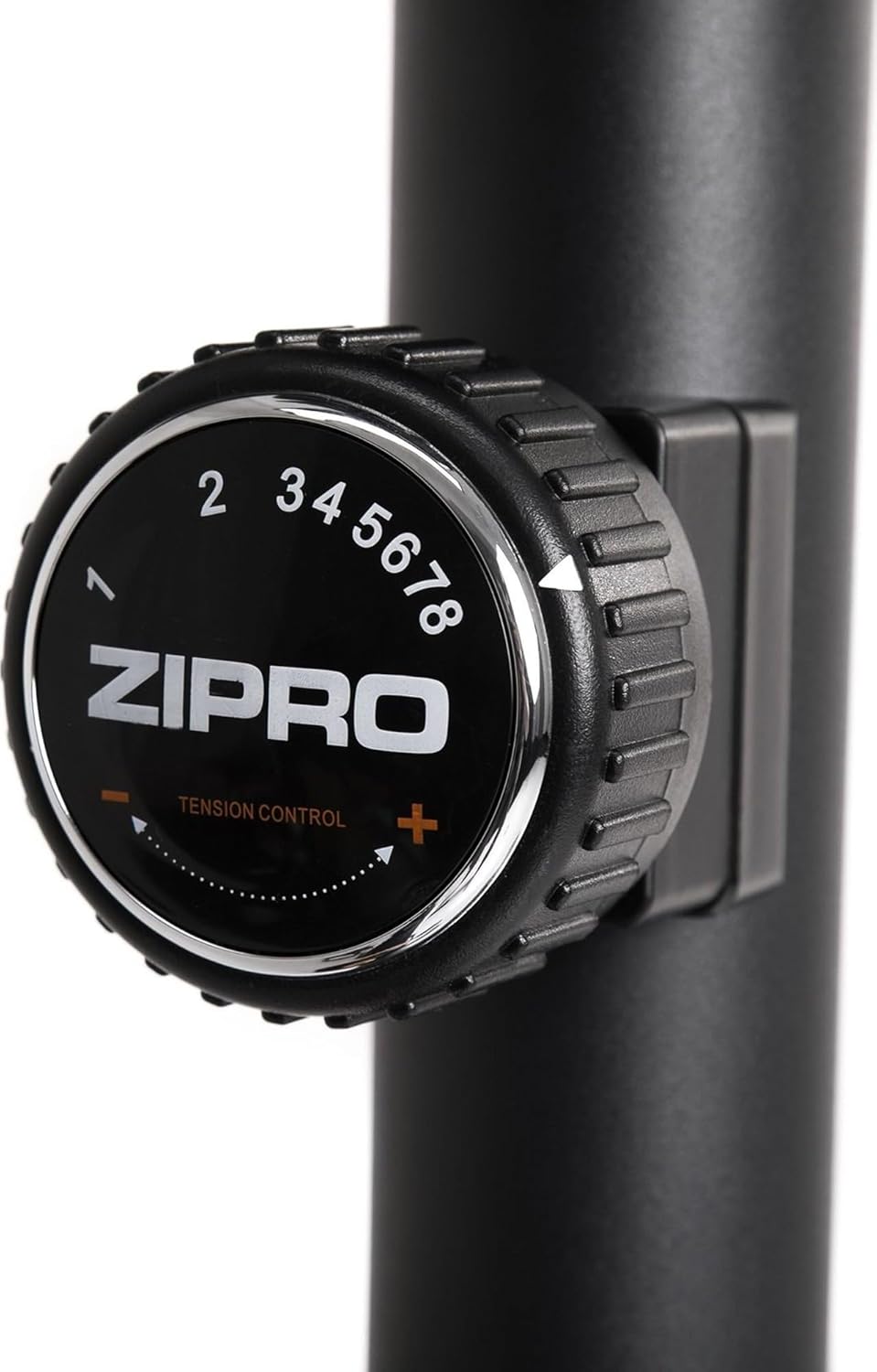
Image: Close-up of the resistance adjustment knob with levels 1-8 clearly marked.
5.2 Computer Console Functions
The advanced computer console displays key workout metrics. Insert batteries (included) into the console before first use.

Image: The computer console displaying workout data and control buttons.
- スキャン: すべての表示機能を自動的に切り替えます。
- 時間: ワークアウトの継続時間を表示します。
- スピード: 現在のサイクリング速度を表示します。
- 距離: セッション中に移動した距離を追跡します。
- カロリー: 消費カロリーを推定します。
- パルス: ハンドルバーの脈拍センサーを握っているときに心拍数を表示します。
- 総距離: Accumulates total distance over multiple workouts.
使用 モード button to select a specific display function, リセット to clear current workout data, and セット to configure target values (if applicable).
5.3 シートとハンドルの調整
Proper adjustment of the seat and handlebar ensures comfort and effective training.
- シートの高さ: Loosen the adjustment knob on the seat post, raise or lower the seat to the desired height, and re-tighten securely.
- シートの水平位置: Loosen the knob beneath the saddle, slide the seat forward or backward, and re-tighten.
- ハンドル角度: Loosen the adjustment knob on the handlebar post, tilt the handlebar to a comfortable angle, and re-tighten.
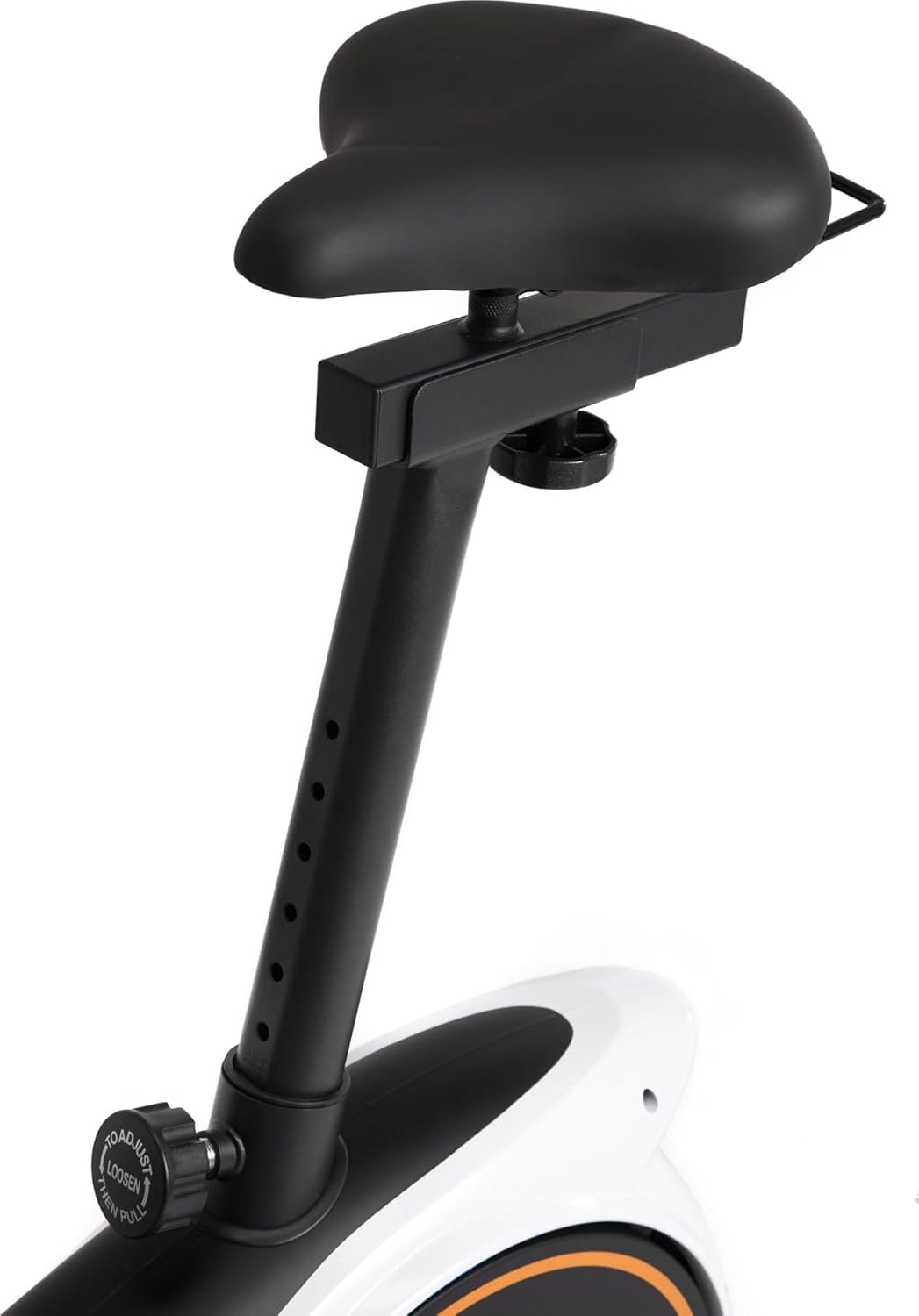
Image: Seat height adjustment mechanism.

Image: Seat horizontal adjustment mechanism.
5.4 Using the Device Holder
The console features a convenient holder for your smartphone or tablet, allowing you to enjoy entertainment or follow guided workouts during your session.

Image: A smartphone placed in the console's device holder.

Image: A tablet placed in the console's device holder.
6. メンテナンス
定期的なメンテナンスにより、エクササイズバイクの寿命が長くなり、安全に操作できるようになります。
- クリーニング: 広告で自転車を拭くamp 使用後は毎回布で汗やほこりを拭き取ってください。研磨剤入りの洗剤は使用しないでください。
- 検査: すべてのボルト、ナット、可動部品の締め付け具合と摩耗を定期的に点検してください。緩んでいる留め具があれば締め直してください。
- 潤滑: The magnetic resistance system is generally maintenance-free. Refer to the full manual for any specific lubrication requirements for other moving parts.
- ストレージ: 自転車は直射日光や極端な温度を避け、乾燥した涼しい場所に保管してください。
7。 トラブルシューティング
| 問題 | 考えられる原因 | 解決 |
|---|---|---|
| 自転車が不安定またはぐらつく | Uneven floor; loose stabilizer bolts | Adjust the leveling feet on the stabilizer bars. Ensure all stabilizer bolts are tight. |
| Computer display not working | Dead batteries; loose sensor connection | Replace batteries. Check that all sensor cables are securely connected to the console. |
| 抵抗は変化しない | 抵抗ケーブルが外れているか損傷している | Inspect the resistance cable connection to the knob and the flywheel mechanism. Contact customer support if damaged. |
| 動作中に異音がする | Loose parts; friction | Check all bolts and nuts for tightness. Ensure no parts are rubbing. |
8. 製品仕様
| 特徴 | 詳細 |
|---|---|
| ブランド | ジプロ |
| モデル | ニトロRS |
| 色 | 黒 |
| 抵抗メカニズム | 磁気 |
| 抵抗レベル | 8 |
| 駆動システム | ベルト |
| 材料 | プラスチック |
| 最大ユーザー重量 | 150キロ |
| 最大ユーザー身長 | 200センチ |
| 製品寸法(長さ x 幅 x 高さ) | 92 x 60 x 143 cm(おおよそ) |
| アイテム重量 | 28.6キロ |
| 電源(コンソール) | 電池駆動 |
| モデル番号 | 5304090 |

Image: Dimensions of the ZIPRO Nitro RS Home Exercise Bike (115 cm length, 59 cm width, 145 cm height).
9. 保証とサポート
Your ZIPRO Nitro RS Home Exercise Bike comes with a manufacturer's warranty. Please refer to the warranty card included with your purchase for specific terms and conditions. For technical support, spare parts, or warranty claims, please contact ZIPRO customer service through their official web製品を購入したサイトまたは小売店にお問い合わせください。
For additional information and support, visit the official ZIPRO webサイト: www.zipro.pl