
導入
This manual provides essential instructions for the safe and effective use of your LITEON PA-1300-04 AC Adapter Charger. This power supply is designed to provide reliable power to compatible DELL Latitude 10 ST, ST2, T03G, and T07G tablets. Please read this manual thoroughly before using the product and retain it for future reference.
安全情報
- 電源: Use only with appropriate AC power outlets (100-240V AC, 50/60Hz).
- 換気: アダプタの周囲に十分な換気を確保してください。動作中はアダプタを覆ったり、密閉された空間に置いたりしないでください。
- 水分: Keep the adapter away from water, high humidity, and extreme temperatures. Do not operate with wet hands.
- ダメージ: Do not use the adapter if the cable or housing is damaged. Contact qualified service personnel for repairs.
- 子供たち: お子様の手の届かない場所に保管してください。
- 分解: Do not attempt to disassemble or modify the adapter. This will void the warranty and may cause electric shock or fire.
- 互換性: Use only with specified compatible devices (DELL Latitude 10 ST, ST2, T03G, T07G tablets).
設定
- 開梱: Carefully remove the AC adapter from its packaging.
- 検査: Check the adapter and cable for any visible damage. If damage is found, do not use the product.
- 電源コンセントに接続します。 Plug the AC power cord (if detachable) into the adapter, then plug the adapter's AC plug into a standard wall outlet.
- デバイスに接続します: Insert the specialized multi-pin connector of the adapter into the charging port of your compatible DELL Latitude tablet. Ensure a firm and secure connection.
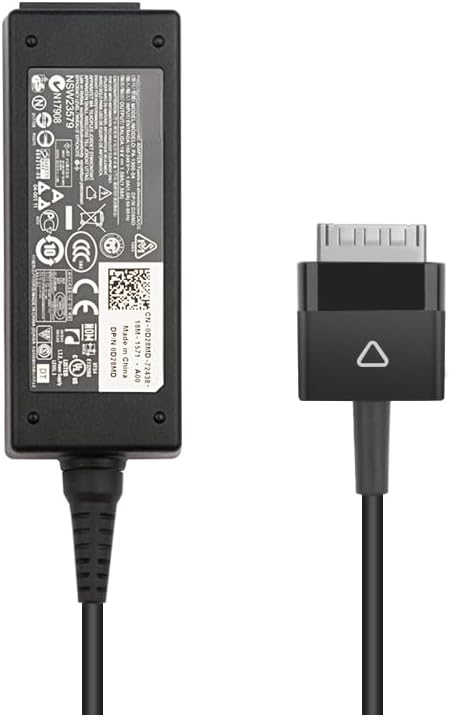
Image: The LITEON PA-1300-04 AC Adapter showing the main power brick and the specialized multi-pin connector for DELL Latitude tablets.
操作手順
Once properly connected, the adapter will begin charging your DELL Latitude tablet. The charging status is typically indicated by an LED on your tablet or on the adapter itself (if present). Refer to your tablet's user manual for specific charging indicators.
- 充電: The adapter provides a stable 19V DC output at 1.58A, totaling 30W, suitable for your tablet's power requirements.
- 切断: To disconnect, first unplug the connector from your tablet, then unplug the adapter from the wall outlet.
- ストレージ: When not in use, store the adapter and cable neatly. Avoid tightly coiling the cable to prevent damage.
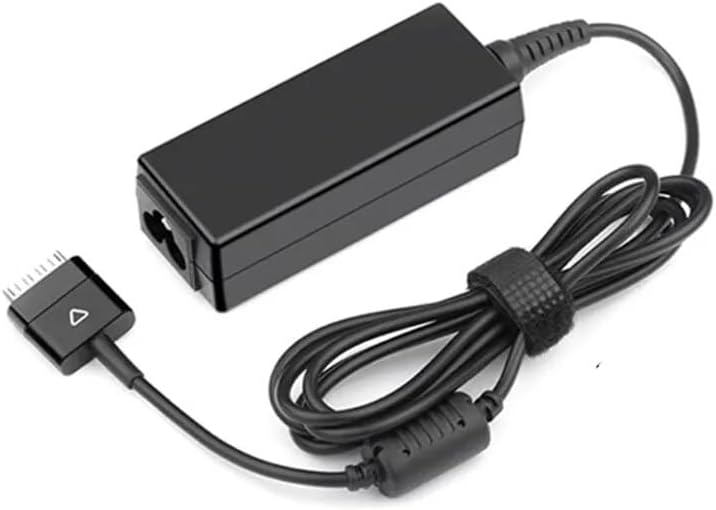
Image: The LITEON PA-1300-04 AC Adapter with its cable coiled, demonstrating proper storage.
メンテナンス
- クリーニング: Disconnect the adapter from all power sources before cleaning. Use a soft, dry cloth to wipe the surface. Do not use liquid cleaners or solvents.
- ケーブルのお手入れ: Avoid bending or crimping the cable excessively, especially near the connectors. This can lead to internal wire damage.
- ストレージ: 使用していないときは、アダプターを涼しく乾燥した場所に保管してください。
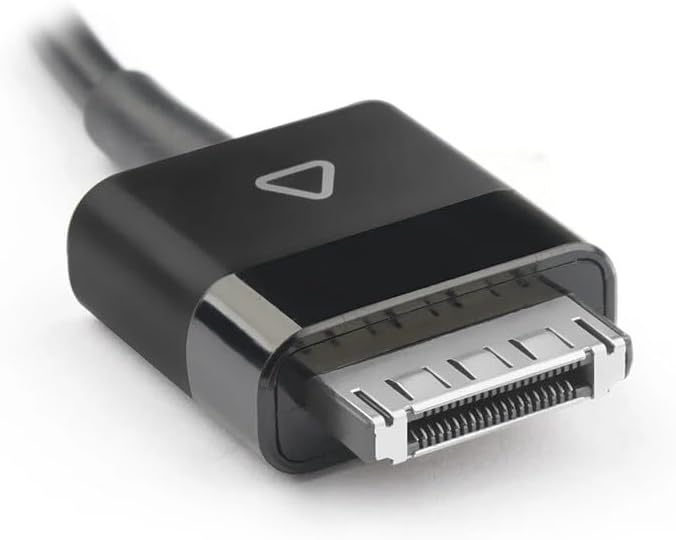
画像: 詳細な view of the specialized multi-pin connector, highlighting its design for DELL Latitude tablets.
トラブルシューティング
| 問題 | 考えられる原因 | 解決 |
|---|---|---|
| タブレットが充電されません。 |
|
|
| アダプタが熱く感じます。 |
|
|
仕様
- モデル: PA-1300-04 / AD065G2Uz
- 入力: 100-240V AC, 50/60Hz (Standard AC input for power adapters)
- 出力巻tage: 19V直流
- 出力電流: 1.58A
- 出力: 30W
- コネクタタイプ: Specialized multi-pin connector for DELL Latitude tablets
- 対応デバイス: DELL Latitude 10 ST, DELL Latitude ST2, DELL Latitude T03G, DELL Latitude T07G tablets
- 起源: 中国本土
保証とサポート
保証情報およびテクニカルサポートについては、ご購入時に付属のマニュアルをご参照いただくか、販売店に直接お問い合わせください。保証請求の際は、購入証明書を保管してください。
