
Andoer 1080P HD Mini Body Camera
Andoer 1080P HD Mini Body Camera User Manual
Model: B0CL9SCVVK
1. はじめに
The Andoer 1080P HD Mini Body Camera is a compact and versatile recording device designed for various applications, including daily recording, service delivery, and personal security. It features high-definition video recording, a 180° rotatable lens, night vision capabilities, and WiFi connectivity for live viewing. This manual provides essential information for setting up, operating, and maintaining your device.

The Andoer 1080P HD Mini Body Camera offers a range of functionalities including high-definition video recording, photo capture, and mobile monitoring via WiFi. It supports various modes such as night vision and features a 180-degree rotatable lens for flexible recording.
2. パッケージ内容
開梱したらパッケージの内容を確認し、すべてのアイテムが揃っていることを確認してください。
- Andoer 1080P HD Mini Body Camera (Host)
- USB充電/データケーブル
- 取扱説明書

This image illustrates the contents of the product package, including the main camera unit, a USB charging and data cable, the retail packaging, and the printed instruction manual.
3. 主な特徴
- 1080P HDビデオ録画: 鮮明で詳細なビデオ映像を撮影tage.
- オーディオ録音: Supports WAV format for audio capture.
- 180°回転可能なレンズ: Allows for flexible adjustment of the camera angle.
- ナイトビジョン機能: Enables clear recording in low-light conditions.
- WiFi接続: スマートフォンアプリに接続してライブ配信 viewingと制御。
- クリップオンデザイン: Easily attaches to clothing or bags for portable use.
- 大容量メモリ: Supports up to 256GB TF (Micro SD) card for ampファイルストレージ。
- 長いバッテリー寿命: Equipped with a 1400mAh lithium battery, providing 4-5 hours of recording.

The camera features a convenient clip-on design, allowing it to be easily attached to clothing like a collar or pocket, or to a backpack for hands-free recording.

With its 180-degree rotating lens and wide-angle view, the camera can function as a driving recorder, capturing a broad perspective of the road and surroundings.
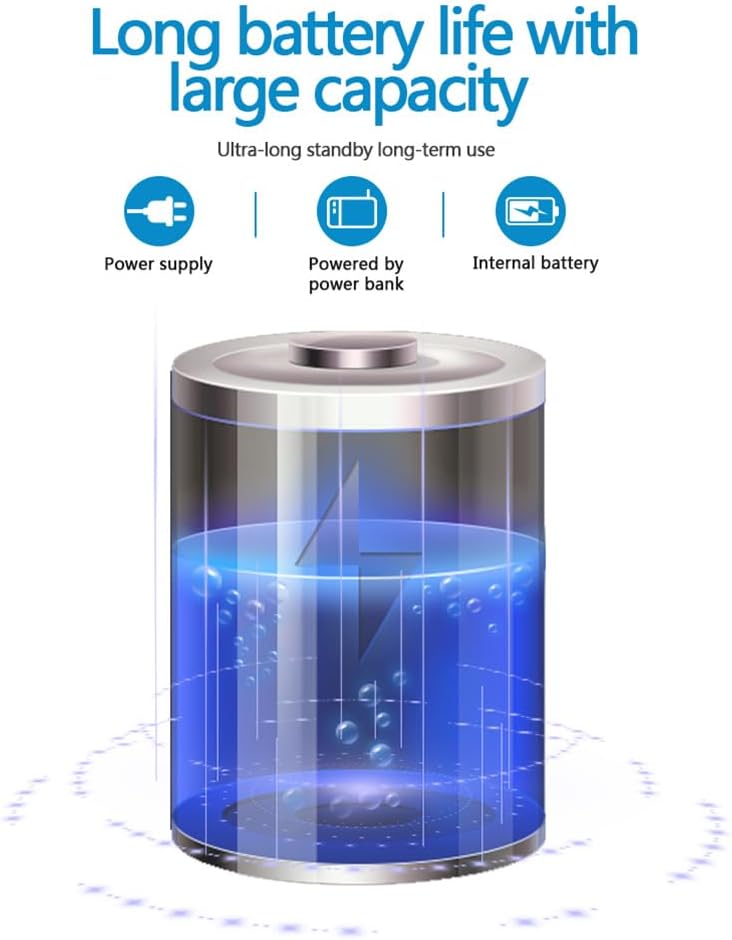
The camera is equipped with a 1400mAh lithium battery, providing extended recording time. It can be powered by an internal battery, an external power bank, or a direct power supply.
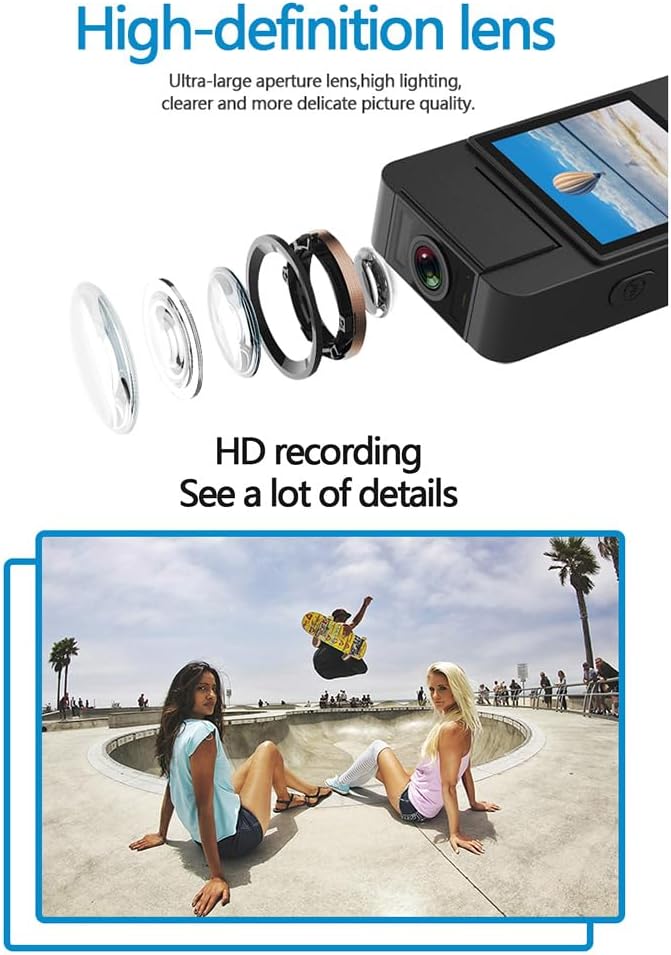
The camera features a high-definition lens with a large aperture, designed to capture clear, bright, and detailed images and videos.
4.セットアップガイド
4.1デバイスの充電
Before first use, fully charge the camera. Connect the provided USB cable to the camera's Type-C port and the other end to a DC 5V power adapter or a computer's USB port. The charging indicator light will show the charging status and turn off when fully charged.
4.2マイクロSDカードの挿入
The camera supports Micro SD (TF) cards up to 256GB. Insert the Micro SD card into the designated slot with the gold contacts facing down until it clicks into place. Ensure the camera is powered off before inserting or removing the card.
4.3初期電源オン
Press and hold the Power button for a few seconds until the indicator light turns on, indicating the device is powered on.
5. 操作手順
5.1 電源オン/オフ
- 電源オン: インジケーターライトが点灯するまで電源ボタンを押し続けます。
- 電源を切る: インジケータ ライトが消えるまで電源ボタンを押し続けます。
5.2 ビデオ録画
In standby mode, press the Video button once to start recording. The indicator light will flash to confirm recording is in progress. Press the Video button again to stop recording and save the file.
5.3オーディオ録音
In standby mode, press the Audio button once to start audio-only recording. The indicator light will flash. Press the Audio button again to stop recording and save the file.
5.4 Photo Function
In standby mode, press the Photo button once to capture a still image. The indicator light will flash briefly.

The camera is designed for simple operation, featuring dedicated buttons for one-click recording, switching between recording modes, and activating video mode.
5.5 ナイトビジョンの有効化
The camera features an automatic night vision function. It can be manually toggled on or off depending on the model variant. Refer to the on-screen menu or specific button for night vision control.
5.6 レンズ角度の調整
The camera lens can be manually rotated 180 degrees to capture different perspectives without repositioning the entire device.
5.7 WiFi Live Viewing
Download the dedicated app on your smartphone. Power on the camera and activate its WiFi function. Connect your smartphone to the camera's WiFi network (SSID and password usually found on the device or in the manual). Open the app to view ライブfootage, control recording, and access settings.
5.8 再生
記録済み files can be played back directly on the camera's screen (if available), or by connecting the camera to a computer via USB. Alternatively, remove the Micro SD card and insert it into a card reader to access filesコンピュータ上。
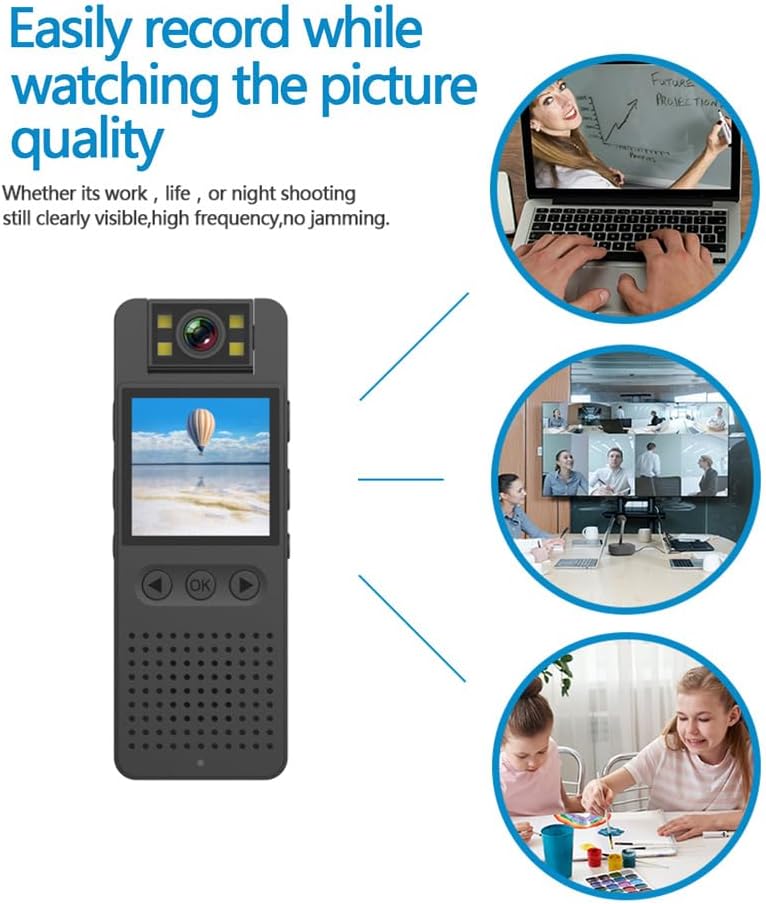
This image illustrates the camera's ability to record clearly in various environments, whether for work, leisure, or night shooting, maintaining high picture quality.
6. お手入れとメンテナンス
- レンズの掃除: Use a soft, lint-free cloth specifically designed for camera lenses to gently clean the lens. Avoid abrasive materials or harsh chemicals.
- バッテリーのケア: バッテリーの寿命を延ばすため、バッテリーを頻繁に完全に放電することは避けてください。長期間使用しない場合でも、定期的に充電してください。涼しく乾燥した場所に保管してください。
- ストレージ: Store the camera in a dry environment, away from extreme temperatures, direct sunlight, and dust.
- データのバックアップ: Regularly back up important recordings from the Micro SD card to a computer or external storage device to prevent data loss.
- 衝撃を避ける: 内部コンポーネントを損傷する可能性のある落下や衝撃からデバイスを保護します。
7。 トラブルシューティング
7.1 デバイスの電源が入らない
- バッテリーが十分に充電されていることを確認してください。カメラを電源に接続して、もう一度お試しください。
- 電源ボタンを長めに(5~10秒)押し続けます。
7.2 Recording Issues (No Recording/Poor Quality)
- Micro SD カードが正しく挿入されており、十分な空き容量があるかどうかを確認します。
- Ensure the Micro SD card is formatted correctly (FAT32 recommended).
- Clean the camera lens if the image quality is blurry.
- Ensure adequate lighting for optimal video quality, or activate night vision in low-light conditions.
7.3 WiFi接続の問題
- Make sure the camera's WiFi function is enabled.
- Ensure your smartphone is within range of the camera's WiFi signal.
- 正しい WiFi パスワードを入力したことを確認してください。
- カメラとスマートフォンの両方を再起動して、再度接続してみてください。
7.4 デバイスがフリーズしたり応答しなくなったりする
- Press and hold the Power button for an extended period (up to 15 seconds) to force a shutdown.
- If possible, use a small pin to press the reset button (if available on your model).
8. 技術仕様
| ビデオ解像度 | 1920*1080P |
| ビデオフォーマット | 動画 |
| ビデオフレームレート | 25fps |
| 画像比率 | 16:9 |
| 記録フォーマット | WAVAファイル |
| 写真解像度 | 4608*3456P |
| 写真フォーマット | 画像 |
| バッテリー容量 | 1400mAh |
| 勤務時間 | Approx. 290 minutes (4-5 hours) |
| 充電Voltage | DC5V |
| ストレージサポート | Up to 256GB TF card (Micro SD) |
| インターフェースタイプ | タイプC |
| サポートされているシステム | Windows、Mac OS、Linux の場合 |
| 接続技術 | USB、Wi-Fi |
| 特集 | Low Light, Night Vision |
| 耐水性レベル | 耐水性はありません |
| レンズタイプ | ズーム |
| フォーカスタイプ | マニュアルフォーカス |
9. 保証情報
Specific warranty details for the Andoer 1080P HD Mini Body Camera may vary by region and retailer. Please refer to the product packaging, the seller's website, or your purchase receipt for comprehensive warranty terms and conditions. It is recommended to retain your proof of purchase for any warranty claims.
10. カスタマーサポート
For technical assistance, product inquiries, or customer support, please contact the retailer from whom you purchased the device or visit the official Andoer website. When contacting support, please have your product model number (B0CL9SCVVK) and purchase details readily available to facilitate faster service.
Ask a question about this manual
Ask about setup, troubleshooting, compatibility, parts, safety, or missing instructions. Manuals+ will review the question and use this page’s manual context to help answer it.