
SETTY GSM111404
SETTY Wireless Rechargeable Mouse User Manual
モデル: GSM111404
1. はじめに
Thank you for choosing the SETTY Wireless Rechargeable Mouse. This manual provides essential information for setting up, operating, and maintaining your new mouse. Please read these instructions carefully before use to ensure optimal performance and longevity of your device.
2. パッケージ内容
- 1 x SETTY Wireless Rechargeable Mouse
- 1 x 2.4 GHz USB Receiver
- 1 x USB Charging Cable (25 cm)

Image 1: SETTY Wireless Rechargeable Mouse and its retail packaging.
3.製品オーバーview
The SETTY Wireless Rechargeable Mouse is designed for comfort and efficiency in both office and home environments. It features a slim, ergonomic design, adjustable DPI settings, RGB lighting, and dual-mode connectivity (2.4 GHz and Bluetooth).
主な特徴:
- デュアルモード接続: USB レシーバーと Bluetooth 5.1 経由の 2.4 GHz ワイヤレスをサポートします。
- 調整可能なDPI: 正確な制御を可能にする 3 つの感度レベル (800、1200、1600 DPI)。
- 人間工学に基づいたデザイン: 長時間使用しても快適です。
- 充電式バッテリー: 500mAhリチウム電池内蔵。
- RGB照明: Dynamic LED lighting for enhanced aesthetics.
- 6つのボタン: Including left, right, scroll wheel, DPI switch, and two side buttons.
- One-Click Desktop Function: Quickly minimize all windows.
- サイレントクリック設計: 動作時の騒音を低減します。

Image 2: The ergonomic shape of the mouse designed for comfortable hand placement.
4. セットアップ
4.1. マウスの充電
Before first use, it is recommended to fully charge the mouse. Connect the provided USB charging cable to the charging port on the front of the mouse and the other end to a USB power source (e.g., computer USB port, USB wall adapter). The RGB lighting will indicate charging status and turn off when fully charged.
- 充電時間: 約2時間です。
- 勤務時間: フル充電で最大150時間使用可能。

Image 3: The mouse being charged via its USB cable.
4.2. マウスの接続
The SETTY mouse offers two connection methods: 2.4 GHz wireless via USB receiver or Bluetooth 5.1.
4.2.1. 2.4GHzワイヤレス接続
- USB レシーバーを見つけます。通常、マウスの下側の収納部に格納されています。
- USBレシーバーをコンピューターの使用可能なUSBポートに接続します。
- マウスの底面にある電源スイッチを使用してマウスの電源をオンにします。
- マウスは自動的にコンピューターに接続されます。
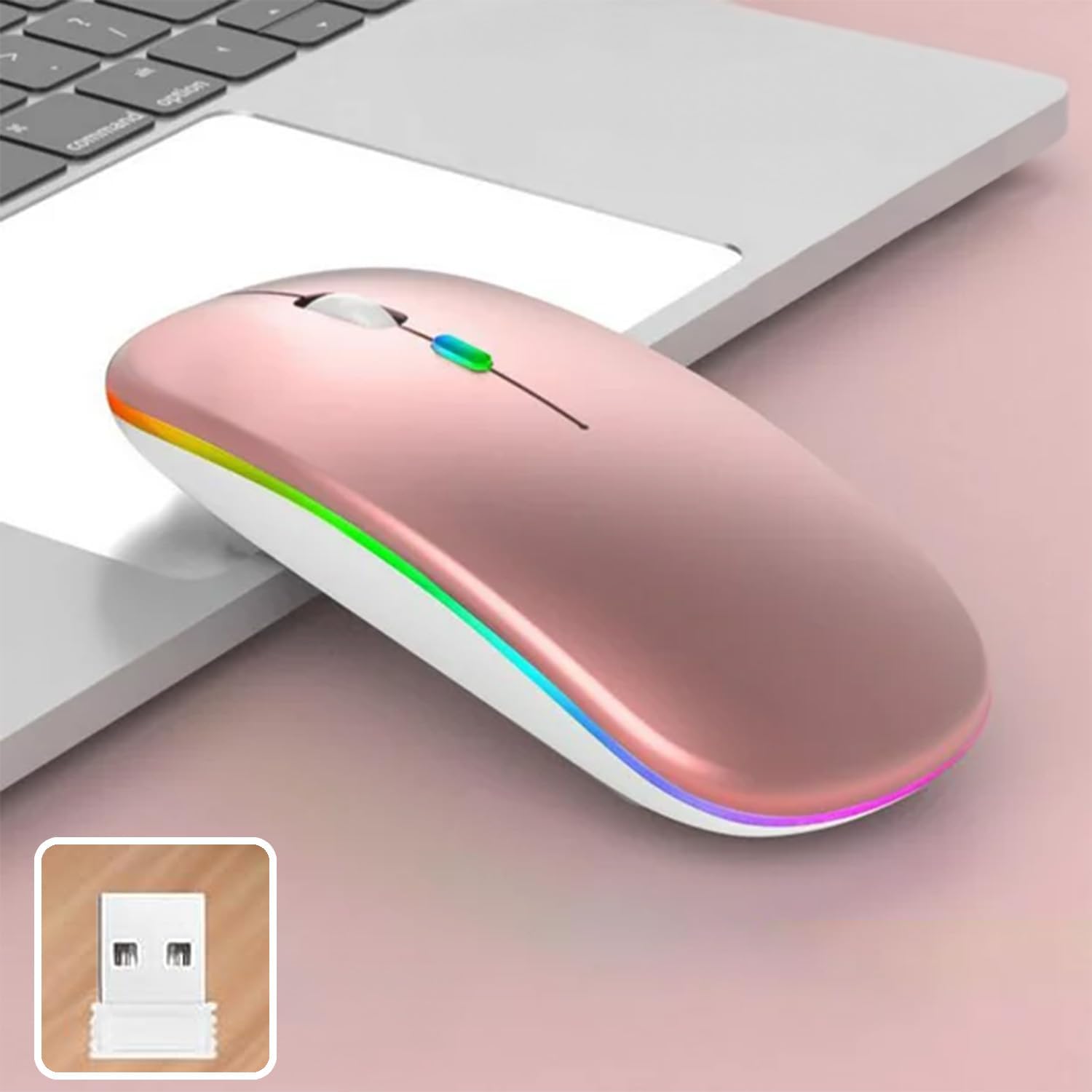
Image 4: The mouse and its 2.4 GHz USB receiver.
4.2.2. Bluetooth 5.1接続
- 電源スイッチを使用してマウスの電源をオンにします。
- Press and hold the Bluetooth pairing button (often located on the underside or a dedicated button) until the indicator light starts flashing, indicating pairing mode.
- On your device (Windows, Mac OS, Android), go to Bluetooth settings and search for new devices.
- Select "SETTY Mouse" or a similar name from the list of available devices to pair.
- ペアリングされると、マウスのインジケーター ライトの点滅が停止します。
4.3. 互換性
The SETTY Wireless Rechargeable Mouse is compatible with a wide range of operating systems and devices:
- Windows オペレーティング システム
- Mac OS
- Androidデバイス
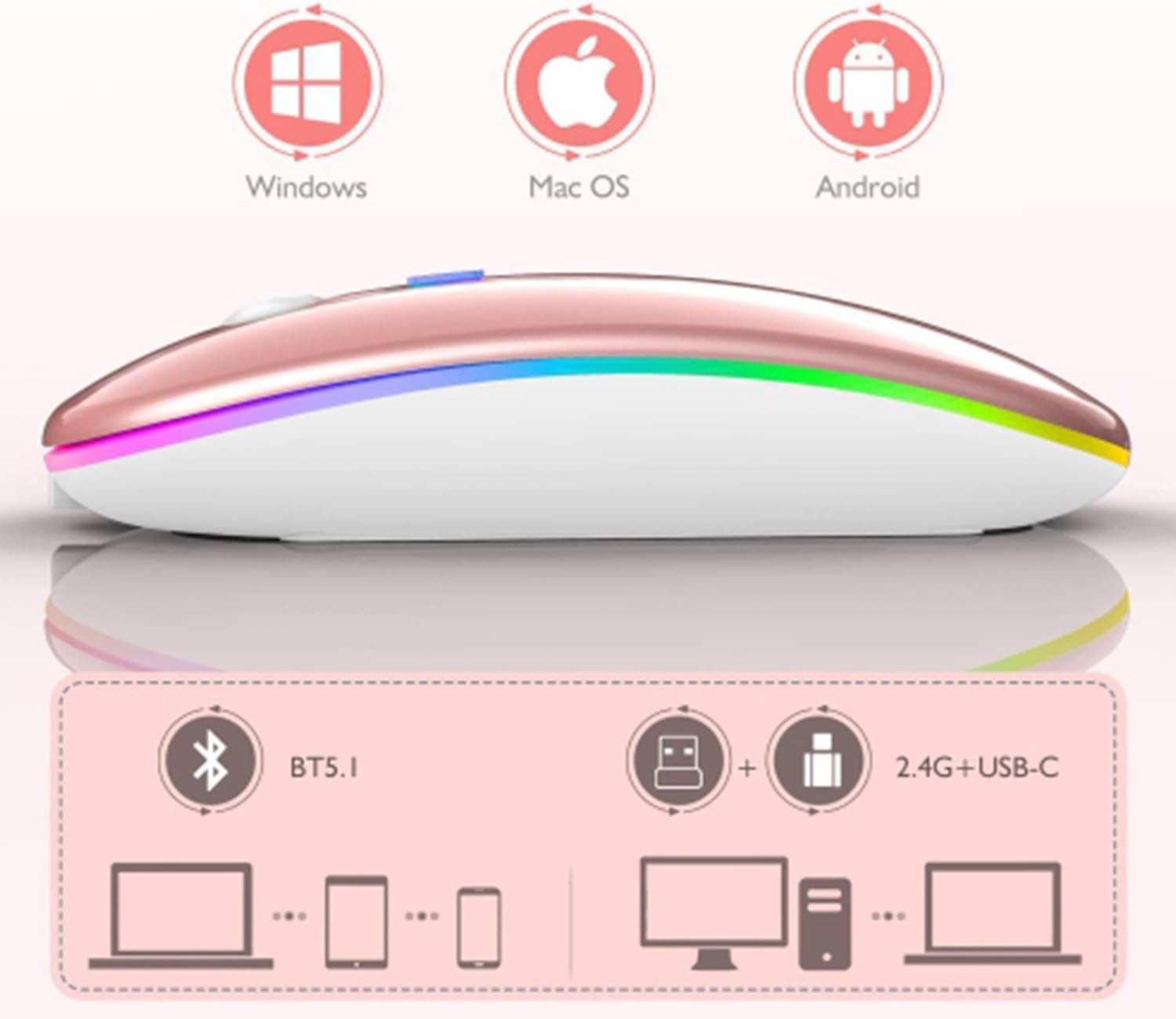
Image 5: Visual representation of the mouse's compatibility with various operating systems and connection types.
5. 操作手順
5.1. DPI調整
The mouse features three adjustable DPI (Dots Per Inch) settings to suit your preference for cursor speed and precision. Press the DPI button (usually located behind the scroll wheel) to cycle through the settings:
- 800dpi: 精密な作業の場合は感度を下げます。
- 1200dpi: Standard sensitivity (default setting).
- 1600dpi: 感度が高くなり、カーソルの移動が速くなります。
5.2. RGB照明
The mouse is equipped with dynamic RGB LED lighting. The lighting activates when the mouse is in use and enters power-saving modes when idle.
5.3. 省電力モード
To conserve battery life, the mouse implements a three-level power-saving system:
- レベル 1 の睡眠: After 3 seconds of inactivity, the mouse enters a light sleep mode, indicated by a continuously flashing light.
- レベル 2 の睡眠: After approximately 1 minute of inactivity, the mouse enters a deeper sleep mode, indicated by intermittently flashing lights.
- レベル 3 の睡眠: After 8 minutes of inactivity, the mouse enters its deepest sleep mode, and the lights turn off completely. To wake the mouse, simply move it or click any button.
5.4. One-Click Desktop Function
The mouse includes a dedicated button (often a side button) that, when pressed, instantly minimizes all open windows, allowing you to quickly access your desktop.
6. メンテナンス
To ensure the longevity and optimal performance of your SETTY Wireless Rechargeable Mouse, follow these maintenance guidelines:
- クリーニング: マウスの表面は、柔らかく乾いた布で拭いてください。頑固な汚れには、軽くamp布に水または中性洗剤を含ませて拭いてください。刺激の強い化学薬品や研磨剤の使用は避けてください。
- ストレージ: 長期間使用しない場合は、マウスを涼しく乾燥した場所に保管してください。
- バッテリーのケア: バッテリーを頻繁に完全に放電することは避けてください。低バッテリー残量インジケーターが表示されたら、マウスを充電してください。
- 極端な状況を避ける: マウスを極端な温度、直射日光、過度の湿気にさらさないでください。
7。 トラブルシューティング
If you encounter issues with your SETTY Wireless Rechargeable Mouse, please refer to the following common solutions:
- マウスが反応しない:
- マウスがオンになっていることを確認します。
- バッテリーレベルを確認し、必要に応じてマウスを充電します。
- 2.4GHz接続の場合、USBレシーバーが動作しているUSBポートにしっかりと接続されていることを確認してください。別のUSBポートでお試しください。
- Bluetooth接続の場合、デバイスでBluetoothが有効になっていること、およびマウスが正しくペアリングされていることを確認してください。マウスのペアリングを再度お試しください。
- Move the mouse closer to the receiver/device to ensure it's within the 15m wireless range.
- カーソルの動きが不安定または遅い:
- マウスの裏側にある光学センサーを清掃します。
- マウスを適切な表面(反射しない、不透明)で使用していることを確認してください。
- カーソルが遅すぎる場合は、DPI 設定を高い値に調整します。
- RGB照明が機能しない:
- The lighting may be off due to power-saving mode. Move or click the mouse to wake it up.
- マウスが十分に充電されていることを確認してください。
8. 仕様
| 特徴 | 仕様 |
|---|---|
| モデル | GSM111404 |
| 接続技術 | 2.4GHzワイヤレス、Bluetooth 5.1 |
| ワイヤレス範囲 | 最大15メートル |
| DPI設定 | 800 / 1200 / 1600 DPI (Default: 1200 DPI) |
| ボタンの数 | 6 |
| 動体検知技術 | 光学 |
| 電池のタイプ | Built-in 500 mAh Lithium-ion Rechargeable Battery |
| 充電時間 | 約2時間 |
| 勤務時間 | 約150時間 |
| 定格巻tage /現在 | 3.7V/18mA |
| キーライフ | 5万回のクリック |
| 材料 | ABS + Metal parts |
| 製品寸法(長さ x 幅 x 高さ) | 11.3 x 5.7 x 2.5 cm |
| 充電ケーブルの長さ | 25センチ |
| 互換性のあるオペレーティングシステム | Windows、Mac OS、Android |
9. 保証とサポート
For warranty information or technical support, please refer to the documentation provided at the point of purchase or contact SETTY customer service. Keep your proof of purchase for warranty claims.