
1. はじめに
The HiFuture Future Zone 2 BT Smartwatch is designed to enhance your daily life by providing convenient access to fitness tracking, communication, and entertainment features directly from your wrist. This manual provides essential information on how to set up, operate, and maintain your new smartwatch.
Key features include step tracking, distance measurement, time and date display, music playback control, an AMOLED touchscreen display, and a seamless Bluetooth calling system. With an impressive 7-day battery life, the Future Zone 2 is built for extended use.
2.製品オーバーview
2.1. 特徴
- アクティビティ追跡: Helps you track simple steps, distance traveled, time, and date.
- 音楽コントロール: Allows you to control your phone's music player directly from the watch.
- 画面: Features a vibrant AMOLED touchscreen display.
- ブルートゥース通話: Enables hassle-free communication with a built-in Bluetooth calling system.
- バッテリー寿命: Offers an impeccable battery that lasts up to 7 days on a single charge.
- 耐水性: IP68 certified for water resistance.
- スポーツモード: Supports over 100 sports modes for diverse activity tracking.
2.2. コンポーネントとディスプレイ

図2.2.1: The HiFuture Future Zone2 Smartwatch in silver and white, showcasing its sleek design and vibrant display with activity metrics.
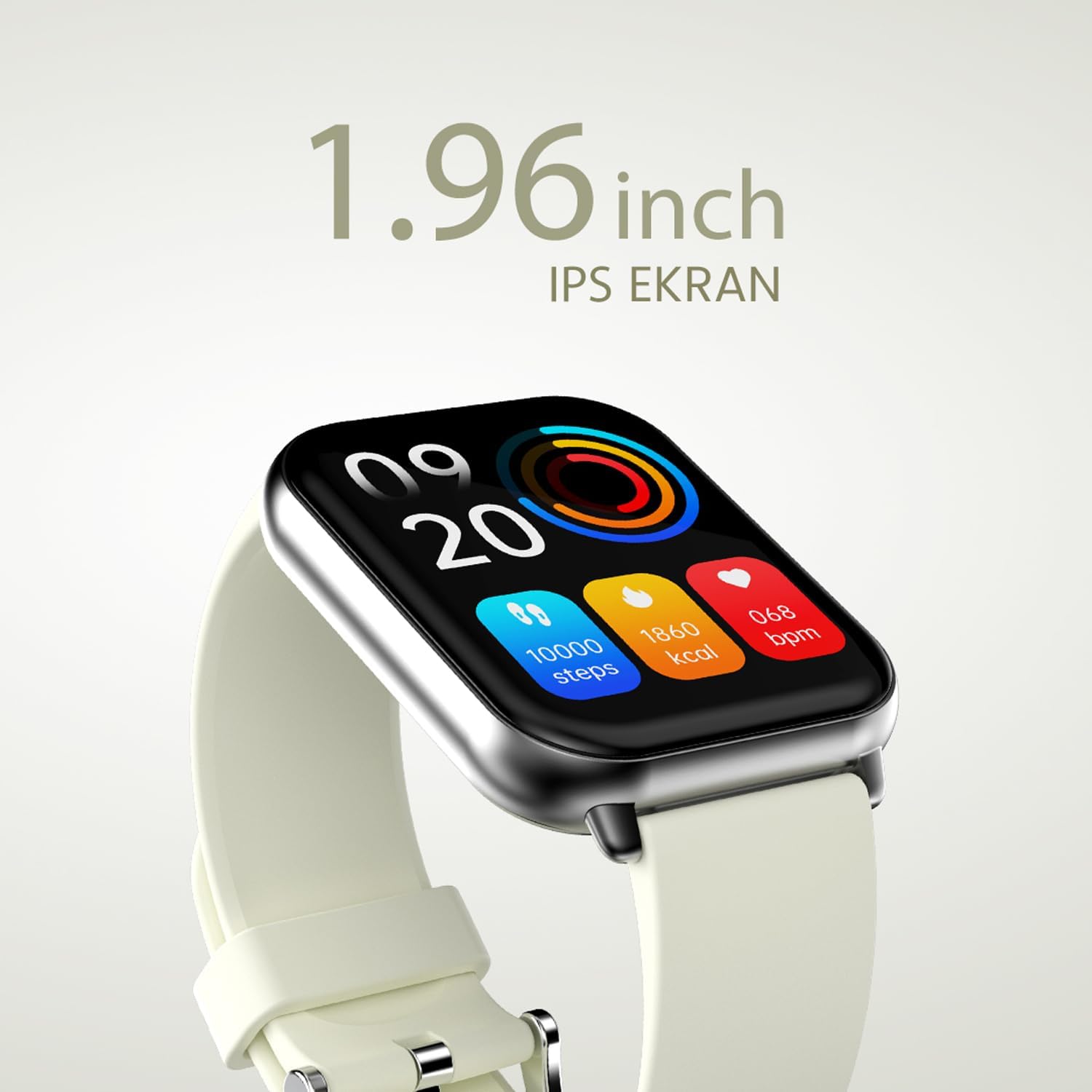
図2.2.2: 詳細な view of the smartwatch display, highlighting its 1.96-inch IPS screen, which offers clear and crisp visuals.

図2.2.3: The smartwatch accompanied by icons representing its core features: 1.96-inch IPS screen, wireless connectivity, 7-day battery life, and IP68 water resistance.

図2.2.4: The smartwatch surrounded by various sport icons, indicating its support for over 100 different sport modes for comprehensive fitness tracking.
3. セットアップ
3.1. スマートウォッチの充電
Before first use, fully charge your HiFuture Future Zone2 Smartwatch. Connect the charging cable to the charging port on the back of the watch and plug the USB end into a compatible power adapter (not included) or a computer's USB port. The watch display will indicate charging status. A full charge typically takes approximately 2 hours.
3.2. スマートフォンとのペアリング
- アプリをダウンロード: 検索する the official HiFuture companion app on your smartphone's app store (Google Play Store for Android or Apple App Store for iOS). Install the app.
- Bluetoothを有効にする: スマートフォンでBluetoothが有効になっていることを確認します。
- アプリを開きます: Launch the HiFuture app and follow the on-screen instructions to create an account or log in.
- デバイスを追加: アプリ内で「デバイスを追加」または「デバイスをペアリング」セクションに移動します。アプリが近くのスマートウォッチを検索します。
- 時計を選択してください: Select "HiFuture Future Zone2" from the list of discovered devices.
- ペアリングの確認: スマートフォンとスマートウォッチの両方にペアリングリクエストが表示されます。両方のデバイスでペアリングを確認してください。
- セットアップを完了します: Once paired, the app will guide you through initial settings such as personal information, notification preferences, and watch face customization.
Note: For optimal performance, ensure your smartphone's operating system and the smartwatch app are up to date.
4. 操作手順
4.1. 基本的なナビゲーション
- タッチスクリーン: メニューや画面を移動するには、左右上下にスワイプします。オプションを選択するにはタップします。
- サイドボタン: Press the side button to return to the home screen or wake up the display. A long press may access power options or a quick menu.
4.2. Bluetooth通話
The Future Zone2 Smartwatch supports Bluetooth calling, allowing you to make and receive calls directly from your wrist when connected to your smartphone.
- 通話音声を有効にする: Ensure that the smartwatch is connected to your phone for both data and call audio. This setting is usually managed within your phone's Bluetooth settings after initial pairing.
- 電話をかける: Access the dialer or contact list on your smartwatch. Tap to dial a number or select a contact to initiate a call.
- 電話を受ける: 電話がかかってくると、時計に発信者番号が表示されます。緑のアイコンをタップすると応答し、赤いアイコンをタップすると拒否します。
- 通話中: You can speak directly into the watch's built-in microphone and listen through its speaker. Options to mute, adjust volume, or transfer the call to your phone may be available on the watch screen.
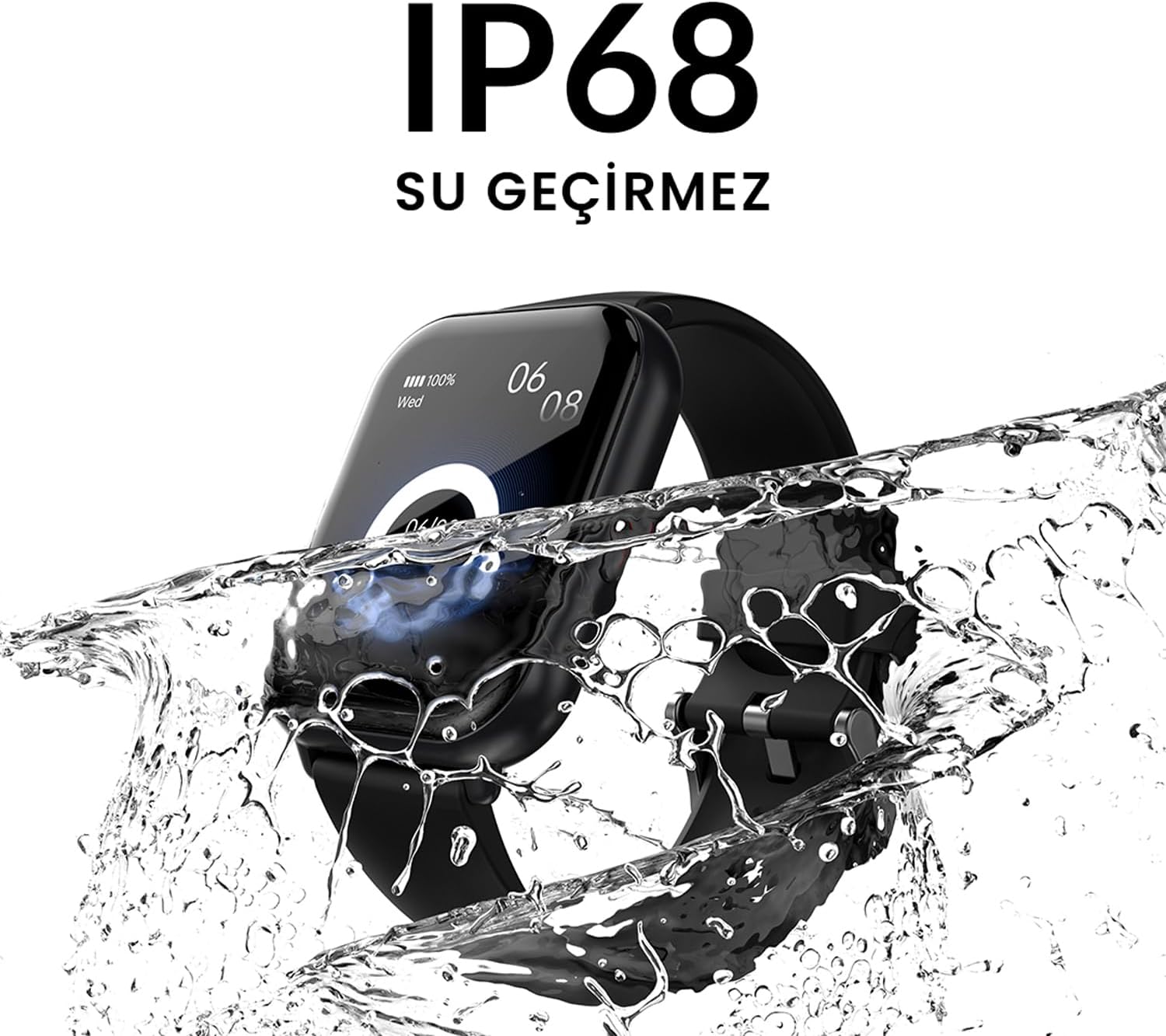
図4.2.1: The smartwatch screen showing a missed call notification, demonstrating its Bluetooth calling capability.
4.3. 音楽再生コントロール
Control your smartphone's music playback directly from your smartwatch.
- Access Music Control: Swipe on your watch face or navigate through the app list to find the "Music" or "Media Control" icon.
- 再生を制御する: From this screen, you can play/pause, skip tracks (next/previous), and adjust the volume of the music playing on your connected smartphone.
4.4. アクティビティトラッキング
The smartwatch automatically tracks your daily steps, distance, and calories burned. You can view these metrics on the watch display or in the companion app for more detailed insights.
- 日々の活動: The main watch face or a dedicated activity screen will show your current steps, calories, and heart rate (if applicable).
- スポーツモード: Select a specific sport mode (e.g., running, cycling, walking) from the watch's menu before starting an activity for more accurate tracking.
5. メンテナンス
5.1. スマートウォッチのクリーニング
- 時計の画面と本体を柔らかく糸くずの出ない布で拭いてください。
- 頑固な汚れには、damp布を軽く水で湿らせてください。刺激の強い化学薬品や研磨剤の使用は避けてください。
- 充電する前に、充電接点が清潔で乾燥していることを確認してください。
5.2. 耐水性(IP68)
The HiFuture Future Zone2 Smartwatch is IP68 water-resistant, meaning it can withstand immersion in water up to 1.5 meters for up to 30 minutes. It is suitable for daily use, such as hand washing or light rain.
- ダイビング、シュノーケリング、高圧水中アクティビティには時計を使用しないでください。
- Avoid exposing the watch to hot water, steam, or detergents, as this may compromise its water resistance.
- 時計が濡れた場合は、充電または操作する前に完全に乾かしてください。

図5.2.1: The smartwatch shown with water splashing over it, illustrating its IP68 water resistance rating.
5.3. バッテリーのお手入れ
- バッテリーの寿命を延ばすには、バッテリーを頻繁に完全に放電しないようにしてください。
- 付属の充電ケーブルのみを使用して時計を充電してください。
- 長期間使用しない場合は、時計を涼しく乾燥した場所に保管してください。
6。 トラブルシューティング
6.1. よくある問題と解決策
| 問題 | 考えられる原因 | 解決 |
|---|---|---|
| 時計が起動しない | バッテリー残量が少なく、デバイスがフリーズしました | Charge the watch for at least 30 minutes. If still unresponsive, perform a forced restart (refer to device-specific instructions, usually a long press of the side button). |
| スマートフォンとペアリングできない | Bluetoothがオフ; アプリに問題; 時計が検出できない | Ensure Bluetooth is on for both devices. Restart both the watch and phone. Clear the app's cache or reinstall it. Make sure the watch is in pairing mode. |
| Bluetooth通話が機能しない | Incorrect Bluetooth profile; app permissions | Check your phone's Bluetooth settings to ensure the watch is connected for "Calls" or "Phone audio." Verify app permissions for phone calls. |
| 不正確な活動追跡 | Improper wear; software glitch | Ensure the watch is worn snugly on your wrist. Restart the watch. Update the watch firmware via the app if available. |
7. 仕様
| 特徴 | 詳細 |
|---|---|
| ブランド | ハイフューチャー |
| モデル名 | Smartwatch (Future Zone2) |
| モデル番号 | ZONE2 SILVER WHITE |
| 色 | Silver and White (as per product title, though spec says Grey) |
| 画面サイズ | 41 Millimeters (1.96 inches IPS) |
| 接続技術 | ブルートゥース |
| 特集 | Music Player, Distance Tracker, Bluetooth Calling |
| 対応デバイス | Smartphone, Tablet, Other Portable Devices |
| バッテリー構成 | Lithium-ion (1 Lithium-polymer battery included) |
| 充電式バッテリー | はい |
| 耐水性 | IP68認定 |
| GPS | GPSなし |
| 形 | 四角 |
| メーカー | HiFuture Group |
8. 保証とサポート
8.1. 製品保証
Specific warranty details for the HiFuture Future Zone2 Smartwatch are typically provided with your purchase documentation or on the manufacturer's official webサイトでご確認ください。保証請求のために購入証明書を保管してください。
Note: Information regarding guaranteed software updates and spare parts availability is not explicitly provided.
8.2. カスタマーサポート
For technical assistance, troubleshooting beyond this manual, or warranty inquiries, please contact HiFuture customer support through their official webサイトまたは製品パッケージに記載されている連絡先情報をご覧ください。
また、 Amazon.com.beの商品ページ 追加情報および顧客情報についてはviews.